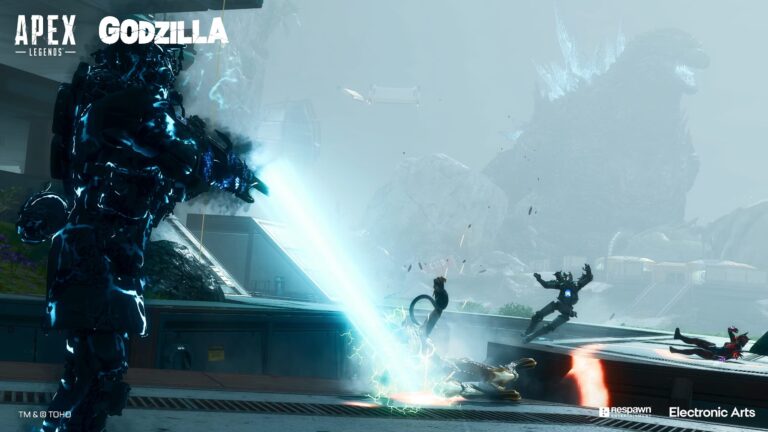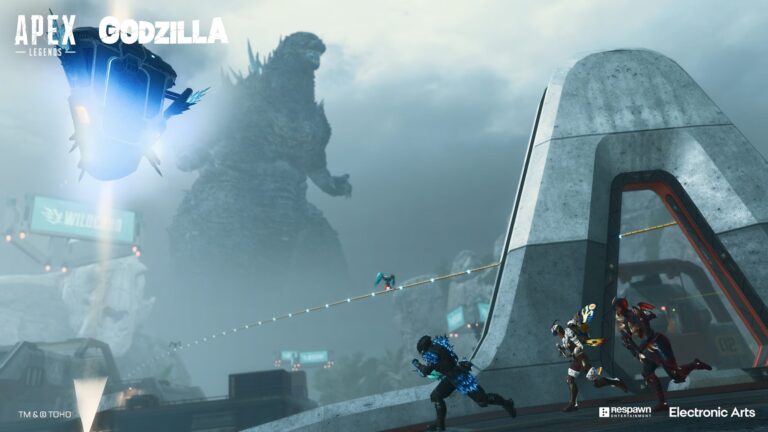
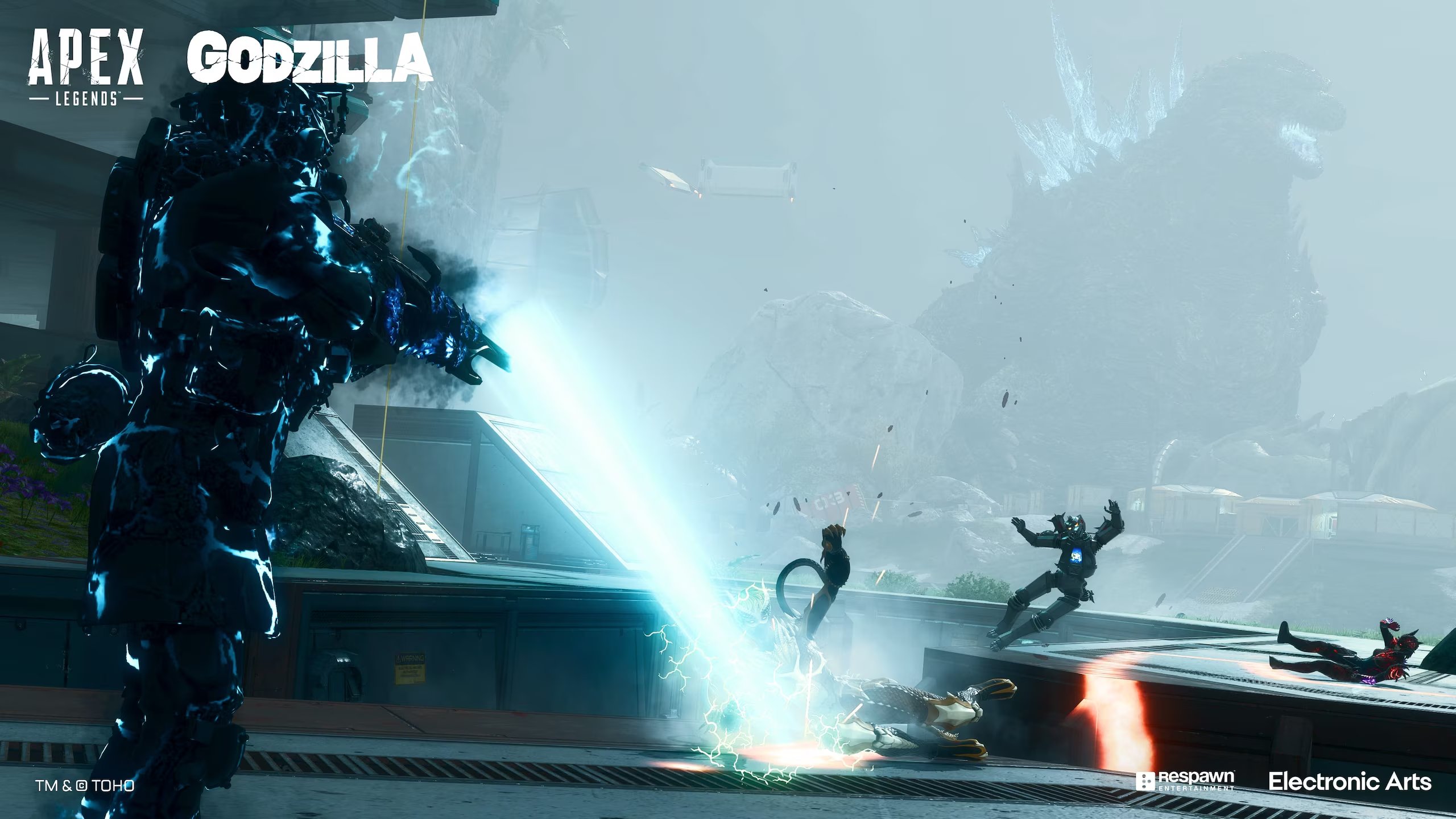
Apex Legends Event Pass progress not showing after a match is a bug addressed in the 25 November patch. If you’ve finished a game and can’t see how much XP you’ve earned for your event rewards, head back to the Event Pass in the lobby before worrying that your progress has been lost.
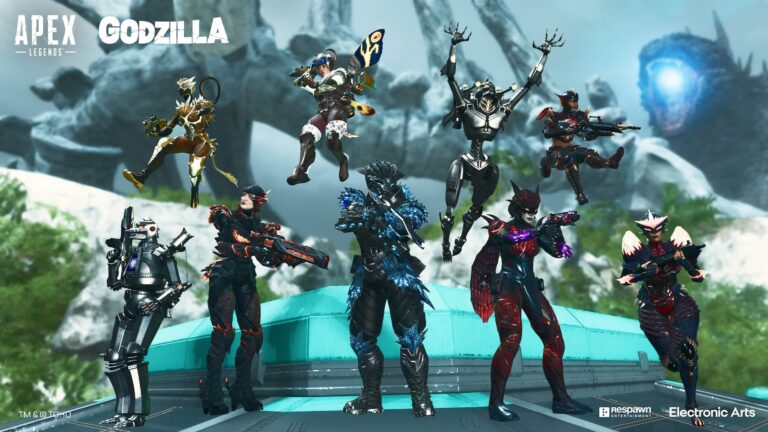
With the Godzilla event finishing on 1 December, there’s not much time left to unlock Jet Jaguar for Octane or Ghidorah 1991 for Catalyst. If you’re trying to squeeze in the last few challenges before the crossover ends, here’s where to look when your progress appears to be missing.
Apex Legends Event Pass Progress Not Showing after a match
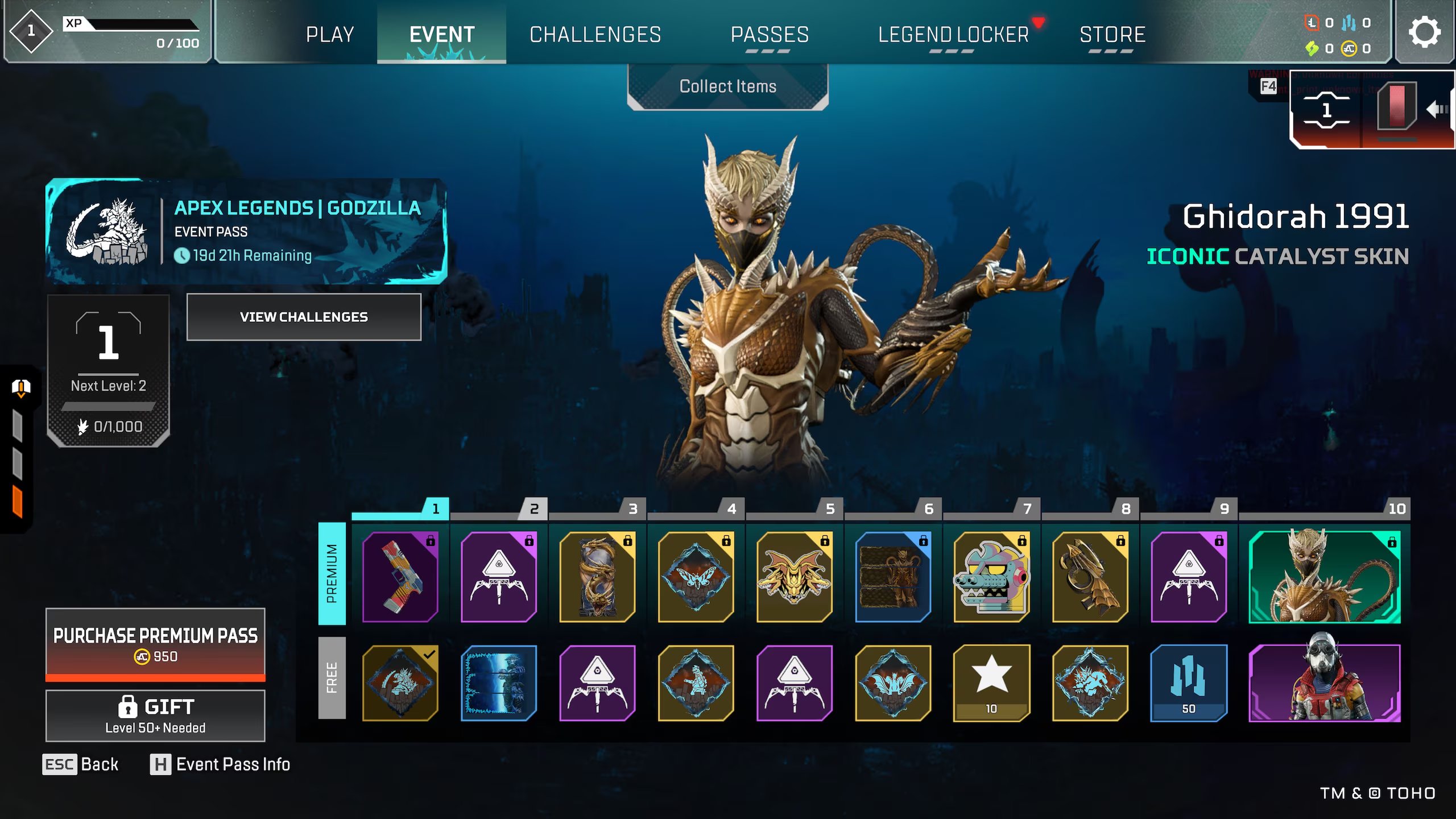
Once you’re running the latest version of Apex, open the Godzilla Event Pass and check the XP towards your next tier alongside the challenges. If your match summary is missing the usual progression information but the pass has moved forward, your progress has counted.
The November patch fixes the missing results-screen display. It doesn’t include a grant of additional event XP or promise to restore rewards that genuinely failed to unlock.
Check the challenge and reward track
The Godzilla Event Pass progresses through its own challenges, so check the wording of the task against the match you’ve just played. If you’re working on a challenge with a particular mode requirement, for example, playing a different mode won’t necessarily get you any closer to completing it. The regular Cipher Battle Pass is a separate reward track.
The event screen also shows both reward tracks. Jet Jaguar for Octane is on the free side, whereas the Ghidorah 1991 Catalyst outfit belongs to the premium side. Both skins sit at tier 10 on their respective tracks, so check which side you’re looking at before trying to claim a locked reward.
The premium track costs 950 Apex Coins, and the rewards include Gravity Beam for the Prowler alongside Catalyst’s skin. If you’re only after Jet Jaguar, there’s no need to pay for the upgrade. Both the free and paid rewards depend on your progress through the event challenges.
Apex Legends Event Pass Progress Not Showing: troubleshooting
If you’re still running into Apex Legends Event Pass progress not showing, take a screenshot of your challenge counter before your next qualifying match and compare it with the same screen afterwards. That way, you can tell whether the task itself has failed to advance or whether you’re only missing the information on the results screen.
If you’ve reached the right tier but can’t find your reward, check the corresponding Legend or weapon’s cosmetics in the lobby. You could also restart the game to refresh the menus, although that isn’t a confirmed fix for missing challenge XP.
If the counter remains unchanged despite meeting the displayed conditions, report the problem with the challenge name, mode, platform and screenshots. That provides more useful information than reporting missing XP without identifying which part of the pass failed to update.
Apex Legends Event Pass Progress Not Showing before the event ends
The Godzilla crossover is scheduled to end on 1 December 2026. If you are close to a reward, keep an eye on the event countdown in the game rather than assuming that the final date means you have until midnight in your time zone.
If you’re considering buying the premium track this late in the event, check that your challenges are advancing before you spend the coins. Purchasing access to the paid rewards won’t solve the Apex Legends Event Pass progress not showing bug.
Related Guides
- Apex Legends November 25 Update: Crypto Buffs and E-District Night
- Apex Legends E-District Night: Visibility Fix and Map Rotation
- Apex Legends Strongholds
- Apex Legends Godzilla Event
- Godzilla Event Pass Free Rewards
- Apex Legends Godzilla Premium Event Pass
- Jet Jaguar Octane Skin
- Ghidorah 1991 Catalyst Skin
The November 25 patch notes cover the Apex Legends Event Pass progress not showing fix.