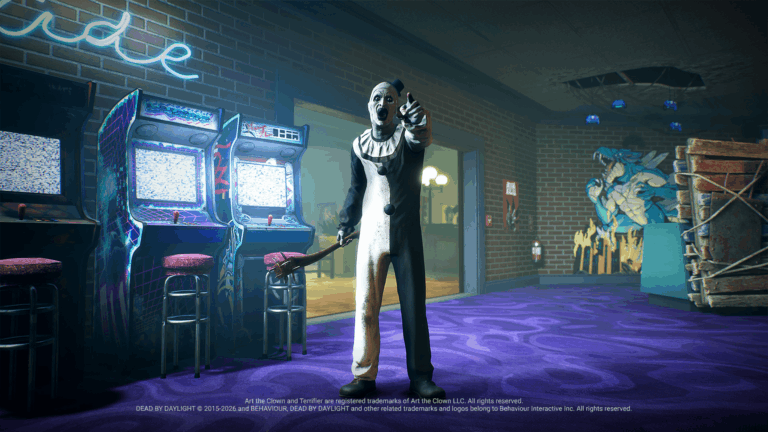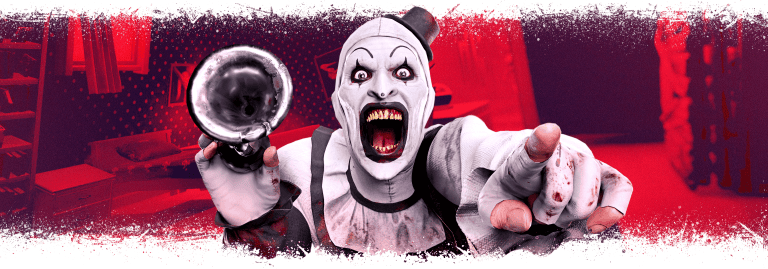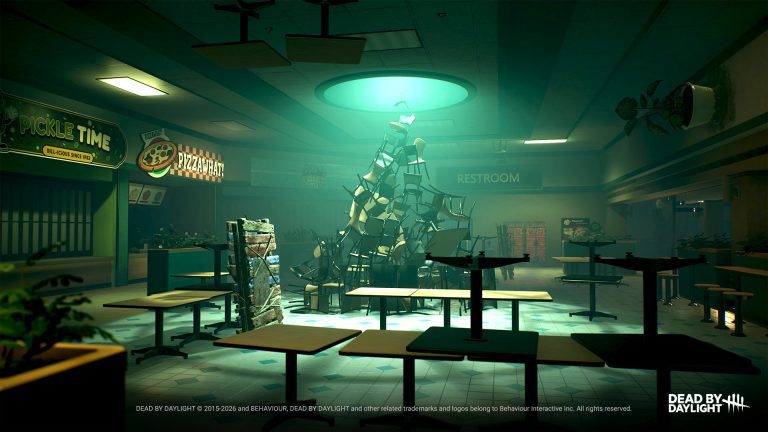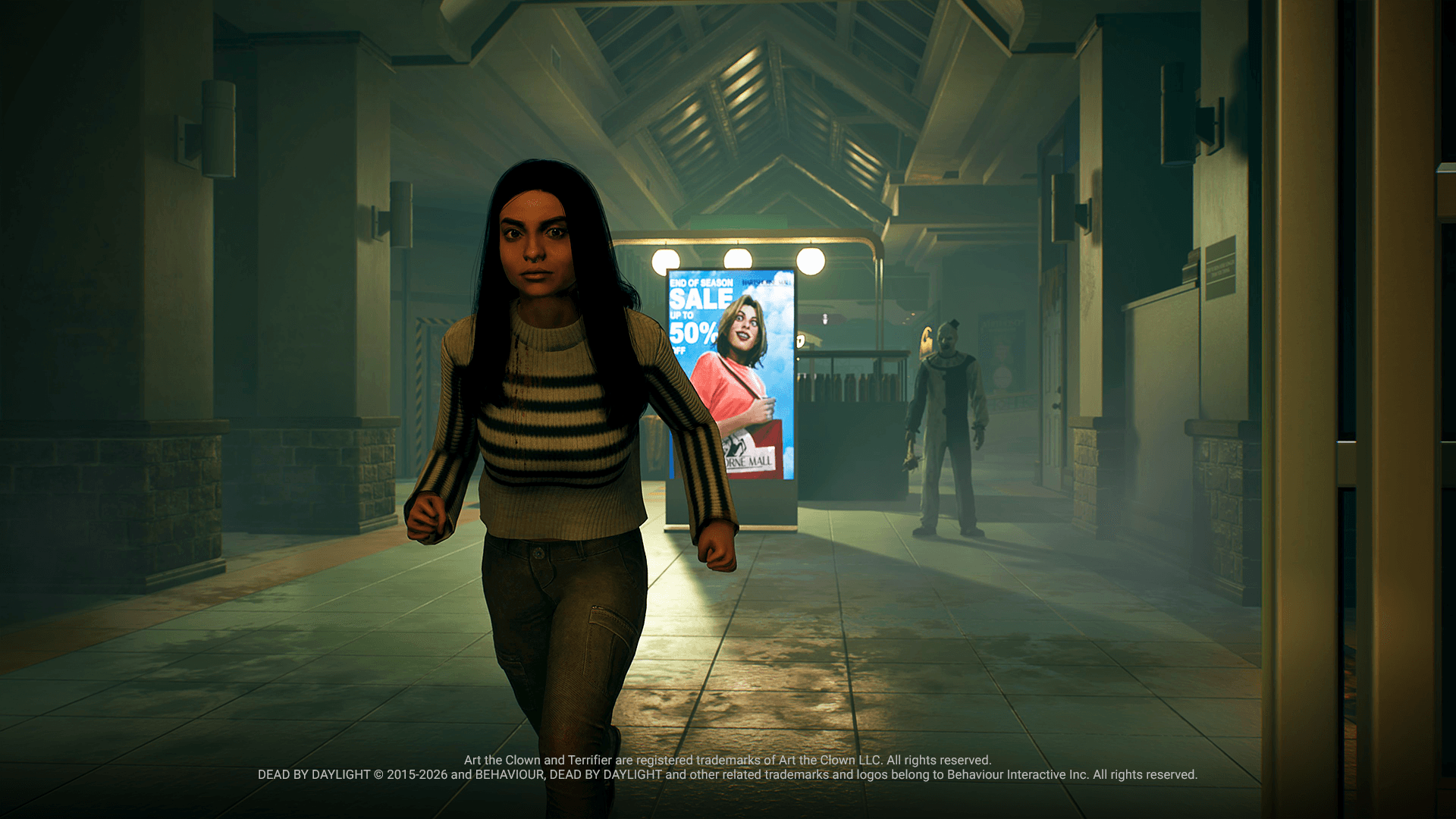
Knowing how to counter Art the Clown in Dead by Daylight comes down to understanding the Toy in his hand and whether you’re already Tortured. A chase that starts with an ordinary injury can become far more dangerous once The Terrifier begins upgrading his power.
The longer the trial lasts, the more opportunities Art has to improve his Toys. Breaking his combinations early makes it harder for him to build up Deadliness, so keeping an eye on the Torture status is just as useful as bringing a dependable chase build.
How to Counter Art the Clown in a Chase
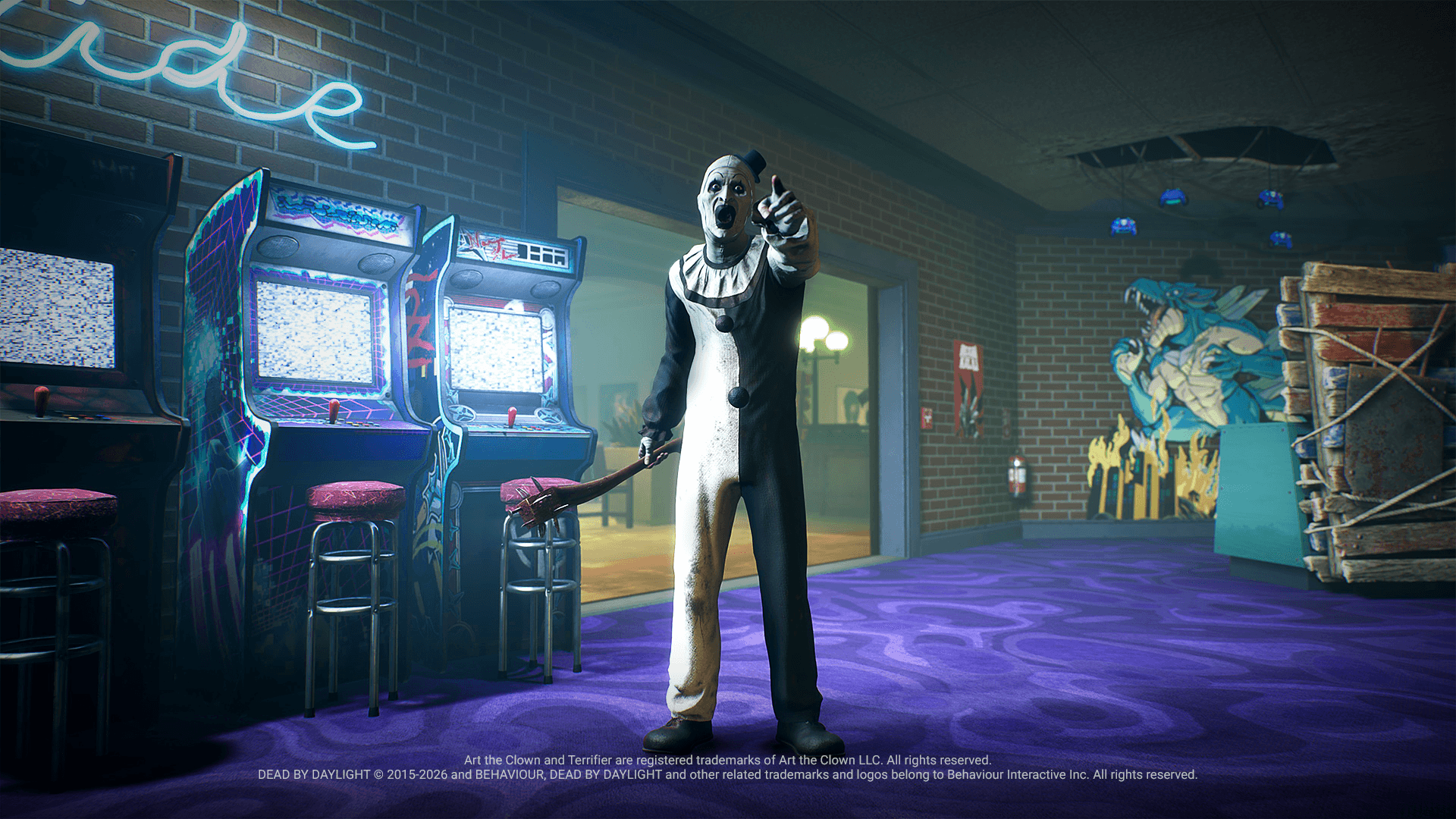
Watch your health state and the Torture indicator during a chase. Early in the match, a damaging Toy will injure a healthy Survivor or mark an injured one with Torture. If a different damaging Toy hits the marked Survivor before the effect expires, Art gets a down and a chance to strengthen his entire bag.
When a damaging Toy is fully upgraded, Art no longer needs the combination to down an injured Survivor. A new layer in his chase music tells you he’s carrying a maxed-out Toy, so take particular care when you hear it and you’re already injured. Toy damage counts as a Special Attack, rather than a basic attack.
Clear Torture Before the Next Chase
Torture lasts 40 seconds, although another hit from the same Toy or detection by the Bike Horn resets that timer. Healing to full health clears the effect immediately, so if you’ve managed to lose Art and can safely reach a teammate, finishing the heal makes your next encounter far less dangerous.
If you’re Tortured and being chased, avoid bringing Art straight to another Survivor who’s working on a generator. Try to keep the chase away from your teammates, and once you’ve lost him, decide whether you can safely finish a heal without giving him an easy second encounter.
Art’s Laughingstock perk makes completed generators a less comfortable place to hide. Survivors within 12 metres of one become Exhausted and Oblivious, with the effect lingering briefly after they leave. If you finish a generator while Art is chasing somebody nearby, move towards an unfinished objective rather than staying in the area.
How to Counter Art the Clown at Pallets and Windows
Art’s Flail reaches five metres and can connect across dropped pallets, windows and low obstacles. A pallet isn’t a reliable barrier on its own against this Toy, so use the distance you’ve gained to continue towards another safe part of the loop.
Watch for burning vaults and pallets when Art uses the Flamethrower: they remain affected for six seconds. The Acid Bottle’s puddle lasts 1.5 seconds. Against the Handgun, stay close to solid cover and avoid giving him a clear shot during the chase.
How to Counter Art the Clown’s Bike Horn
The Bike Horn can reveal Survivors within six metres of Art and in a forward detection zone with no maximum range. Catching one Survivor produces a loud-noise notification, while finding several at once triggers Killer Instinct and Oblivious on those detected.
Once the Horn reaches maximum Deadliness, it can interrupt repairs and healing, immediately reducing the affected progress by 5%. Spread out when possible rather than letting Art catch several people working on the same objective.
How to Counter Art the Clown as a Team
When Art downs a Tortured Survivor with an eligible combination, he can Taunt them to improve every Toy. Hooking a Terrified Survivor automatically triggers that reward, so merely preventing the manual Taunt won’t stop him from earning it.
Knowing how to counter Art the Clown after a rescue is useful too. You have eight seconds of immunity to his flames after being unhooked or escaping his grasp. That protection is specific to flames, so use the opportunity to move away rather than assuming you’re safe from his other attacks.
A useful part of learning how to counter Art the Clown is listening for the change in chase music and reacting before you take another hit. As more Toys reach maximum Deadliness, a healthy Survivor can afford to make mistakes that an injured one cannot. Balance healing against generator pressure as the match develops.
See the official 10.3.0 patch notes for the live gameplay changes.