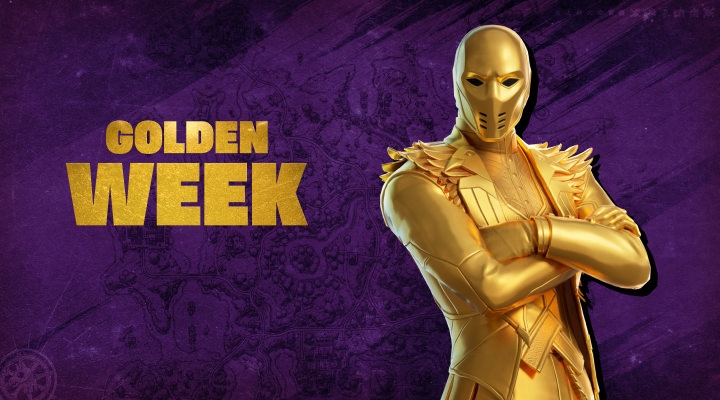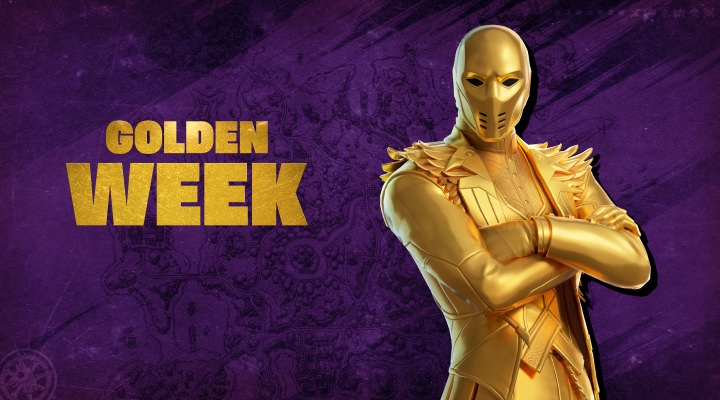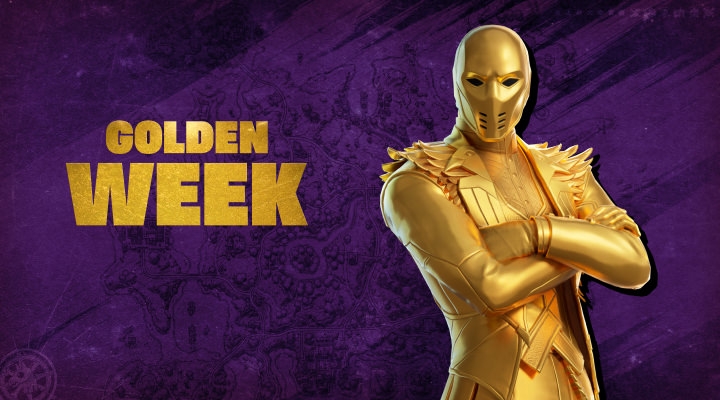
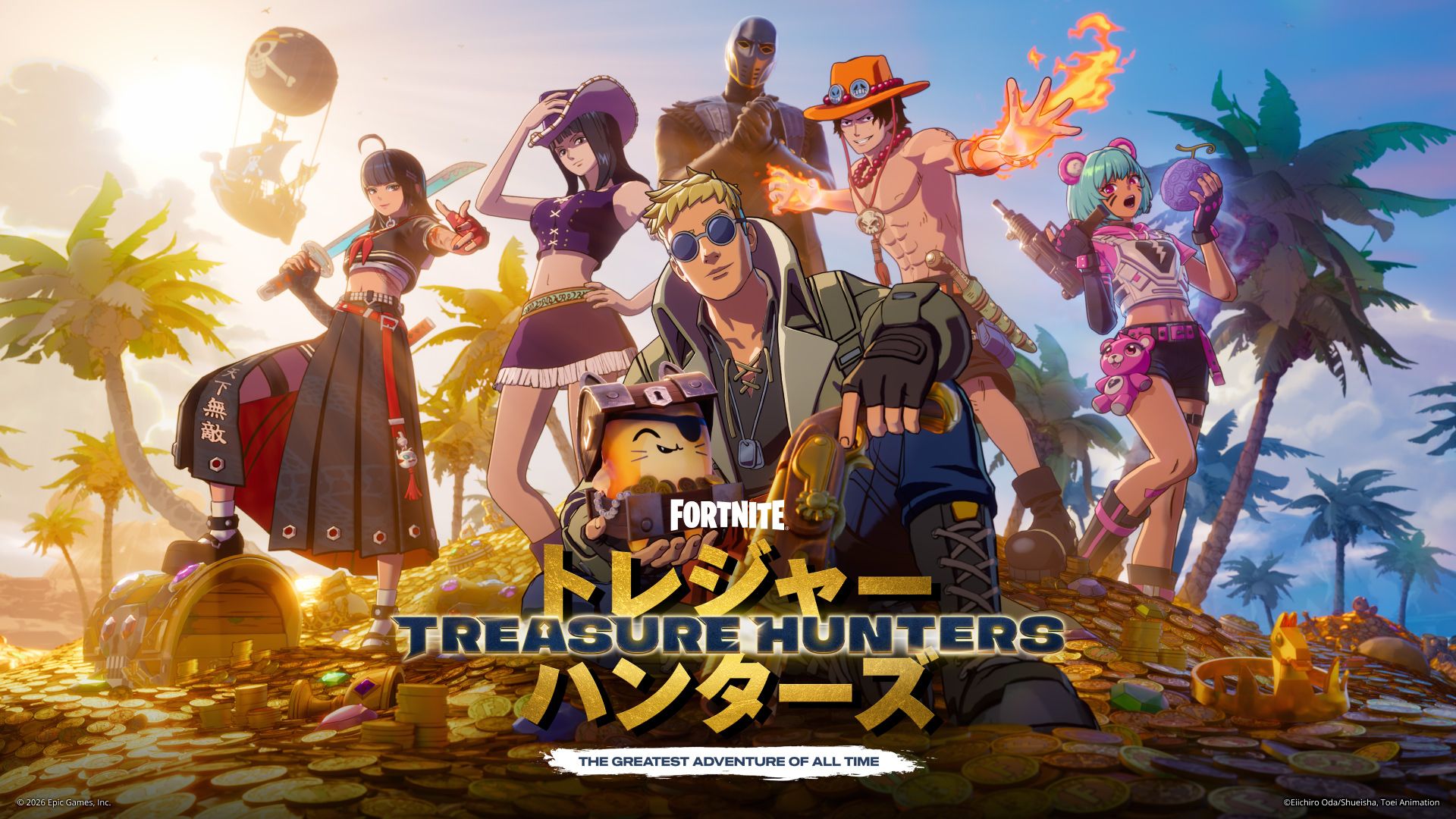
Fortnite Golden Jonesy Twitch Drops begin on December 5, giving players a way to earn a gold outfit without relying on the extraordinarily rare Treasure Hunters chest drops. Epic has named Golden Jonesy as the Twitch reward for the chapter’s final community celebration.
The campaign runs for 48 hours, beginning on the day of the finale. The required watch time is still to be announced, but you can prepare your accounts now so you’re ready as soon as the campaign goes live.
Fortnite Golden Jonesy Twitch Drops start and end times
The campaign opens at 9am Eastern on Saturday, December 5, and closes at 9am Eastern on Monday, December 7. In the UK that’s 2pm GMT on both dates. Pacific players have a 6am start and finish, Central European players have 3pm CET, and Indian players have 7:30pm IST. Sydney’s window is 1am AEDT on December 6 to 1am on December 8.
The Fortnite Golden Jonesy Twitch Drops campaign has its own deadline, separate from the in-game login window. You won’t need to collect both rewards at the same moment, though it’s worth starting the stream early enough to finish the eventual viewing requirement before Monday’s cutoff.
How to prepare for Fortnite Golden Jonesy Twitch Drops
Sign in to the Epic account you play Fortnite on, open Linked Accounts (called Connections in Epic’s Drops instructions), select Twitch and follow the prompts to connect. Epic’s Twitch Drops support guidance recommends making this connection before the event begins. If you’ve linked Twitch in the past, check that you’re still using the same account rather than another profile.
Once the campaign opens, find a Fortnite broadcast participating in the drop. Twitch identifies eligible broadcasts with its Drops information, and the campaign page shows the current reward requirements. Watch while signed into the linked Twitch account.
Once you reach the required watch time, Twitch sends a notification that the drop is ready to claim. Open your Drops inventory and select the claim button within the time stated there. Then check the Locker on the connected Fortnite account.
How long do you need to watch for Fortnite Golden Jonesy Twitch Drops?
Epic hasn’t confirmed the number of minutes or hours yet. The December 5–7 dates are the campaign window, not the viewing requirement. Previous Fortnite campaigns have had different watch times, so a timer taken from an earlier event won’t necessarily work here.
Players with Cabined Accounts cannot earn Drops until a parent or guardian completes setup. Twitch’s age restrictions can still prevent linking. Sort that out ahead of the weekend if it applies to you.
Fortnite Golden Jonesy Twitch Drops not appearing in the Locker?
Check Twitch’s Drops inventory first. If the reward hasn’t reached its viewing requirement or hasn’t been claimed, finish that step before looking in Fortnite. If it shows as claimed, check your Epic account connection and clear any Locker filters.
Epic’s missing-Drops support page says rewards should appear after claiming, although some can take up to 14 days. If the account link looks right, compare the Epic account ID in-game with the ID on the linked account’s settings page. That’s a general support timeframe, not an announced delivery delay for Golden Jonesy. Save your claim confirmation if you need to contact support.
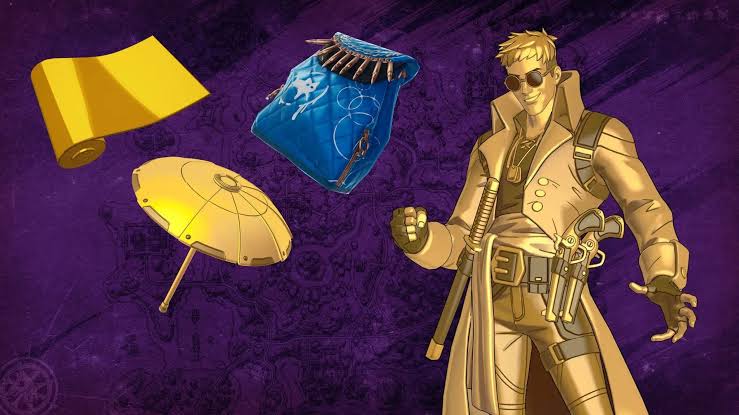
You can collect the Golden Community ‘Brella separately by logging into Fortnite on December 5 during its announced window. The umbrella doesn’t require Twitch viewing, and the Jonesy outfit doesn’t require finding a treasure chest.
Official source: Epic Games’ Golden Week and Community Day announcement.