GTA 6 You WAiNKer Trophy requires you to scan 100 eligible locations with the WAiNK phone app. These are landmarks, curiosities, sculptures and other environmental scan points, not cars or animals.
The tricky part is knowing which scans count. Several activities use the same WAiNK interface, including vehicle scans, AHOL Street Art and 1010 Murals. The trophy only tracks the entries under the WAiNK Locations collection.
GTA 6 You WAiNKer Trophy: What Counts Toward 100
Open Progress > Collections > WAiNK Locations to see the eligible scan categories. Launch-day guides identify five sets, including 31 landmarks, 35 curiosities, 23 sculptures and No Flusher Tags.
The current location database identifies five WAiNK sets but hasn’t established the name of the fifth. The confirmed groups include 31 Landmarks, 35 Curiosities, 23 Sculptures and No Flusher Tags. Use the WAiNK Locations counter for the definitive total.
A vehicle you’ve scanned with WAiNK is stored under a different vehicle progress category and doesn’t increase your environmental WAiNK Locations total. Similarly, AHOL Street Art and 1010 Murals are separately counted collections even though the scanning interaction looks the same.
GTA 6 You WAiNKer Trophy: Scan Controls on PS5 and Xbox
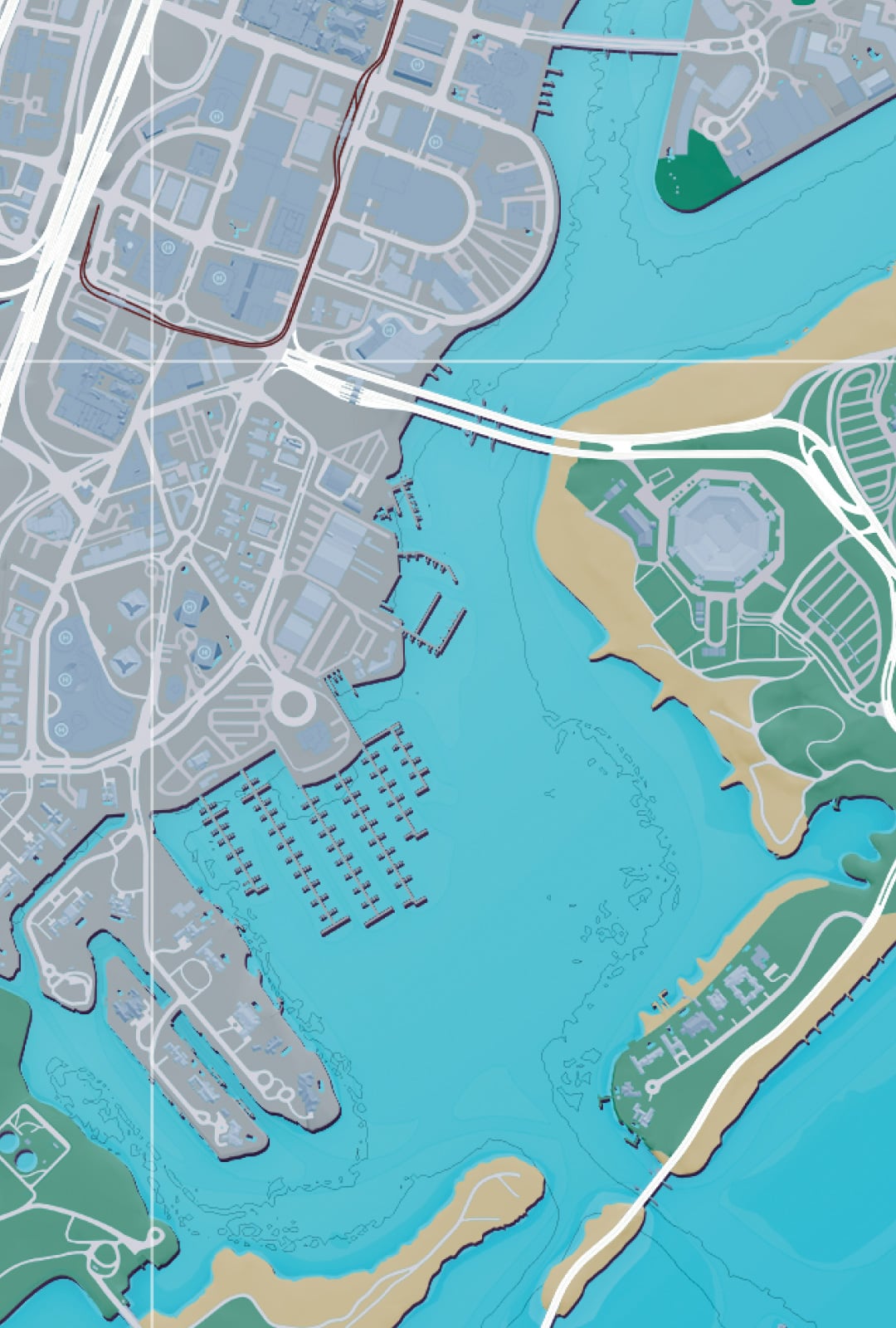
Hold Up on the D-pad to open the WAiNK scanner quickly instead of navigating through the phone’s apps. Aim toward the eligible point until the starburst-style WAiNK icon appears, then hold R1 on PlayStation 5 or RB on Xbox to complete the scan.
The controller vibrates and plays a sound when an eligible location is nearby, and a notification appears at the lower right. Take that as your cue to look around for a landmark, unusual object, sculpture or ground marking.
Don’t confuse the scan icon with a map waypoint. You must aim the phone’s scanner at the actual object and finish the interaction. Driving past with the camera facing the wrong way won’t add the discovery.
Where to Find Landmarks, Curiosities and Sculptures
Landmarks are usually substantial buildings or recognisable structures. Curiosities cover unusual world objects, while sculptures are typically outdoor works of art. No Flusher Tags are colourful ground markings associated with the No Flusher Movement.
Use the in-game WAiNK Locations category list to separate Landmarks, Curiosities, Sculptures and No Flusher Tags. The trophy counts distinct environmental discoveries, not every interaction that uses the scanner.
Work through one district at a time and check the WAiNK Locations counter between visits. Several eligible objects can be close together, so this beats zigzagging across Leonida after every scan.
GTA 6 You WAiNKer Trophy: Check the Counter
Use Progress > Collections > WAiNK Locations after every batch of scans. The number there, not the total in the Vehicles database, is what determines whether the trophy is close.
If you’re sitting below 100 despite scanning many cars, there may be nothing wrong with your save: the activity you’re doing is simply tracked elsewhere. Switch to environmental discoveries and watch for the starburst icon as you explore.
The 100-scan target is also part of the larger 100% completion checklist. The trophy and the checklist use the same type of environmental scans, but other collection requirements, such as study animals and scanning 200 vehicles, are independent.
GTA 6 You WAiNKer Trophy: Which Scans Don’t Count
After a group of scans, compare the category counter with the number you had before setting off. You’ll notice wrong-category discoveries quickly instead of reaching the end of your route and wondering what counted.
Opening WAiNK a hundred times won’t work. Each successful scan needs to add a new environmental discovery to Progress > Collections > WAiNK Locations to count toward GTA 6 You WAiNKer Trophy.
When you find a scan icon but no count increase, check whether the entry is AHOL Street Art, a 1010 Mural or something that has already been registered. The app handles all those types, but the game maintains separate counters.
Official source: Rockstar Games, Grand Theft Auto VI.