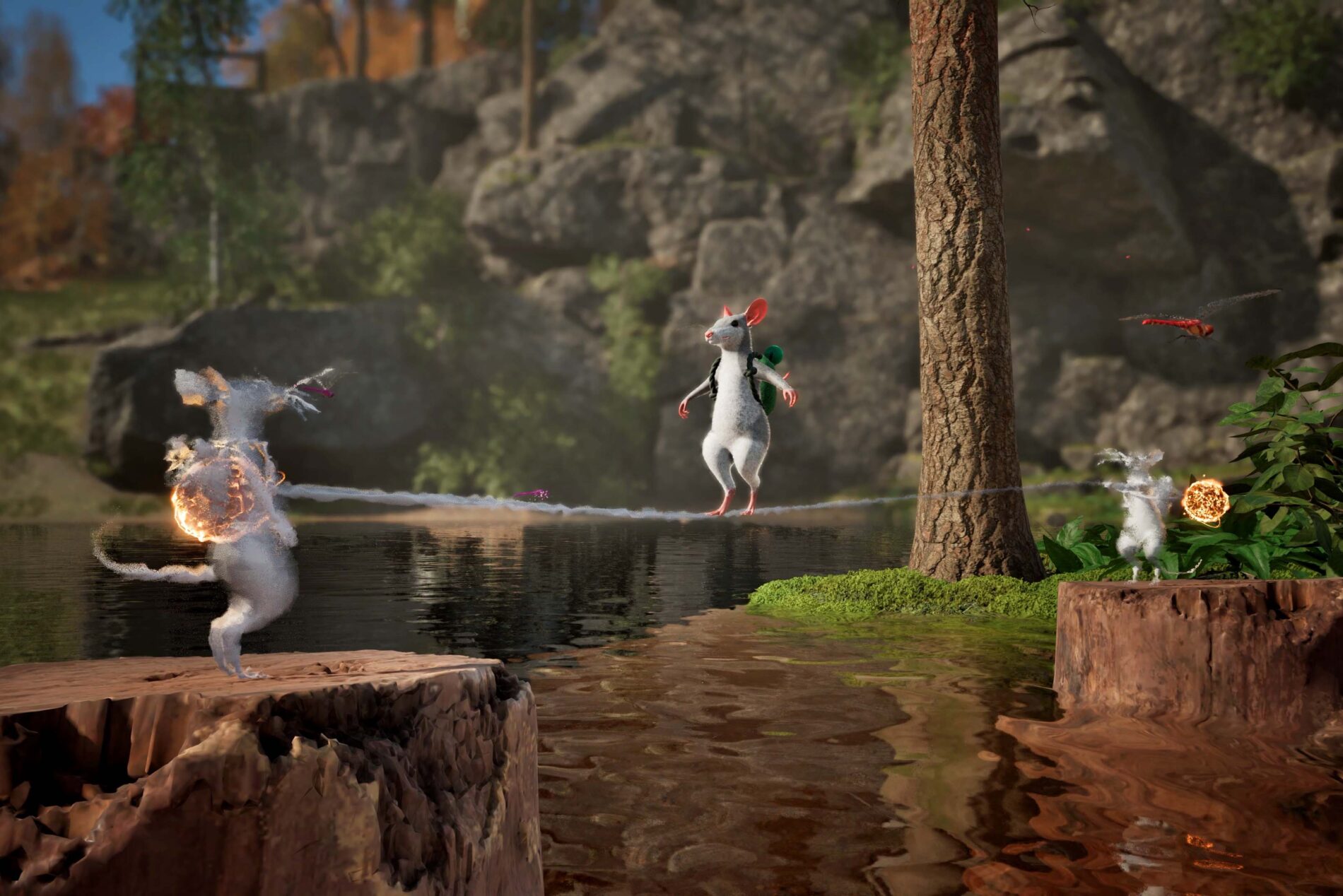
Hela lasso bridges are made by connecting mice with Froggy’s magical tongue. The rope between characters becomes something another mouse can walk across or bounce along, opening routes that would be difficult to reach with a normal jump.
A second human isn’t essential. Windup Games has demonstrated the same connection with a magical Shade, letting solo players set up the rope and cross it themselves.
How Hela lasso bridges work
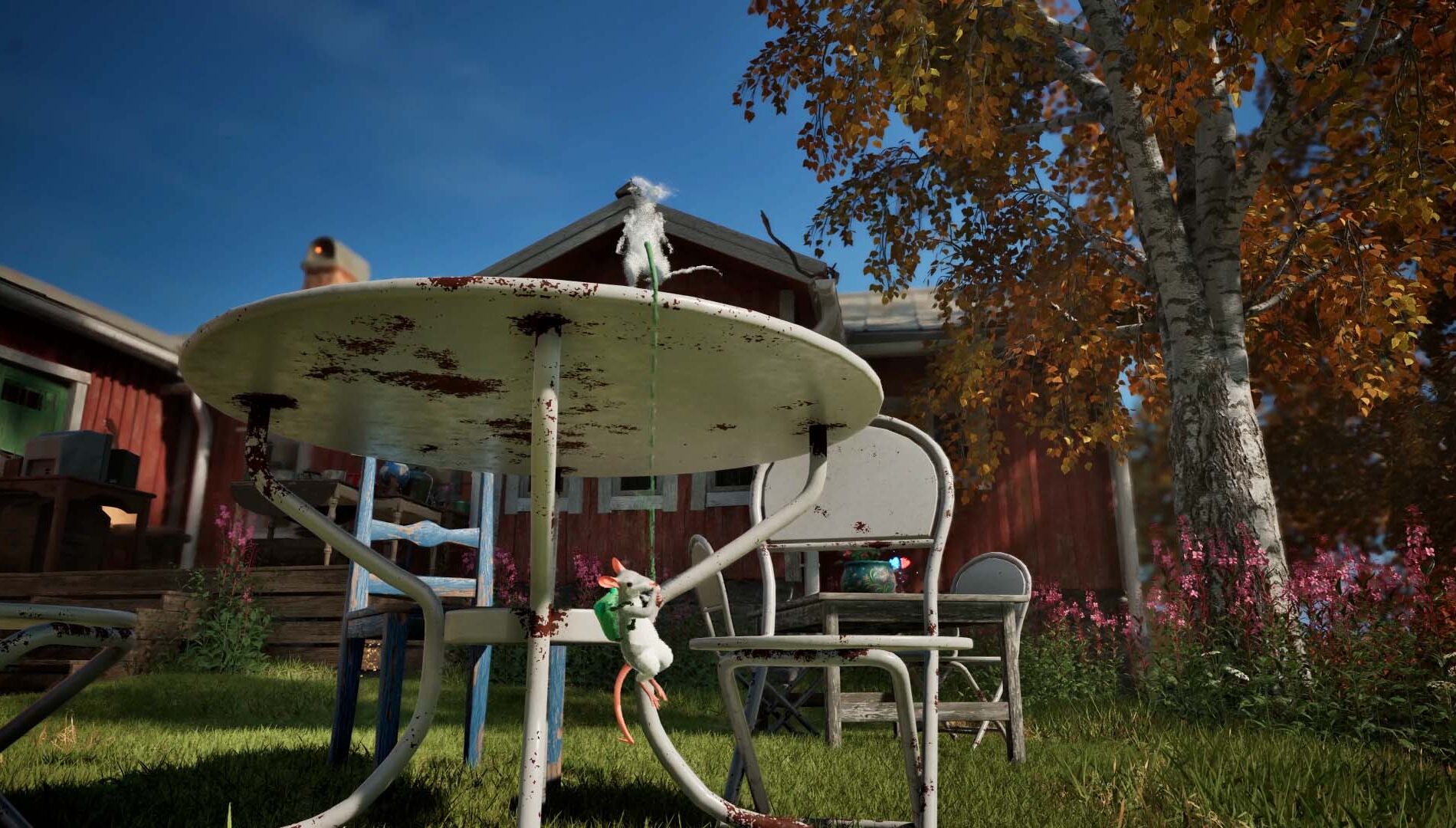
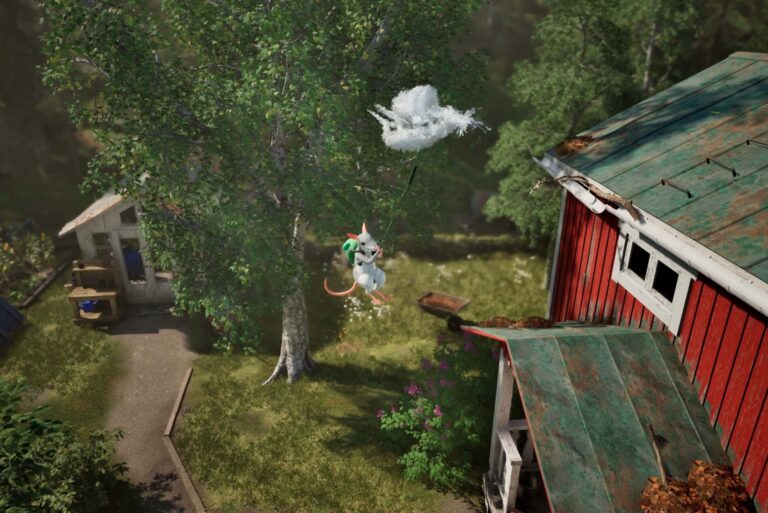
Hela lasso bridges start with the tongue attached to another player or a Shade. Once the characters are linked, the rope between them becomes a path that can support another mouse. Windup Games describes crossing it on foot or using its bounce to reach somewhere higher.
At mouse scale, a gap between branches or pieces of furniture is a serious obstacle. A lasso connection creates a temporary path between characters, rather than placing a bridge from a crafting menu.
The useful part is where the connected characters stand. A Shade left at the right spot can turn a difficult gap into a crossing; the full-game button prompts haven’t yet been verified.
Can you make Hela lasso bridges in solo play?
Yes. A solo mouse can create up to three Shades, magical copies that repeat the actions they were performing when created. A Shade can act as the other character in the lasso connection, which is why the bridge doesn’t require a second human player.
Leave a Shade in position, move your main mouse to the other side of the intended crossing, and use Froggy’s lasso to connect them. Windup shows the resulting rope being used as a walkway or a bounce surface.
You can switch control between the characters as part of the Shade System. Our existing Hela Shade System guide covers those copies in detail, including how many are available for different group sizes.
Hela lasso bridges vs Shade anchors: which one do you need?
The two tricks use the same connection, but they’re useful for different problems. Hela lasso bridges create a crossing between mice. A Shade anchor is more about height: leave a Shade above your character and connect to it from below.
Windup Games says the elevated Shade can let your mouse pull upwards or swing into a new area. You might use that to climb towards a ledge rather than crossing a horizontal gap. Both interactions are demonstrated in the official developer-written Xbox Wire guide.
It’s the same tongue doing the work in both cases. A level connection makes a crossing; one reaching above your mouse becomes a climbing or swinging aid.
How Hela lasso bridges work with friends
In co-op, another human mouse can take the place of a Shade. One player holds or reaches a useful position while the other uses the connection. The developer explicitly says the same lasso link works between friends and copies.
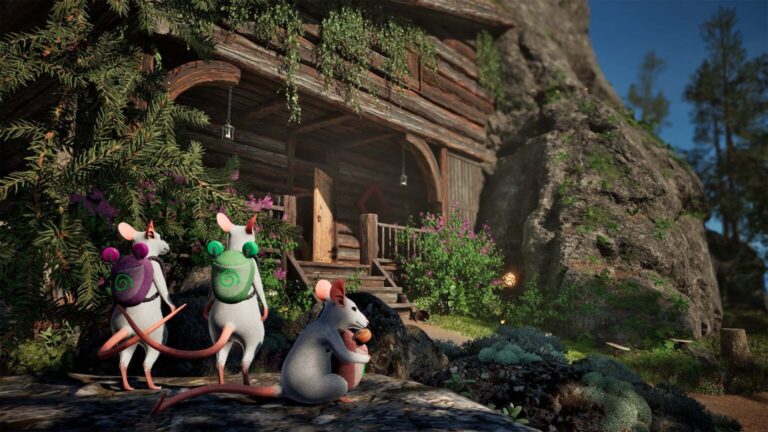
Hela supports local split-screen for two people and online multiplayer for up to four. You don’t need a four-person party to build Hela lasso bridges: a pair can try the mechanic together, and solo players have Shades to fill the missing roles.
With a friend, the fun is positioning both mice to make a usable crossing. The developer has demonstrated the mechanic, although the full game’s named puzzle locations still need checking.
Other things you can do with the lasso
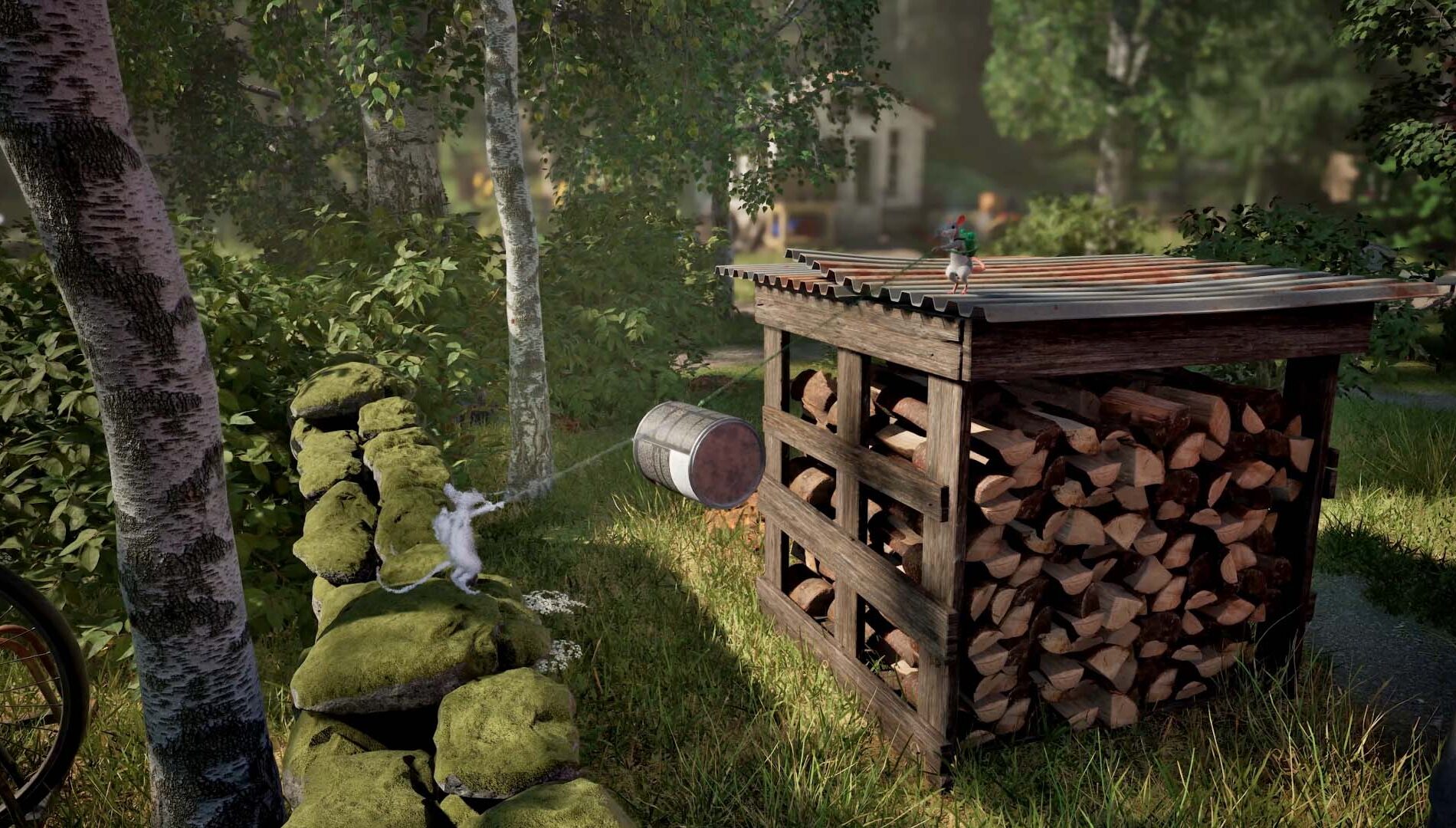
The Froggy tongue also grabs and pulls objects. Windup describes dragging items closer, lifting them and repositioning them to make new ledges. With a Shade, one mouse can leave an object hanging while another guides it from a different angle.
It’s another reason to consider where your Shade stands. Holding an object in place can be just as useful as holding a rope across a gap.
The backpack can also latch onto friendly animals such as hares to borrow their speed. For the full list of demonstrated movement options, see Hela Froggy backpack.
Using bridges alongside gliding and Shades
Froggy’s inflated backpack acts as a glider in mid-air, and the Shade System lets you create a copy that continues gliding forward. Your mouse can latch onto that moving Shade to travel further. It’s another way to use a connection instead of a static bridge.
Leave a Shade somewhere safe before tackling a difficult jump and you can switch back to it if you fall. Windup describes this as a makeshift checkpoint, not a permanent save point.
For the airborne technique, read Hela gliding. Windup has also published Xbox and DualSense button maps for the October demo; the full-game controls and specific puzzle routes will need checking at release.
Official source: Windup Games’ official lasso bridge and Shade explanation.