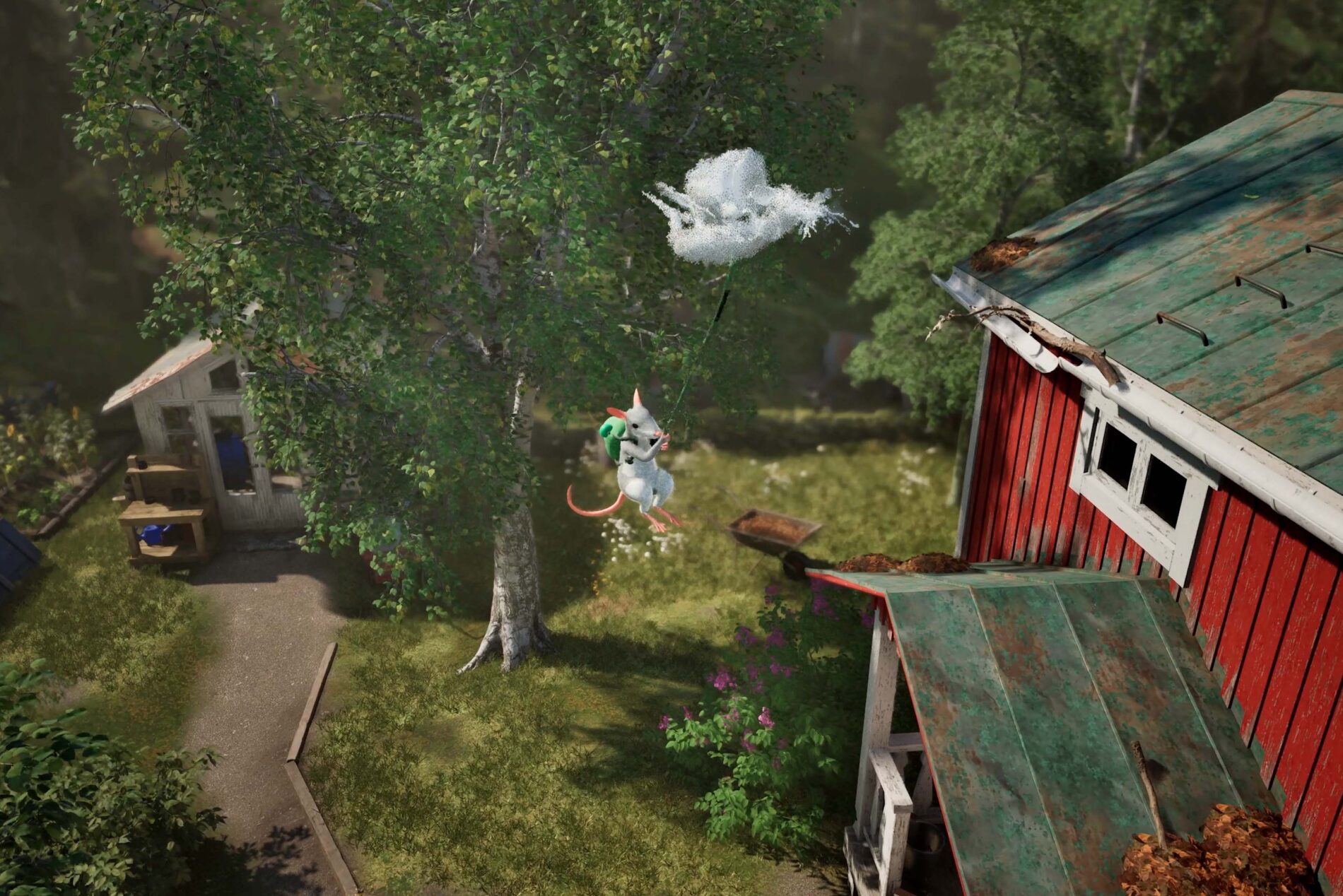
Hela gliding turns Froggy, your mouse’s magical backpack, into a way to float across gaps and travel over the enormous world of Hela: of Mice & Magic. Inflate the backpack while airborne and your mouse can drift instead of immediately dropping to the ground.
The neat trick is creating a Shade mid-flight. Windup Games shows the copy continuing forward while your mouse latches onto it, extending the glide beyond what Froggy can manage alone.
How Hela gliding works with the Froggy backpack
Hela gliding begins with Froggy inflating while your mouse is in the air. The expanded backpack behaves like a glider, letting you steer across open areas, pass between obstacles and approach a landing spot from above. It is one of several movement abilities built into the same magical pack.
Windup Games has shown mice floating over the forest and manoeuvring through tight passages. The developer also describes collecting Glimmer during a flowing flight. Gliding gives you another way through the landscape instead of relying entirely on branches and climbable ledges.
Windup released Xbox and DualSense button-mapping charts for the October demo. Those help with that version; the full game’s final controls still need a launch check.
How to extend Hela gliding with a mid-air Shade
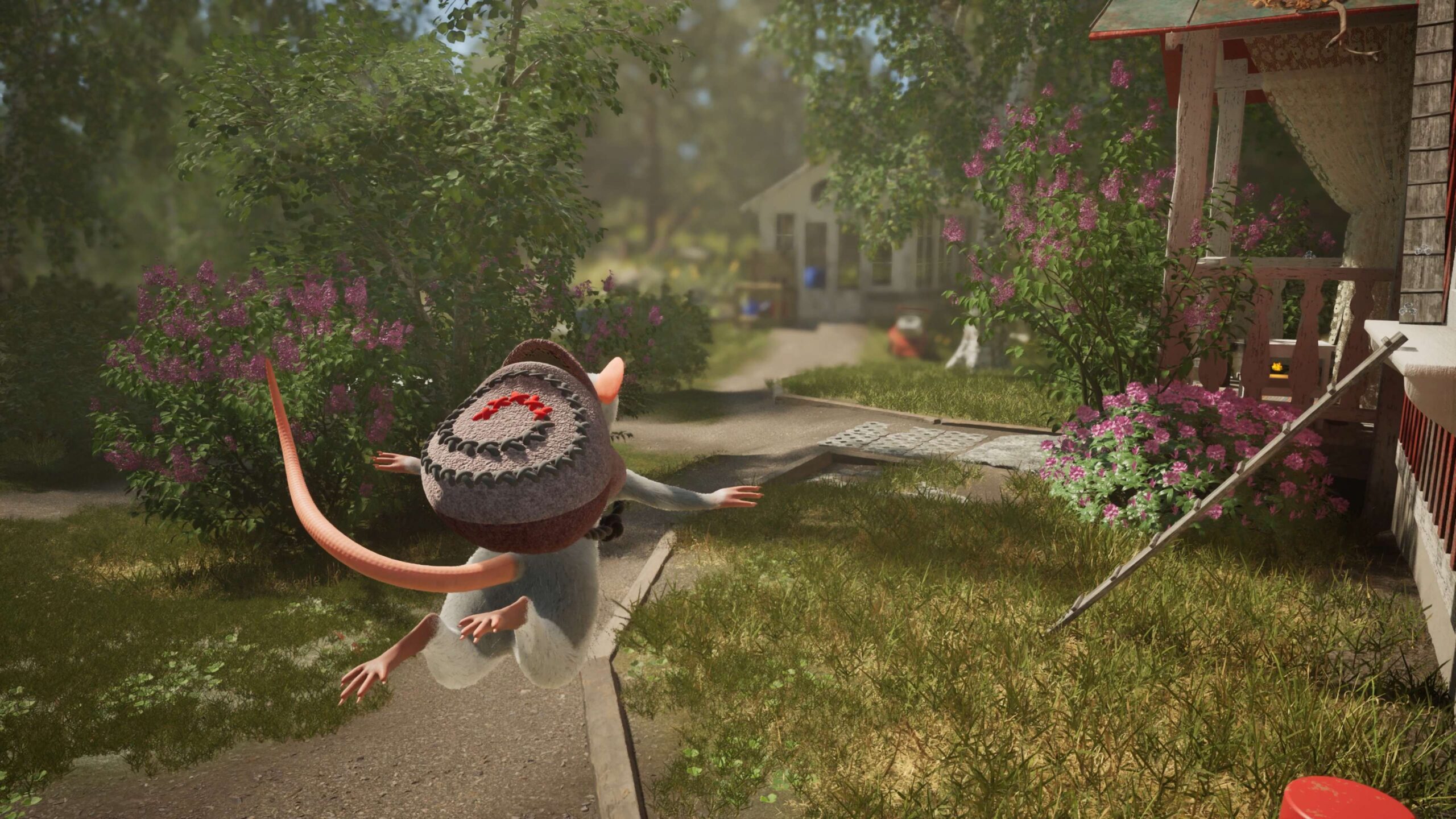
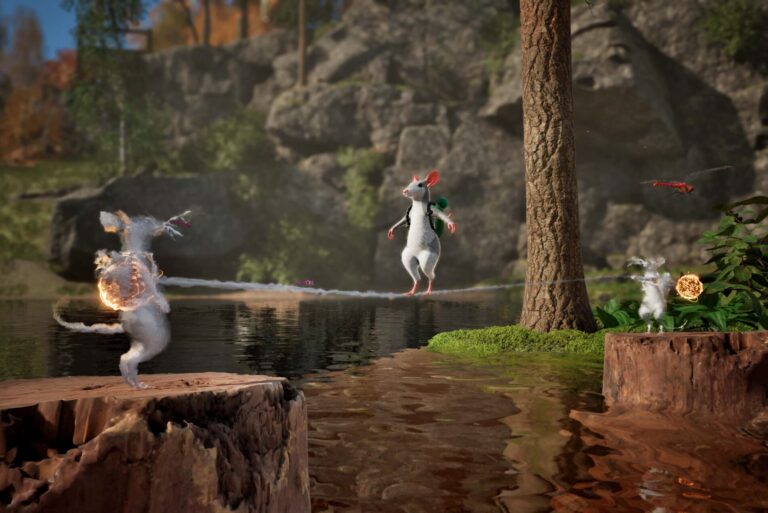
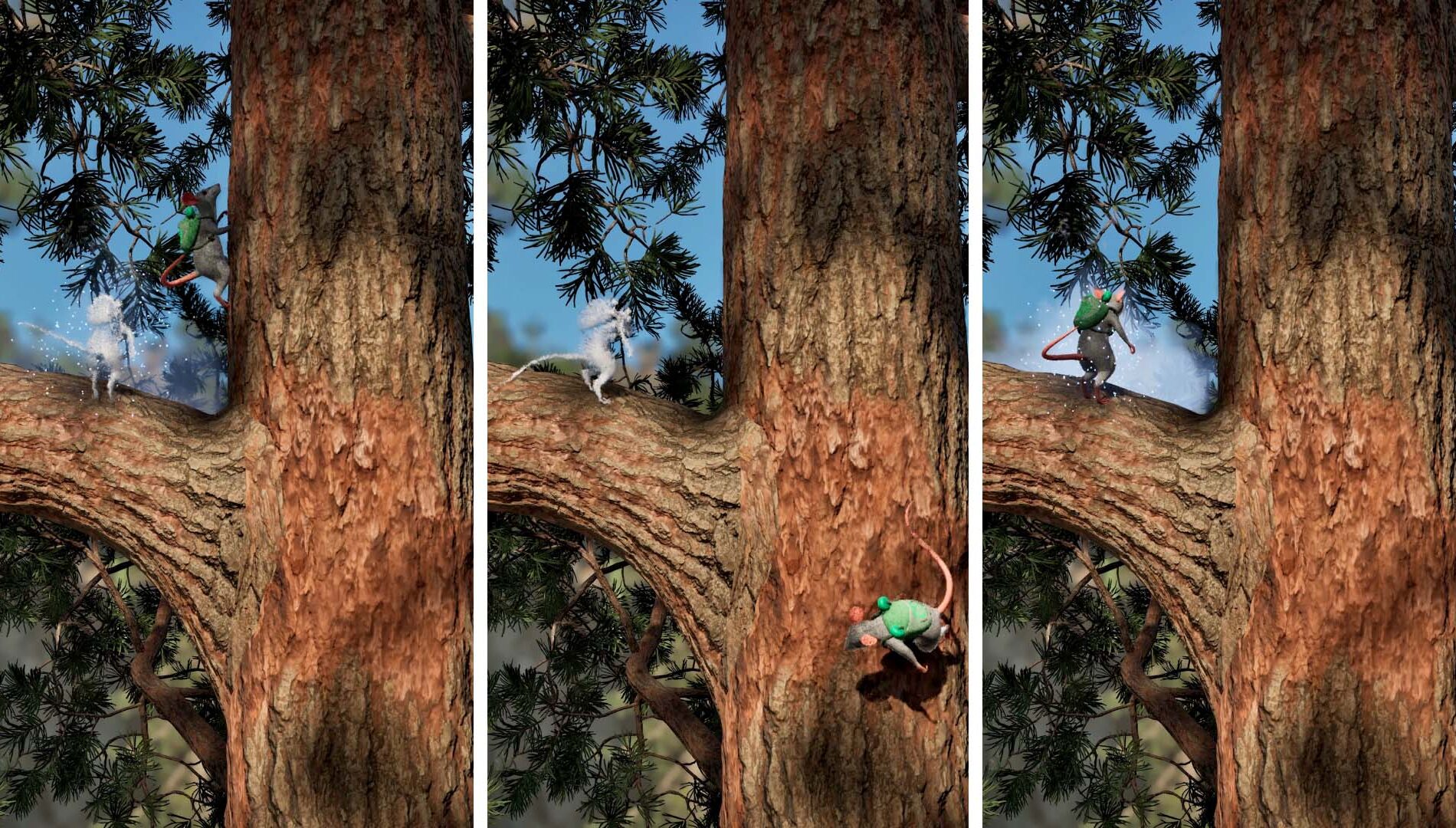
The standout Hela gliding trick is creating a Shade while you are already gliding. Windup’s explanation says the copy continues gliding forward, even after you’ve created it. Your main mouse can then use the lasso to connect to that moving Shade.
The sequence shown by Windup is straightforward: jump, inflate Froggy to glide, create a Shade in mid-air, then use the lasso to grab onto your moving copy. The Shade keeps travelling forward and gives you another way to reach distant ground.
Your starting height and the space ahead will affect how useful the trick is. It’s particularly promising when a normal glide leaves you short of a hidden ledge or an awkward landing spot.
Can you use the trick when playing alone?
Yes. The Shade System is designed to make cooperative-style challenges available in solo play. A single mouse can create up to three Shades, and the copies repeat the actions captured when they were made.
That means Hela gliding doesn’t require a second human player for the moving-connection trick. You can set up the additional character yourself. Other Shades can help with platforming by acting as rope anchors or holding positions while you move elsewhere.
Read Hela Shade System for the wider mechanics, including bridges, anchors and switching between copies. The full adventure is built around solo play as well as two-player split-screen and four-player online co-op.
Gliding compared with bouncing and plunging
Froggy behaves differently depending on when it inflates. In the air, inflation produces a glide. On the ground, it creates a bouncing platform that can launch a mouse upwards and help chain a series of jumps.
Froggy also has a downward plunge. Windup Games says that landing with force can create environmental reactions and give access to hidden places. That’s not the same thing as gliding, but knowing the backpack has several uses helps when a route looks awkward.
The Hela gliding system also combines with the tongue’s grapple and swing abilities. A high platform may be easier to approach after a swing, while a long opening may reward a glide. Different paths can be approached through different movement combinations.
What about checkpoints and missed jumps?
Shades have another traversal use that pairs naturally with Hela gliding. Windup Games describes leaving one copy at a safe location as a makeshift checkpoint. If you miss a jump, you can switch back to the copy rather than repeating the entire approach.
This isn’t an automatic rewind or a permanent save point. You’re keeping a copy in a useful place, then switching back to it if a jump goes wrong.
Our Hela Froggy backpack guide covers the rest of the equipment, including object pulling, riding friendly animals and carrying ingredients. Those systems sit alongside Hela gliding instead of being separate character classes.
Is gliding available in the demo?
Yes. During October’s demo event, Windup challenged players to experiment with creating a Shade while gliding. It’s one of the hints in the developer’s official demo secrets list.
The Steam demo was extended through 9 November, so its availability today should be checked on the store rather than promised as permanent. The full game launches on 1 December and expands the map, story and progression systems.
The demo’s official Xbox and DualSense control charts are a useful starting point. Full-game button combinations and specific jump routes will need a fresh check when Hela launches.
Official source: Windup Games’ official Shade and gliding explanation.