Game Pass Saves After a Game Leaves are usually still there, provided the game supports Xbox cloud saves and your latest progress has synced. When a title leaves Game Pass, you lose the subscription licence to launch it, not automatically your save. You can normally come back to that progress if you buy a compatible version later.
The catch is the version you return to. An Xbox console save isn’t automatically interchangeable with a Steam release, for example. Here’s what the Xbox network does with saved progress, what can go wrong when playing offline and how to resume after you buy a game.
Game Pass Saves After a Game Leaves: What Actually Happens?
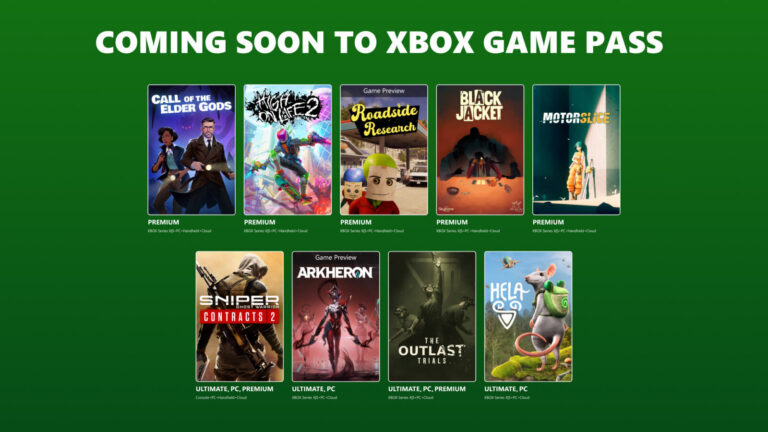
Say you’ve been playing Star Trucker and it leaves the Game Pass catalogue on 30 November. Your subscription won’t launch it anymore, but Microsoft stores supported Xbox saves separately from the installed game. Provided your progress has synced, you can normally return to it when you obtain a compatible copy.
Game Pass saves after a game leaves are generally still available with the same Microsoft account. Microsoft does not publish a universal guarantee that every game’s saves will remain available indefinitely, though, and an offline session that never synced could be missing on another device. That’s why checking your save is worth doing before uninstalling.
Game Pass Saves After a Game Leaves: Will a Purchased Copy Load Them?
Usually, yes. Buying the same compatible Xbox version and signing into the account you played with gives the game access to your existing cloud-backed progress. You aren’t starting over simply because the licence changed from Game Pass to a purchase. Achievements already earned on the Xbox network remain on your profile.
Check the store page before buying. A cross-generation bundle may use the same progression, but separate editions aren’t guaranteed to share files. Game Pass saves after a game leaves can also work differently if the game manages progress through its own publisher account or offers no Xbox Play Anywhere support. Steam and the Xbox PC app aren’t automatically interchangeable.
Does It Matter If You Played on Cloud Gaming?
Cloud gaming normally uses the Xbox network’s save system, so a supported Xbox version under the same account can often pick up where you stopped. A game bought through a different PC storefront may have separate save files. Check whether the title supports Xbox Play Anywhere or its own cross-progression before switching platforms.
Game Pass saves after a game leaves don’t grant access to a different platform’s version. If you’re moving from console to PC, check whether the game is Xbox Play Anywhere or explicitly supports cross-progression. Without that feature, the other version may start with a separate save.
What If You Played Offline Before the Game Left?
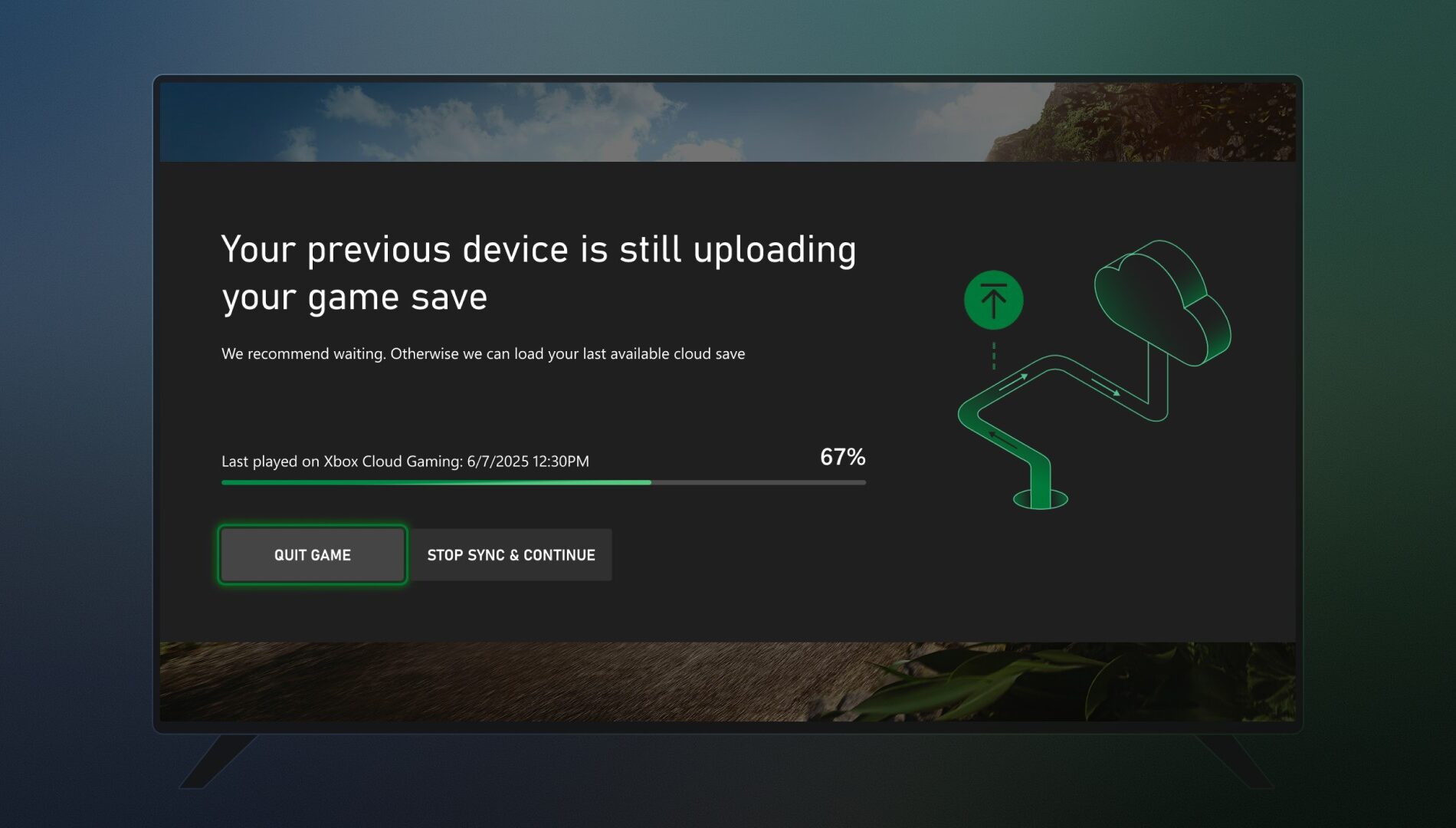
Offline progress is the biggest practical risk. Microsoft now shows clearer save-sync information in supported Xbox and PC experiences, including device names and timestamps when another device has a newer unsynced save. If you see that warning, read it carefully before deciding which version of your progress to use.
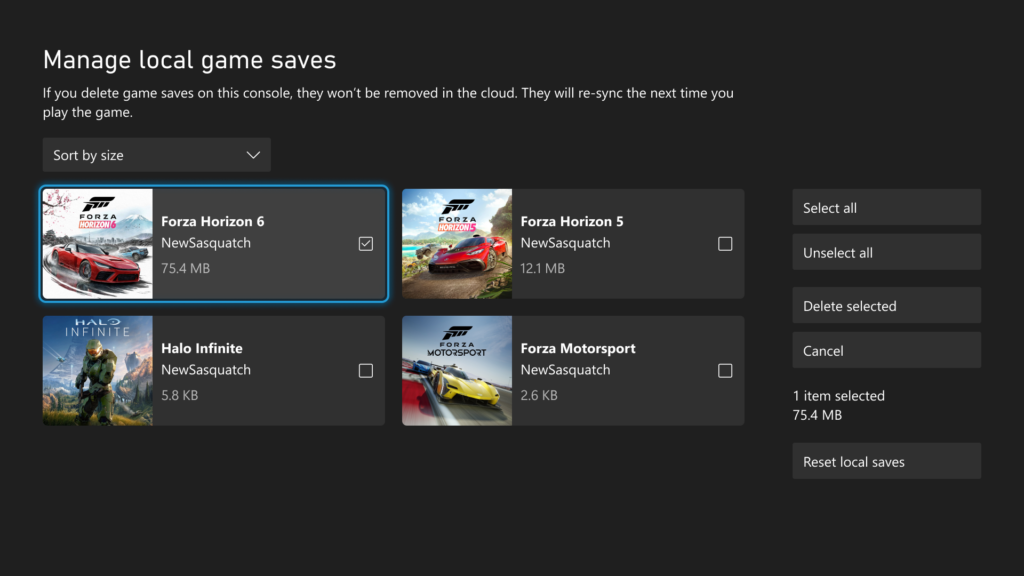
Before a removal, connect the device to the Xbox network and allow a supported game to finish syncing. If the Xbox PC app shows a cloud-save status indicator, check that it’s complete. You don’t need to delete local saves or reset your console to protect them, and doing so while sync is unresolved could make recovery harder.
Do You Need to Keep the Game Installed to Keep the Save?
Not for a normally synced Xbox cloud save. Uninstalling game files and deliberately deleting saved data everywhere are different actions. If you’re unsure whether the latest progress reached the cloud, leave the local copy in place until you’ve checked it.
PC games may have their own local save directories or publisher accounts, so check the title’s official support guidance before uninstalling. Game Pass saves after a game leaves are safest when you return using the same Xbox account and a compatible version rather than relying on an unverified platform transfer.
Can You Still Play After It Leaves Game Pass?
You’ll still need a valid licence after Game Pass removes the title. Buying it is the usual option, but another subscription or family ownership arrangement may work if it covers that exact game. See our how to keep playing after Game Pass guide for ownership and discounts.
For the current removals, see the full list of games leaving on 30 November. Game Pass saves after a game leaves and a departing game’s purchase price are separate questions, so we’ve covered them in their own guides.
Game Pass Saves After a Game Leaves: Quick Checklist
- Launch the game while you still have access and confirm your latest progress.
- Connect to the Xbox network and let any cloud-save sync finish.
- Use the same Microsoft account when buying or reinstalling.
- Check the edition and platform before relying on a save transfer.
- Avoid deleting saved data everywhere unless you truly intend to remove it.
If a particular game has its own save system, the developer’s guidance takes priority. With standard Xbox cloud saves, those checks should help avoid the most common problems when you return after a Game Pass removal.
Official source: Microsoft’s Game Saves storage documentation.