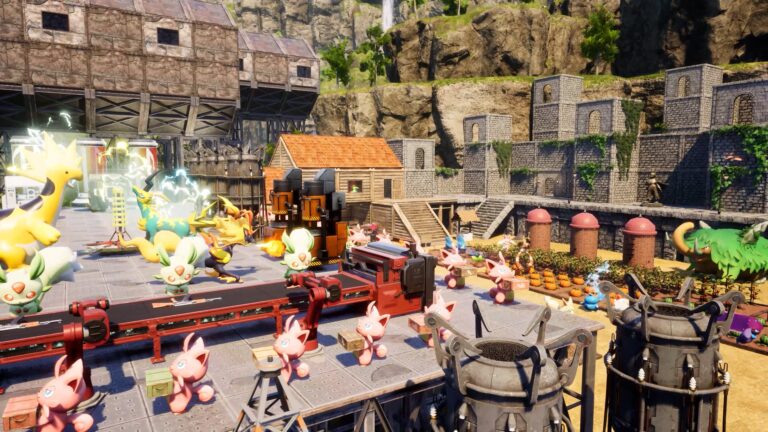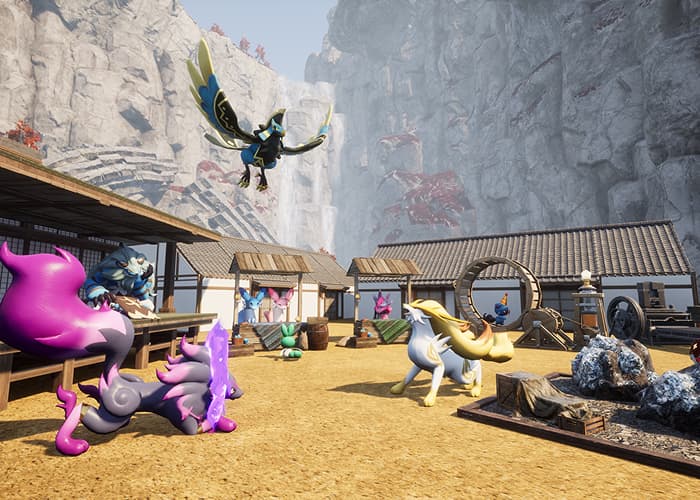
Palworld Monitoring Stand lets you control what your base Pals do instead of leaving them to pick jobs themselves. Set work intensity, switch jobs on or off for each Pal, or tie a worker to one facility. Version 1.0 also introduced two upgraded stands that reduce SAN loss.
If your miner keeps leaving the ore pit, your crafter disappears from the production line or a worker won’t stay assigned, the Monitoring Stand is where to start. Here’s how the three versions differ and which setting solves each problem.
How to unlock the Palworld Monitoring Stand
The standard Palworld Monitoring Stand unlocks at level 7 for two Technology Points and costs 30 Wood and 10 Stone to build. Place it inside the base you want to manage. It is an early-game building, not something you need to wait until version 1.0’s endgame to use.
Interacting with the building gives you separate controls for work intensity, work preferences and fixed assignments. They are easy to confuse, and only one of them locks a Pal to a specific workstation.
How to assign Pals using the Palworld Monitoring Stand
- Work intensity: Adjust how hard the workers at that base work. Higher intensity can increase production but places more pressure on hunger and SAN, so normal work is a sensible starting point.
- Work preferences: Turn specific work types on or off for individual Pals. If a miner keeps going off to transport materials, disable Transporting on that worker when you need it to concentrate on Mining.
- Fixed assignment: Choose a particular facility and assign a suitable Pal to it. That Pal stays attached to the facility, even when it has finished the current task.
The work-preferences list is not a ranked priority system. It allows or forbids types of work. If you need to keep one worker at a single bench or machine, use fixed assignment instead.
Pocketpair’s 1.0 patch also allows fixed assignments for sleeping Pals. You can organise the next shift while they’re resting instead of waiting for them to wake.
Why is the Palworld Monitoring Stand not assigning my Pal?
- Missing Work Suitability: The Pal needs the right work type and any minimum level required by the facility. Version 1.0 now displays an alert when no worker meets a facility’s requirement.
- Work type disabled: Check the work-preference grid. If the relevant job is switched off, turn it back on.
- Fixed somewhere else: A worker tied to a different facility may stay there idle instead of helping with another job.
- Blocked workstation: If the assignment is valid but the Pal can’t reach its task, check whether the path is obstructed.
- Wrong menu: Adjusting preferences alone doesn’t lock a worker to a particular job site. Use fixed assignment for that.
Start with the required work type, then check the Pal’s preferences and any current fixed assignment. Increasing work intensity doesn’t fix an unsuitable worker or a blocked station.
Palworld Monitoring Stand vs High Quality and Ancient
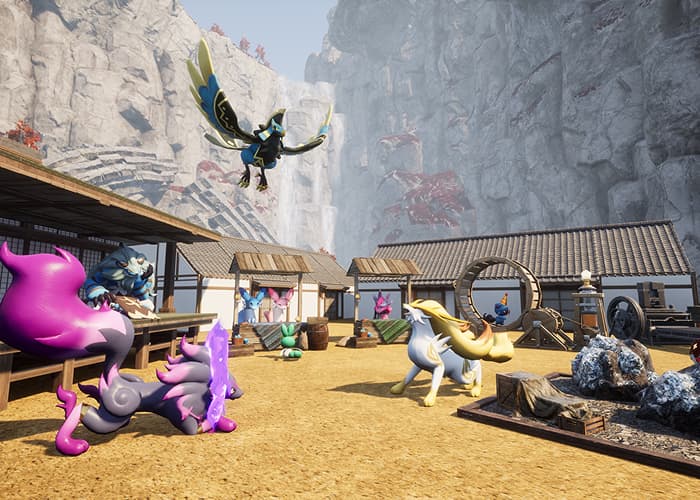
| Standard Monitoring Stand | Level 7 | 30 Wood, 10 Stone |
| High Quality Monitoring Stand | Level 28 (3 Technology Points) | 100 Ingot, 30 Cement |
| Ancient Monitoring Stand | Level 71 (5 Technology Points) | 100 Soralite Ingot, 5 Ancient Civilization Core |
All three give you the same core controls. The High Quality Monitoring Stand additionally reduces how quickly base Pals lose SAN. The Ancient Monitoring Stand offers a stronger SAN reduction, making it more appropriate for a developed late-game base.
Upgrading the Palworld Monitoring Stand doesn’t automatically choose better jobs for your team. You still need to set preferences or fixed assignments. What you’re paying for is improved SAN protection on top of the original controls.
Which Palworld Monitoring Stand should you build?
Build the basic stand as soon as Pals start wandering away from important tasks. Having direct control of who does what can be more useful than adding another worker without fixing the assignment problem.
Consider the High Quality version once you unlock it if SAN loss is holding your base back. The Ancient version is a later investment with a substantial material cost, not a prerequisite for keeping a worker on Mining or Handiwork.
Does the Palworld Monitoring Stand replace the Clinic?
No. Clinics, another version 1.0 addition, need a Pal with Medicine Production assigned to them. They help reduce SAN loss and prevent illness. The upgraded Monitoring Stands also support SAN, but their main role is still managing work assignments.
If workers are switching jobs too often, fix preferences or assignments first. If they’re getting sick or stressed, look at food, rest and the Clinic. The Palworld Monitoring Stand won’t cure an already sick worker by itself.
Do all Pals need Work Suitability level 10?
No. The suitability scale now reaches level 10, but the requirement depends on the facility. A Pal needs the relevant work type and whatever minimum level that job demands. The game tells you when no stationed Pal qualifies.
A Palworld Monitoring Stand manages the workers you already have. To raise Work Suitability itself, look at condensation, Applied Technique items or the appropriate support Partner Skill. Those upgrades are a separate decision from assigning jobs.
Related Palworld guides
CLICK FLARE | MORE PALWORLD GUIDES
Official source: Pocketpair’s Palworld 1.0 changelog.