War Thunder DIRCM not working after Eagle’s Shadow? A missile can still get through if MAWS fails to detect it, the jammer can’t reach it, or the relevant modification is locked. The updated system is no longer a constant wide-area shield. A missile has to be detected by MAWS, then an available jammer must turn towards it and stay within its coverage sector.
Some apparent failures are normal limits of the new simulation. Others are as simple as a missing modification or a damaged jammer. Before changing controls or reporting a bug, work through the checks below and compare what happened with Gaijin’s November 2026 changes.
War Thunder DIRCM not working: the first things to check
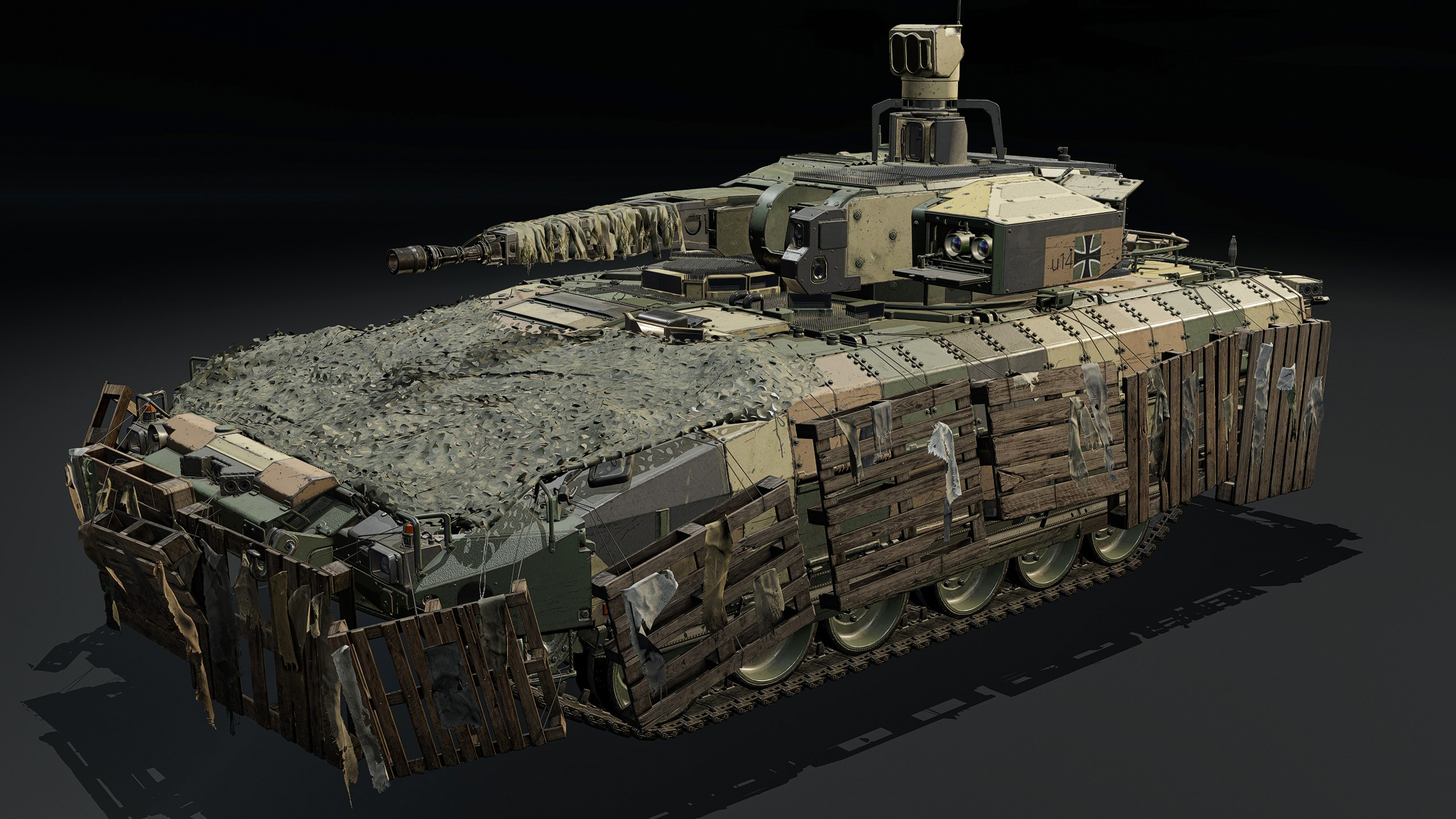
Start with the vehicle and its modifications. The improved DIRCM model is documented for all Puma variants, all AH-64E variants, AW249 Fenice, Ka-52, Mi-28NM, Mi-8AMTSh-VN and Z-10ME. Merely using a modern helicopter does not prove it has this equipment. On listed vehicles, DIRCM becomes available when the MAWS/DIRCM modification is unlocked.
That modification replaced a previous MAWS-only modification where applicable. If it’s still locked, or you’re in a different helicopter, looking for a new universal DIRCM button is the wrong place to begin. Check the vehicle’s actual modification screen and the available countermeasure functions first.
War Thunder DIRCM not working: did MAWS detect the missile?
The new DIRCM response begins only when the missile approach warning system notices a threat. Gaijin says the jammer cannot engage a missile MAWS hasn’t tracked. That is a limitation of detection, not a broken laser or an incorrect graphics setting.
After detection, the game selects a jammer positioned closest to the threat. There is a processing delay while it responds and turns. If the incoming missile is already very close, the system may not have time to direct its signal before impact. A warning on screen is not a guarantee that the jammer will successfully defeat the missile.
This is the first major distinction when diagnosing War Thunder DIRCM not working: did you have working equipment, and did it actually get a usable warning about that particular threat?
War Thunder DIRCM not working: check the coverage
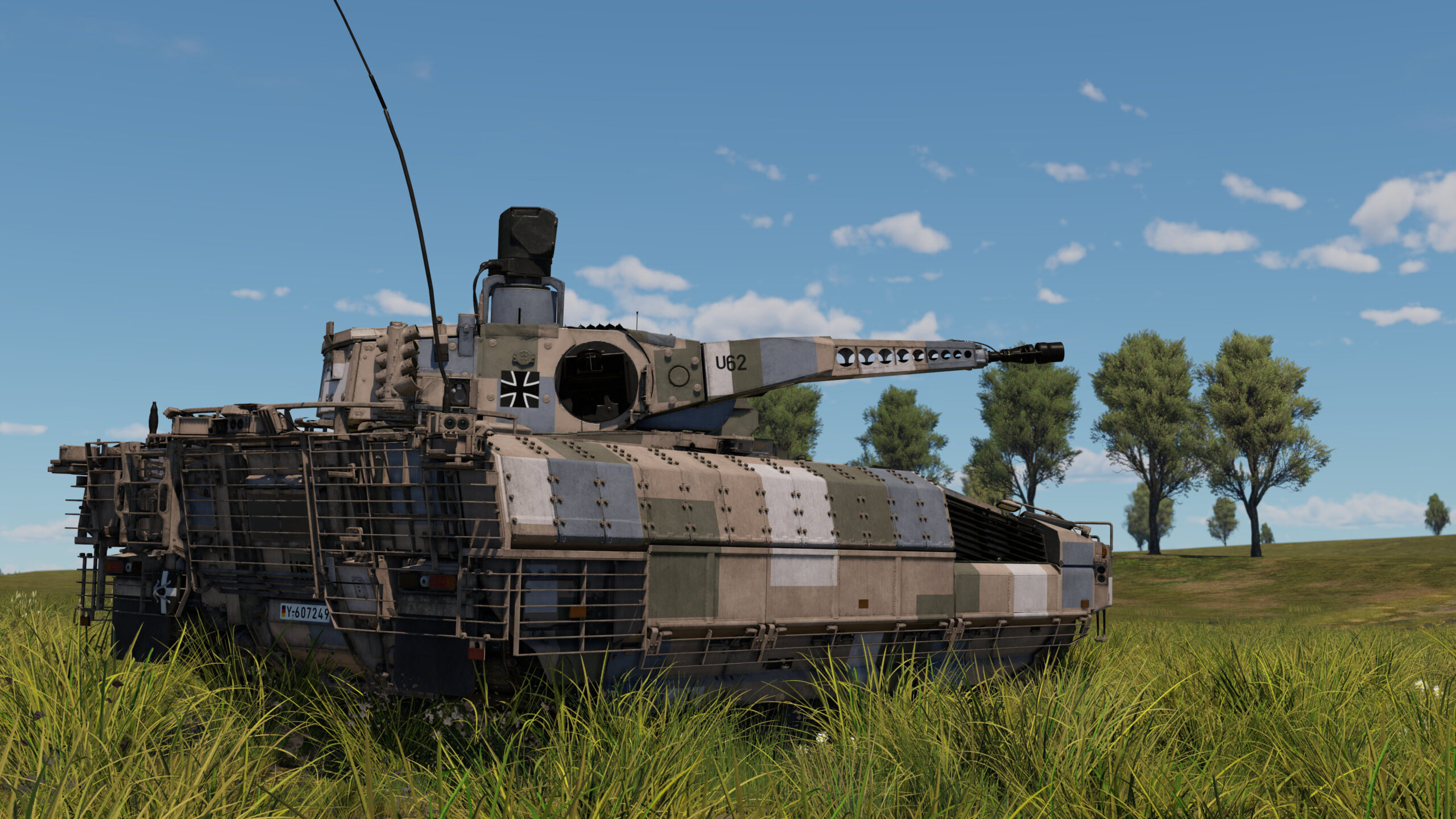
Each jammer has defined sectors. It cannot fire its interference beam through the vehicle carrying it, and it cannot turn instantly to any angle. A missile approaching from behind a blocked part of the hull or fuselage may be outside the jammer’s practical field of view. The exact outcome depends on the geometry of the engagement.
This is why two missile attacks against the same vehicle can have very different results. The direction of approach, the turret’s initial orientation and how quickly a threat closes can all make the difference. Don’t treat a successful defence from one angle as proof of 360-degree protection.
War Thunder DIRCM not working: busy or damaged jammer
Gaijin specifies that each turret can actively engage one missile at a time. If multiple missiles approach from different directions, there may not be a free jammer to deal with all of them. Closely grouped threats can sometimes fit within one beam, but that is a limited exception rather than a promise that every salvo will be stopped.
Each jammer can also be damaged independently. On vehicles with several, a destroyed unit doesn’t disable every other turret, but it does remove that particular unit’s contribution. If you survive one engagement and then lose protection after taking damage, check the condition of the affected equipment rather than assuming the entire DIRCM mechanic changed mid-match.
When assessing War Thunder DIRCM not working, keep the difference between a jammer that is disabled, a jammer that cannot aim and a jammer that is currently occupied clear. They have different explanations.
War Thunder DIRCM not working despite the JAM indicator?
Gaijin’s development article says the RWR can display a blinking JAM indicator when a jammer is active. The updated game also shows jammer beams in the RWR scope and replay sensor views, with visual effects through night vision and some thermal views.
A blinking JAM indicator shows that a jammer is active. It doesn’t guarantee the missile will miss. If you can reproduce the attack, review the replay for the jammer’s orientation, the missile’s direction and any visible sign of engagement. Avoid declaring a bug solely because you saw JAM and still took damage.
War Thunder DIRCM not working: final checklist
- Confirm you are using a vehicle specifically listed for the revised DIRCM system.
- Check that MAWS/DIRCM is unlocked rather than assuming it is standard equipment.
- Establish whether MAWS detected the missile at all.
- Consider whether the threat came from outside a turret’s sector or behind the vehicle.
- Remember a jammer needs time to rotate and usually engages only one threat.
- Look for battle damage to individual jammers.
- If possible, use the RWR or a replay to see whether an engagement actually occurred.
If War Thunder DIRCM is not working after these checks, record the vehicle variant, game version, weapon involved and replay details before filing a report. The phrase War Thunder DIRCM not working covers several different situations, and the useful fix depends on which one you have. No publisher note supports a magic global setting that makes every heat-seeking missile miss.
- War Thunder Missile Aim Point: How to Target Tank Modules
- War Thunder 2.59.0.46 Patch Notes: Nuclear Escalation Buffs and Vehicle Fixes
- War Thunder DIRCM Guide: How MAWS and Jammers Work
- War Thunder Helicopter PvE BR Brackets: All Ranges and Enemy Changes
- War Thunder Nuclear Escalation Radar: How Team Detection Works
- How to Use Cluster Bombs in War Thunder: Release Height and Damage
- War Thunder DLSS 5: Eagle’s Shadow Update, RTX Support and Neural Rendering
Official source: Gaijin Entertainment: War Thunder Eagle’s Shadow changelog.