This War Thunder DIRCM guide explains why Eagle’s Shadow changed the way infrared missile jammers work. Before Eagle’s Shadow, these jammers behaved more like wide, continuously active countermeasures. Now a directional jammer has to react to a missile detected by MAWS, turn towards the threat and stay within its available coverage sector.
That matters when a helicopter or Puma survives one missile but gets hit by another. DIRCM isn’t an invulnerability shield, and the new simulation includes separate turrets, response time, limited turning speed and gaps blocked by the vehicle itself. Here’s how the threat detection and jammer turrets work.
War Thunder DIRCM guide: how MAWS and jammers work
DIRCM stands for directional infrared countermeasures. The system sends a focused jamming signal towards an infrared-guided missile’s seeker. The important part is directional: the jammer needs to point towards a detected threat instead of emitting one enormous protective field in every direction.
Gaijin’s new model starts with the missile approach warning system, called MAWS. It has to recognise the approaching missile before the jammer can act. The game assigns the threat to an appropriate turret, which turns towards it and begins emitting after a processing delay. When the missile veers off or is no longer approaching, that engagement can be dropped so the turret is available again.
If MAWS never detects a missile, this automatic reaction never begins. Equally, a missile can arrive while a turret is turning or occupied with another threat. That is a change in the simulation, not proof that the player’s controls have failed.
War Thunder DIRCM guide: supported vehicles
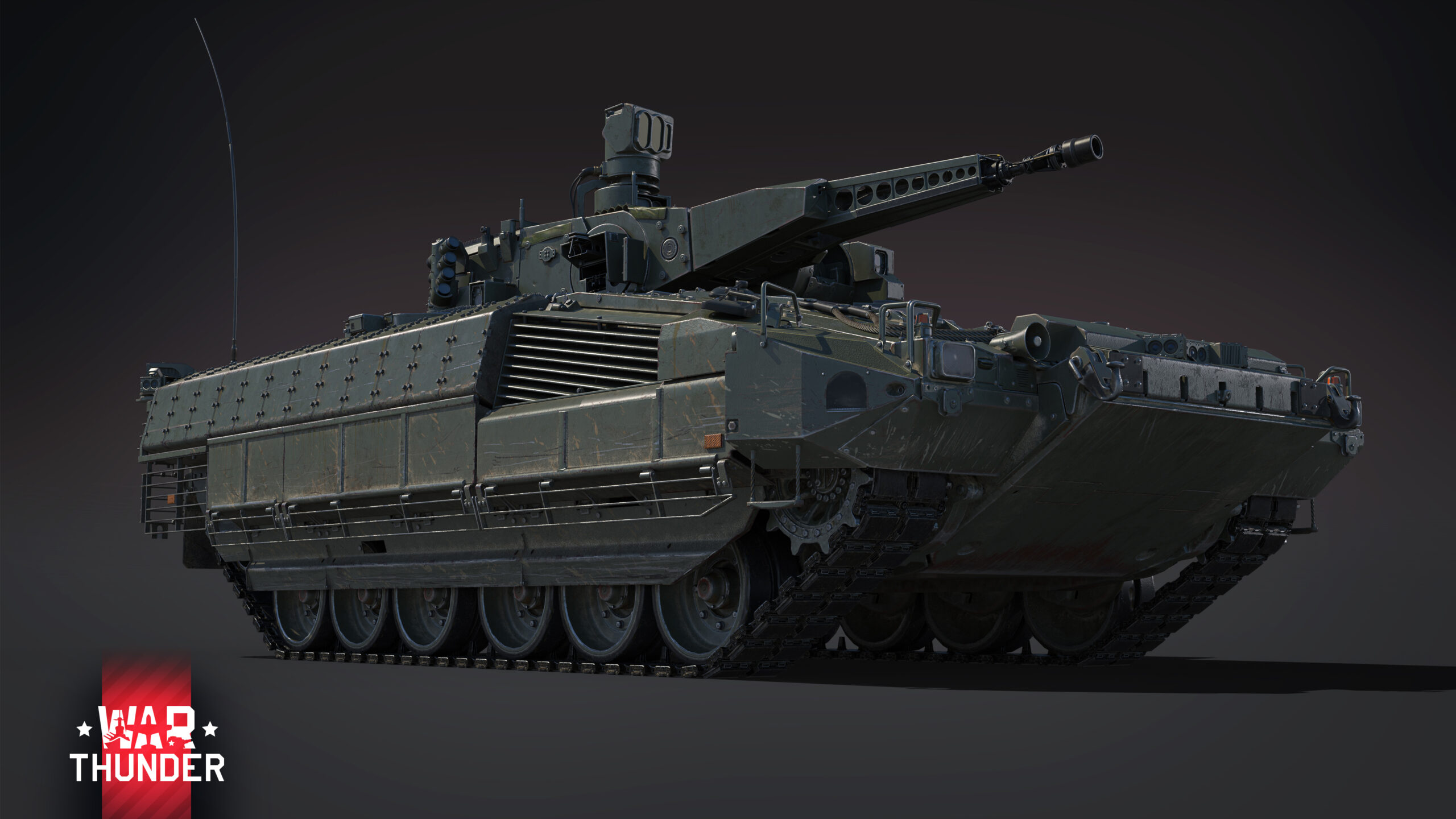
According to Gaijin’s November 11 changelog, the affected vehicles are Puma (all variants), AH-64E (all variants), AW249 Fenice, Ka-52, Mi-28NM, Mi-8AMTSh-VN and Z-10ME. The update also animates the jammer turrets on all Puma variants and the Ka-52.
| Vehicle | Confirmed November change |
|---|---|
| Puma variants | Revised DIRCM behaviour and animated turrets |
| Ka-52 | Revised DIRCM behaviour and animated turrets |
| AH-64E variants | Revised DIRCM behaviour |
| AW249 Fenice, Mi-28NM, Mi-8AMTSh-VN and Z-10ME | Revised DIRCM behaviour |
Availability still depends on the MAWS/DIRCM modification. On affected vehicles that previously had a MAWS-only modification, it has been replaced with the combined one. If it remains locked, don’t assume the defensive system is ready just because your machine appears in a guide.
War Thunder DIRCM guide: why missiles still hit
Each jammer has its own coverage sectors and limited turning speed. It cannot engage a missile through the aircraft or tank that carries it. Incoming fire from the wrong direction can therefore create an angle the turret can’t cover, even though the vehicle has working equipment.
There is also a limit on simultaneous threats. A turret can actively engage one missile at a time. Gaijin notes that missiles travelling close together may both be affected by the same beam, but that exception is not a promise that one jammer handles an entire salvo. Separate jammer units can be damaged individually, which means one broken turret does not necessarily disable the others.
Lamp-based jammers have a wider beam than laser-based systems. Both types still need an appropriate line to the threat. In this War Thunder DIRCM guide, the takeaway is not to fly as though the equipment covers every approach automatically.
What does the JAM indicator show?
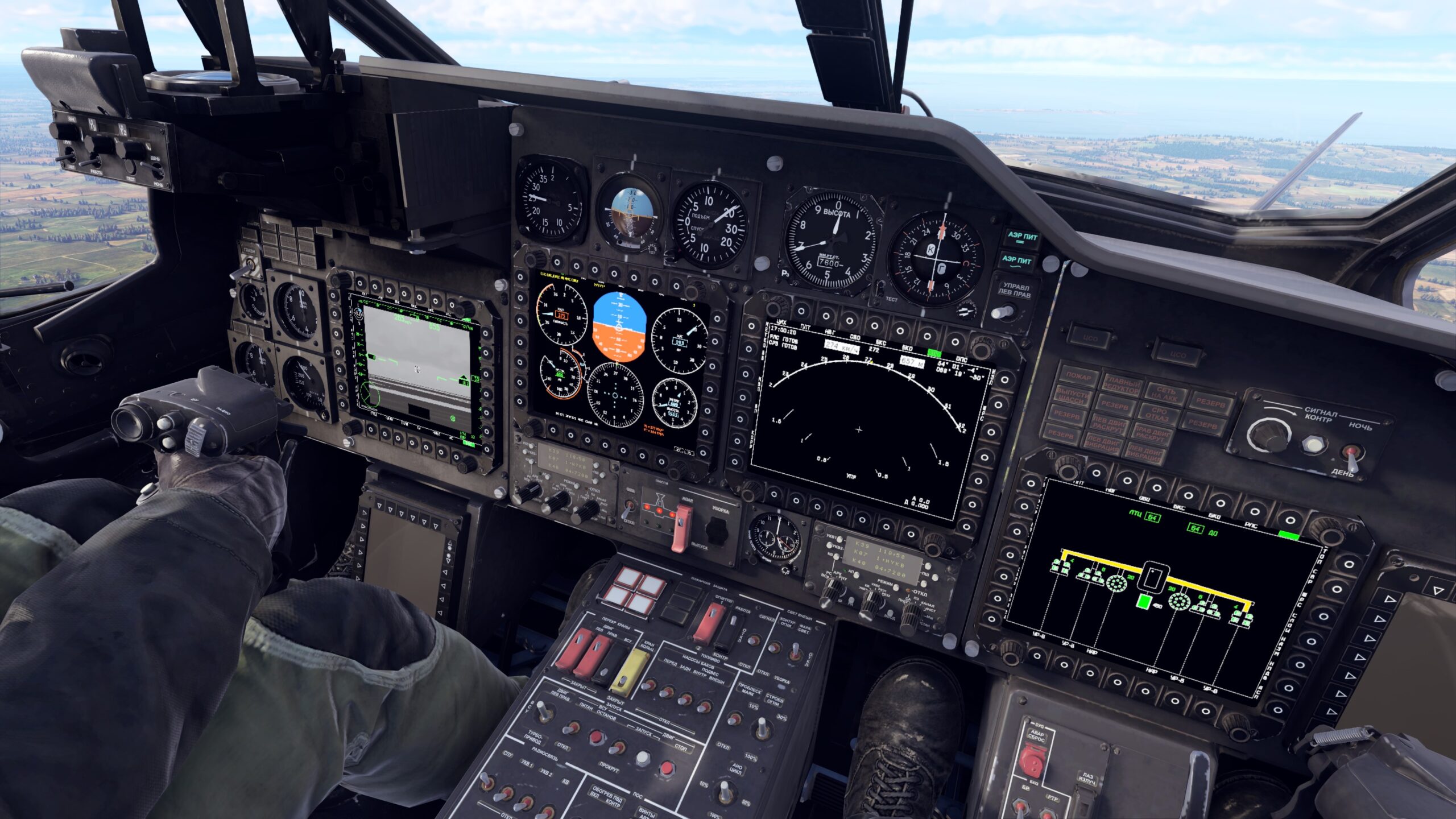
Gaijin’s DIRCM development explanation describes a blinking JAM label in the radar warning receiver when a jammer is engaging a threat. The final update also displays beams in the RWR scope and sensor replays, plus visual effects in night vision and, for some jammers, thermal vision.
These displays tell you that an engagement is happening; they do not guarantee the missile is defeated. If the warning is present and your vehicle is still hit, consider whether the beam was aligned, whether the missile’s seeker was successfully affected or whether the target was too close by the time the jammer reacted.
War Thunder DIRCM guide: quick setup checks
- Confirm the specific helicopter or Puma variant supports the improved system.
- Open its modifications and check whether MAWS/DIRCM has been unlocked.
- Remember that the jammer depends on MAWS seeing the incoming missile.
- Expect blind spots caused by the turret’s sector limits and the vehicle’s own shape.
- Account for a finite response time and a one-threat limit per turret.
- Inspect an available RWR display or replay if you need to understand where a jammer was pointing.
The new equipment should be understood as a last line of defence, not a replacement for sensible positioning. This War Thunder DIRCM guide covers the mechanic itself; a separate troubleshooting guide can help narrow down a specific failure, including a locked modification, an obstructed sector or a damaged jammer.
- War Thunder DIRCM Not Working: MAWS and Jammer Troubleshooting
- War Thunder Missile Aim Point: How to Target Tank Modules
- War Thunder Helicopter PvE BR Brackets: All Ranges and Enemy Changes
- War Thunder Nuclear Escalation Radar: How Team Detection Works
- How to Use Cluster Bombs in War Thunder: Release Height and Damage
- War Thunder 2.59.0.46 Patch Notes: Nuclear Escalation Buffs and Vehicle Fixes
- War Thunder DLSS 5: Eagle’s Shadow Update, RTX Support and Neural Rendering
Official source: Gaijin Entertainment: War Thunder Eagle’s Shadow changelog.