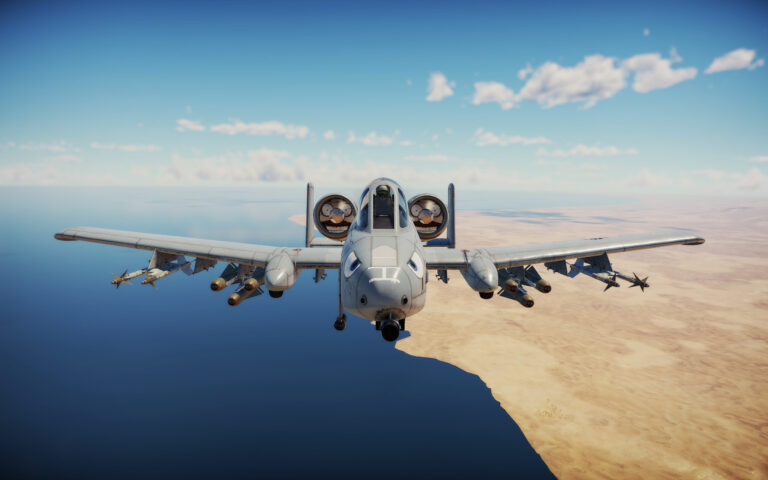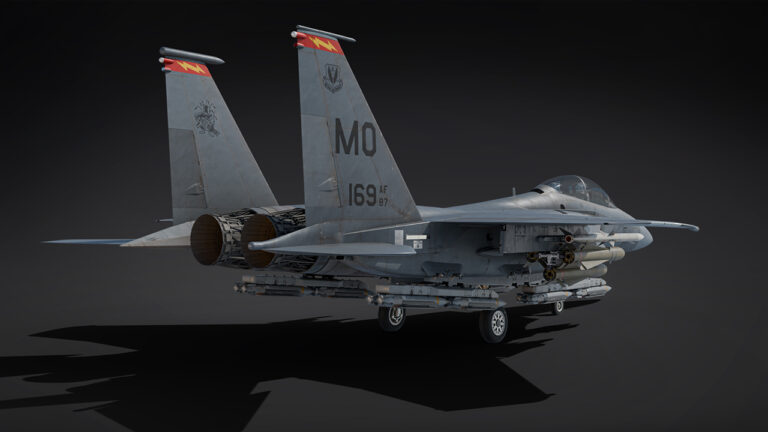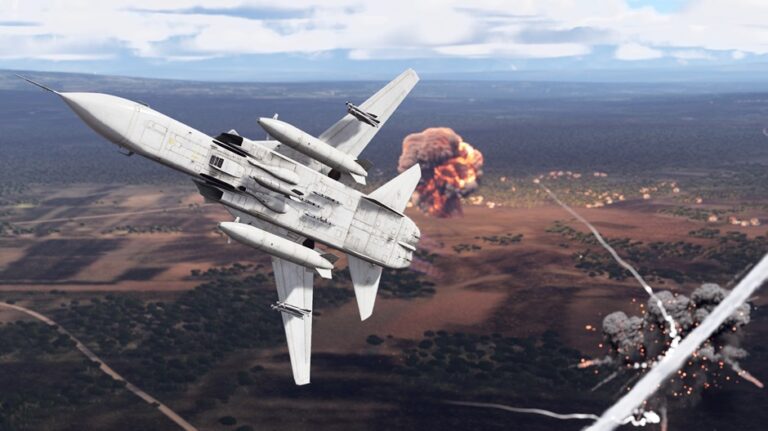
The War Thunder custom battle rating system lets eligible aircraft and helicopters fight at different Battle Ratings depending on their weapons. It arrived with Eagle’s Shadow on 11 November 2026. If your vehicle supports it, you can select a BR in its Modifications window before joining a battle, with the rating used by matchmaking.
You can’t lower the BR of just any aircraft. Gaijin has introduced the choice for a specific set of vehicles with particularly powerful optional weapons. The useful part is that researching those weapons doesn’t lock you into the higher BR when you want to fly without them.
How to change War Thunder custom battle rating
- Enter the hangar and select an aircraft or helicopter that supports variable Battle Ratings.
- Open that vehicle’s Modifications window. This is the location Gaijin names for changing the available BR.
- Choose an available Battle Rating. The interface shows which modifications and weapon options are allowed at the selected rating.
- Review the loadout and any items marked unavailable before entering a match. The game also shows a reason when an item cannot be used at that BR.
- Check the currently selected rating in the interface, then queue for the battle mode you intend to play. Matchmaking uses the selected BR.
Which aircraft can use a custom BR?
Only selected aircraft and helicopters support custom BRs. The available ratings depend on the vehicle, equipment and battle mode. Gaijin plans to consider more vehicles, but this isn’t intended to become a universal setting for every plane.
If the Modifications window doesn’t offer a BR choice, check Gaijin’s list of supported vehicles. It might simply be one of the many aircraft that still has a fixed rating.
Example: G-LYNX and Wildcat HMA2
The G-LYNX is a good example. In Ground Battles, its base BR is now 10.3. Equip ATAS missiles and it rises to 10.7; AGM-114B missiles take it to 11.3. That’s exactly what the War Thunder custom battle rating system is for: giving you a lower-tier option when you leave the stronger weapons behind.
The Wildcat HMA2 shows a bigger spread. Its Ground Battles BR starts at 12.0, increases to 12.7 with Spike NLOS missiles and reaches 13.7 with Spike NLOS (MITL). These are the actual figures in Gaijin’s changelog, not ratings you should assume apply to other helicopters.
War Thunder custom battle rating: does researching weapons raise it?
No. Researching a stronger missile or bomb modification doesn’t automatically mean you can never use the vehicle at its lower eligible BR again. The War Thunder custom battle rating system lets you select a permitted setup before battle. What counts is the equipment allowed at the rating you choose.
A lower selection may make some equipment unavailable. The interface is supposed to show which modifications or weapons are restricted at the chosen rating and explain why. This is how the feature lets players keep an aircraft at a lower bracket when they want to fly without the equipment that would otherwise push its rating up.
Does it apply to Air Battles and Ground Battles?
Battle Ratings depend on the mode you’re playing. The G-LYNX and Wildcat figures above are for Ground Battles, so check the rating shown in your hangar before queueing for another mode. Eagle’s Shadow also brought helicopter Arcade BRs into line with Realistic Battles, but that’s a separate change from custom loadout ratings.
When using War Thunder custom battle rating, check the rating shown in the interface for the exact battle mode and loadout you are preparing. If the game displays a different number for another mode, that does not automatically mean the custom selection is broken.
What happens in matchmaking?
Matchmaking takes the selected War Thunder custom battle rating into account. That doesn’t mean every opponent will have exactly the same BR. The regular matchmaking rules still matter; this feature changes the rating of your eligible vehicle’s selected loadout, not how the entire queue works.
If you’ve unlocked advanced ordnance but prefer flying with an earlier loadout, check whether your aircraft has a lower selectable BR. You don’t have to use the most powerful weapon you own every match.
Why can’t I select a lower Battle Rating?
Check three things before treating the absence of a choice as a bug: whether the vehicle officially supports variable BR, whether the selected mode has the rating you expect and whether the advanced weapon configuration is still selected. The War Thunder custom battle rating controls are tied to eligible vehicles and their equipment, not to a global Settings switch.
Greyed-out equipment isn’t automatically a bug. The Modifications window shows why an item isn’t allowed at the current BR. Use that explanation and the relevant vehicle entry in Gaijin’s patch notes before trying to troubleshoot it.
Is custom BR permanent?
No. You can revisit the Modifications window and choose another permitted rating and loadout later. The War Thunder custom battle rating choice isn’t a permanent upgrade or downgrade; it’s a way to match the equipment you’re taking into battle.
Related Guides
Official source: Gaijin Entertainment Eagle’s Shadow official changelog.