The Cities Skylines 2 free weekend ends at 18:00 GMT on Monday 16 November 2026. Until then, you can install and play Cities: Skylines II on PC through Steam without buying it. Look for the Play Game button above the purchase options. The offer is free to try, not free to keep.
If you have been putting off the sequel, this is a useful opportunity to see how it runs on your own machine. Paradox has just released its Seasonal Shift update, and the base game is also discounted for anyone who decides to carry on. The trial ends before the purchase discount does, so make sure you choose the right button.
How to play the Cities Skylines 2 free weekend on Steam
- Open the Steam desktop app on your PC and sign in.
- Search for Cities: Skylines II. The correct store listing is app 949230, not the original Cities: Skylines.
- Scroll to the section headed Play Cities: Skylines II. Select Play Game, not the paid Add to Cart option.
- Choose where to install the game. Steam lists 60 GB of available storage as a requirement, so check your drive before starting.
- Once the download is complete, launch the game from your Steam Library. You can start a new city immediately.
There is no promotional code to enter. The Cities Skylines 2 free weekend works through Steam’s temporary access licence, which is why the button appears separately from the game’s paid editions.
What time does the Cities Skylines 2 free weekend end in the UK?
Monday 16 November at 6pm GMT. The Steam page displays 10am Pacific Time, which is the same moment. The deadline applies worldwide, so you do not get until midnight in your own region to finish downloading or playing.
After 18:00 GMT, you will need a purchased licence to launch the game again. Steam may leave the files on your drive, but having the game installed is not the same as owning it. This is the important difference between a free weekend and a game you claim permanently.
What’s included in the free Steam trial?
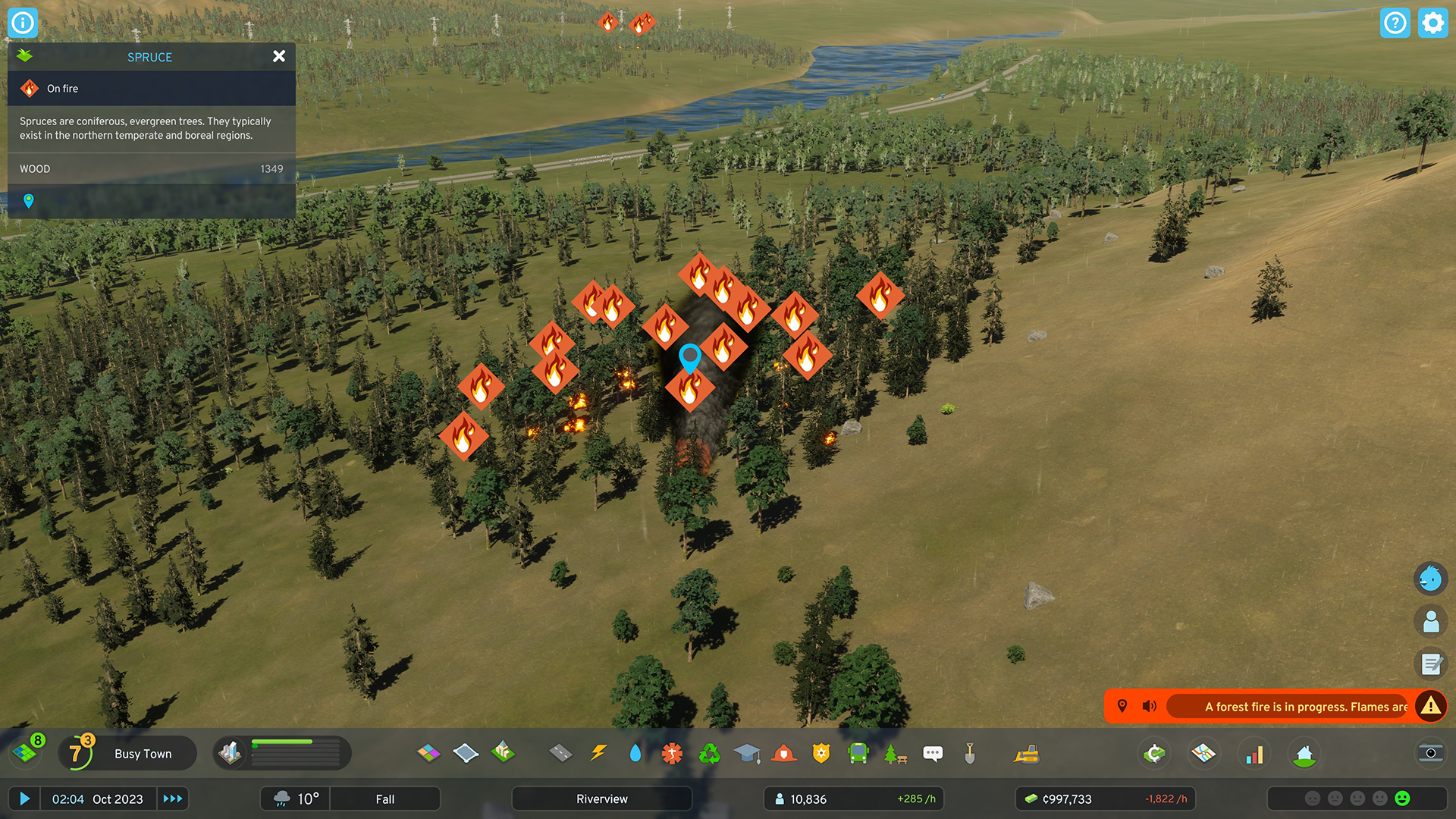
You get to try the base Cities: Skylines II game. That means laying roads, creating residential and commercial areas, setting up services, controlling budgets and watching the city react as you expand. It is enough to test the traffic simulation and see how the game handles a growing population.
The recent Seasonal Shift patch is part of the current base game. Paradox has also announced a Grand Post Office signature building tied to subscribing to its newsletter; that is a separate unlock and not something you automatically receive from the trial.
The Cities Skylines 2 free weekend does not make the paid Starter Edition, Bridges & Ports expansion or creator packs free. They may appear alongside the trial on Steam, but those are purchases. If you only want to test the sequel, stick with the base game’s Play Game button.
Can you play on Steam Deck or console?
This particular promotion is on Steam for PC. It is not a PS5 or Xbox free weekend. Steam lists full controller support for the PC version, but its Steam Deck compatibility is marked Unsupported. Do not take that as a guarantee the trial will run properly on a handheld.
The minimum PC specification includes 8 GB RAM, a GTX 970 or Radeon RX 480-class graphics card and 60 GB of storage. For larger cities, the store recommends 16 GB RAM and a substantially stronger graphics card. Checking your hardware first can save you a long download.
Is Cities: Skylines II free to keep, and how much is the sale?
No, you cannot keep the game for free. The Cities Skylines 2 free weekend ends on 16 November. Separately, Steam’s US storefront lists the base game at $34.99, reduced from $49.99, until 19 November. Your own regional Steam price is the one that matters; those dollar figures are not UK prices.
If you plan to purchase later, use the same Steam account as the trial. Steam lists Cloud support, but it is still worth checking your local saves and sync status before the free access expires. The promotion itself does not explicitly guarantee how every save will transfer.
Why can’t I see Play Game?
- Check that you are on the Cities: Skylines II base-game page rather than a DLC or bundle.
- Sign into the Steam account you intend to use. The website and desktop app can have different active sessions.
- Check whether it is already after 18:00 GMT on 16 November. Once the offer finishes, the temporary button may disappear.
- If the game is in your Library but will not start, check download completion, available storage and your PC’s requirements before reinstalling.
The simplest approach is to start the Cities Skylines 2 free weekend from the base game’s store page now, try a small city, and decide on the purchase later. You do not need to buy an expansion to find out whether this is the city-builder for you.
Official source
Paradox Interactive: City Corner #15, including the free-to-play announcement