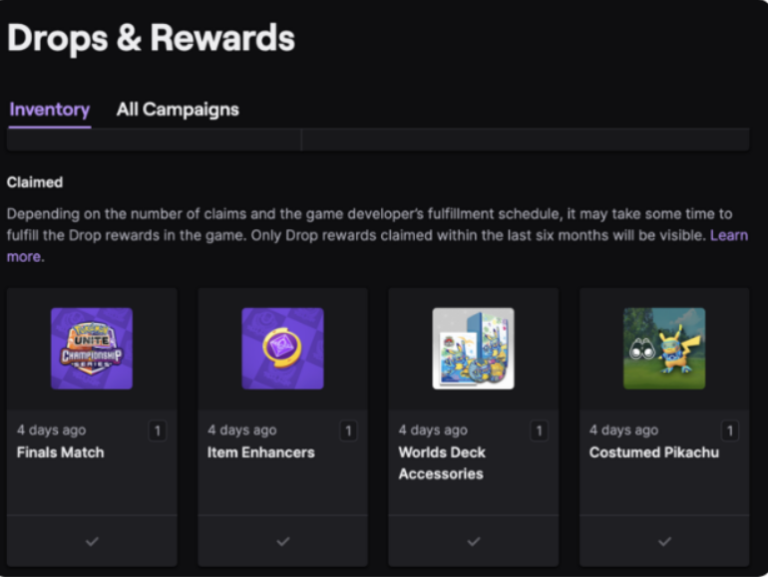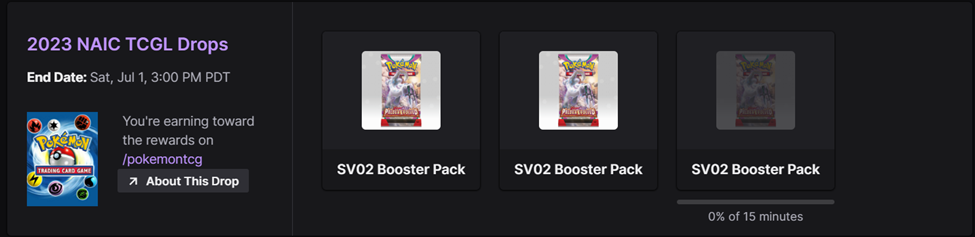
Pokémon LAIC 2027 Twitch Drops Not Showing? Start with Twitch Drops Inventory. If the viewing bar hasn’t reached 100%, you might be watching an ineligible stream or your watch time isn’t registering. If the reward shows as claimed, open Pokémon Rewards under the linked Trainer Central login and choose View Inventory → Show Code.
The 2027 Latin America International Championships run 20–22 November 2026, with separate rewards in Pokémon GO, Pokémon TCG Live and Pokémon Champions. Earning a drop and redeeming its code are separate steps, and each game has a different redemption route.
Pokémon LAIC 2027 Twitch Drops Not Showing? Start here
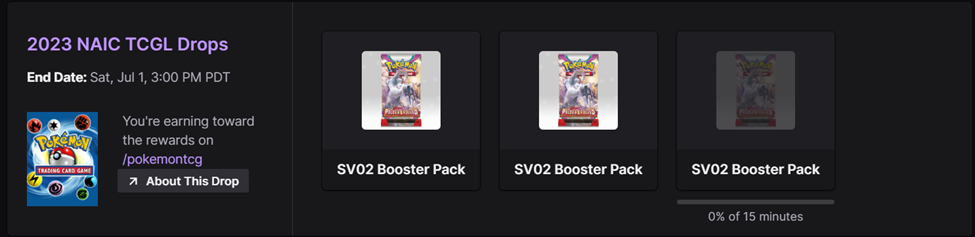
If the viewing percentage is stuck, look for the DropsEnabled tag. Pokémon Support says muting or minimising a stream can pause progress. Keep Twitch visible in your desktop browser or try the mobile app; casting and console apps aren’t guaranteed to register viewing correctly.
If progress reached 100% but nothing appeared in the game, open Twitch Drops Inventory and confirm that you pressed Claim. After that, go to Pokémon Rewards under your linked Trainer Central login, open the claimed drop and choose Show Code. That personal code must then be redeemed in the relevant game.
A checkmark in Twitch Inventory means the drop was claimed. Pokémon says that when the corresponding reward is missing from Pokémon Rewards, the most likely cause is signing into a different Trainer Central account from the one originally connected to Twitch. Sign out and try the correct existing login.
Pokémon LAIC 2027 Twitch Drops Not Showing? Check viewing progress
Important: Pokémon Support says the Twitch and Trainer Central connection cannot be unlinked, relinked or switched, even if you delete the Trainer Central account. Do not delete accounts or follow guides that tell you to disconnect everything and try again. Our Trainer Central Twitch linking guide walks through the one-time setup.
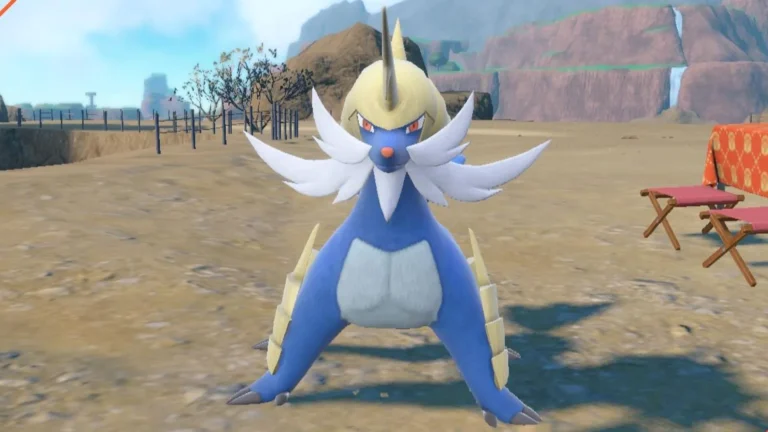
Pokémon LAIC 2027 Twitch Drops Not Showing after code redemption? First make sure the code was entered in the correct game. For GO rewards, redeem the resulting code through the Pokémon GO Web Store. TCG Live codes go into TCG Live or its official redemption site. Champions drops are redeemed within Pokémon Champions using the applicable gift flow. A Samurott GO Drop code will not work in Pokémon TCG Live, and the TCG Live LAIC Twitch rewards have their own code deadlines.
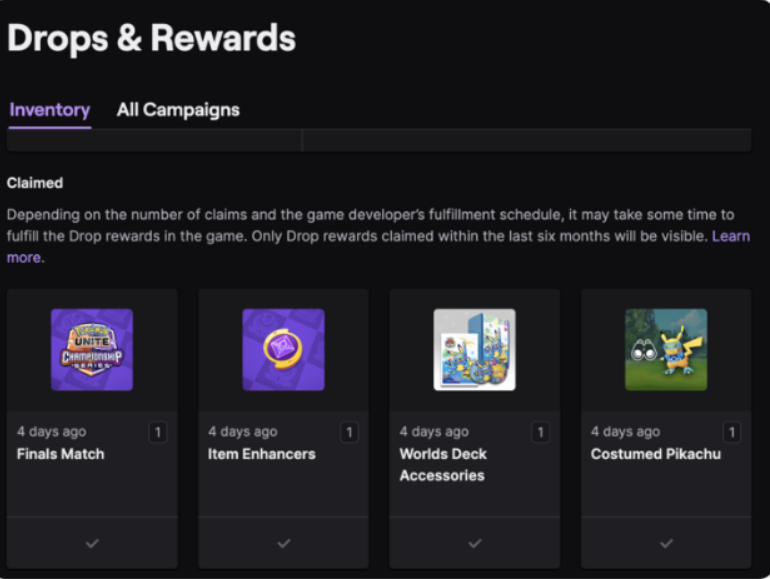
Pokémon LAIC 2027 Twitch Drops Not Showing after claiming?
Pokémon Support says you have 24 hours after the campaign ends to claim an already earned Twitch Drop in inventory. If your viewing progress was incomplete when the campaign ended, that progress is lost. Once claimed, your revealed code still has its own game-specific expiration date.
Still can’t find your code? If Twitch never recorded the Drop, contact Twitch Support about missing progress or claims. If Twitch has a claimed checkmark but Pokémon Rewards is empty, check the original Trainer Central login first. Never share either account’s password with anyone promising to recover a Drop.
Official source: The Pokémon Company’s Twitch Drops support instructions.