How to Link Pokémon Trainer Central to Twitch: visit rewards.pokemon.com, sign into your Trainer Central account, and follow the prompts to connect Twitch. Once connected, watch an eligible Pokémon stream with the DropsEnabled tag, claim the reward through Twitch Drops Inventory and get your personal code from Pokémon Rewards.
Check your accounts carefully before pressing Connect. Pokémon Support says a Trainer Central account and a Twitch account cannot be unlinked or relinked afterwards, even if the Trainer Central account is deleted. This isn’t the usual reversible app connection.
How to Link Pokémon Trainer Central to Twitch safely
Before authorising anything, check you can sign into both accounts. Use the Trainer Central login where you want rewards delivered and the Twitch account you normally watch from. After logging into Pokémon Rewards, follow the Twitch connection prompts and confirm the account names before approving.
Watch the Pokémon broadcast on Twitch while the channel has DropsEnabled displayed. GO coverage runs on Twitch.tv/PokemonGO; TCG Live rewards come from Twitch.tv/PokemonTCG; Pokémon Champions uses Twitch.tv/Pokemon. Some approved co-streams also offer separate rewards, so the stream you choose matters.
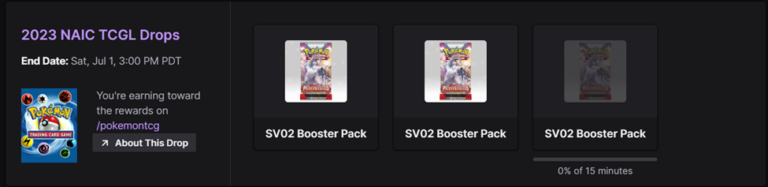
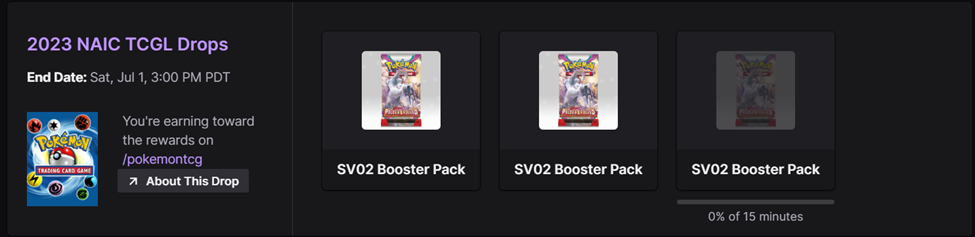
Open Twitch Drops Inventory during the campaign. The progress percentage shows whether you’re approaching an eligible reward, and Pokémon says you can leave and return without losing completed progress while the campaign remains open. If the campaign ends before you finish, unfinished progress is discarded.
How to Link Pokémon Trainer Central to Twitch: Step-by-step
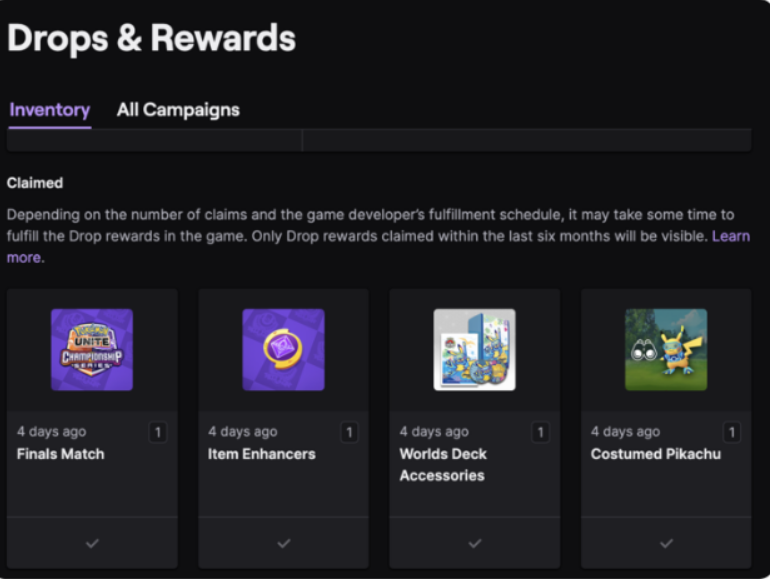
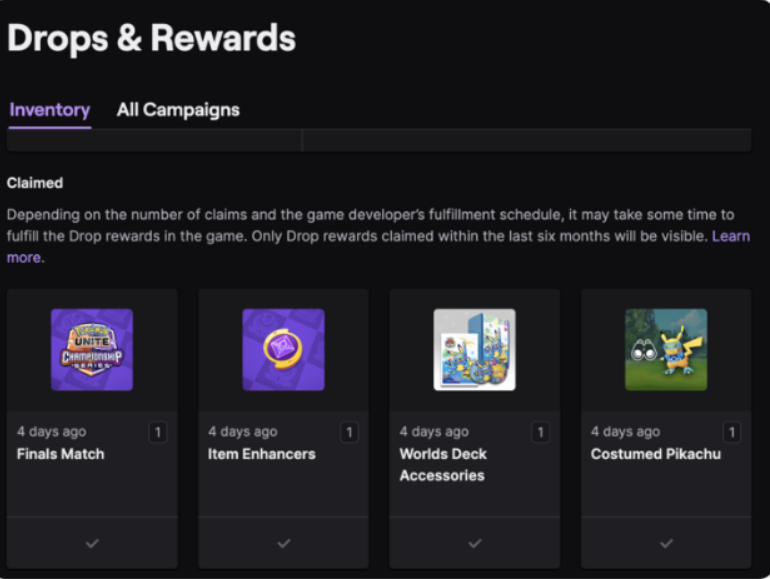
Once a drop reaches 100%, press Claim in Twitch Inventory. Pokémon Support gives you up to 24 hours after the campaign ends to claim earned drops. Return to Pokémon Rewards and choose View Inventory, then select Show Code to reveal your individual code.
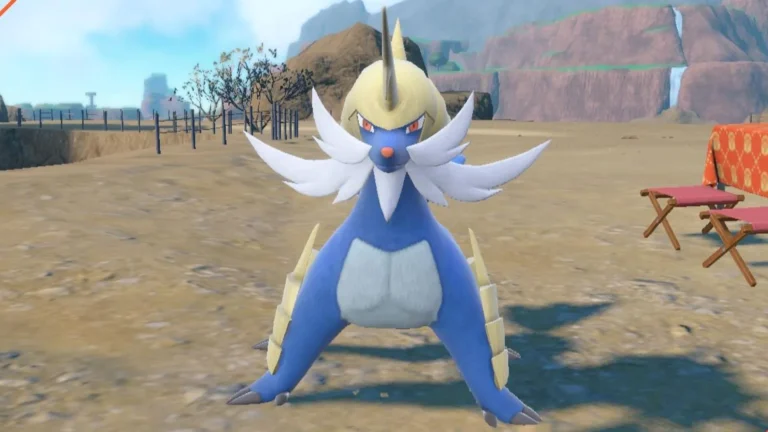
The code isn’t always redeemed in the same place. For the Samurott Pokémon GO reward, use the Pokémon GO Web Store. For TCG Live rewards, use TCG Live’s code-redemption flow. For Pokémon Champions Sylveon, redeem via the Champions gift process. You don’t get a common password that works in every game.
How to Link Pokémon Trainer Central to Twitch and claim a code
If Twitch shows a claimed Drop but Pokémon Rewards is empty, sign out of Pokémon Rewards and check which Trainer Central account you used. A claimed Twitch checkmark means the reward went to the account originally linked to Twitch. Pokémon Support can’t identify the linked login or move an existing connection to another account.
Muted or minimized streams may stop counting view time, and console/casting setups may not support drops properly. A desktop or mobile stream with the DropsEnabled tag is the safer choice. Our LAIC Twitch Drops Not Showing guide covers the checks without suggesting unsafe unlinking tricks. Use our UK stream times guide to plan when the official channels are live.
The most important part of How to Link Pokémon Trainer Central to Twitch is choosing the right account the first time. Pokémon’s help page says the connection cannot be undone, even by deleting a Trainer Central account. Check your usernames carefully before the November LAIC streams begin.
Official source: The Pokémon Company’s Twitch Drops support instructions.