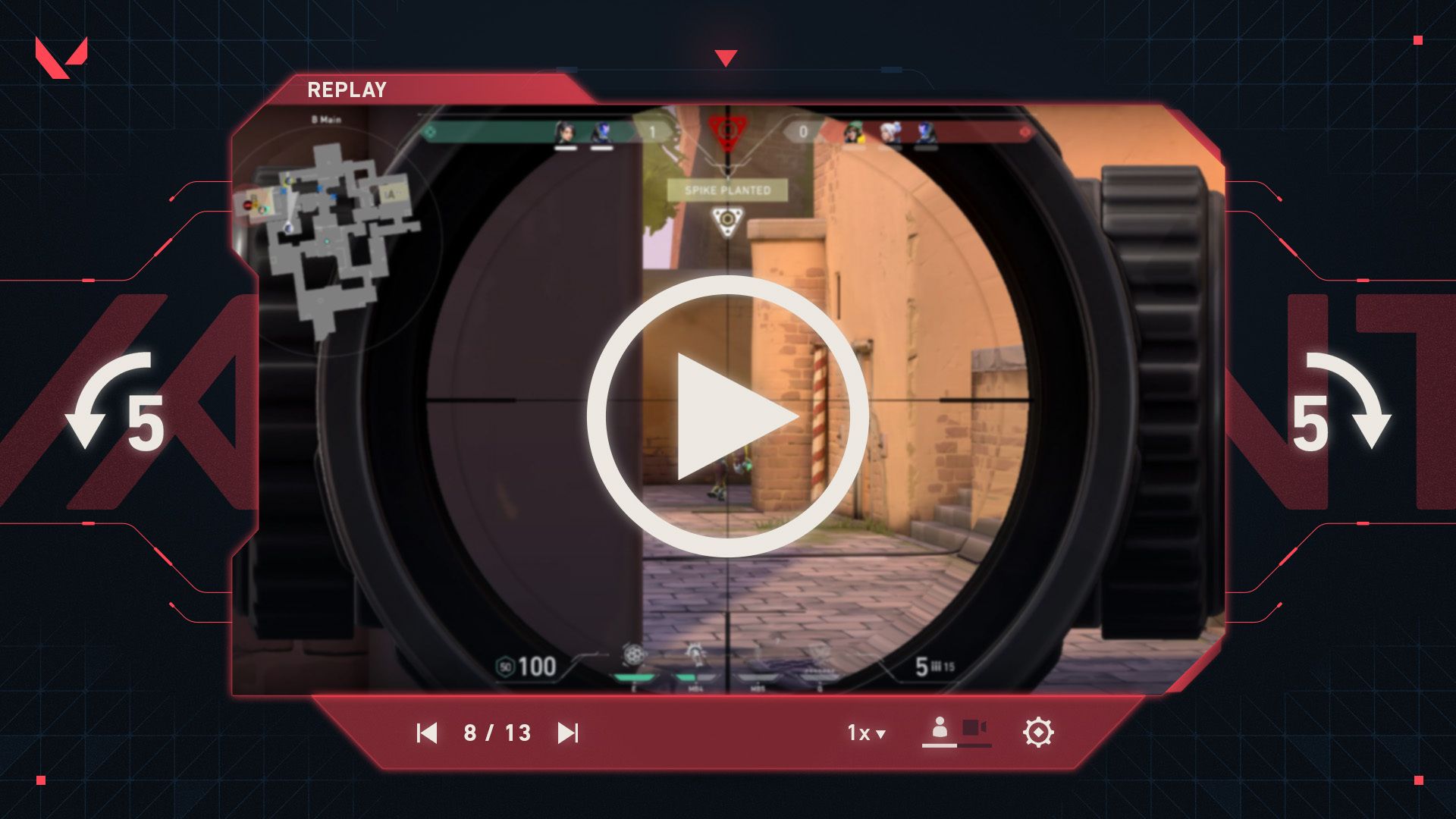
VALORANT Replay Bookmarks let you mark something that happened during a match and find it again when you watch the replay. Riot added the feature with Patch 13.10 on 10 November 2026 for PC and console.
On PC, you need to set a key before you can use it. The binding is empty by default. Console players use a button in the in-game Options Menu instead.
How to enable VALORANT Replay Bookmarks on PC

To use VALORANT Replay Bookmarks on PC, open the main Settings menu, choose Controls, then Interface, and find Replay Bookmarking. Choose a key that isn’t already assigned to something important. Riot hasn’t set a default.
Press the key during a match when you see something worth reviewing, whether that’s a missed trade, an unexpected flank or a round you want to study. You don’t have to pause the action or note the match timer yourself.
If pressing the key does nothing, check the binding before your next match. It needs to be assigned under Controls, not under the Replay playback controls.
How VALORANT Replay Bookmarks work on console
Console players do not follow the PC keybinding process. While in a match, open the Options Menu and use the new bookmark button. Riot introduced that control specifically for console in the 13.10 update.
Use the button while you’re still in the match. You don’t need to wait until the replay is open to make a note of the moment. Opening the menu between fights is the least disruptive way to do it.
Where do VALORANT Replay Bookmarks appear?

VALORANT Replay Bookmarks are visible on the replay timeline when you watch the match back. Select the marker when reviewing the match to return to the moment you flagged, rather than searching through every round.
Bookmarks are private. A teammate who opens the same replay cannot see the markers you placed, and you cannot see theirs. This doesn’t stop you from watching the replay itself when it’s available.
Replays let you switch player perspectives and adjust playback speed. After using a bookmark to find the right fight, you can watch it from another player’s view to see whether the timing or positioning looked different.
Do VALORANT Replay Bookmarks save video clips?
No. A bookmark does not generate an exported video file or automatically upload a highlight. VALORANT’s Replay system is an in-client viewing tool; Riot has not announced that bookmarking adds clip exporting, file sharing or permanent cloud storage.
If you need a video file to share, use a separate recording tool. The bookmark button by itself doesn’t create one.
Why your VALORANT Replay Bookmarks might not show up
First check the PC binding. Riot left it blank by default. On console, check that you used the in-match Options Menu and selected the bookmark button.
Next, open the correct match replay. A marker from one match won’t help you navigate a different match, and someone else’s markers won’t appear when you watch the same game.
Bookmarks also do not keep a replay available indefinitely. If the replay itself is no longer accessible, a timeline marker isn’t a backup recording.
Can you use bookmarks on PC and console?
Yes. Both PC and console players can create bookmarks after Patch 13.10. You still need a match with a replay available to watch the marked moments afterward.