Epic Games free game not showing even though it’s advertised as free? Check when the giveaway starts. Epic often announces next week’s game early, but you can’t claim it until the offer actually goes live. If the page still says Coming Soon or just offers Wishlist, you haven’t missed a hidden Get button.
The missing button can also mean you’ve opened a paid add-on instead of the base game, you’re using the wrong Epic account, or the giveaway has ended. Here’s how to tell which one it is before you spend anything.
Epic Games free game not showing? Check current and upcoming offers
Open the Epic Games Store’s Free Games section. Look for the game under the current giveaway, then compare its start and end dates with the time where you live. A tile in Upcoming Free is an announcement, not an offer you can redeem yet.
For November 2026, Epic’s PC giveaways switch on Thursdays at 16:00 UTC. That’s 4 PM GMT in the UK, 11 AM EST in New York and 8 AM PST in Los Angeles. Check the time on Epic’s current listing rather than relying on a countdown from an older week.
Take Knightica. Epic announced it as free from 12 to 19 November 2026, but the page still said Coming Soon until the 12 November changeover. The Get button is live now, with the offer ending at 4 PM GMT on 19 November. The earlier listing was normal.
Our Knightica claim guide has the checkout steps. Epic Games free game not showing at the weekly reset? Check our updated Free Epic Games This Week page to see which game you can actually claim.
What Coming Soon, Get, Owned and Unavailable actually mean
| Store label | What it means | What to do |
|---|---|---|
| Coming Soon | The game isn’t yet available to buy, download or claim on Epic. | Check the release or giveaway start date. Wishlist isn’t a claim. |
| Get | Epic is offering the item for free. | Open checkout, confirm a zero total and finish the order. |
| Owned | The account already has the entitlement. | Check Library and order history instead of claiming twice. |
| Unavailable | The game might be restricted in your region, delisted or incompatible with an edition you already own. | Check the account country and game edition; don’t bypass restrictions. |
| Buy Now | The product is currently sold at a price. | Do not pay if you expected a free promotion; check dates and the item selected. |
Epic Games free game not showing before release? That’s not the same as a game you’ve already claimed disappearing from your library. If your free order went through, use our missing Epic game guide to check ownership and order history.
Epic Games free game not showing after reset? Try these fixes
- Confirm the offer is live. Check the official Free Games page for the current time window, not a social post about what’s coming next.
- Open the base-game listing. DLC, upgrade bundles and deluxe editions can have different prices. A free base game doesn’t make every add-on free.
- Check your account. Sign in with the Epic account you actually use. Two accounts can have different games, and Epic may ask you to enable two-factor authentication to claim its weekly free offers.
- Try Epic’s website. If the launcher still shows an old listing, restart it or open the store in a browser. A private browser window can rule out an old session.
- Check the total. It must show zero before you finish Place Order. Opening a listing or adding a game to your wishlist doesn’t count.
- Check ownership. If the button now says Owned, look in Library and transaction history rather than repeating the purchase.
If Get still doesn’t appear, Epic recommends switching off a VPN, trying another device or connection, and making sure your account country matches where you live. Don’t try to get around regional restrictions.
Can the next week’s game appear early without being free?
Yes. Epic has already revealed Alien: Isolation and Mark of the Deep as its next PC giveaways, from 19 to 26 November 2026. Their store pages are visible, but the free checkout doesn’t begin until 4 PM GMT on 19 November.
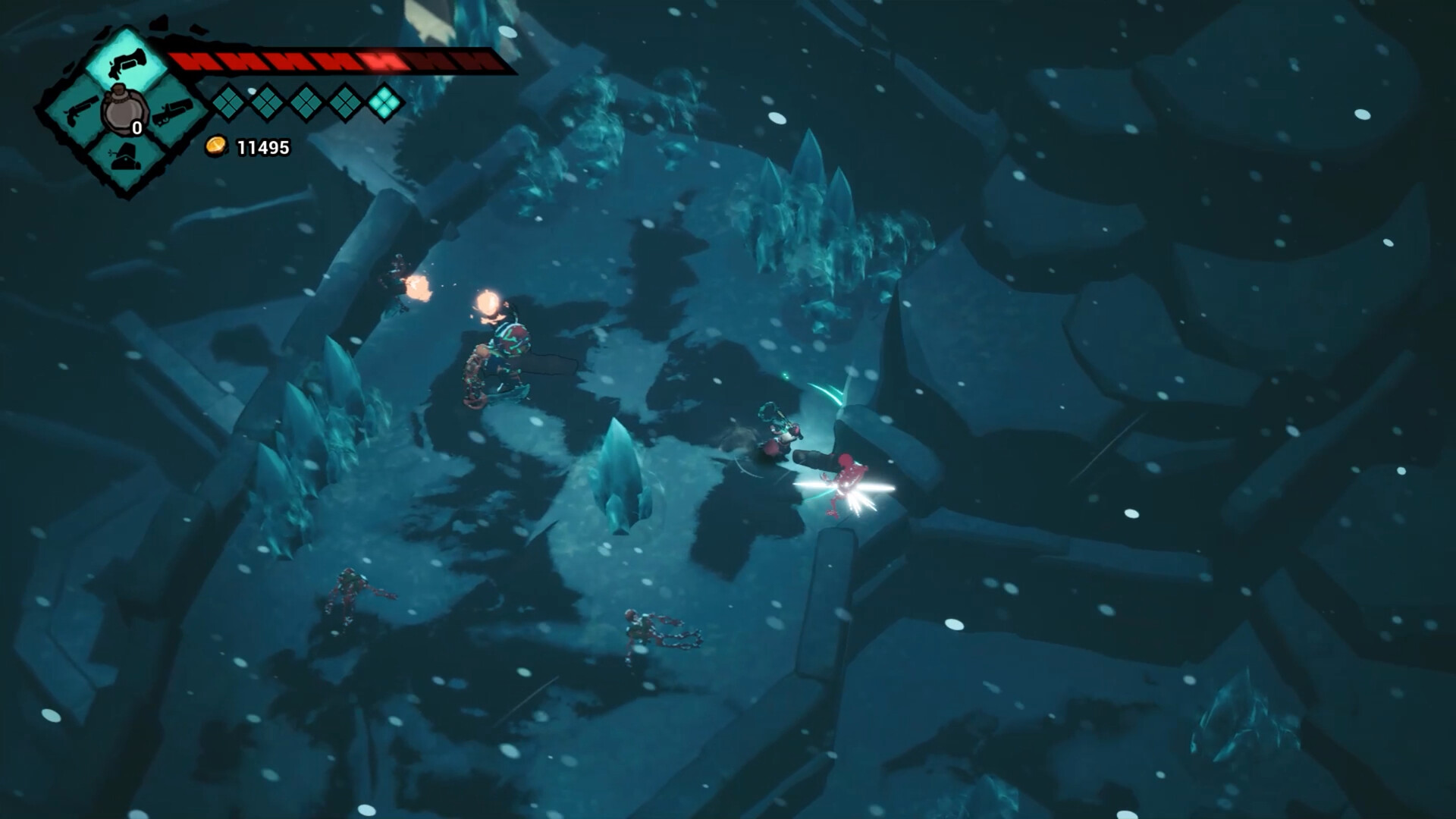
Epic Games free game not showing for an upcoming title? The fact that a store page exists doesn’t mean the giveaway has started. Wait for the listed changeover and check for Get then.
Epic Games free game not showing on mobile? Check the platform
A mobile giveaway is not necessarily the same as a PC giveaway. Epic has separate Android and iOS store listings, and claiming a mobile game doesn’t automatically give you its Windows edition. iPhone availability also depends on your region. Our Chants of Sennaar mobile guide explains the promotion that ended on 12 November.
On a phone, check the platform shown on the listing first. An Android giveaway won’t automatically appear as free on PC or iPhone. An expired promotion won’t return unless Epic runs it again.
Will you keep a game you claimed while it was free?
Yes, once the free purchase is completed on the correct account. Epic’s standard weekly giveaways are keep-forever claims, not seven-day trials. You can download the game after the deadline, though the offer itself must be redeemed while it is live. For the distinction, see Do You Keep Epic Games Free Games Forever?.
Epic Games free game not showing after the deadline? The offer may have ended, so the price can return to normal. Don’t complete a paid order expecting the cost to change later. Look for the current weekly free game instead.
Official source: Epic Games Store: How to understand offer statuses.