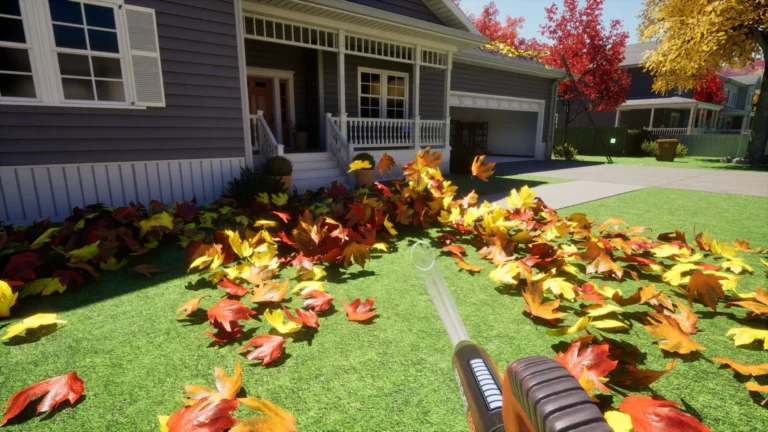
The Leaf Blower Co PC performance settings are worth a look if you’re dealing with stuttering, crashes or an uncomfortable flashing effect when clearing leaves. Developer LifT Games has already made some big improvements, including switching back to DirectX 11 and adding Photosensitivity Mode.
The DirectX change is already part of the updated game, so there’s nothing to force in Steam’s launch options. Photosensitivity Mode is different: you can turn that on yourself. Here are the settings worth trying, plus a few changes that won’t improve your frame rate.
Leaf Blower Co PC performance settings: DirectX 11 explained
The 18 December 2025 Winter Wonders update switched the game from DirectX 12 back to DirectX 11. LifT Games also disabled Unreal Engine’s demanding Lumen lighting and Nanite geometry systems to improve stability and performance.
Those changes come with the current Steam build. You don’t have to add a launch command or find a separate setting to disable Lumen. Just make sure the game is up to date.
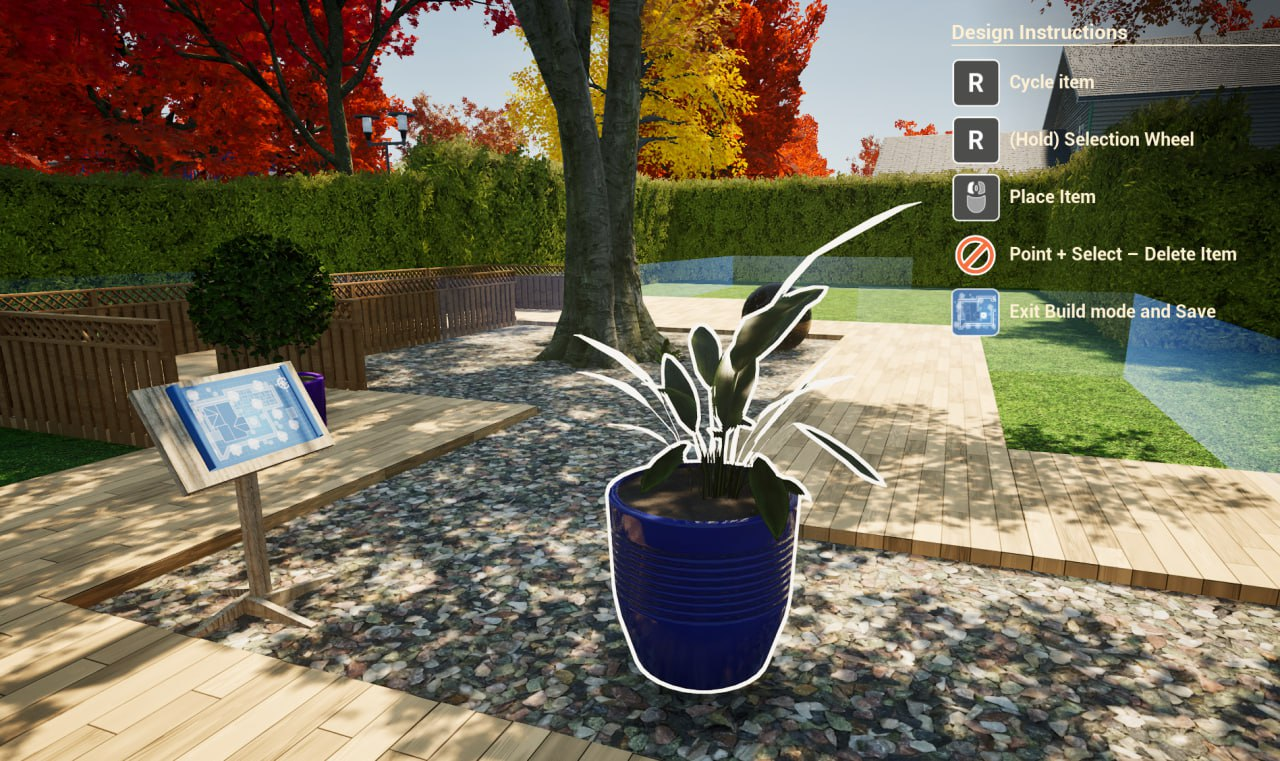
LifT Games reported fewer crashes and more consistent frame rates after the update, saying some players could see around twice their previous FPS. That’s a developer claim, not a guaranteed improvement on every PC.
Leaf Blower Co PC performance settings for lag and stuttering
If you’re looking for Leaf Blower Co PC performance settings to fix stuttering, start by checking for updates. The February and March patches made further lighting and performance improvements, including changes to the Halloween and Orchard levels.
Next, open the graphics menu and try lowering the quality settings your version offers. If resolution or scaling controls are available, reducing those can help too. Change one setting at a time and retest the same area, otherwise you won’t know what made a difference.
Steam’s minimum requirements are 16GB RAM, DirectX 11 and 64-bit Windows 10 or newer, with an NVIDIA RTX 2060 or AMD RX 580 graphics card listed. If your PC falls below those specifications, lowering the settings might not be enough to solve every problem.
How to enable Photosensitivity Mode
Photosensitivity Mode is found in General Settings. LifT Games added it on 10 June 2026 to disable the bright wipe effect when you clear patches of leaves. It’s one of the Leaf Blower Co PC performance settings worth knowing about even if your FPS is fine.
It only removes that specific wipe effect. It isn’t advertised as an FPS boost, and it doesn’t guarantee the game is free from every flashing visual. If other effects still bother you, stop playing rather than relying on the toggle to make every scene comfortable.

Steam Deck performance and automatic presets
On Steam Deck, some Leaf Blower Co PC performance settings are handled automatically. Winter Wonders added first-launch Steam Deck detection, applied suitable graphics defaults and removed FidelityFX to reduce crashes. LifT Games said the revised settings generally reached around 60fps with shadows enabled.
That’s the developer’s estimate, not a promise of 60fps in every level. More Steam Deck fixes followed in March, and LifT Games announced that the game was officially Steam Deck Verified in September 2026.
Do minimap and shredder settings improve FPS?
March’s House & Home update added a minimap toggle and a faster hub item-selection wheel, with the original selection method still available. Those are convenience options rather than graphics fixes.
The same update raised shredder capacity to 250 leaves for MK1 and 500 for MK2, plus a wider MK2 radius. Those upgrades help you clean faster, but they aren’t solutions for stuttering or low FPS.
How to fix broken keyboard remapping
The 10 June patch also fixed broken key remapping. If a custom binding still isn’t working, update the game and try setting the key again. February’s update separately fixed incorrect interact prompts that didn’t match your bindings.
If crashes continue, you can open the crash log folder from General Settings. Include that log, your graphics card and the affected level when reporting the problem to LifT Games.
Are PC graphics options the same on PS5 and Xbox?
The Xbox Series X|S and PS5 editions launch on 13 November 2026 with the PC updates included. That doesn’t mean every Windows graphics setting will appear on console, and DirectX isn’t a setting you’d use on PS5.
For the best starting point with Leaf Blower Co PC performance settings, update the Steam version first, then try the graphics controls your copy actually has. Turn on Photosensitivity Mode if the leaf-clearing wipe bothers you. If you’re comparing consoles instead, see our Leaf Blower Co Xbox release date guide.
Related Guides
- Leaf Blower Co Xbox Release Date: PC Updates and Arcade Mode
- Leaf Blower Co Japanese Temple Unlock: Gardens and Christmas
- Advanced Shader Delivery: Supported Games and GPUs
- Moon Sweepers Beginner Guide: Dust, Depots and Upgrades
- Cozy Game Restoration Release Date
- Farming Simulator 25 Update 1.25.1 Patch Notes
- Bao Bao’s Cozy Cleaning Services Switch Guide
- Bowling Alley Simulator Xbox Release and Management Guide
Official source: LifT Games, Leaf Blower Co Winter Wonders, House & Home and June accessibility patch notes.