Steam Input Joystick Power Curve was not working properly in two gyro modes. Valve fixed that in the Steam Client Beta on 6 November 2026. The bug affected Gyro to Joystick Camera and Gyro to Joystick Deflection. It was not a problem with every controller or every Steam Input mode.
If you changed the Steam Input Joystick Power Curve before the fix, your controls might suddenly feel different after updating. The curve setting could already be saved in your layout, but Steam had not been applying it in those modes. Valve recommends resetting it if necessary, then adjusting it again to suit your aim.
Why the Steam Input Joystick Power Curve setting had no effect
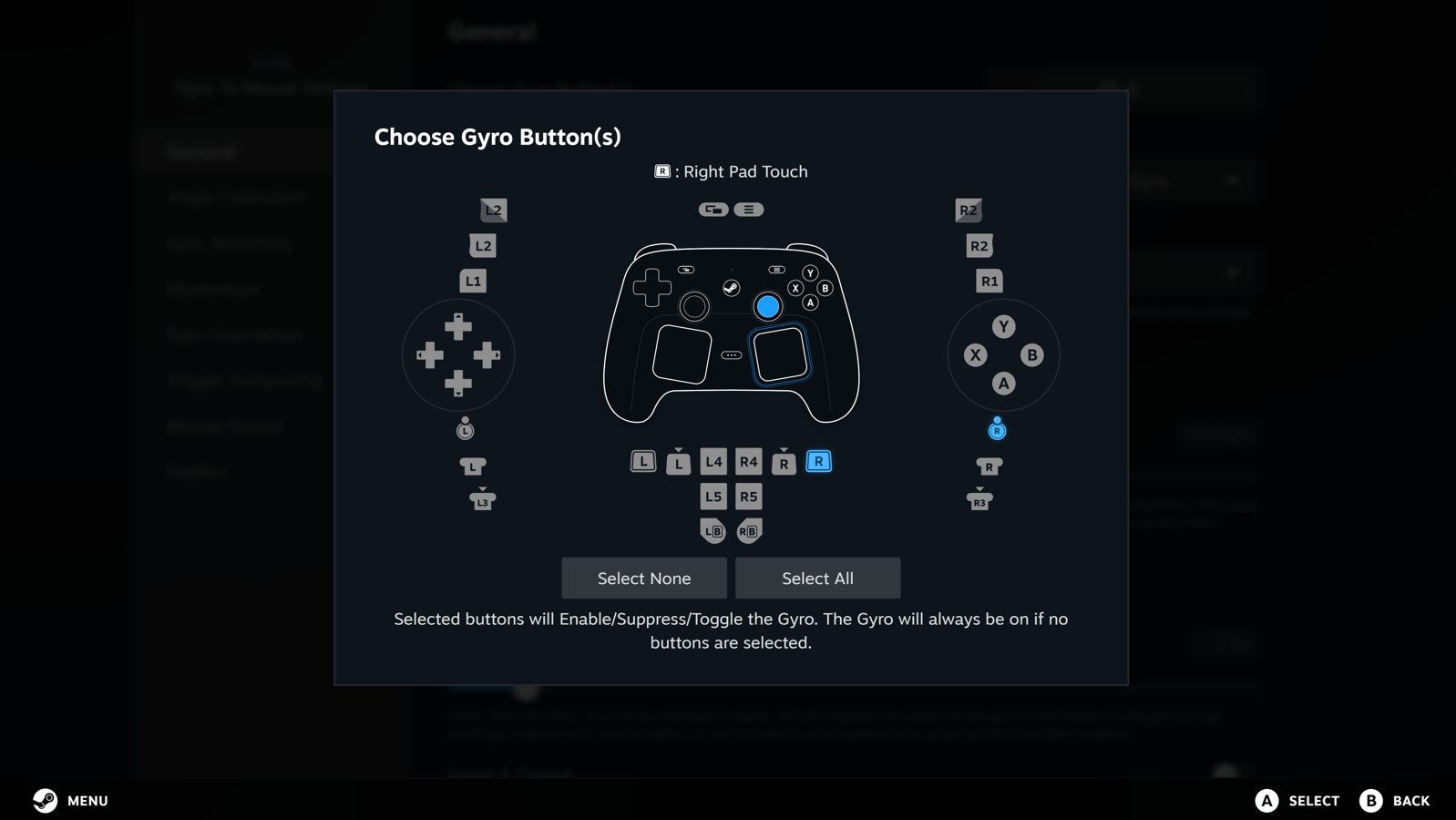
In the affected modes, changing Joystick Power Curve in Steam’s controller configuration did not change the output as intended. That’s the specific bug Valve corrected. If you’re using a different input mode, the 6 November note doesn’t establish that the same fix applies to your setup.
Steam wasn’t necessarily changing your saved layout. It was starting to obey a setting you might have forgotten you changed. That explains why gyro aiming can feel faster or less responsive after the update without you deliberately editing anything.
How to reset and retune the gyro power curve
If your gyro aiming suddenly feels too sharp or too sluggish, check the power curve before changing the game’s sensitivity. First confirm that your layout uses one of the two affected gyro modes. Otherwise you could waste time adjusting an unrelated setting.
- Open Steam, select the game in your Library and open its controller layout or Steam Input configuration.
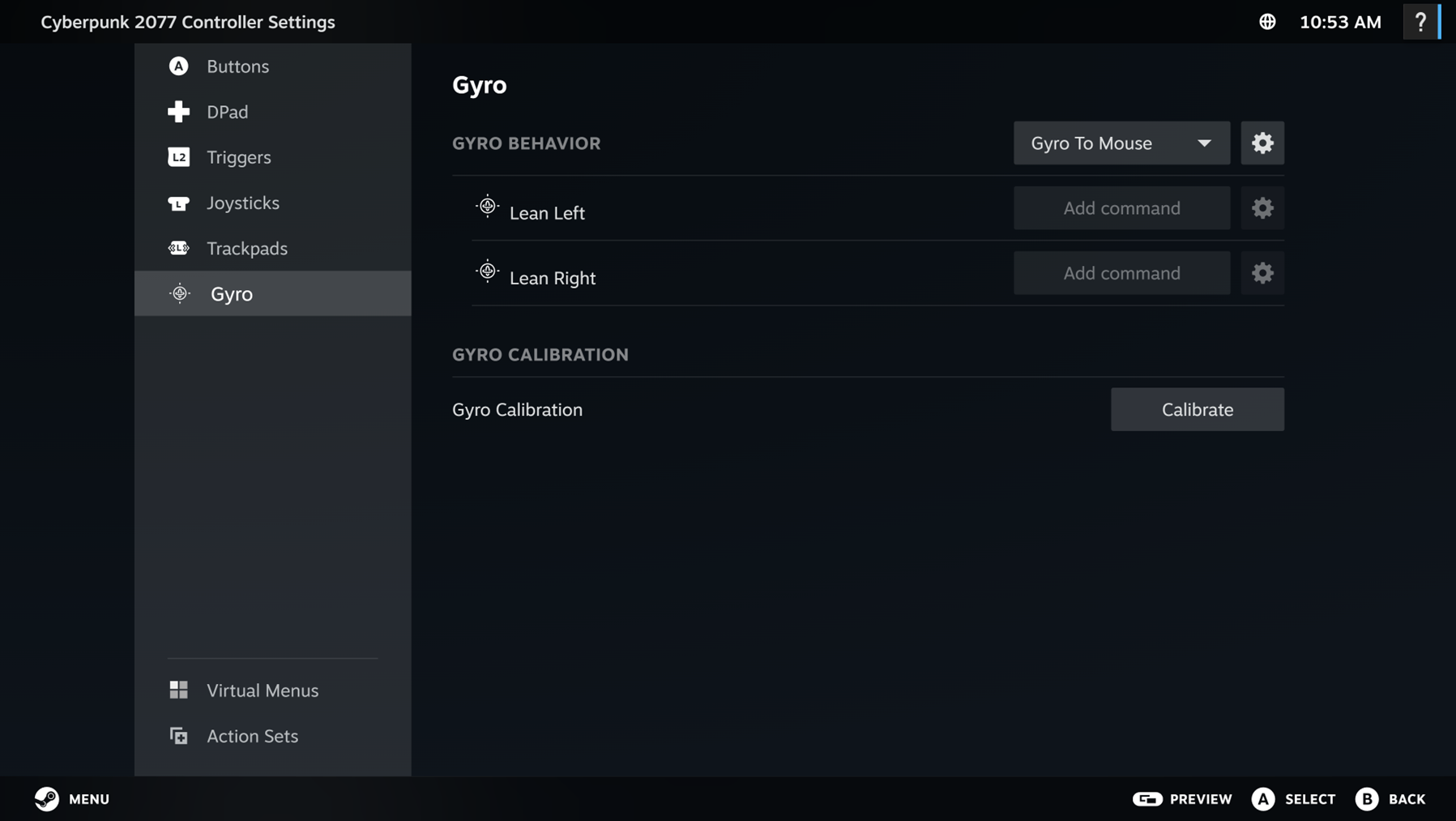
- Go to the gyro controls and check the selected mode. This specific fix concerns Gyro to Joystick Camera and Gyro to Joystick Deflection.
- Find Joystick Power Curve under the applicable configuration. Reset that option to your known starting point if the current response feels wrong.
- Test a few small camera movements in a safe training area or a session where you will not lose progress.
- Change the curve in small steps and test again before touching your game’s separate aim sensitivity or deadzone settings.
Steam’s layout screens vary by device and client version, so look for the setting name rather than following an old screenshot button for button. If you never customised the Steam Input Joystick Power Curve, you may not need to reset anything.
Is the Steam Input Joystick Power Curve fix in the stable client?
Valve documented this fix in the 6 November Steam Client Beta. As of 10 November 2026, the announcement does not establish that it has reached the regular stable client. To test the beta on PC, open Steam > Settings > Interface > Client Beta Participation, select Steam Beta Update and restart when prompted.
If your current controls work well, there’s no need to jump into a beta just for this. You can keep using your existing layout and check Valve’s stable release notes when the change is rolled out more widely.
What the Steam Input Joystick Power Curve fix won’t solve
This fix affects the response curve for gyro input mapped to joystick-style controls. It won’t repair a physically drifting stick, a poor wireless connection or a game’s own aim acceleration. If your controller moves the camera when you’re not touching it, investigate that separately.
Valve also fixed a separate D-pad issue in the 9 November beta, where Listen for Binding could assign multiple inputs. That is a different bug. Don’t change the gyro curve to fix double D-pad bindings.
Steam Input Joystick Power Curve FAQ
Why does my gyro aim suddenly feel different?
Your old Steam Input Joystick Power Curve selection may finally be taking effect. Check the curve before rewriting your whole layout or changing in-game sensitivity.
Does the fix apply to Gyro to Mouse?
Valve named only Gyro to Joystick Camera and Gyro to Joystick Deflection in this fix. It didn’t say Gyro to Mouse was affected.
Will resetting the curve fix double D-pad inputs?
No. That was a separate issue addressed in the 9 November beta. Use our Steam Controller Double Input guide if a button is triggering actions twice.