9 Kings multiplayer lets you battle kingdoms built by other players, but it’s not a live fight against someone waiting at their keyboard. It’s asynchronous PvP: you face saved versions of real players’ builds, so you can take your time deciding which cards to place.
There’s a ranked ladder, daily missions and cosmetic rewards, plus a Casual Mode where you can’t lose rank points. You’ll need a little solo experience before you can join 9 Kings multiplayer, but the unlock is much easier than older guides suggest.
How to Unlock 9 Kings Multiplayer
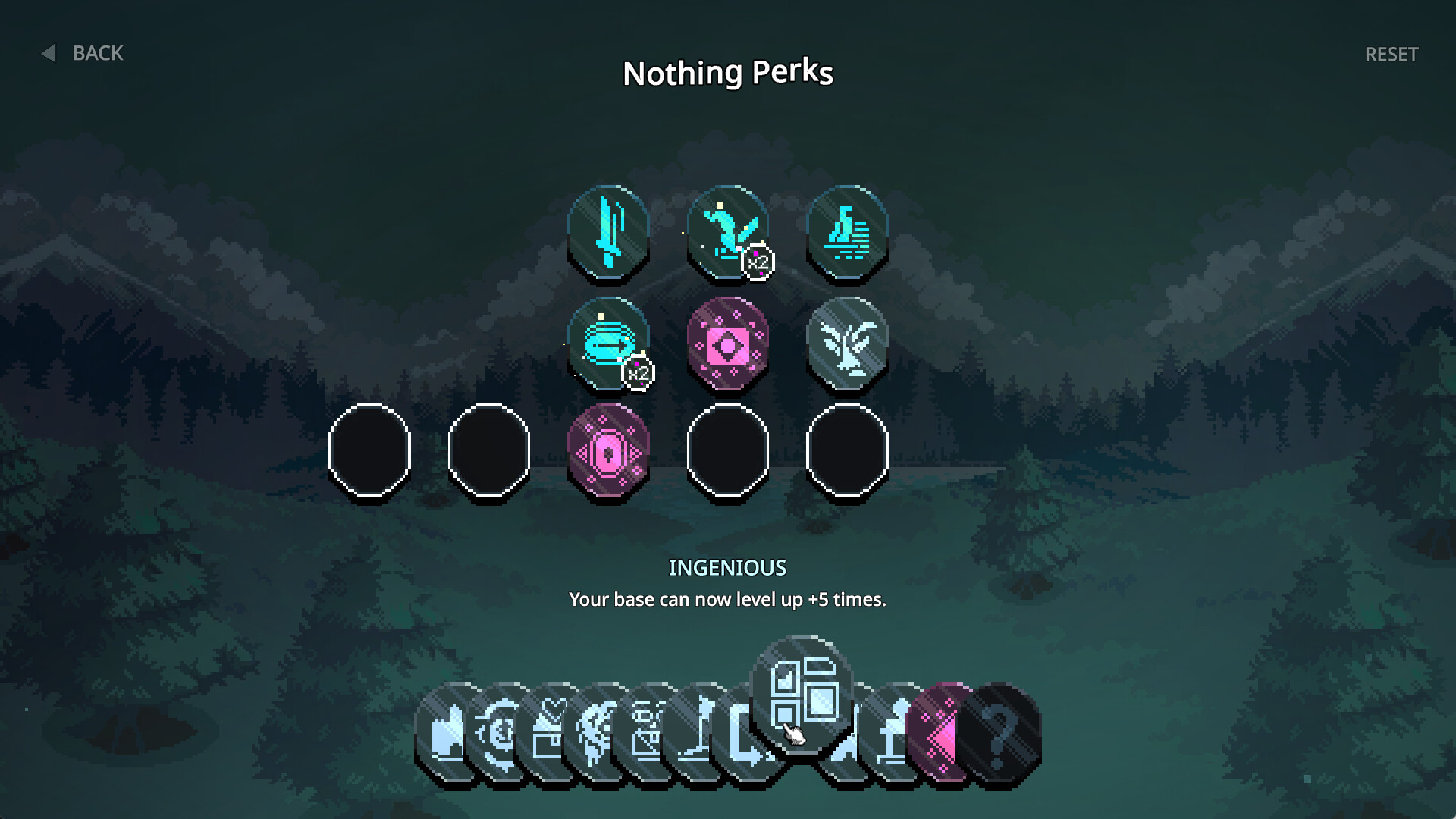
To unlock 9 Kings multiplayer, complete three single-player runs. You don’t have to win all three. Sad Socket originally required nine runs, but reduced that to three, so guides telling you to complete nine are out of date.
Once you’ve met the requirement, open the multiplayer option and set up your profile. An internet connection is needed because the game retrieves other players’ saved kingdoms and records your results. If the mode isn’t available, first check that your three runs have been recorded and that you’re using an up-to-date version of the game.
Quest Mode has a different requirement: win one single-player run on any difficulty. Completing three runs for multiplayer doesn’t automatically mean you’ve won a run for Quest Mode, and one victory doesn’t necessarily mean you’ve completed the three runs needed here.
How 9 Kings Multiplayer Works: Asynchronous PvP
You build and defend your kingdom as usual, but the rival armies come from other people’s runs. The developer’s multiplayer update describes a competition against nine other player kingdoms, with opponents drawn from a similar competitive level.
You can take your time picking a card, arranging plots or deciding whether to buy from a merchant. Your opponent is not watching a timer while you think. Their earlier decisions have already been recorded, and the game uses the resulting kingdom as the opponent for your battle.
These aren’t bots. Hooded Horse confirms that the opposing kingdoms come from actual player runs. But you can’t pick a particular friend as your next opponent through normal matchmaking, and there’s no live turn-taking duel.
How to Turn On Casual Mode
Go to the Multiplayer menu and look for the Casual Mode checkbox in the bottom-right corner. Tick it before starting a run. In Casual Mode, you neither gain nor lose rank points, and the match doesn’t award medals.
That makes casual play a good place to try a different king or a risky combination of cards. It doesn’t make enemy builds harmless; you’re still facing other players’ kingdoms. The difference is that a bad result won’t cost you progress on the ranked ladder.
If you want to climb the rankings or earn medals for cosmetic items, leave Casual Mode off and play ranked instead.
9 Kings Multiplayer Ranks, Seasons and Rewards
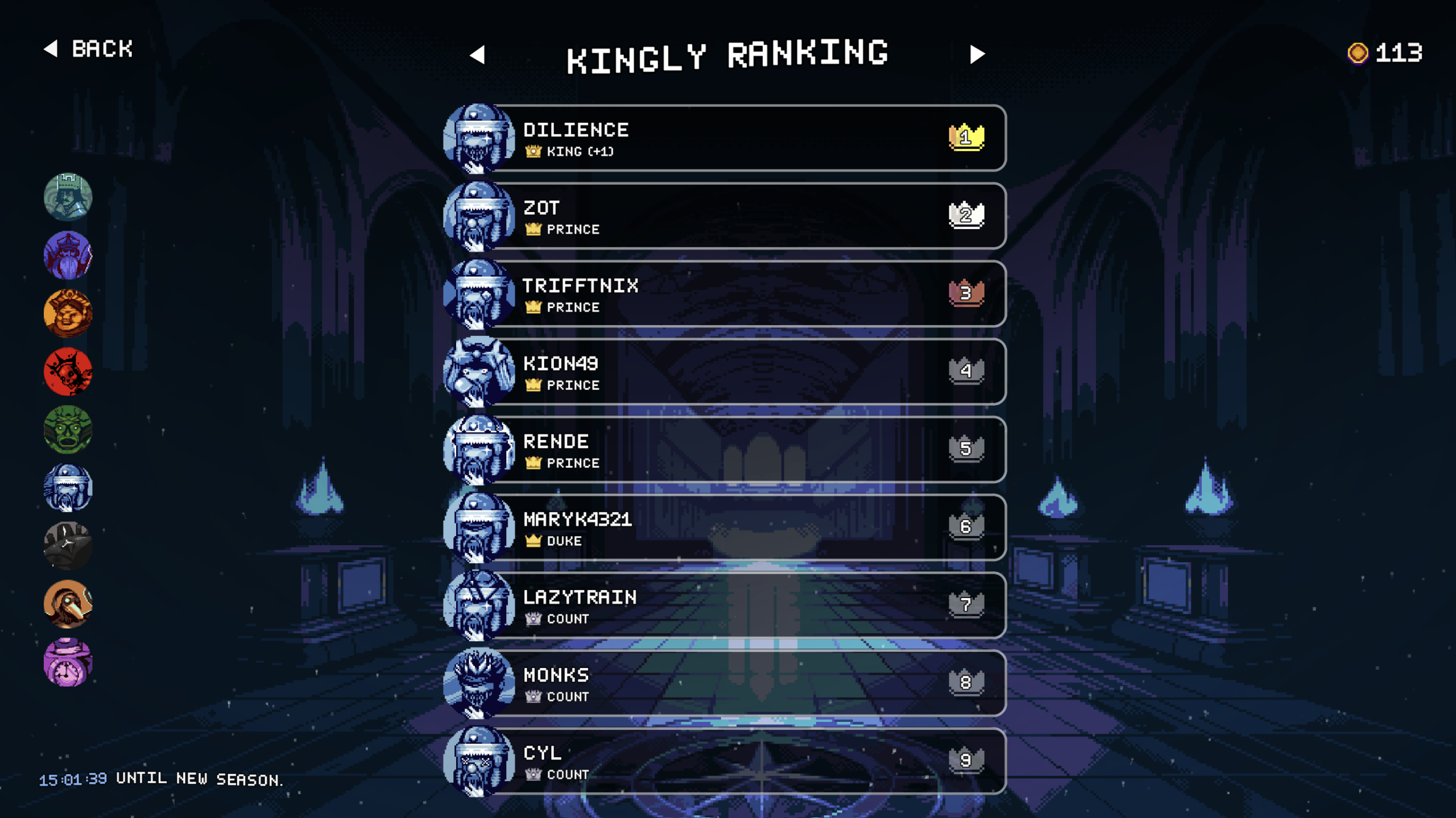
Ranked multiplayer tracks your performance against those rival builds. There are separate king-specific rankings, so you can compare your results with King of Time against other players using that king, rather than lumping every ruler into one identical leaderboard. Use the arrows on the ranking screen to switch between kings.
At the start of a new season, Kingly Rankings points reset so everyone has a shot at climbing the board again. The cosmetic items and profile badges you’ve earned stay unlocked, though. Your rewards aren’t wiped just because a season ends.
Daily missions and multiplayer medals feed into the customisation system. You can earn vanity items for your king’s profile, and the 1.0 preview advertised an expanded pool of customisation rewards. You don’t need those cosmetics to build a stronger army; they’re something to aim for while you’re competing.
Can You Play 9 Kings With Friends?
Not as a traditional real-time co-op game or a live one-versus-one duel. The multiplayer format is built around asynchronous opponents, and the developer’s FAQ says you can’t choose a specific opponent in ordinary matchmaking. If your plan is to sit down with a friend and control the same kingdom together, this isn’t that mode.
You can, however, compare rankings and test whether your builds hold up against other people’s strategies. After a multiplayer game, a later update also lets you inspect enemy bases, which is handy when one combination completely dismantles your army.
9 Kings multiplayer unlocks after three solo runs and puts your kingdom up against other players’ recorded builds. I’d start with Casual Mode while you’re learning what those wild card combinations can do, then switch to ranked when you’re ready to compete for medals.
More 9 Kings Multiplayer Guides
- 9 Kings 1.0 Release Date: PC Game Pass, Four Game Modes and New Cards
- 9 Kings Quest Mode: How to Unlock It and How the 81 Challenges Work
- 9 Kings King Unlock Requirements: Spells, Greed, Blood and Time
- 9 Kings Card Upgrades: How to Level Plots, Use the Well and Reroll
- Best Roguelike Games
- Best Indie Games
Official source: Sad Socket official 9 Kings multiplayer updates.