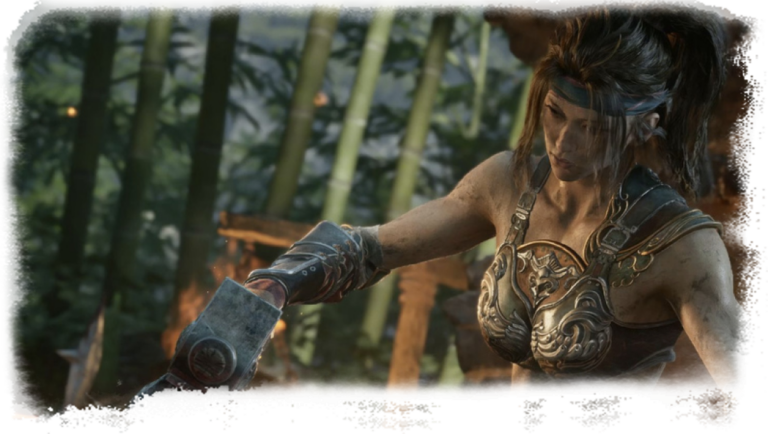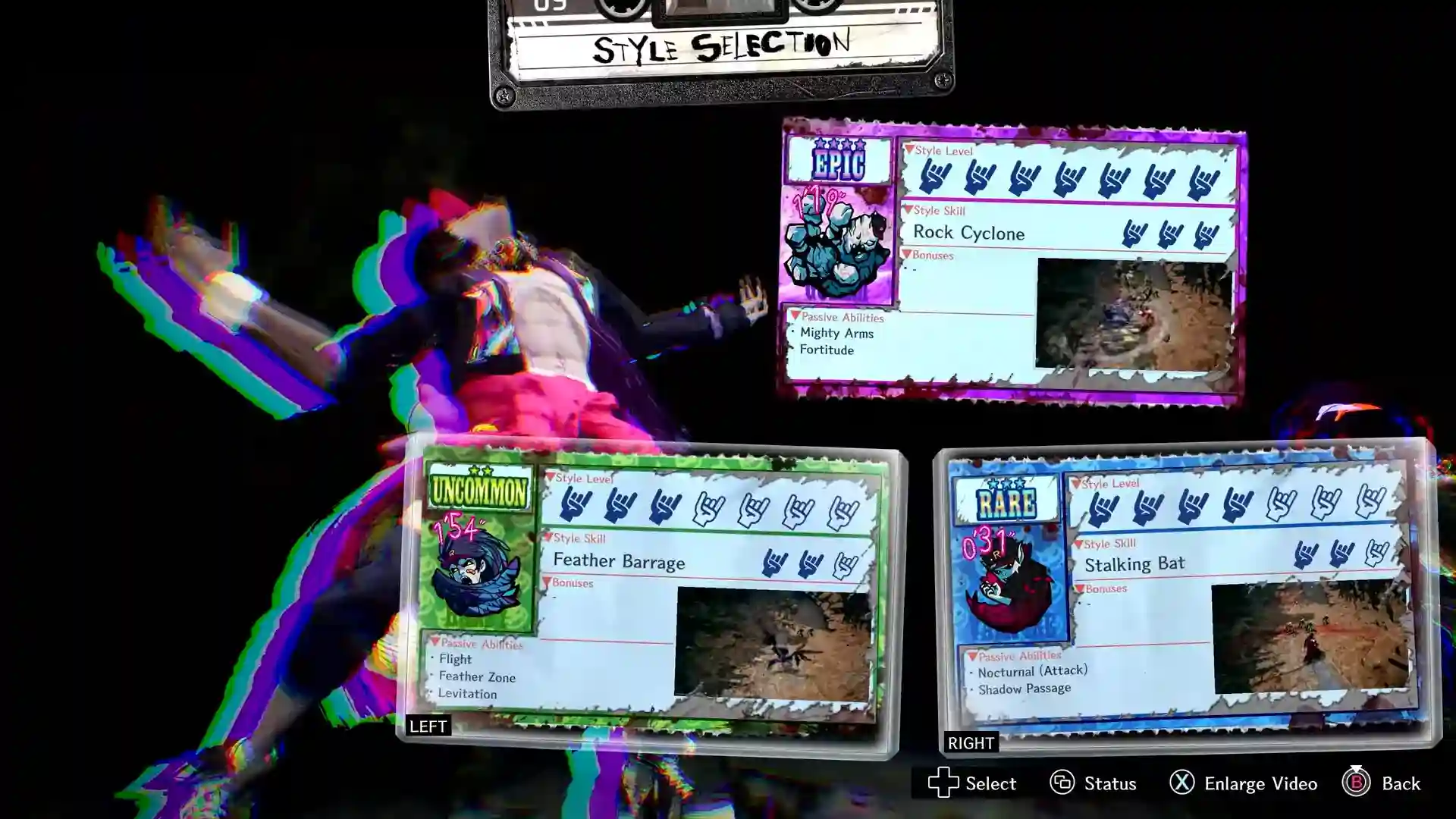
Stupid Never Dies demo, called First Bite, is already free on PlayStation 5 and Steam. The trial launched on September 3, 2026 and gives you an early look at Davy’s fast-paced combat, monster transformations and body upgrades before the October 21 full release.
There’s a particularly nice bonus here: GPTRACK50 confirms that your First Bite save can carry over to the finished game. Here’s how to download the demo on both platforms, what’s playable and what you should do before launch so you don’t lose your progress.
Stupid Never Dies demo: How to download the Stupid Never Dies demo on PC
Open the official First Bite Demo Steam listing. Sign into Steam and choose Install Demo, pick a Steam library location and wait for the download. You don’t need to pre-purchase Standard or Glorious Idiot.
When installation finishes, open the new demo entry in your Steam Library and press Play. The paid game’s store page also links to First Bite, but the preorder buttons are for the October full release.
How to get Stupid Never Dies demo on PS5
Visit the First Bite Demo page on PlayStation Store, choose Add to Library and download it to your PS5. You can also search for the game’s name directly on the console’s PlayStation Store.
The listing clearly says Free Demo, supports a single offline player and identifies the PS5 version as PS5 Pro Enhanced. You don’t need a Glorious Idiot preorder to unlock this trial.
Stupid Never Dies demo: What’s included in the First Bite demo?
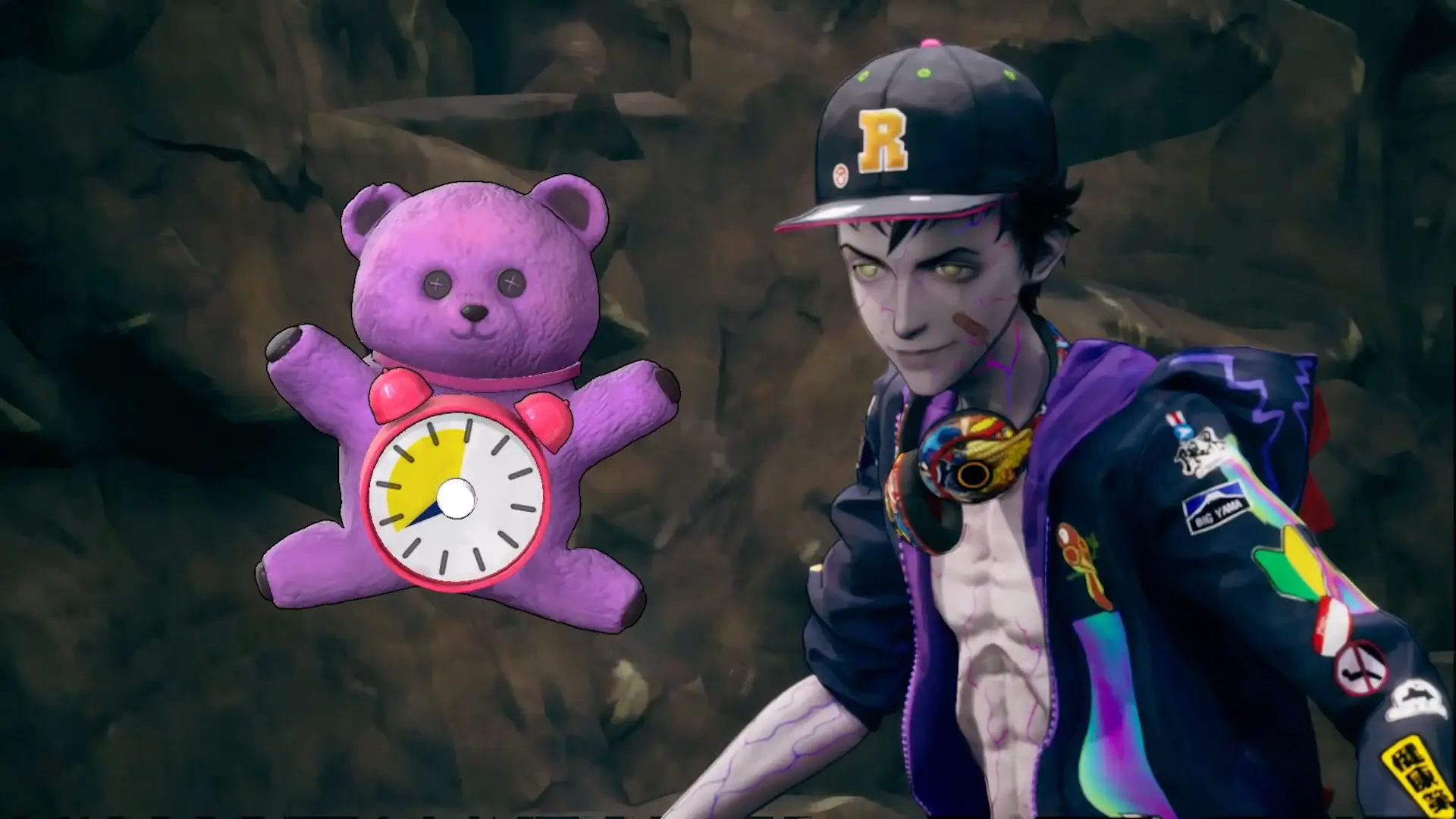
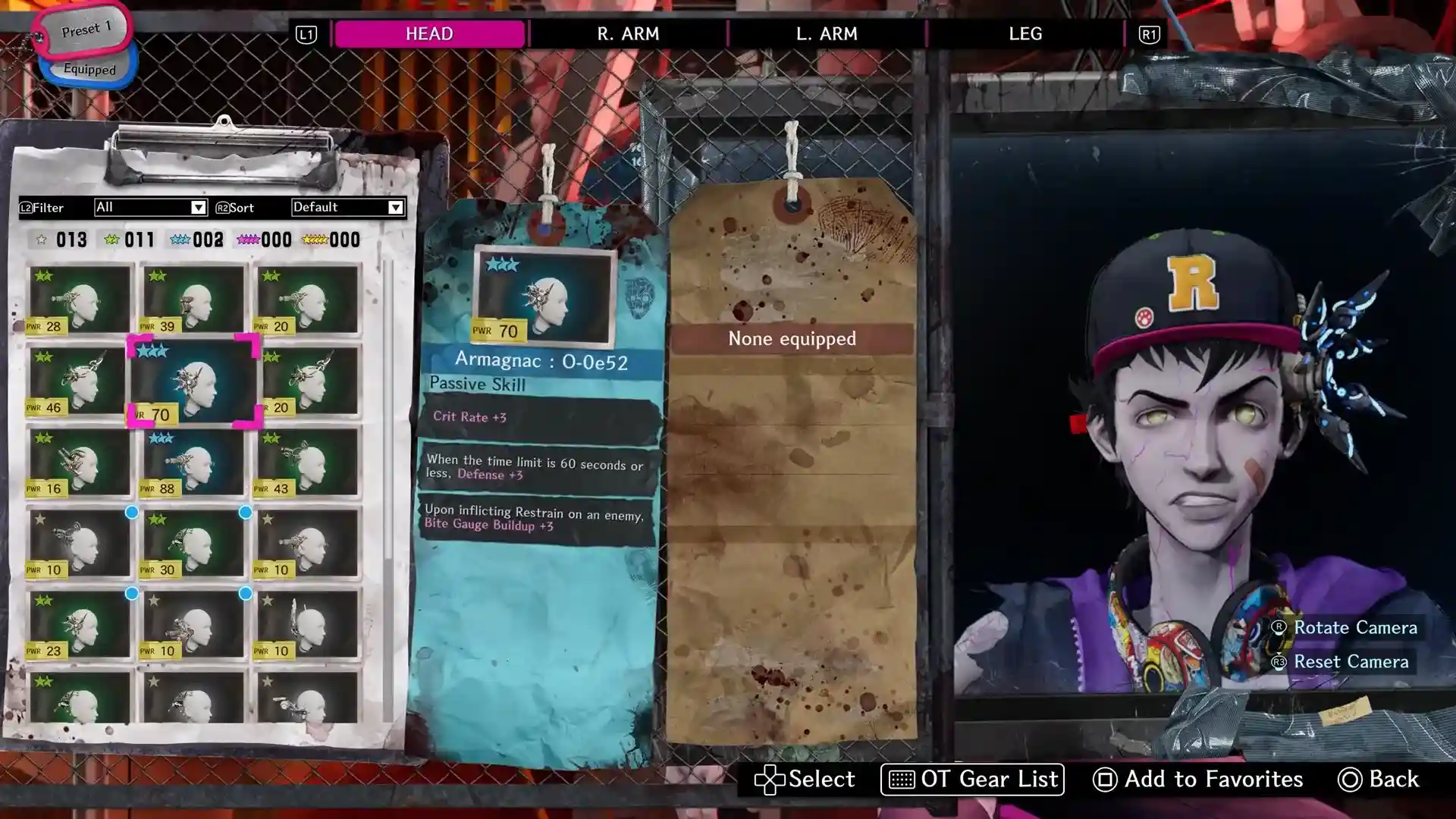
First Bite includes the opening story, basic punching, kicking and parrying, the special Bite move and Style Eat. You can experiment with monster powers by consuming enemies, then test Body Hack for equipment upgrades and Davy Burst for a dramatic temporary power boost.
You also visit the shopping-mall Home area and meet helpful characters there. The full game will take Davy deeper into KOM’s dungeon, so this trial isn’t a promise that all story areas, 11 Styles or endgame systems are playable early.
Does the Stupid Never Dies demo save transfer?
Yes. The official Steam description states that your First Bite save data can carry over into the full version. That makes it worthwhile to keep your demo save rather than deleting the trial as soon as you’ve finished its story.
A cross-platform transfer between Steam and PlayStation has not been promised. Keep the demo data associated with your platform account, and follow any import prompt in the release build. Don’t assume a PC save can be used on PS5.
Stupid Never Dies demo: What are the Stupid Never Dies demo requirements?
The Steam demo requires Windows 11, a Core i5-8500 or Ryzen 5 3500, 16 GB RAM, a GTX 1070 8 GB, RTX 3050 8 GB or RX 580 8 GB, and DirectX 12. The recommended GPU is an RTX 3060 8 GB or RX 6600 8 GB.
The demo lists 12 GB available storage. That is the Steam disk-space requirement, not a verified compressed download size or confirmed install size for the final game. Steam’s install dialog displays the live file-transfer size.
Is First Bite different from early access?
Yes. The First Bite Demo is a free preview that started September 3. The paid Glorious Idiot Edition gives access to the full game beginning October 19, while Standard is scheduled for October 21.
Downloading the demo won’t let you play the full campaign on October 19 unless you also purchase the premium edition. Likewise, buying Standard doesn’t stop you using the free demo while you wait.
Stupid Never Dies demo: What should you try first in the demo?
Get comfortable with the dodge, punch, kick and parry flow before experimenting with Style Eat. Once you’ve seen a monster’s ability, try changing your equipment through Body Hack and compare how Active and Passive Skills affect Davy.
The September 22 demo update also added improved attack tracking and a Combat Camera Assist option. Check the game’s camera settings if targeting feels uncomfortable, particularly if you’re learning the controls with a controller.
Related Guides
Official source: Stupid Never Dies Demo: How to Download First Bite on PS5 and PC official store information.