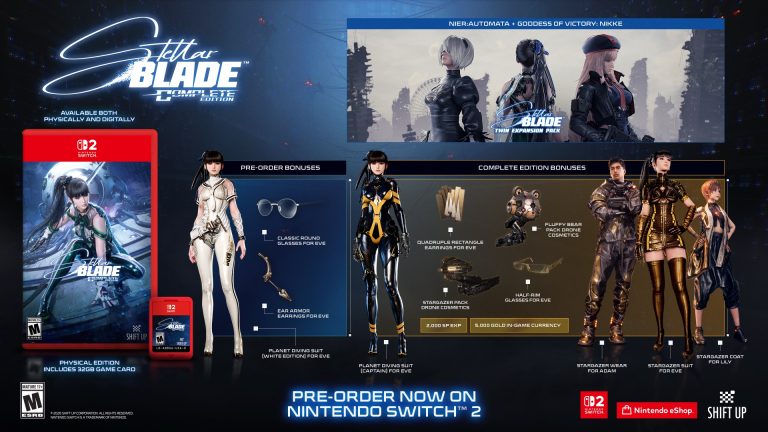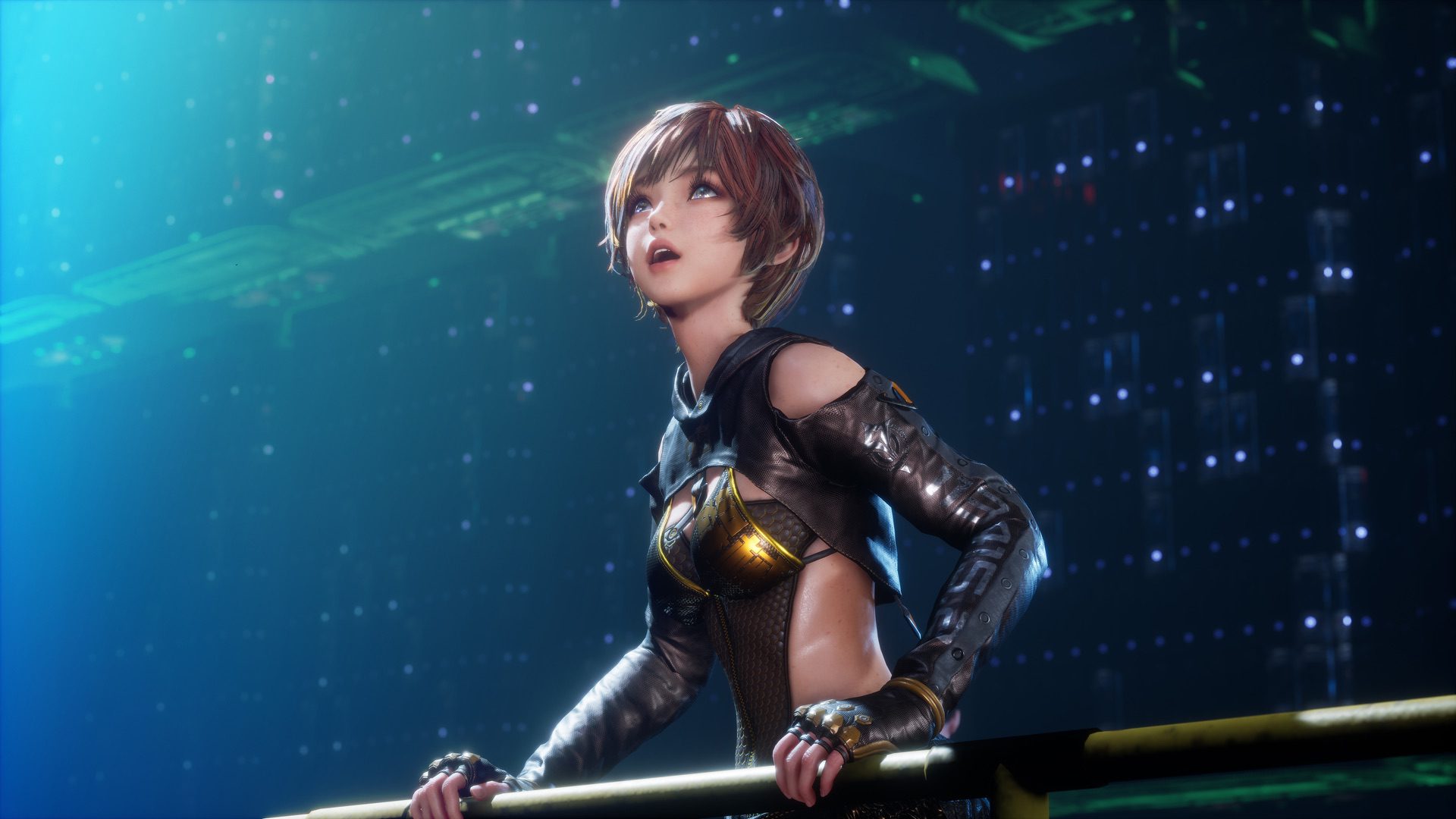
Stellar Blade Switch 2 Download Size is 25.3 GB on Nintendo UK’s current Complete Edition listing. That’s the digital download shown ahead of the 5 November launch, including a release with the NieR:Automata and GODDESS OF VICTORY: NIKKE collaborations. Make sure you have room for the installation before the game unlocks at 3 PM GMT.
Digital copies launch on Thursday, 5 November at 3 PM GMT. Nintendo now lists the game at 25.3 GB in the UK, which supersedes the smaller figure on its earlier product page. Here’s what to leave free and how to check the storage on your console.
Stellar Blade Switch 2 Download Size: How big is Stellar Blade on Switch 2?
Nintendo’s official UK game page now gives 25.3 GB under Download size. The lower number quoted in earlier coverage is outdated. The listed number is for the digital edition, not a second download required with the cartridge.
For UK players, use 25.3 GB when planning the digital installation. It is worth leaving several additional gigabytes free for updates rather than aiming to have exactly the published download size available.
Stellar Blade Switch 2 Download Size: How much free space should you leave?
Make sure you have at least the amount shown on your regional store page, and ideally several extra gigabytes available. The console may need room for temporary installation files, saves and a launch-day patch.
The Nintendo store itself warns that more or less free space than the estimate may be required for installing downloaded software. Avoid filling the drive to exactly 25.3 GB free and expecting a trouble-free download.
Stellar Blade Switch 2 Download Size: How to check Switch 2 storage
On your Nintendo Switch 2, open System Settings, then find Data Management to review available storage. You can see how much room your installed games are taking and decide which ones to archive.
Archiving a game frees its software data while retaining supported save data on the console. You can redownload archived software later from your account, so it’s a better first step than clearing important saves.
Stellar Blade Switch 2 Download Size: Can you use a microSD card?
Yes, but Nintendo Switch 2 uses microSD Express cards for expanded game storage. An ordinary older microSD card isn’t equivalent for installing Switch 2 software.
Install a compatible microSD Express card with enough free space if you don’t want to archive existing games. The game’s store listing notes external storage as an option when internal memory is insufficient.
Stellar Blade Switch 2 Download Size: Is the DLC included in the download?
Complete Edition includes both the NieR:Automata and GODDESS OF VICTORY: NIKKE crossover content. Nintendo doesn’t break out a separate storage requirement for each included pack on the main listing.
Don’t automatically add the PS5 DLC file sizes to the Switch 2 download estimate. The package is built for this platform, and the most useful number is the one your Switch 2 eShop actually presents.

Stellar Blade Switch 2 Download Size: Physical Cartridge vs Digital
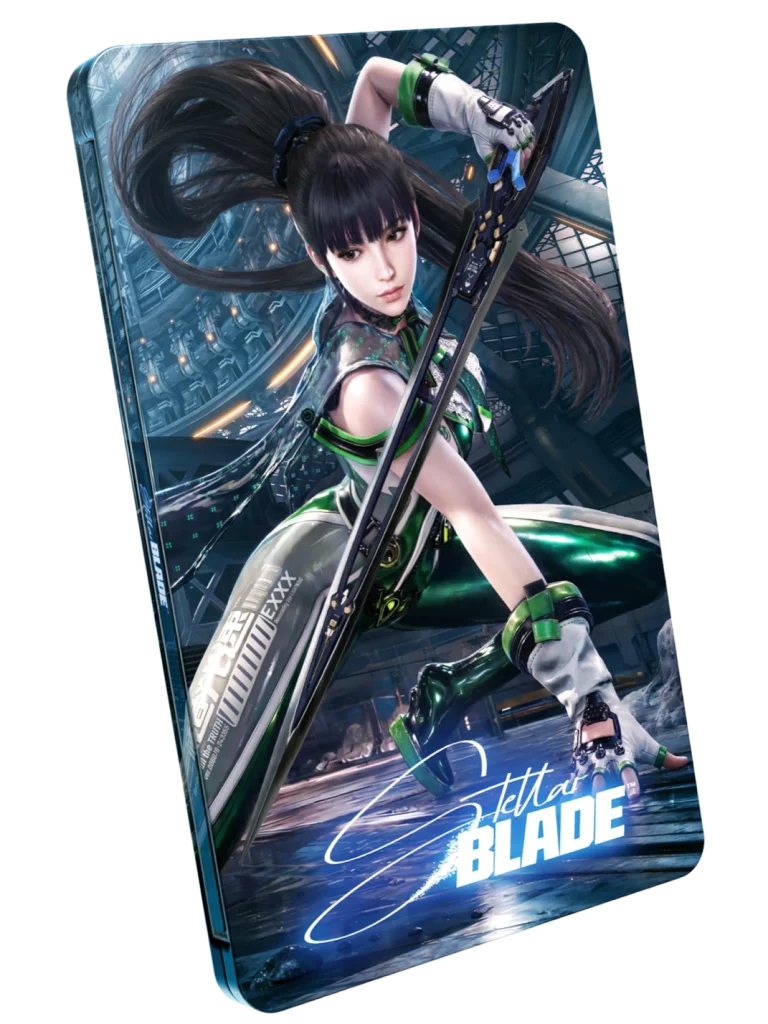
The physical version is a conventional Nintendo Switch 2 game card containing the whole base game. SHIFT UP specifically says it isn’t a game-key card. That means a physical buyer does not have to install the full 25.3 GB eShop download just to start playing the base game.
Keep room for patches and other downloadable software, though. A complete cartridge can still receive software updates, and you’ll need to insert it whenever you play. The digital edition instead installs the game directly to the console’s built-in storage or a supported microSD Express card.
Stellar Blade Switch 2 Download Size: Can you preload Stellar Blade on Switch 2?
Nintendo’s product page supports preordering, but the official description doesn’t pin down a universal preload start time. Availability can depend on the platform’s normal preorder-download arrangements and the status of your order.
Look in the HOME menu and Nintendo eShop after buying. If the game icon is present, that doesn’t mean it can be launched before November 5. The actual activation remains tied to the store release.
Stellar Blade Switch 2 Download Size: Does the demo use the same storage?
The free Switch 2 demo is a separate eShop download and has its own installation requirement. The full game’s 25.3 GB listing should not be used as the demo’s size. Check the amount shown beside the demo before starting the download.
The demo also doesn’t establish full-game save-transfer support. You can try the gameplay without buying Complete Edition, then make your storage plans for launch separately.
Official source: Stellar Blade Complete Edition, Nintendo UK.