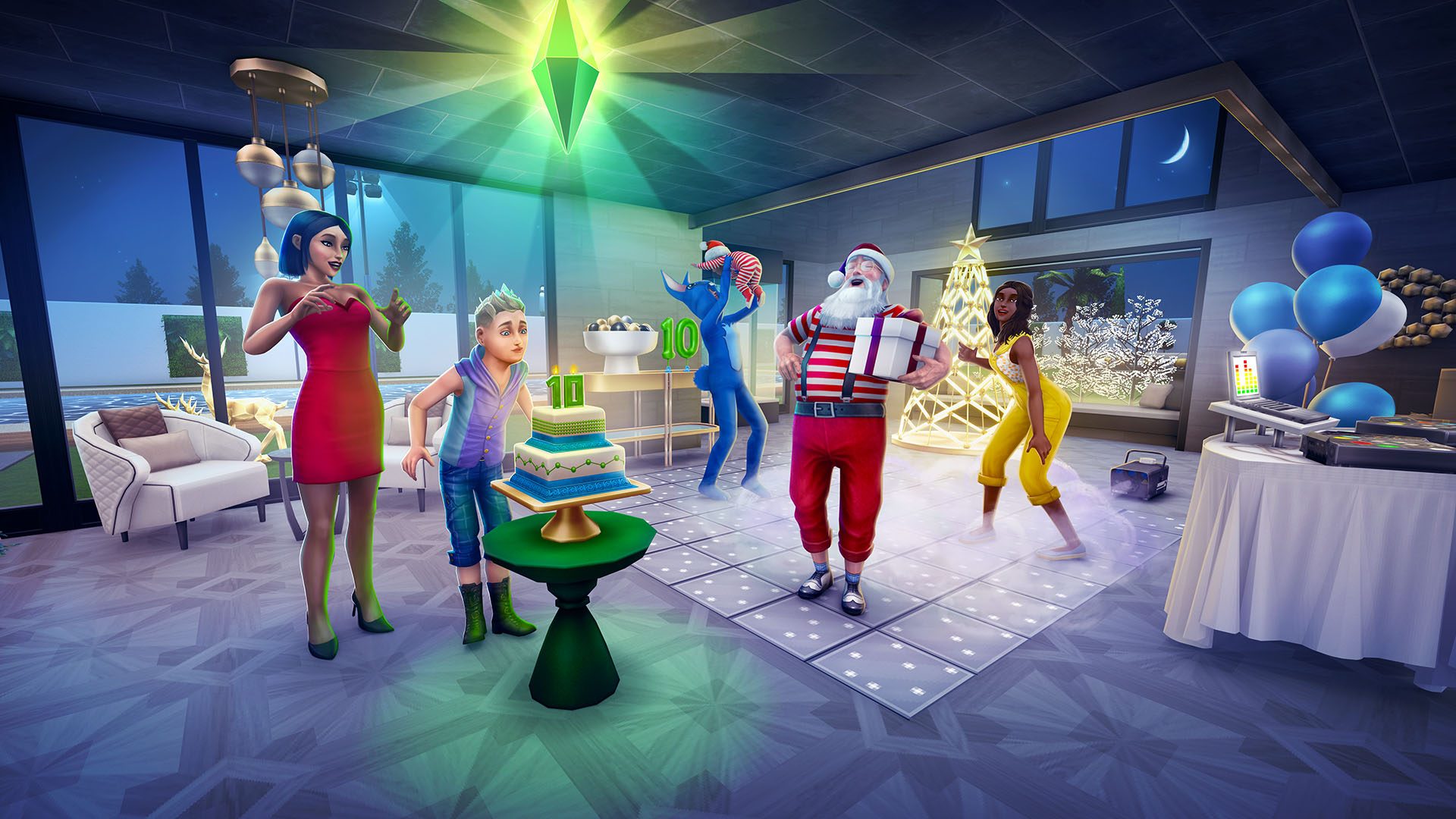
Sims FreePlay Stay for the Party is the 15th birthday Influence Island event, running from 24 November to 5 December 2026. The prize theme is FreePlay nostalgia, with throwback items celebrating memorable moments from the mobile game’s history.
If you’ve played Influence Island before, you’ll recognise the contest: win Sims over through influence challenges and work towards the event’s rewards. The birthday version isn’t live yet, so while the dates and prize theme are confirmed, the exact reward packs and clan target aren’t. Here’s what you can do when it opens, plus the tried-and-tested basics that make earlier Influence Island events easier to manage.
Sims FreePlay Stay for the Party dates and rewards
Sims FreePlay Stay for the Party starts 24 November and ends 5 December 2026. EA calls it 15th Birthday: Stay for the Party, and places it inside the wider 15th anniversary celebration. It’s not the same as the fourteen days of free daily login gifts.
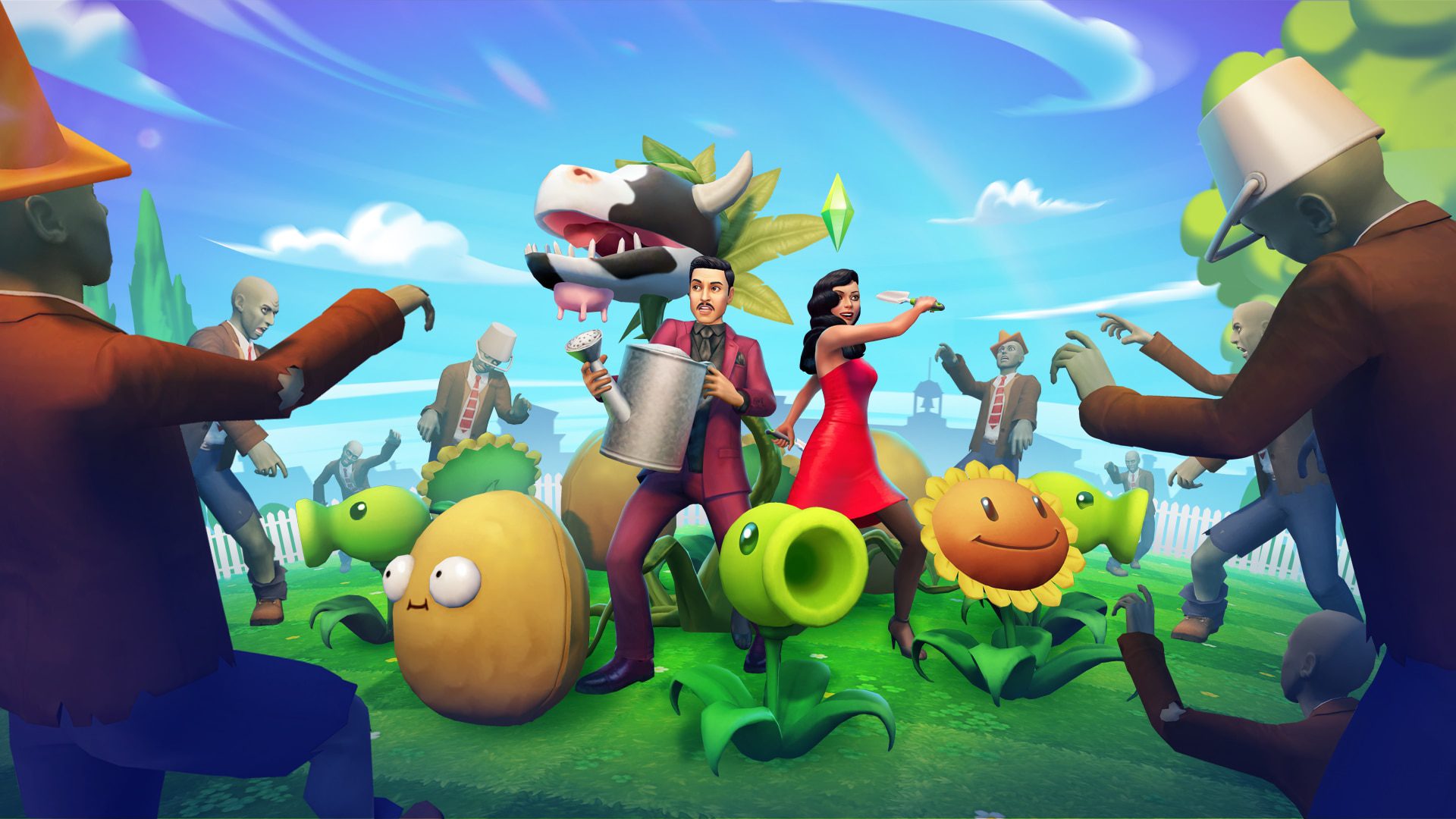
EA describes the rewards as iconic throwback items drawn from FreePlay’s past. No complete birthday prize table has been published yet, so there’s no verified list of every common prize, rare item or final reward. Don’t confuse the birthday prizes with those in our Forbidden Library Influence Island or Plants vs Zombies Influence Island coverage; both were different events.
How to play Influence Island
In earlier Influence Island seasons, you enter through the event menu, choose an eligible Sim and take on contestants around the island. Each influence challenge moves a contestant towards becoming your friend, then your ally and eventually a clan mate. A rival Sim is competing for their attention at the same time.
The key part is the influence meter. Each interaction adds a value from a range shown on the screen. You want to reach the safe green area without pushing the meter into red. Going too far loses the round. The wider the range on an action, the less precise the result, so a big interaction makes sense earlier in a round but gets risky when you’re close to the limit.
Earlier seasons also use a yellow rival zone, with a Stop and Convince option that puts your influence against the rival’s. It can succeed, but it isn’t a guaranteed win. As soon as Sims FreePlay Stay for the Party begins, check whether the birthday event has the same buttons, ranges and rules rather than relying on an old screenshot.
Tips for winning more influence challenges
Start by reading the numbers on the action buttons. If the meter has plenty of room before red, a larger action may save time. When you get close to the target, switch to a smaller range. Choosing an action whose maximum increase would overshoot the safe zone is an avoidable risk.
In past versions, Chocolate Bars give small boosts that are handy when the meter is almost where you need it. If chocolate appears in this birthday edition, save it for the awkward final steps instead of spending it all at the beginning. Likewise, don’t use a costly shortcut until you’ve looked at how many attempts remain and how much event time is left.
Sims FreePlay Stay for the Party runs for less than two weeks. Spreading your challenges across the event is generally more sensible than leaving all your clan progress until the final day. The number of available attempts and the event’s recovery timer can be checked once the live version starts. There is no reliable fixed sequence of choices that guarantees every round.
How do the prizes and clan progress fit together?
Previous Influence Island events award Network Credits from challenges and use those credits in a dedicated event prize shop. Converting contestants into clan mates is part of the longer goal, rather than something you can replace by collecting the daily login freebies.
For this birthday version, the important thing is to read the current prize shop and clan progress screen before planning your route. An older season’s target of a certain number of clan mates, or a particular number of Network Credits, doesn’t establish the requirement for Sims FreePlay Stay for the Party. We’ll stick to the live event’s figures once they’re available.
What else is happening during the birthday?
On the same day Influence Island opens, the free daily gift series begins. The full Sims FreePlay 15th anniversary schedule has the full list of deadlines. The FreePlay Replay Craft Challenge starts on 25 November and awards a custom estate with a working Plumbob fountain if you complete its event objectives.
That Craft Challenge lasts until 8 December, three days after Stay for the Party finishes. There’s also a separate present in the inbox on 15 December, which you must claim before 20 December. Completing Sims FreePlay Stay for the Party isn’t listed as a requirement for those other rewards.
Sims FreePlay Stay for the Party FAQ
When does Stay for the Party finish?
EA gives 5 December 2026 as the end date. Use the in-game timer for the precise cut-off in your current session.
Are all the birthday Influence Island prizes known?
Not yet. EA has confirmed the throwback theme, but not an item-by-item list of this event’s prize packs.
Can I use old Influence Island strategies?
The familiar influence meter and careful choice of actions are useful starting points. The birthday event’s specific attempt limits and target requirements still need to be checked in-game.
Related guides for Sims FreePlay Stay for the Party
- The Sims FreePlay 15th Anniversary Events
- The Sims FreePlay Season Pass Guide
- Sims FreePlay FreePlay Replay Craft Challenge
- The Sims FreePlay Forbidden Library Influence Island
- The Sims FreePlay Moonlit Mausoleum Craft Challenge
- The Sims FreePlay Plants vs Zombies Event
- The Sims FreePlay SimChase Season 113
- Sims FreePlay Halloween Chocolatier 2026
Official source: Electronic Arts, The Sims FreePlay Celebrates 15 Years.