Roblox 20 Throwback Quest Badge is the Adopt Me badge tied to hatching the event Throwback Egg, but the final claim step is easy to miss if you leave as soon as the egg opens. The badge belongs to Adopt Me’s part of The Hunt: Roblox 20 and is separate from the KittyKånka avatar reward that you claim back in the main Hunt hub.
The important part of the Roblox 20 Throwback Quest Badge route is that buying the egg is only the start. You need to talk to Eggburt, buy the Throwback Egg for 400 Bucks, keep it equipped while completing its Needs, let it hatch, then use the Task Board to claim the finished Vintage, Aged Egg! task so the badge award actually appears.
How to Get the Roblox 20 Throwback Quest Badge
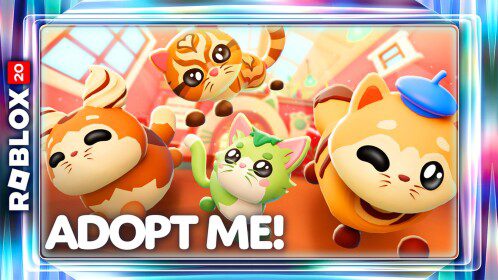
Roblox 20 Throwback Quest Badge Image Uplift Games.
To get the Roblox 20 Throwback Quest Badge, start by finding Eggburt outside the Nursery in Adopt Me. His Throwback Egg stand is nearby and sells the event egg for 400 Bucks. Buy one, equip it and keep that same egg active while you work through the care tasks that appear.
- Go to the Nursery area and speak to Eggburt.
- Buy one Throwback Egg for 400 Bucks from the nearby stand.
- Equip the Throwback Egg and keep it active.
- Complete the Needs that appear until the egg reaches its hatch point.
- Let the hatching animation finish and wait for the new pet to appear.
- Open the Task Board and claim the completed Vintage, Aged Egg! task.
- Look for the Roblox badge notification confirming the quest has registered.
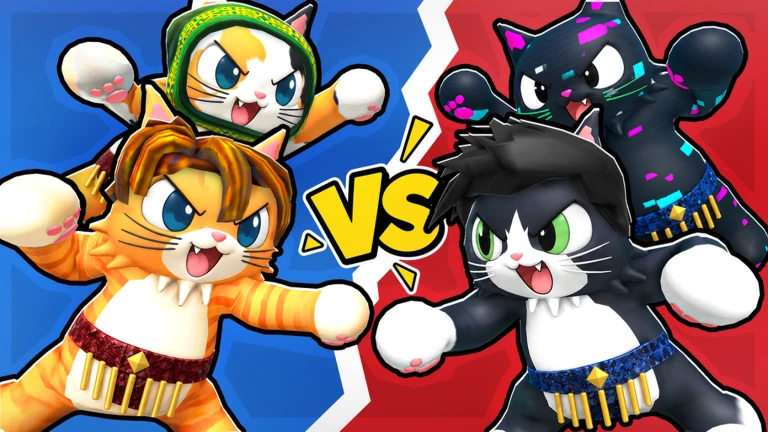
The Roblox 20 Throwback Quest Badge is not based on which pet hatches. The Throwback Egg can produce the anniversary Blue Cat or Pink Dog, but either result can finish the event route. Do not buy repeated eggs just because the first hatch was not the pet you expected.
Where the Vintage, Aged Egg! Task Appears
After the Throwback Egg hatches, open the Adopt Me Task Board and look for the completed Vintage, Aged Egg! task. Current live walkthroughs show this as the claim step that confirms the anniversary objective and triggers the Roblox 20 Throwback Quest Badge award.
This is the bit that can make the quest look broken. The egg can be gone from your inventory because it has already turned into a pet, while the badge still has not appeared. Before buying another Throwback Egg or repeating the Needs, check the Task Board and claim the completed task.
How Much Does the Throwback Egg Cost?
The Throwback Egg costs 400 Bucks. Eggburt sells it as part of Adopt Me’s Roblox anniversary update, so the purchase uses normal in-game Bucks rather than Robux. The official Adopt Me update notes confirm Eggburt, the 400 Bucks price and the Blue Cat or Pink Dog hatch results.
You only need one successful event hatch for the Roblox 20 Throwback Quest Badge route. Extra eggs are useful if you want more anniversary pets, but they are not a shortcut for the badge and they do not replace the final Task Board claim.
What Needs Do You Have to Complete?
Adopt Me uses its normal pet care system for the Throwback Egg. Keep the egg equipped and respond to the Needs it receives, such as sleeping, eating, drinking, washing, going to school or visiting another marked activity. The exact order can vary, so follow the live icons rather than waiting for one fixed sequence.
The fastest way to keep the Roblox 20 Throwback Quest Badge moving is simply to avoid swapping away from the event egg. If another pet is equipped when a Need is completed, the progress goes to that pet instead and does not help the Throwback Egg reach its hatch point.
Roblox 20 Throwback Quest Badge Not Awarded
If the Roblox 20 Throwback Quest Badge does not appear after the hatch, check the Task Board first. Claim Vintage, Aged Egg! and wait for the badge notification before assuming the event failed. Leaving immediately after the pet appears can make it look as though hatching alone was supposed to complete every part of the quest.
- Confirm that the Throwback Egg actually hatched rather than simply completing one Need.
- Open the Task Board and claim Vintage, Aged Egg! if it is waiting there.
- Check for the Roblox badge notification before leaving Adopt Me.
- Rejoin Adopt Me and check the Task Board again if the claim button did not register.
- Return to The Hunt hub only after the game-side badge has been awarded.
The game-side Roblox 20 Throwback Quest Badge and the Hunt hub reward are separate checks. Once the badge is on your account, return to the central Hunt progression to claim the Adopt Me year reward and continue through the timeline.
Do You Need a Specific Pet to Get the Badge?
No. The Roblox 20 Throwback Quest Badge is tied to the event egg objective, not to hatching one specific colour swap. The official Adopt Me notes list Blue Cat and Pink Dog as the two Throwback Egg results. Either pet can remain in your inventory after the anniversary quest is complete.
If you are collecting both pets, you can keep buying more Throwback Eggs from Eggburt for 400 Bucks each after finishing the Hunt objective. That is ordinary Adopt Me collecting and does not require you to repeat the Roblox 20 Throwback Quest Badge claim every time.
Use the official Adopt Me update notes for the first-party confirmation of Eggburt, the Throwback Egg price and its two anniversary pets.