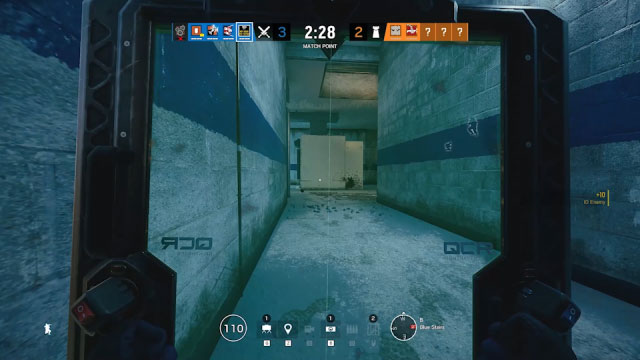
The new Rainbow Six Siege Weapon Sight Colors setting lets you change the colour of your weapon reticle and laser sight on both PC and console. Ubisoft is adding it with Operation Vital Signal on 1 December 2026, and you can find the control in either Interface Options → HUD Colors or Accessibility Options → HUD Colors.
Anyone who’s lost sight of their reticle against a bright wall knows why this helps. Siege already had optic colour options, so this isn’t colour customisation appearing for the first time. The update gives reticles and laser sights a clearly named setting in the newer menus.
How to change Rainbow Six Siege Weapon Sight Colors
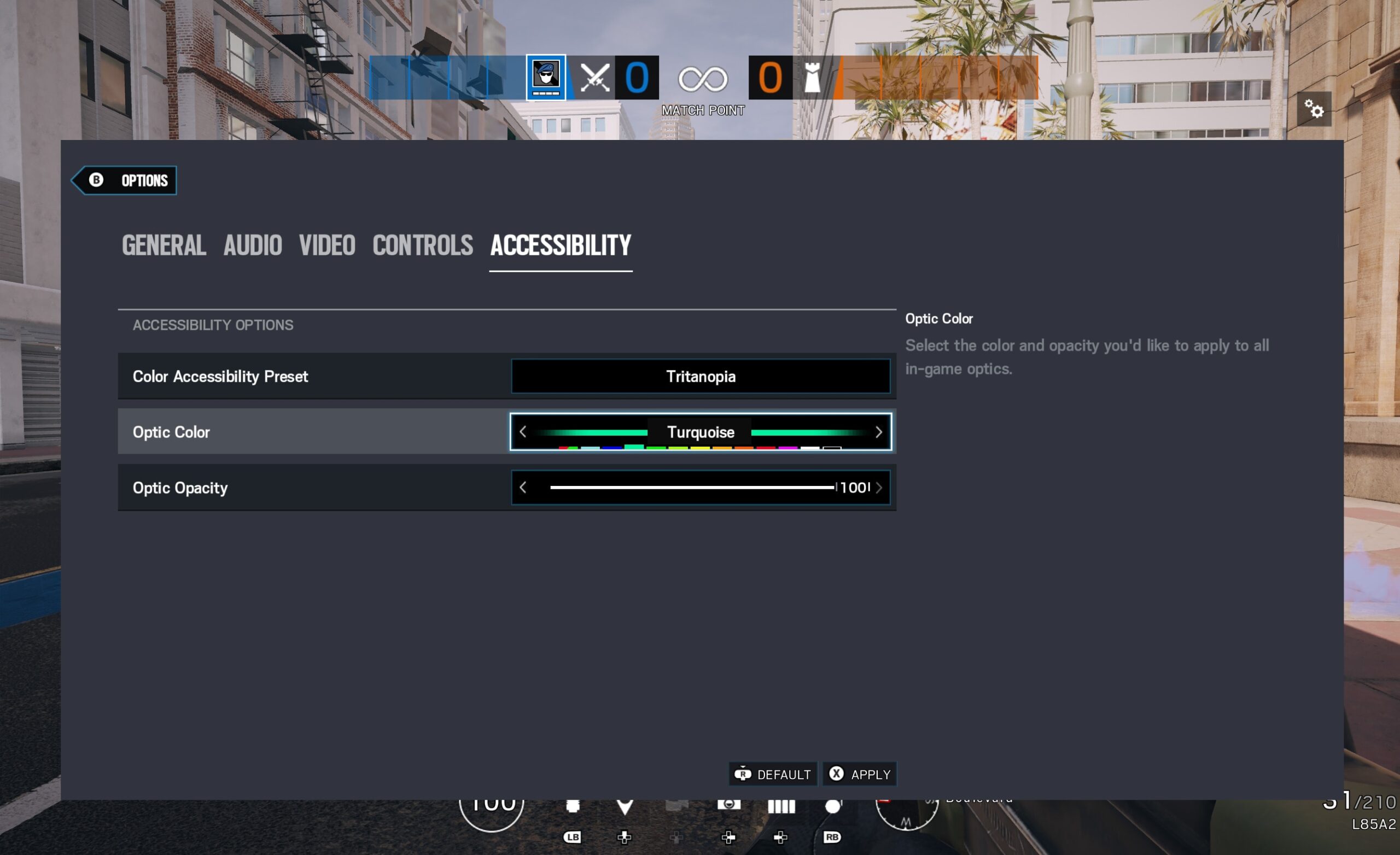
After the update, open Options → Interface → HUD Colors → Weapon Sight Colors. You can also reach it through Options → Accessibility → HUD Colors. That’s Ubisoft’s confirmed menu route; you don’t need to change individual weapon loadouts to find the control.
The setting changes the colour used for your reticle and laser sights. The same setting is listed for PC and consoles. Ubisoft’s announcement doesn’t give a complete palette preview or a list of exclusive colours for each platform, so it’s best to check the choices available in your own version of the game.
Can you change reticle and laser sight colours separately?
Ubisoft confirms that the setting covers both reticles and laser sights, but hasn’t said whether there are two separate colour selectors or one choice shared between them. If you’re hoping to make your reticle one colour and your laser another, that part needs checking in the released settings menu.
The Rainbow Six Siege Weapon Sight Colors option is purely visual. It changes the way your aiming reference looks, without changing which sights a weapon is allowed to equip.
Does Weapon Sight Colors work on PS5 and Xbox?
Yes. Ubisoft specifically confirms the Rainbow Six Siege Weapon Sight Colors option for PC and console. There’s no reason to treat it as a PC-only graphics tweak. Once the Y11S4 update is installed, console players should be able to find it in the same Interface or Accessibility categories.
The menu is about visibility, not unlocking different optics. If a particular scope isn’t available for your Operator’s weapon, changing the sight colour won’t add it.
Didn’t Rainbow Six Siege already have reticle colour settings?
It did. Ubisoft discussed customisable optic colours and opacity back in its 2020 Sights and Scopes developer blog, including accessibility options for different colour-vision needs. The 2026 update adds a specifically named Weapon Sight Colors setting for reticles and laser sights and lists its current locations in the Interface and Accessibility menus.
In other words, returning players may already have an optic colour they like. Check how that preference appears after updating, especially if you’re also using a laser sight. Ubisoft hasn’t said the new option resets everyone’s existing settings.
What colour should you use for your reticle?
Pick a colour you can spot quickly against both bright and dark backgrounds. There isn’t one magic reticle colour that works for everyone. The point of Rainbow Six Siege Weapon Sight Colors is to make the sight easier for you to see.
Field Training is a good place to try different colours without worrying about a Ranked result. That lets you see whether the reticle remains easy to spot in dark rooms, bright corridors and against moving targets. Our Field Training guide covers the new Y11S4 practice options.
Why is the Weapon Sight Colors option missing?
As of 17 November 2026, the specific Rainbow Six Siege Weapon Sight Colors menu announced for Y11S4 is still an upcoming feature. The regular release is scheduled for 1 December 2026. If you’re looking for those exact menu labels before then, the live game may still show its older optics accessibility controls.
If the new option is missing after launch, first check whether you’ve installed the seasonal update. The locations Ubisoft has officially named are Interface → HUD Colors and Accessibility → HUD Colors. Those are the paths to check first.
Official source: Ubisoft, Operation Vital Signal accessibility settings.