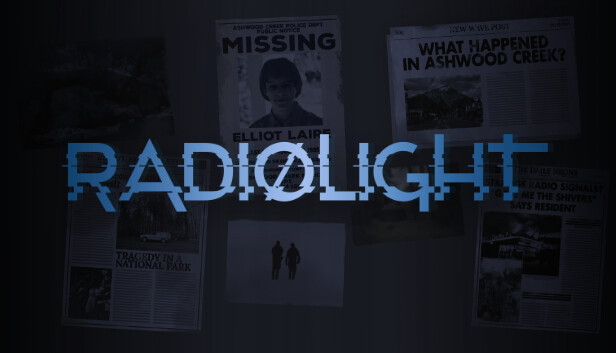
Radiolight free with Prime Gaming is scheduled for Thursday 12 November 2026. Amazon’s November PC games list includes the supernatural mystery for eligible Prime members, with the reward going to Epic Games Store.
It’s easy to mistake this for Epic’s ordinary Thursday giveaway, but the two are separate. You claim Radiolight on Amazon first, then find it in the Epic account you’ve linked. Amazon has confirmed the date, not an exact time the claim button will appear.
How to claim Radiolight free with Prime Gaming
Open luna.amazon.com/claims with your eligible Prime account and select the Radiolight offer when it appears. Follow the instructions on the card. Amazon identifies Epic Games Store as the platform for this particular PC reward.
If asked to connect Epic, pick the account you actually use. Amazon’s account-linking page at amazon.com/gg/links/ lets you check the connection. Then return to Radiolight and complete the game claim; connecting an account alone won’t redeem it.
Once Amazon confirms delivery, sign into the same account in Epic Games Launcher. Find Radiolight in Library and install it. This promotion doesn’t provide a Steam key or an Amazon Games App download.
When does the Radiolight claim open?
The Radiolight free with Prime Gaming promotion is dated 12 November. Amazon hasn’t provided a UK release hour, so there’s no reason to expect the card to appear exactly at midnight. Check your own claims page during the day.
That date marks the start, not the expiry. The monthly announcement doesn’t give Radiolight a closing date, and Amazon says PC offers can vary by country. Check the claim-by deadline on your account’s card once the offer opens.
What is Radiolight, and which version is included?
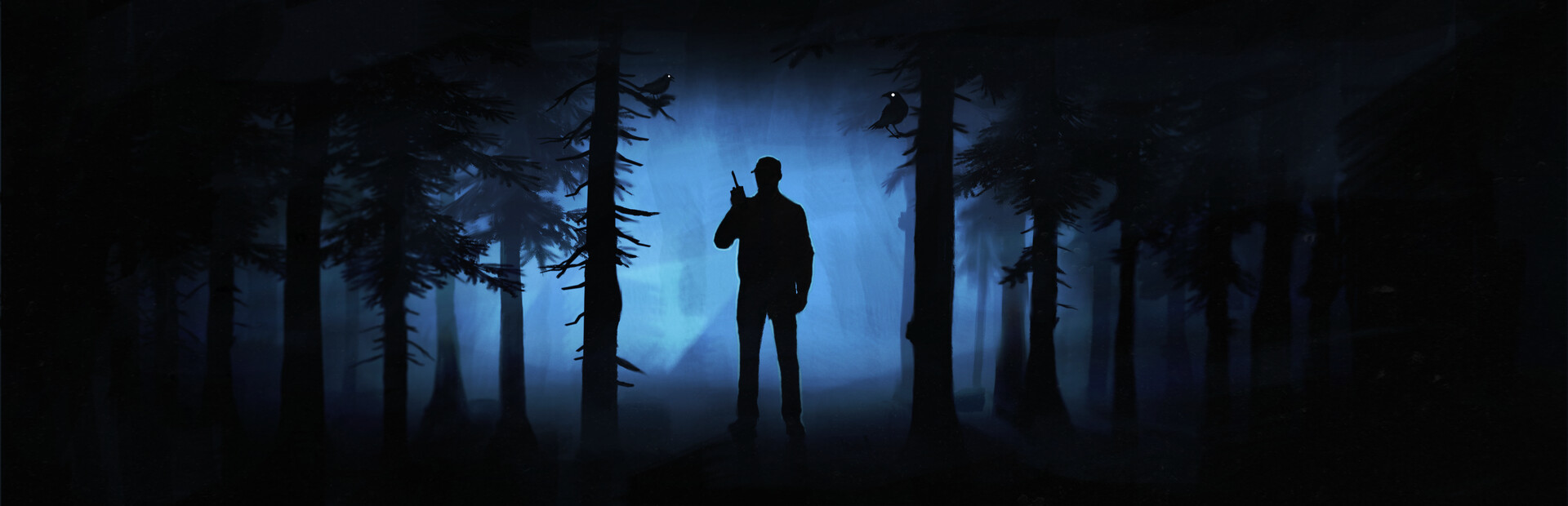
Radiolight takes you to Ashwood Creek in September 1985. You play Ethan, a local police officer investigating the disappearance of a teenager. Strange radio signals pull the search into the nearby national park, where the investigation becomes increasingly unsettling.
The radio isn’t just part of the scenery. You tune into signals and search the forest for clues while trying to work out what happened. It’s an atmospheric first-person mystery created by solo developer Krystof Knesl and published by Iceberg Interactive, rather than a multiplayer action game.
Amazon calls its reward simply Radiolight. It doesn’t announce a collector’s edition, soundtrack or other paid extras. For the exact entitlement, follow the description on the Prime claim card rather than assuming it matches a more expensive store bundle.
Why does Epic still show a price?
If Epic still asks you to buy the game, make sure you’ve actually collected the Radiolight free with Prime Gaming reward on Amazon. Visiting the ordinary Epic store page doesn’t count as a Prime claim.
When Amazon says Claimed but Epic doesn’t show the game, check My Collection for delivery status and make sure the correct Epic account is signed in. Try restarting the launcher, then follow our Prime Gaming Epic account guide if you need to check the connection.
Is Radiolight free with Prime Gaming on consoles or Luna?
The giveaway covers a PC claim through Epic Games Store. It doesn’t provide a PlayStation or Xbox copy, and it isn’t a temporary game from Luna’s rotating cloud catalogue.
The Radiolight free with Prime Gaming offer shares its 12 November date with Jurassic World Evolution 2. They need to be claimed individually. If either title hasn’t arrived in its PC library after a confirmed claim, our missing Prime games guide covers what to check next.
Related Guides
- WRC Generations Free with Prime Gaming
- Squirrel with a Gun Free with Prime Gaming
- Werewolf Earthblood Free with Prime Gaming
- CLeM Free with Prime Gaming
- Arcadia Fallen Free with Prime Gaming
- Prime Gaming November 2026: All Seven Games
- Jurassic World Evolution 2 Free with Prime Gaming
- Prime Gaming Epic Account Linking
- Prime Gaming Game Not Showing
Official source: Amazon Game Studios, November 2026 Prime PC game announcement.