ONE PIECE Grand Gourmet PC requirements are still mostly missing from Steam, even with release scheduled for 23 October 2026. You can confirm that the game needs a 64-bit processor and operating system, but there’s no published minimum RAM, graphics card or Windows installation size yet.
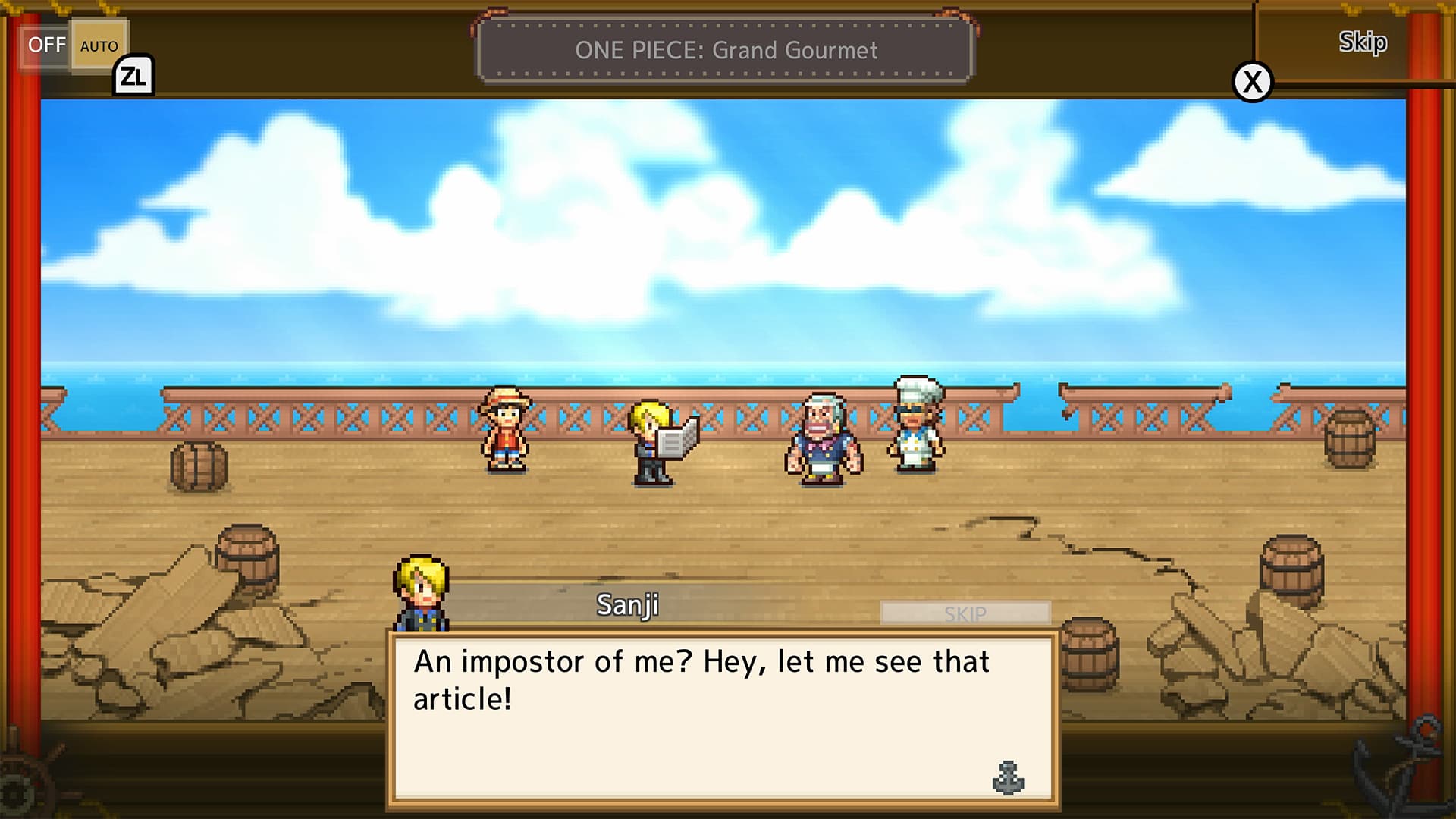
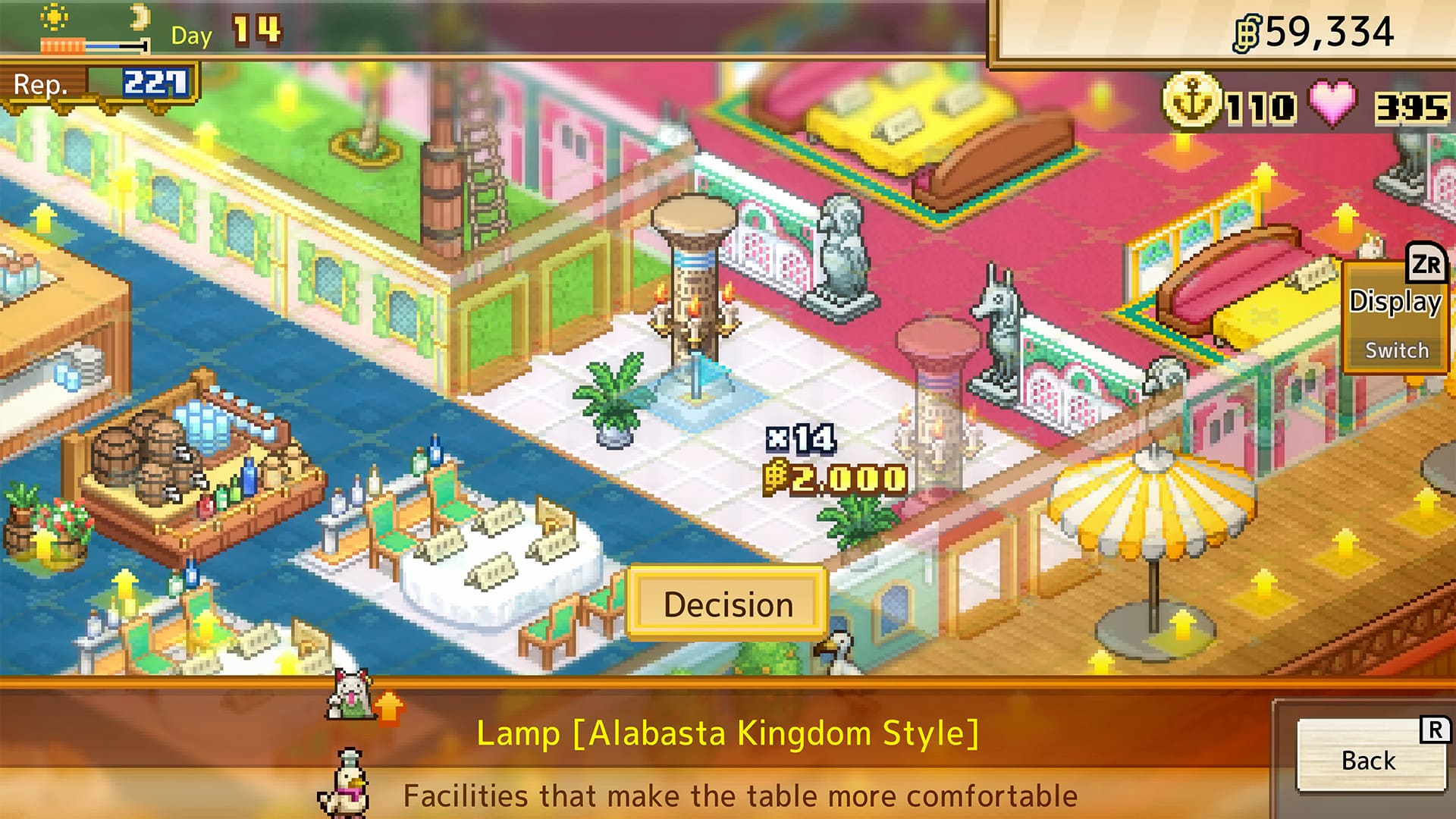
The game looks like a charming pixel-art restaurant sim, but appearances aren’t a substitute for minimum specifications. Its release is scheduled for 23 October 2026 in Bandai Namco’s global announcement, although Steam currently displays 22 October. With the PC build still unreleased, there’s also no verified Windows download size.
ONE PIECE Grand Gourmet PC requirements: minimum and recommended
Steam has separate Minimum and Recommended headings, but both currently contain just the 64-bit processor and operating system condition plus an Additional Notes: TBA entry. There is no listed Intel or AMD CPU model, no minimum RAM amount, no specified Nvidia or AMD GPU and no DirectX version. You’ll want to check again closer to launch if you own an older laptop or desktop.
It’s tempting to assume a Kairosoft pixel-art title will run on almost anything, but that can go wrong when a game has complex restaurant simulations, large numbers of animated visitors or particular operating system requirements. The screenshots don’t establish the performance of the PC build. Nobody can meaningfully confirm a 4 GB RAM minimum or integrated-graphics support from the current store description.
How big is the Grand Gourmet PC download?
Steam hasn’t published a storage requirement or download size. The only size information currently available from the official stores is for Nintendo’s versions: its US product pages estimate around 344 MB for the original Switch release and 291 MB for the dedicated Switch 2 release. Those are separate products, and both figures are explicitly estimates.
Neither number should be copied into a Windows requirements table. PC assets, language data, packaging and launch patches can make the download different. The space a game occupies after installation may also differ from the number of megabytes transferred. If you are clearing storage ahead of release, leave a comfortable margin rather than reserving exactly 291 MB.
Can you play Grand Gourmet on a laptop?
Potentially, but there isn’t enough official information to give a yes or no for a specific laptop. What you can check today is whether you’re using a 64-bit operating system and processor. On Windows, open Settings, then System and About to find the system type, installed RAM and processor. Windows’ Device Manager or the graphics settings can help identify your video hardware.
That information will be useful when Steam publishes the actual specification. It won’t tell you whether an Intel integrated GPU meets a requirement that hasn’t been announced. Avoid buying a computer upgrade solely on the assumption that Grand Gourmet needs one particular graphics card.
What about Steam Deck, Mac and Linux?
Steam lists the game for Windows and marks it as single-player with achievements, Steam Cloud and Family Sharing. A Windows release is not the same as a native Mac or Linux version. Compatibility layers sometimes allow Windows games on other systems, but an untested possibility isn’t a supported platform guarantee.
The Steam Deck badge and live performance reports will be worth checking after launch. Until then, don’t describe the game as Deck Verified, promise controller readability or quote a handheld battery-life figure that nobody has measured in the release build.
Is Grand Gourmet free on PC?
No. Steam currently offers a paid pre-purchase at $19.99 in the US, with a recorded UK price of £15.99. The price is distinct from the download size: a small game can still be a premium release, and Bandai Namco hasn’t called this one free-to-play. Check your regional Steam basket for the current amount.
You can wishlist the game or buy it on Steam now, but that doesn’t provide early access before the store unlocks it. If the system requirements appear only very close to release, compare them with your hardware before committing. The Grand Gourmet PC requirements should eventually give you a much clearer answer than the current TBA field.
What to check before the October launch
Confirm your computer is 64-bit, note its CPU, RAM and graphics hardware, and watch the Steam page for filled-in minimum and recommended fields. Leave free space for the download and any initial update, but don’t treat the Nintendo estimate as a PC specification. For players with older machines, the missing GPU and memory figures are particularly important.
Check your Windows system type now, then compare your CPU, RAM and graphics card with Steam’s specifications when they appear. Nintendo’s file estimates won’t tell you how much space the PC version needs, and pixel-art screenshots alone won’t establish whether an older laptop can run it.
Official source: ONE PIECE Grand Gourmet on Steam.