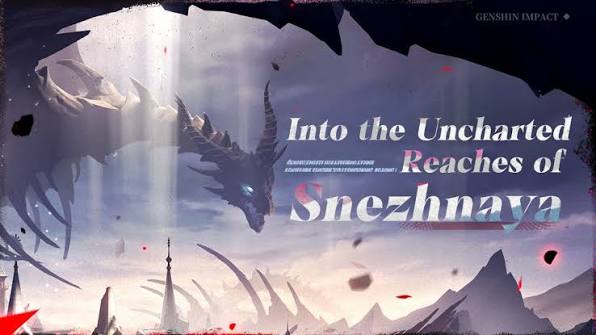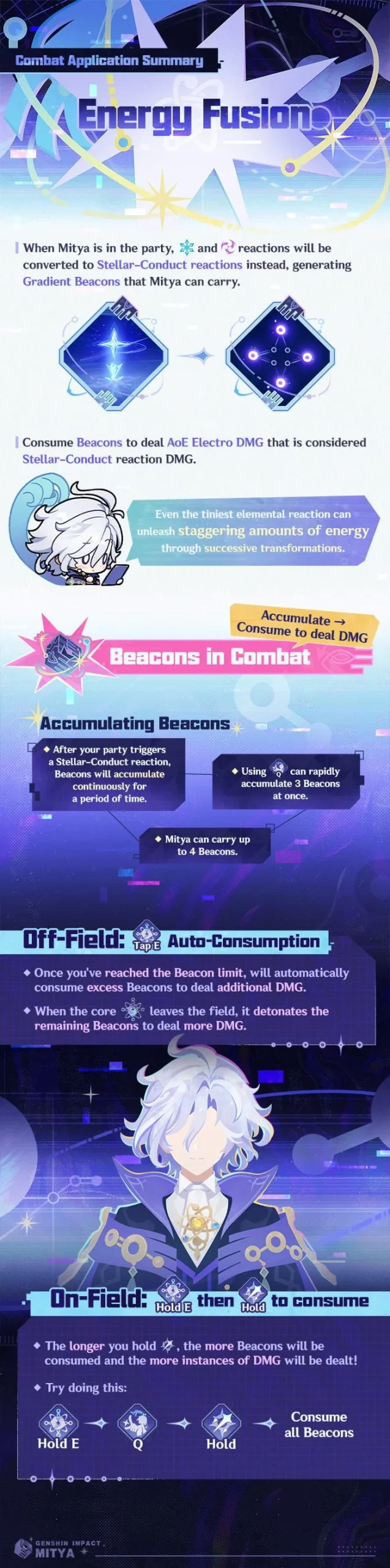
Mitya Polestar Field not appearing after a boss changes phases is a confirmed Genshin Impact 7.2 issue. HoYoverse says the Gradient Beacons carried by Mitya can fail to create their Polestar Field in some Trounce Domains after an enemy enters a new combat phase. The publisher acknowledges the bug and says it will be fixed after the Version 7.3 update.
This is especially frustrating on a weekly boss: the same setup can work during one phase and fail after the boss transitions. The timing is the useful clue. If the Polestar Field disappears only after a phase change, that’s the scenario HoYoverse has acknowledged, not a reason to rebuild Mitya from scratch.
Mitya Polestar Field not appearing after a boss phase change
The official V7.2 Known Issues & Update notice names the scenario directly: Mitya is carrying Gradient Beacons, a Trounce Domain enemy transitions to a new phase, and the Beacons sometimes fail to transform the area into the Polestar Field. It’s not described as something that happens on every cast or in every domain.
If Mitya Polestar Field not appearing happens after a Trounce Domain enemy changes combat phases, it matches the official report. Talent Levels, weapons and artifacts can’t fix a broken field transformation. They change Mitya’s damage, not the game’s behaviour when the boss enters its next phase.
Is there a fix for Mitya Polestar Field not appearing?
The 12 November 2026 known-issues update still listed this problem. HoYoverse says it plans to fix the affected Mitya issues after the Version 7.3 update. That is the publisher’s stated schedule, not confirmation that the bug has already been corrected in Version 7.2.
HoYoverse hasn’t published a guaranteed workaround for this specific Trounce Domain issue. Restarting the fight or placing Gradient Beacons again may be worth testing, but neither should be presented as a verified fix. The reliable place to check for a real correction is the official V7.2 Known Issues & Update notice.
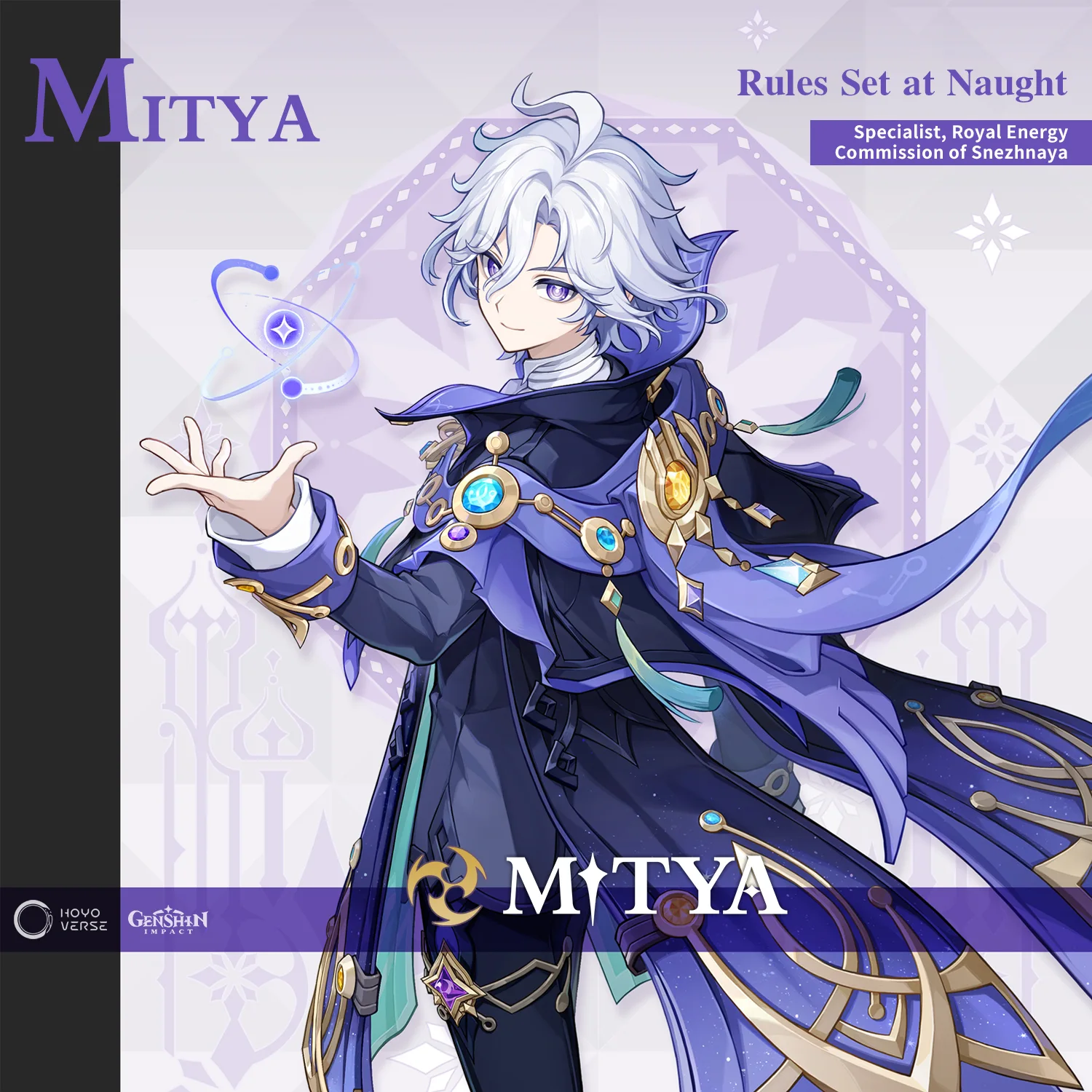
Other Mitya bugs in Version 7.2
| Symptom | Officially acknowledged behaviour |
|---|---|
| Polestar Field fails after phase change | Gradient Beacons may not create the field in some Trounce Domains |
| Special Charged Attack misses | May fail to deal damage to enemies moving only vertically |
| Detection Core fails on rocks | Steady State sometimes cannot clear destructible rocks at certain camera angles |
| Model looks incorrect | Appearance can display abnormally in some scenes |
| Charged Attacks target behind Mitya | Automatic aim can swing backwards during consecutive attacks |
These are separate symptoms. The Detection Core: Steady State issue affects some destructible rocks at particular camera angles. The Charged Attack bug can fail against enemies that move vertically. And auto-targeting can occasionally hit somebody behind Mitya. None of those details suggests his build has suddenly become useless.
Was Mitya’s scarf problem already fixed?
Yes. HoYoverse marked the Mitya scarf-effect bug, which mainly affected players using Constellation 6, as fixed on 12 November 2026 at 16:20. If your game still shows the old visual issue, closing and reopening the client is a reasonable check. That doesn’t mean the separate Gradient Beacon phase-change problem has been fixed.
The scarf and field bugs were listed separately. If the scarf looks wrong, make sure your client has the November 12 fixes. If Mitya Polestar Field not appearing is the problem after a boss phase transition, it remains part of the later-fix schedule in HoYoverse’s notice.
How to check whether the Polestar Field issue is a bug
Think about the timing. Did the field appear normally earlier in the fight and stop appearing just after the boss changed phase? That matches HoYoverse’s description. If you’ve never seen the field create anywhere, revisit Mitya’s skill and Gradient Beacon mechanics through our abilities guide before concluding that the update is responsible.
For Mitya Polestar Field not appearing after a boss phase change, the important answer is that HoYoverse knows about it. There’s no evidence that changing your build resolves it. Use the fight’s normal mechanics where you can and keep an eye on the official fix notes before trusting any supposed one-click workaround.
Official source: HoYoverse V7.2 Known Issues & Update.