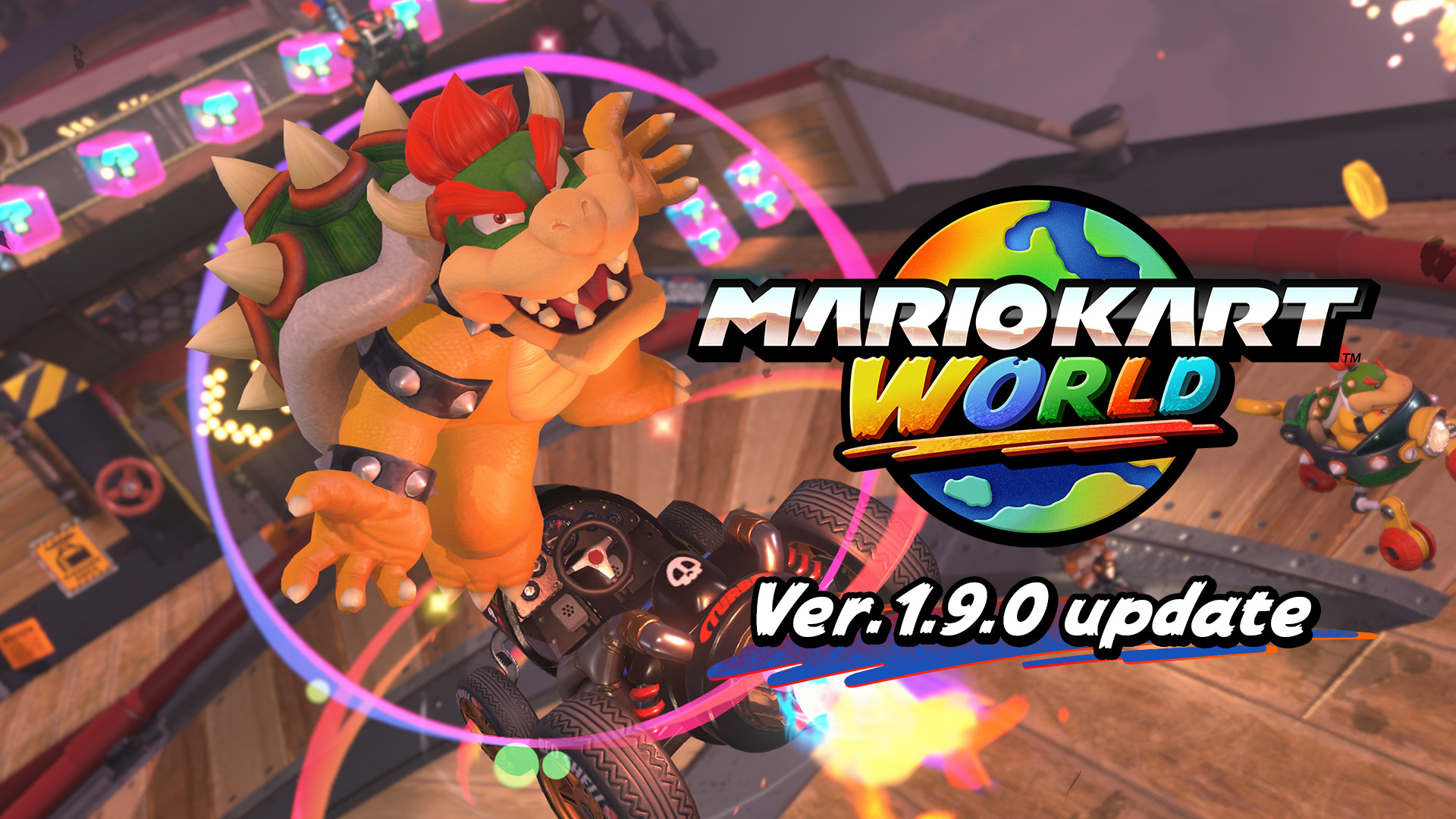
Mario Kart World race and battle replays can now be watched from the main menu, thanks to the free 1.9.0 update for Nintendo Switch 2. Recent races and battles are recorded automatically, so you can go back to an event after it ends without needing to save a video clip while you are still playing.
It’s a handy way to revisit a close finish or work out where you lost time on one of the new tracks. The catch is that a replay from before the November update cannot be recovered, and quitting halfway through a race prevents that race from being saved.
How to watch Mario Kart World Race and Battle Replays
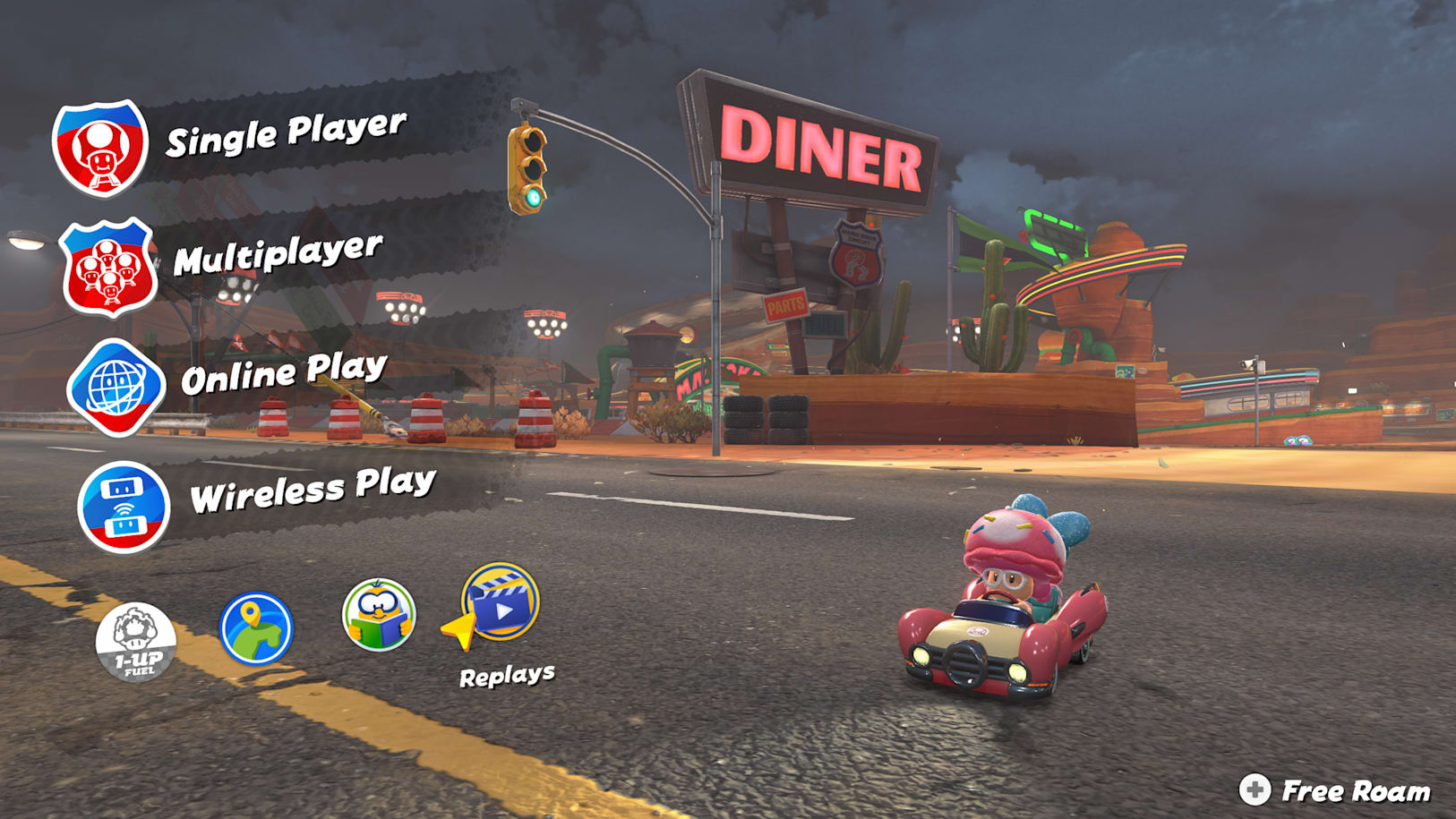
Once you’ve installed version 1.9.0 or later and finished a race or battle, return to the game’s main menu and select Replay, where you can choose from your recent recordings.
Recording happens automatically as you play, with both races and battles appearing in the same Replay menu.
Unlike the short clips you capture using the console’s Capture button, Mario Kart World race and battle replays are stored within the game and accessed through its menu rather than the Switch 2 Album.
How Mario Kart World race and battle replays are saved
As long as you let the event finish normally, it can be recorded automatically. Once the replay storage is full, the oldest recordings are deleted to make room for newer ones.
There is no confirmed numerical storage limit for Mario Kart World race and battle replays, so if you’ve had a particularly memorable finish, it’s worth revisiting it before playing a long series of new events.
Why are Mario Kart World race and battle replays missing?
If you used Quit or Return to Free Roam from the pause menu before finishing a race, that race will not appear in Replay. Finishing a fresh race after updating is a useful way to check the feature if you have not seen any recordings yet.
If you’re looking for a race played on version 1.8.0 or earlier, it won’t be available because the update cannot retroactively record past events. If you have played plenty of races since updating, an older replay may also have been removed to make room for later events.
If Replay itself is missing, check your software version by highlighting Mario Kart World on the Switch 2 HOME Menu and pressing + or −. Select Software Update and Via the Internet if needed, then reopen the game.
Can you watch battles too?
Mario Kart World race and battle replays share the same menu, so after finishing a battle you can return there to watch your performance, whether you want to revisit a close Balloon Battle or see where you lost coins in Coin Runners.
Live spectating is a separate feature, although it also received improvements in this update. The driver-perspective view can now display items, and the battle version of that view includes hit and crash indicators. Spectating remains separate from the recordings of races and battles.
Are Time Trials ghosts the same as replays?
Time Trials already supported watching downloaded ghost data before version 1.9.0. That feature is useful for studying another driver’s lap, while the main-menu Replay option provides access to your recent races and battles. If you’re learning one of the numbered courses, a Time Trials ghost is useful for comparing lap times and racing lines, while Mario Kart World race and battle replays let you revisit the events you’ve recently played.
For more on the current version, see Nintendo’s official Mario Kart World update notes.