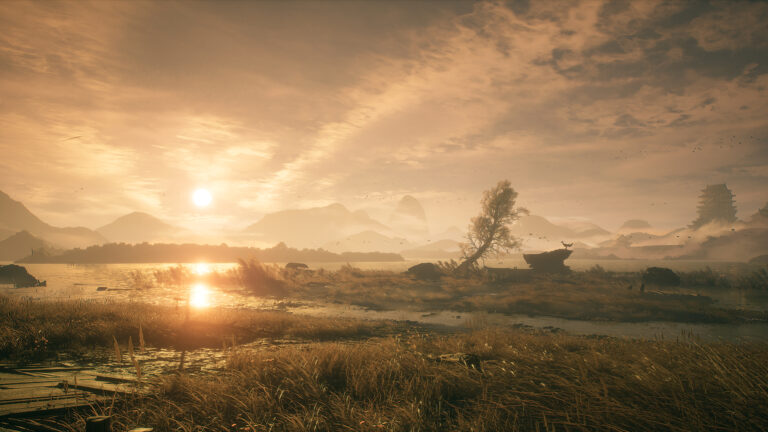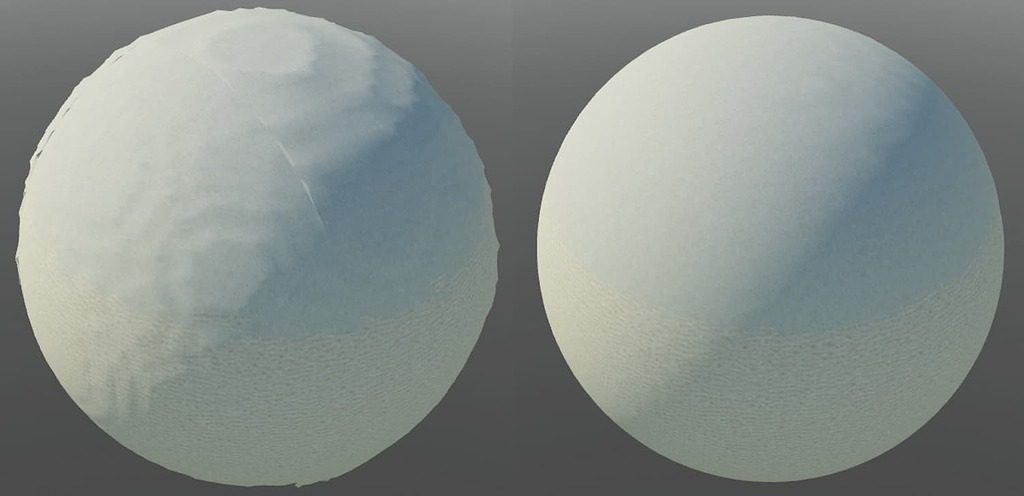
How to Make Roads With Roblox Path Splines starts by laying the road out as an editable route whose control points define direction, curves and later changes.
The road-building spline workflow comes from Roblox’s September 2026 terrain overhaul and is expected to reach creators through the Terrain Early Access Program first.
How to Make Roads With Roblox Path Splines: control points
A road can be redirected by moving the spline instead of rebuilding a long chain of separate road pieces.
How to Make Roads With Roblox Path Splines: terrain adaptation
Roblox says the surrounding terrain can react to path edits, reducing clipping, floating road sections and repeated sculpting underneath the route.
How to Make Roads With Roblox Path Splines: PBR road surfaces
Creators can upload a custom path texture, allowing asphalt, dirt, stone or stylized road materials while keeping the route editable.
How to Make Roads With Roblox Path Splines: multiple roads
More than one path can exist in a scene, so the system can support main roads, side roads and branching trails instead of a single isolated route.
How to Make Roads With Roblox Path Splines: foliage cleanup
Nearby vegetation can respond when the road moves, which should reduce manual tree and grass cleanup after layout changes.
How to Make Roads With Roblox Path Splines: when meshes are still better
Bridges, tunnels, curbs and engineered intersections may still need precise custom geometry rather than terrain-conforming splines.
How to Make Roads With Roblox Path Splines: what Early Access still needs to confirm
Final width controls, snapping options, junction behaviour and path limits are not yet documented in detail.
A strong first test will be a route that climbs, turns and passes through existing foliage because that should reveal whether the spline really reduces road placement, terrain repair and vegetation cleanup at the same time.
A hybrid workflow is likely to be strongest: use the spline for the terrain roadbed, then switch to custom geometry wherever precise engineering details or dimensions matter.
Road design should remain flexible much later into production. If a destination moves after playtesting, redirecting a spline is far cheaper than reconstructing an entire route from bespoke pieces.
How to Make Roads With Roblox Path Splines should be particularly useful for maps where routes continue changing throughout blockout and playtesting.
Road networks usually change as the rest of a map changes, so editability is the biggest advantage. A new town entrance, quest area or combat arena can force a route to move even after the surrounding environment has already been built.
Creators should also plan road hierarchy. Main roads, side roads and footpaths can use separate spline sets or materials so players can understand navigation visually without relying entirely on signs or UI markers.
Intersections will be one of the most important Early Access tests. A single curved route is straightforward, but real maps need junctions, merges and transitions into bridges or settlements that may require extra geometry.
Roadside props should remain separate from the route wherever possible. Lamps, signs, fences and barriers can then be repositioned independently instead of becoming locked to one terrain edit.
A hybrid approach is likely to be the most practical: let the spline manage the terrain-following roadbed, then use custom meshes for bridges, curbs or engineered structures that need exact dimensions.
The feature will be most convincing if a road can be reshaped repeatedly without creating new cleanup work around every edit.
A practical road test should include a climb, a sharp bend, an intersection and a transition into custom geometry such as a bridge. That would reveal where the spline system is genuinely useful and where a traditional mesh remains the better tool. Road furniture should probably stay separate wherever possible, so signs, lamps, fences and barriers can be moved independently when the route changes. If the system works as described, its biggest advantage will be keeping road layout flexible later into production, when playtesting often forces destinations, travel times and route shapes to change after the surrounding environment has already been built.
Road creation will also need careful testing around intersections and destination areas. A spline can solve the long natural stretch of a road, but towns, gates and junctions often need precise transitions. The most efficient workflow may be to let the spline handle most of the route and deliberately hand-author only the complicated endpoints. That would preserve flexibility across the map without forcing a procedural tool to solve geometry it was not designed to handle.