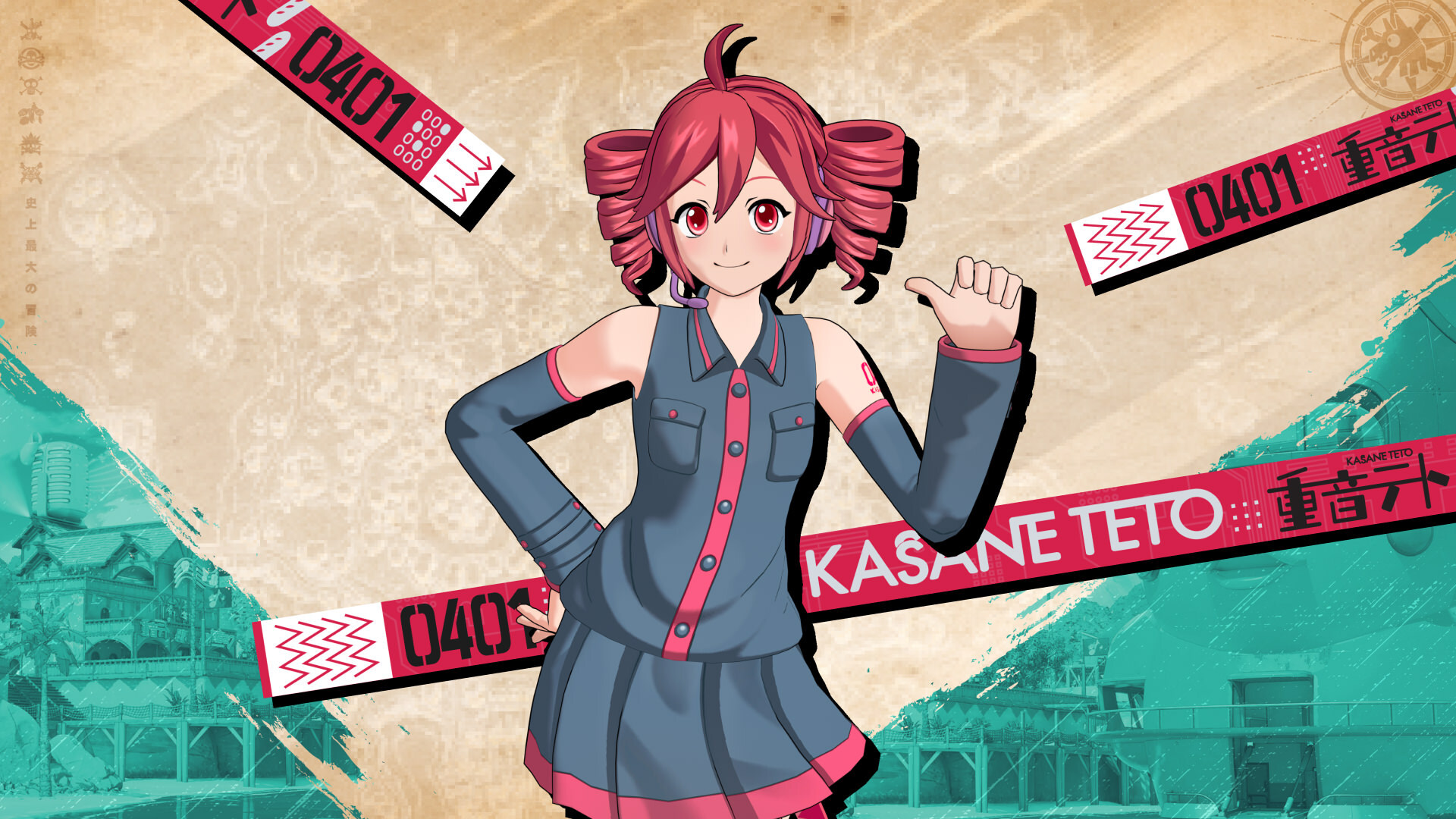
Fortnite Kasane Teto skin bugs are causing two annoying cosmetic problems: Back Blings can sit off-centre on her Outfit, and the colours can look washed out in Performance Mode. Epic has acknowledged both issues in its v43.10 update notes. Neither is listed as fixed.
If you’ve unlocked Teto through the TWINDRILL DIVA Music Mini-Pass, here’s what Epic has confirmed and what you can check while a fix is pending.
What are the Fortnite Kasane Teto skin bugs?
Epic names two problems under the Cosmetics section of its known-issues list. Back Blings may appear off-centre when equipped with the Kasane Teto Outfit. Separately, Teto’s colours may appear paler than intended if you’re running the game in Performance Mode.
Epic hasn’t named specific Back Blings or given a patch date. Not every Teto owner will see these problems.
Why does Teto’s Back Bling sit to one side?
Open your Locker, equip Kasane Teto and rotate her model. If the Back Bling is sitting noticeably to one side, try another accessory. That gives you a quick way to see whether the problem follows Teto’s Outfit or just one particular Back Bling.
Check the combination in a match too. A Back Bling clipping through hair or clothing isn’t always an alignment problem. Screenshots from both views will help you report it.
There isn’t a confirmed setting to fix the attachment point. For now, use a Back Bling that looks right on her or go without one.
Why does the Kasane Teto skin look pale?
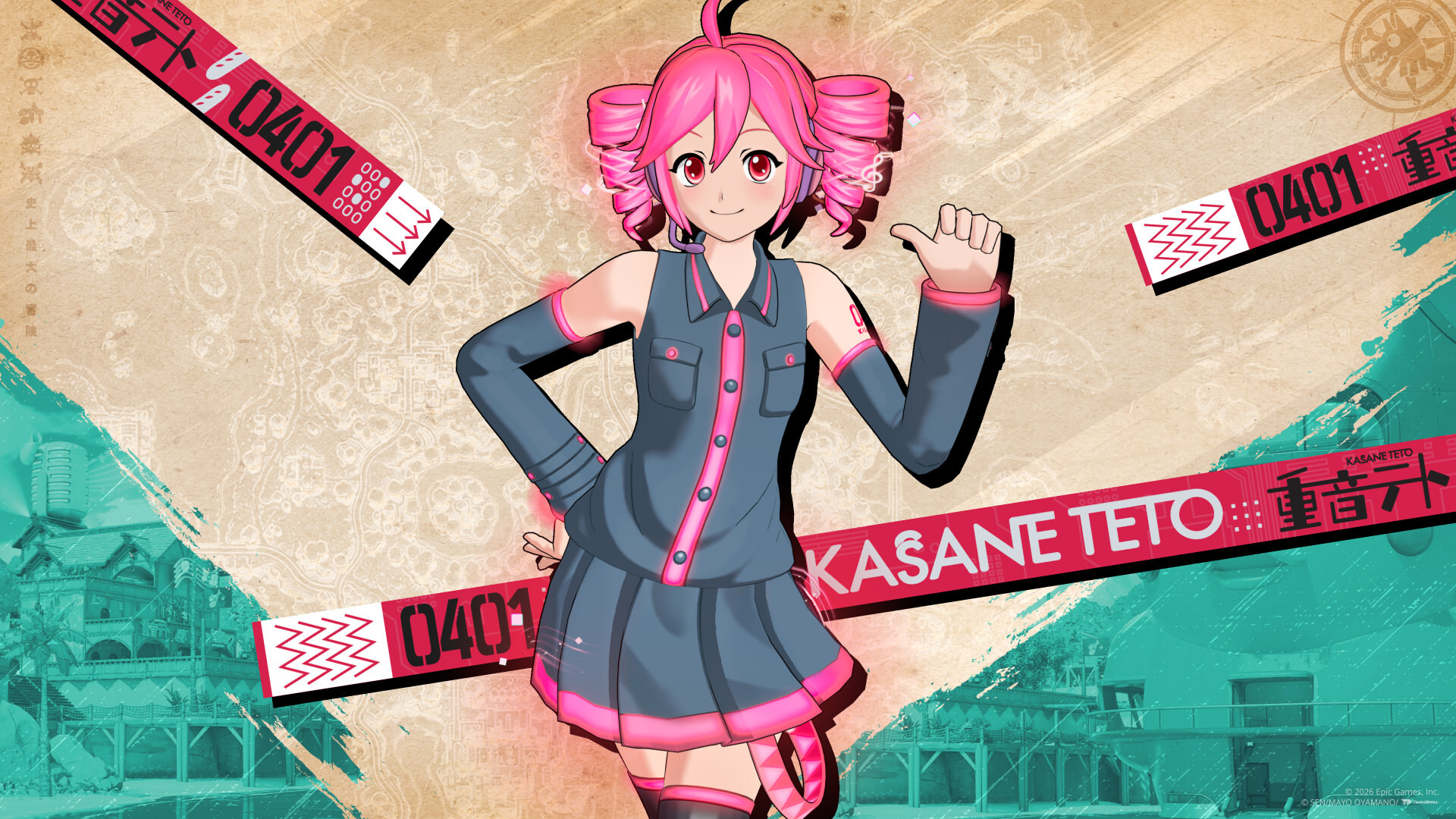
The colour issue is specifically tied to Performance Mode in Epic’s notice. If you play on PC with that rendering mode enabled, Teto may have a faded, less saturated appearance compared with her intended colours.
You can check your mode in Settings → Video → Rendering Mode. If your PC supports another renderer and you’d like to compare, note your current setting first, apply the new one and restart Fortnite when prompted. Epic documents that settings path, but changing modes is only a comparison you can try, not an announced fix for this Outfit.
This isn’t the same as her music-reactive style, which is a separate Music Pass reward. The known issue affects how the Outfit appears on screen. It doesn’t change what you’ve unlocked.
Are the Fortnite Kasane Teto skin bugs fixed yet?
Not in the v43.10 notice. Epic still lists both the off-centre Back Bling and pale Outfit colours as issues it’s working on. There’s no confirmed release date for either repair in that announcement.
You also don’t need to reinstall the game or delete files to deal with these specific known issues. Neither is an official solution from Epic. If a later patch changes their status, the fixes-and-improvements notes are the place to look.
Fortnite Kasane Teto Skin Bugs – Does the bug affect Teto’s Music Pass rewards?
No reward problem has been confirmed as part of these two reports. The TWINDRILL DIVA Music Mini-Pass costs 1,000 V-Bucks, or is included with an active Fortnite Crew subscription. Teto’s regular Outfit unlocks when you get the pass. The music-reactive style comes at the end of its reward track.
So if you can equip Teto but her colours seem wrong, you’re dealing with an appearance issue. If the Outfit isn’t in your Locker at all, check your Music Pass access and the Passes screen instead. Our Kasane Teto Outfit guide covers the unlocks, and the Music Pass XP guide covers the remaining rewards.
How to report the Fortnite Kasane Teto skin bugs
Take a screenshot showing the Outfit, the affected Back Bling if there is one, and your rendering mode if you’re on PC. You can report a bug through Fortnite’s in-game reporting options or contact Epic Support. A clear picture is much more useful than a list of random graphics settings you’ve tried.
Epic knows about both bugs. A different Back Bling or rendering mode may make Teto look better for now, but neither is a permanent fix.
Related Fortnite Kasane Teto Skin Bugs Guides and More Fortnite Coverage
Official source: Epic Games, Fixes and Improvements in v43.10.