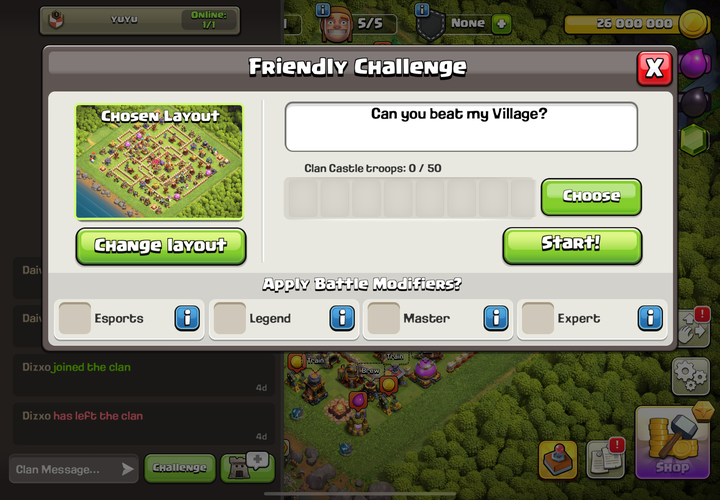
Clash of Clans Global Chat Friendly Challenges let you post a Home Village base for other members to attack. The challenge stays open for 24 hours, and a leaderboard ranks everyone’s attempts by stars, destruction and time.
Added in the 16 November 2026 update, the new format gives each player three attempts at a posted base. You can run several challenges at once, but Town Hall restrictions and group limits decide who can join in.
How to create Clash of Clans Global Chat Friendly Challenges
Go to a Global Chat group from your Home Village and tap the challenge icon beside the message box. Choose your Home Village layout and post it to the group, much like you would in Clan Chat.
You can’t post a Builder Base or Clan Capital Friendly Challenge. If you’re on either of those screens, the game points you back to Home Village. The feature also works in Town Square.
If you can’t find the challenge option, the group may have disabled it or already reached its limit of ten active challenges. Those settings are controlled by the group, not by individual attackers.
How long do Global Chat challenges stay open?
In Clash of Clans Global Chat Friendly Challenges, each challenge stays open for 24 hours from creation, even after someone attacks it. Multiple people can scout or attack simultaneously, so there is no need to wait for another player’s turn.
You can have three active challenges across all groups combined, not three per group. A chat group can host up to ten active challenges from its members.
After 24 hours, new attacks stop. The leaderboard, scores and replays remain available, although maintenance can invalidate older replays.
Clash of Clans Global Chat Friendly Challenges: attempts per player
Each person gets up to three attempts per challenge. Someone else’s attack doesn’t use one of yours, and other members can attack at the same time.
These are practice attacks, not extra multiplayer battles. They don’t count towards the daily Star Bonus, even if you earn three stars.
Check the leaderboard after your first try. If your attack was one star short or left a lot of the base standing, you still have two attempts to improve it.
Clash of Clans Global Chat Friendly Challenges: leaderboard rules
The leaderboard compares stars first, then destruction percentage, then time taken. Three stars beat two regardless of speed. If stars tie, destruction decides; only then does time break the tie.
For example, a 90% two-star attack outranks an 80% two-star attack even if it takes longer. If two players both earn three stars and 100% destruction, the faster one ranks higher.
You can still check the ranking after the challenge closes. Replays remain available until they are invalidated by game maintenance.
Clash of Clans Global Chat Friendly Challenges: Town Hall rules
You can attack a posted base at your Town Hall level or higher, but not a lower Town Hall. A Town Hall 15 player can challenge a Town Hall 16 village, for example, but not a Town Hall 14 village.
The rule limits which challenges you can enter. It doesn’t mean a lower-level army is guaranteed to win against a stronger base.
How to watch attacks and replays
When spectating Clash of Clans Global Chat Friendly Challenges, Watch Live can appear if you already have the group open when an attack begins. Up to 15 people can spectate at once. If you join later, you may see Replay instead.
In very large chat groups, not every live attack will appear for every member. Completed replays can also disappear after maintenance.
Where to find older or buried challenges
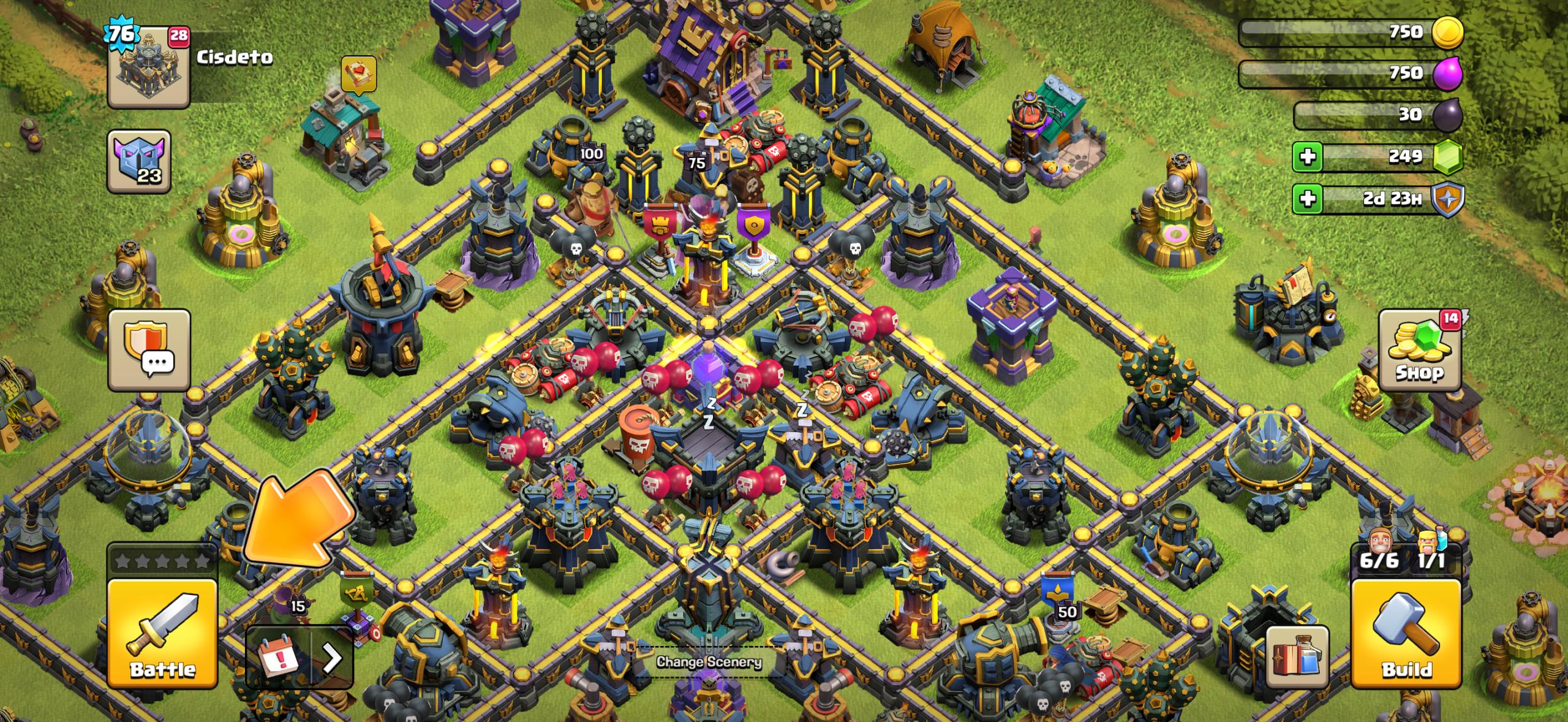
To find a challenge buried under new messages, open the chat group and tap the star at the top-right. The Highlights tab collects Friendly Challenges in one place.
Highlights is for browsing and reacting, so it has no message box. Manually highlighted posts appear first; automatically highlighted posts follow newest first.
Can you share bases, armies and replays in Global Chat?
Yes. You can share Home Village base layouts, army compositions, and attack or defence replays in Global Chat from the Battle Log, Layout Editor and Army Training screens, just as you can in Clan Chat.
The sharing menu offers a link, QR code, Clan Chat or chat group. Army shares leave out temporary and event troops. Players can also opt out of receiving shared links.
For more on which battles actually count towards daily rewards, read the Clash of Clans Star Bonus rework guide.
Official source: Supercell Clash of Titans update notes.