Ace Combat 8 Wingman Aircraft need their own copies. Buying a new fighter for yourself doesn’t automatically give Baxter, Tasha and Coster three more of the same jet. If the aircraft you want is missing from their formation choices, check how many copies you own before assuming it’s locked.
Fortunately, you don’t have to pay full price all over again. Once you’ve bought a plane in the Campaign Aircraft Tree, additional copies are discounted. There’s one catch worth knowing before you go shopping: you can choose the jet a wingman flies, but not its individual Special Weapons.
How to buy Ace Combat 8 Wingman Aircraft for Joker Flight
Buy the aircraft in the Campaign Aircraft Tree first. Then purchase another copy of that model for Joker Flight and assign it from the SELECT WINGMEN AIRCRAFT option on the sortie’s STANDBY screen. If you’re flying the same plane yourself, remember that your own copy is already occupied. Your wingman needs another one.
Still not seeing it? Count the copies against the pilots trying to use them. One aircraft can’t be in two places at once. Also check the sortie restrictions: a mission launching from Endurance may require carrier-capable aircraft, and some story moments limit what you can select.
Ace Combat 8 Wingman Aircraft MRP prices
The repeat-purchase price is one eighth of the aircraft’s normal MRP price. Take the F/A-18E Super Hornet: its first copy costs 240,000 MRP, but another one for a wingman costs 30,000. The F-35C is 550,000 MRP to buy initially and 68,750 for an extra copy. Those prices are for the aircraft itself, not the other nodes you might have bought on the way through the tree.
Unlocking a new aircraft can mean paying for several connected parts or weapons before you reach it. Once you’ve bought the plane, however, the discounted copy doesn’t force you to repeat all those earlier purchases.
Can Ace Combat 8 Wingman Aircraft be assigned to two wingmen?
Yes. If you want two wingmen flying the same model, buy enough copies for both of them. If you’re also flying that model, your own plane counts as another copy. You can mix aircraft freely when the mission allows it, so buying one extra plane is often enough to get the support you want.
Your wingmen have preset weapons, not custom loadouts
Your own loadout has a Special Weapon selection screen, but Joker Flight’s doesn’t. Each aircraft comes with a preset wingman weapon loadout. Before Campaign Mission 6, wingmen use the first preset weapon; afterwards, their aircraft can carry its default two-weapon combination. You still can’t choose a different pair for them. This is an important difference from customising the plane you fly yourself.
That means the aircraft’s wingman weapons matter more than its selectable player weapons. A plane that looks perfect on your own loadout screen might give your wingman a less useful set for the mission ahead. Check what the model actually assigns to Joker Flight before paying for another copy.
Why can’t my wingman equip the Special Weapon I bought?
Because extra weapons from the Aircraft Tree unlock options for your plane. They don’t change the preset weapons assigned to that model when an AI wingman flies it. If you need a different weapon from Joker Flight, change the aircraft. Our two-Special-Weapon guide
How Ace Combat 8 Wingman Aircraft changes your mission strategy
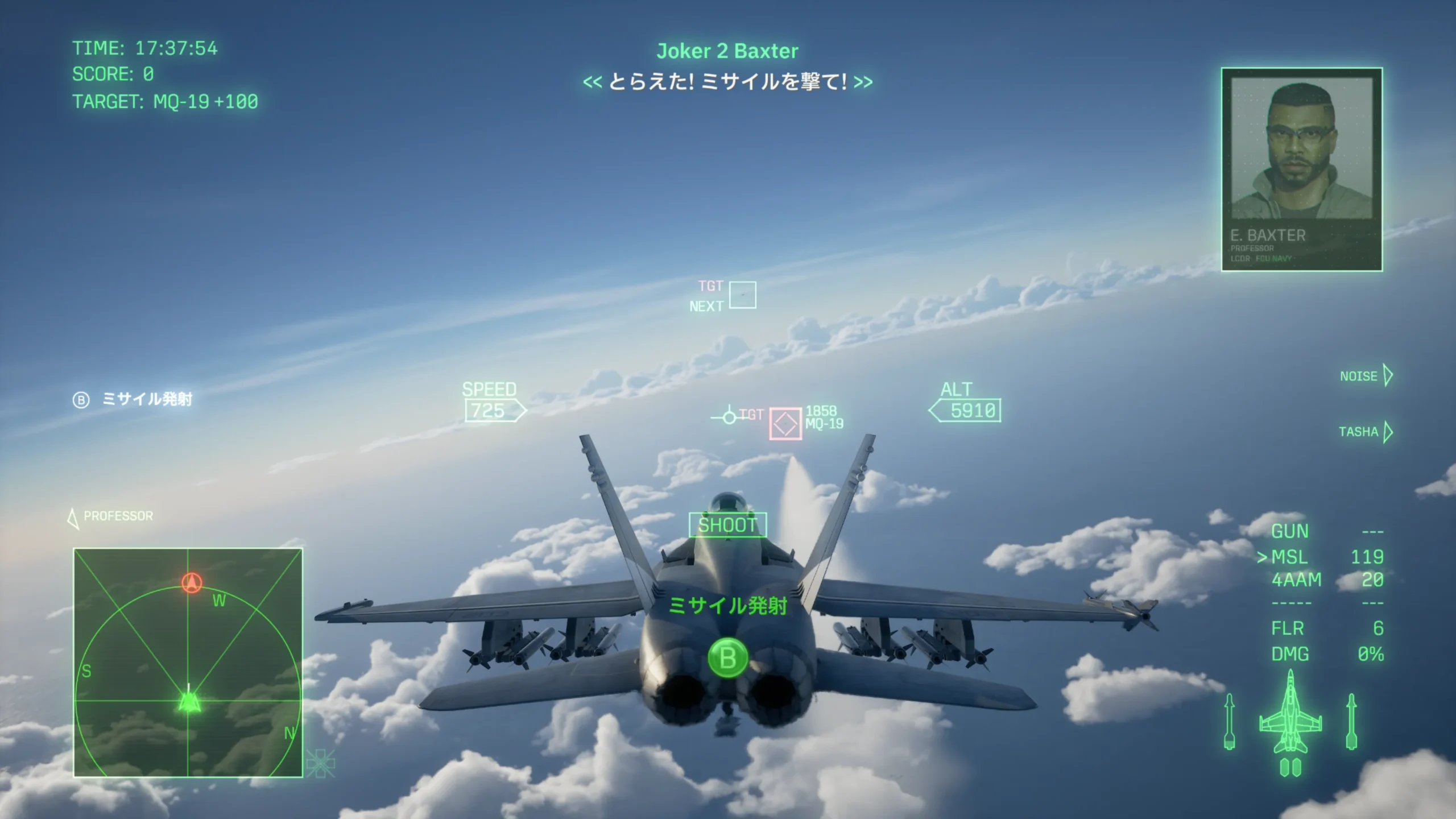
Use Joker Flight’s attack orders to point them at the right part of the battle. You can’t force them to switch to a weapon they don’t have, though. If their default loadout isn’t helping, a different aircraft is the fix. Our wingman commands guide
Official publisher source: Bandai Namco Entertainment’s Ace Combat 8 website.