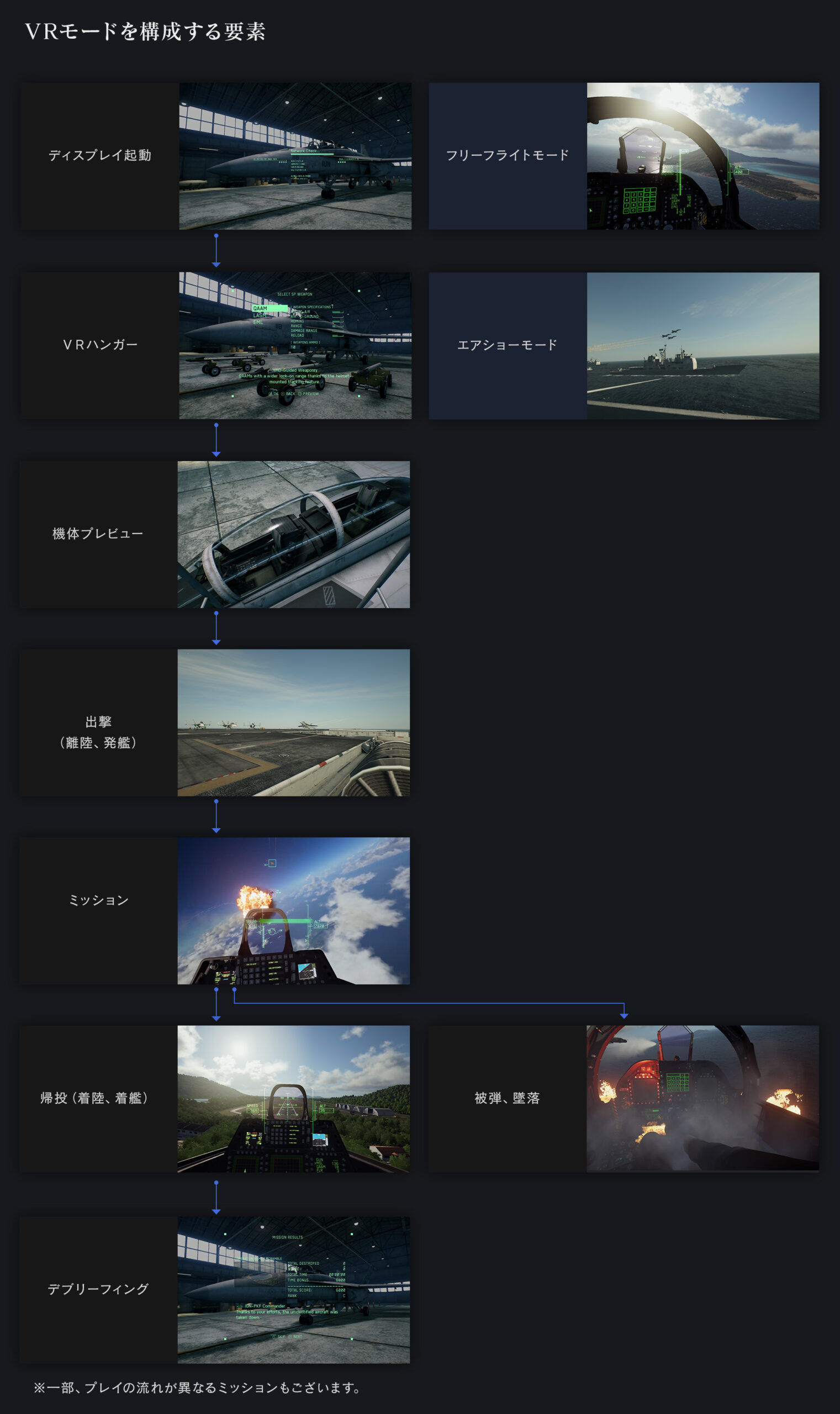
Ace Combat 7 VR missions are three special sorties made specifically for the original PlayStation VR headset and the PlayStation 4 version of Ace Combat 7: Skies Unknown. They are not a way to play all 20 main campaign missions in VR, and they aren’t the three separately sold SP story missions.
That distinction is worth checking before you buy a headset or an edition of the game. The VR mode uses its own aircraft, missions, hangar and sightseeing features. Here’s what you need, how the mode works and which platforms aren’t supported.
Ace Combat 7 VR missions: supported headset and platform
| System or headset | Official VR mode support |
|---|---|
| PS4 + original PlayStation VR | Yes, the intended hardware |
| PS4 without a VR headset | No VR experience; standard campaign still works |
| PlayStation VR2 | No native PS VR2 version |
| PC and SteamVR headsets | No official PC VR mode |
| Xbox | No VR campaign |
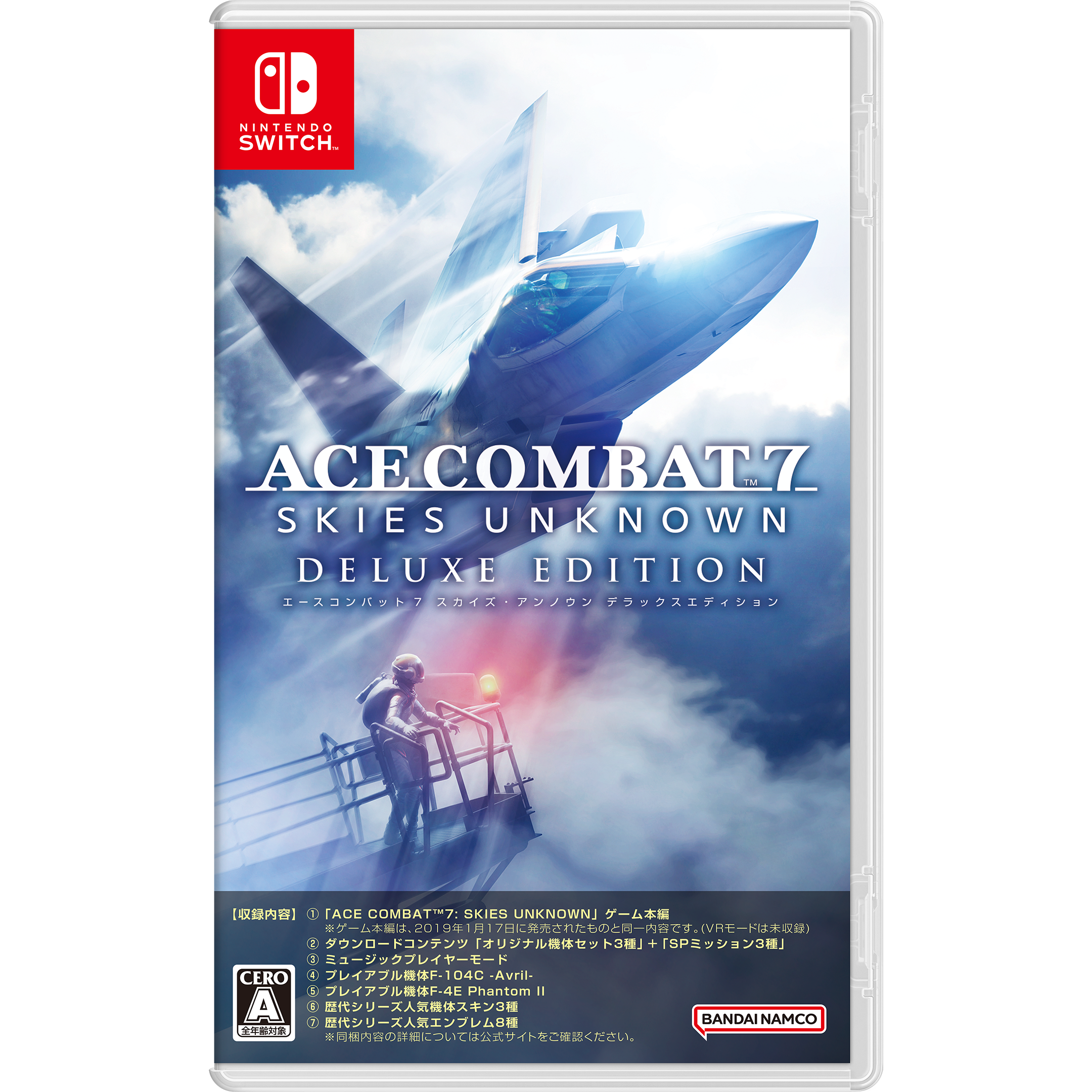
| Nintendo Switch Deluxe Edition | No VR mode |
The official game website says VR is exclusive to the PS4 release and is built for PlayStation VR. It does not support other VR headset systems. On a PS5, the original PSVR requires the older PlayStation Camera and its camera adaptor. Sony stopped supplying the adaptor in November 2024, so check that you already have compatible hardware before buying a used headset. PS VR2 is a different headset and is not a substitute for PSVR1 in this game.
How to access the Ace Combat 7 VR missions
- Install the PS4 version of Ace Combat 7: Skies Unknown.
- Connect the original PSVR headset and its required camera hardware according to PlayStation’s instructions.
- Start the game and choose the separate VR Mode option rather than the normal Campaign menu.
- Select VR Mission 01 and choose your difficulty.
- Complete each VR mission in sequence to unlock the next one.
The Ace Combat 7 VR missions live outside the ordinary story campaign. If you start the regular Mission 1, Charge Assault, you will not suddenly see the whole campaign through a VR cockpit. Return to the separate VR Mode option for the headset-specific content.
Ace Combat 7 VR missions: all three sorties
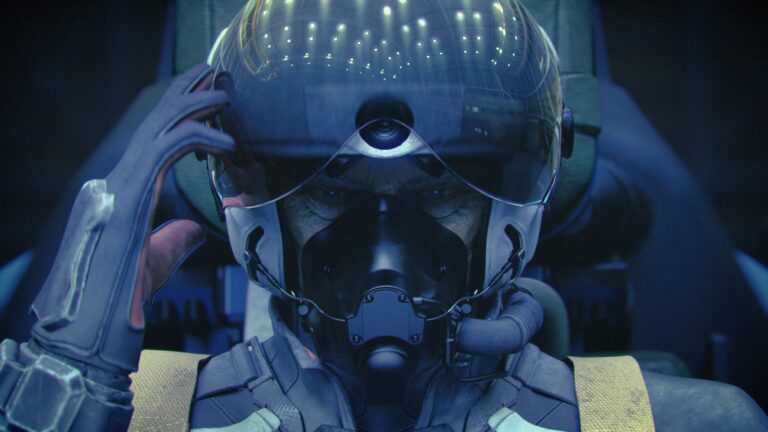
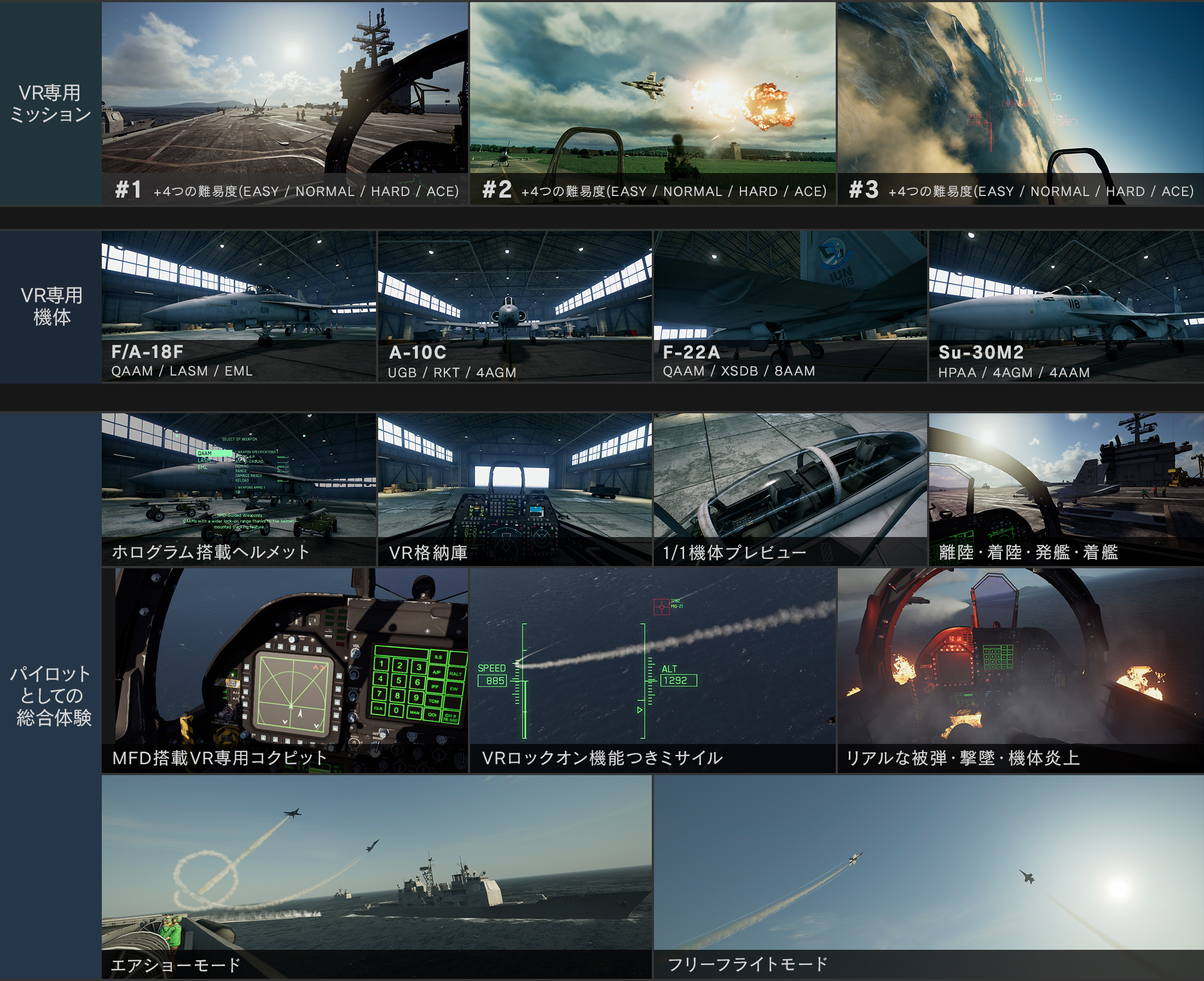
VR Mission 01 starts with a carrier launch and takes you into an aerial defensive battle. It introduces the headset’s cockpit view, where you can turn your head to watch enemies around you while continuing to fly the aircraft.
VR Mission 02 begins with a dramatic scramble from an airbase under attack, followed by protecting friendly ground forces. The publisher highlights the base attack and emergency takeoff as central parts of the experience, so this sortie is more than a straightforward dogfight.
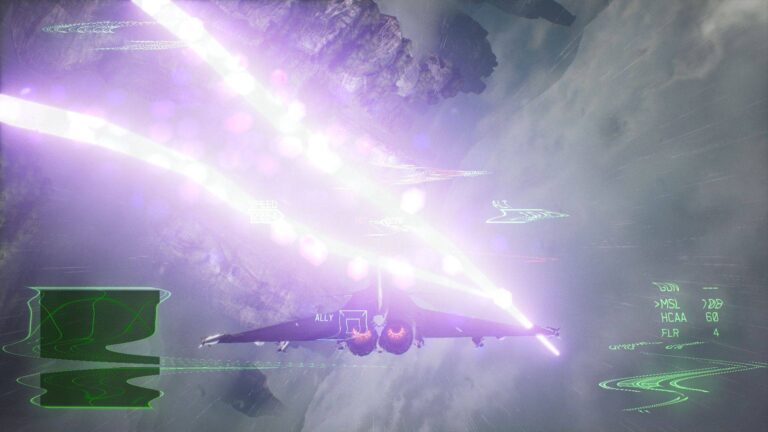
VR Mission 03 puts you over mountainous terrain with clouds that affect your view, then develops into a tougher aerial encounter. By this point you need to be comfortable tracking aircraft in three dimensions without losing your bearings around the mountains.
These are three exclusive VR missions, not the main campaign missions 1, 2 and 3 presented through a headset. You also play as Mobius 1 rather than following Trigger’s usual story progression.
Ace Combat 7 VR missions use Expert controls only
This is a detail a lot of beginners miss. Bandai Namco specifically states that VR Mode uses Expert controls only. If you learned the standard campaign using Standard controls, expect a change in handling: rolling the aircraft and then pulling into turns becomes more important.
You can still use the familiar throttle, brake, missiles and gun, but you should allow yourself time to get comfortable with the cockpit. In VR, looking towards enemies can make it easier to track targets that would otherwise disappear off the edge of a flat screen.
Ace Combat 7 VR missions and extra headset activities
The VR content includes a special hangar with highly detailed aircraft models and cockpit inspection. There’s also Free Flight, which lets you enjoy the scenery without combat objectives for up to ten minutes, and an Air Show where you can watch aircraft perform aerobatic routines from the carrier.
These extras give the headset more value than three mission select screens alone. You can explore the aircraft presentation and watch aerial displays even when you’re not in the mood for a demanding fight.
Which aircraft can you unlock in the VR mode?
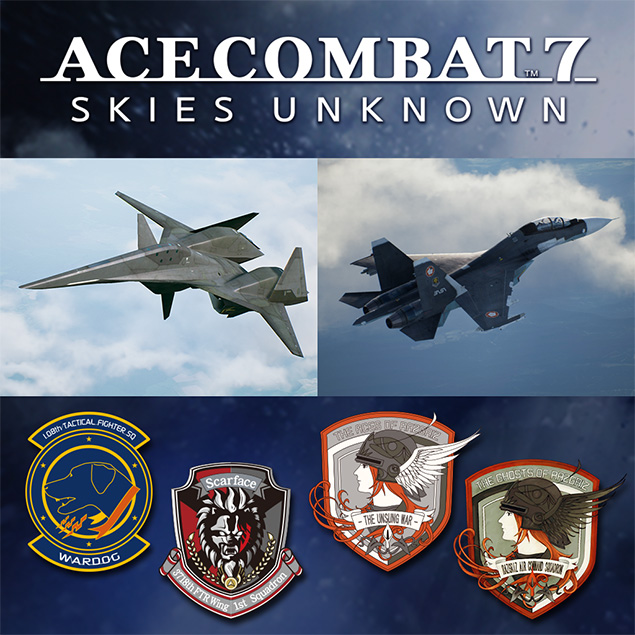
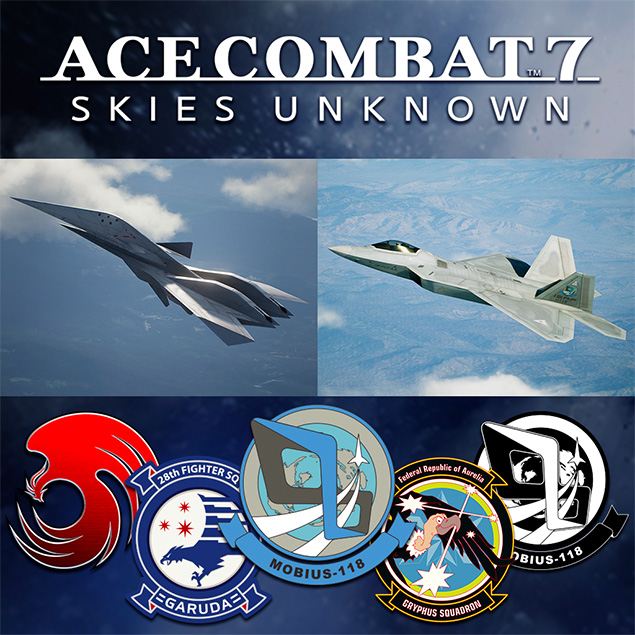
Alongside the Ace Combat 7 VR missions, the VR hangar has its own aircraft progression. You start with limited aircraft options and unlock more as you complete VR sorties. Replaying missions counts towards further unlocks, including aircraft such as the Su-30M2, A-10C and F-22A after enough mission clears.
That is a separate progression path from buying planes with MRP in the ordinary campaign Aircraft Tree. If an aircraft is in your regular hangar, don’t assume it automatically appears in the VR hangar.
Why Ace Combat 7 VR missions aren’t appearing
- Make sure you are using the PS4 version of the game, not an unsupported platform release.
- Check that you have original PlayStation VR hardware, rather than assuming PS VR2 or PC VR will work.
- Look for the separate VR Mode entry instead of searching the campaign mission list.
- Complete the previous VR sortie to open the next mission in the set.
- If using newer PlayStation hardware, verify the older PSVR camera adaptor and compatibility requirements with Sony.
The Ace Combat 7 VR missions are a brilliant extra for someone who already owns the right hardware, but they’re not a reason to assume every edition of the game is VR-compatible. Check the headset and platform first, then enjoy the three purpose-built cockpit missions and additional free-flight features.
For the other extra sorties, read our Ace Combat 7 DLC Missions guide. Our Ace Combat 7 Switch Deluxe Edition guide explains that platform’s included content.
Related Guides
Official source: Bandai Namco official Ace Combat 7 VR Mode overview.