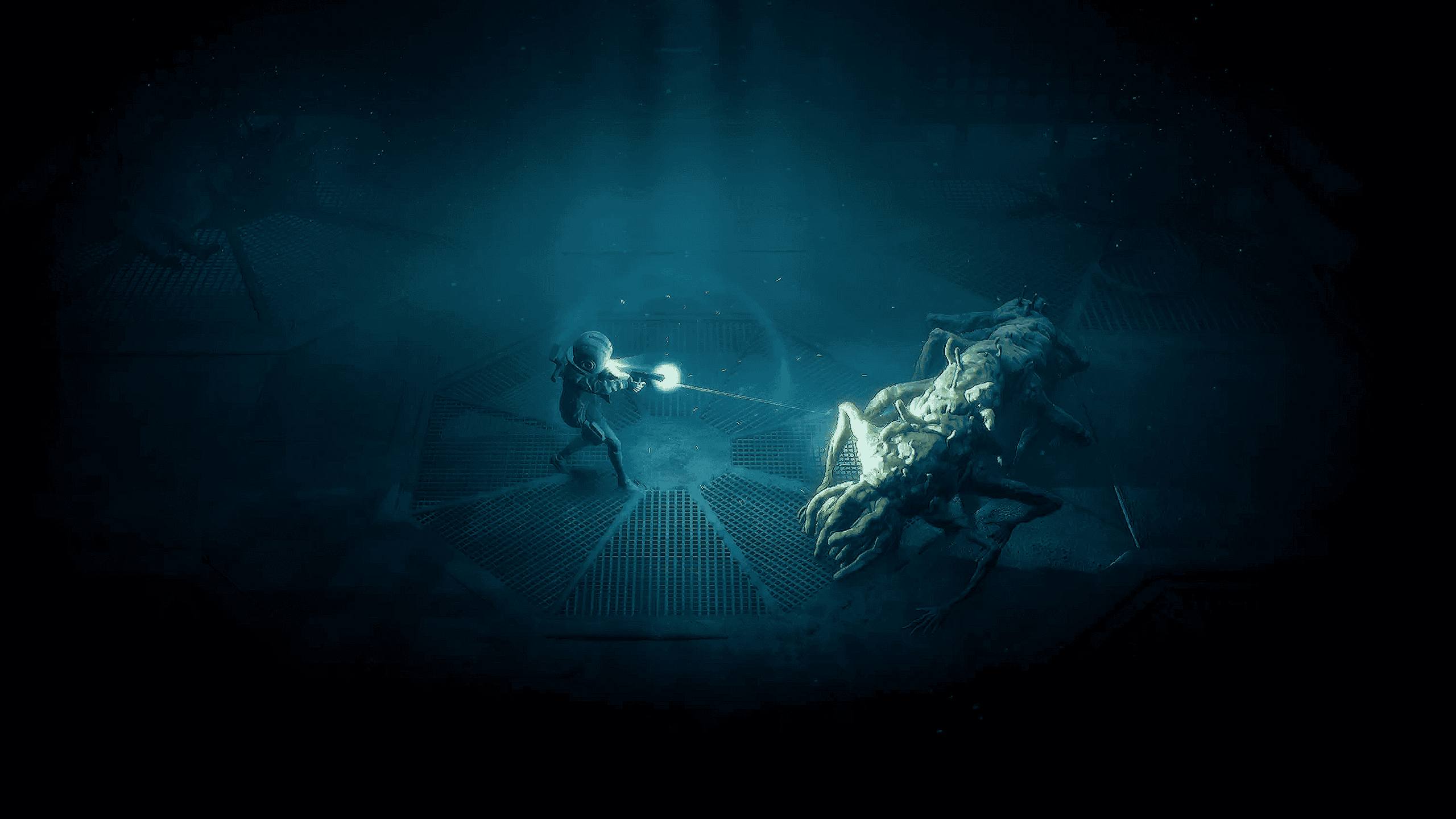
End of Abyss Update 1.013 is the October 4 hotfix that fixes another launch-week progression blocker, this time affecting players who die while attempting to extend a bridge. The same patch also addresses performance hitches when moving between rooms or levels, including the audio-quality problems and loud static those hitches could trigger.
This is the second End of Abyss fix in quick succession. Update 1.012 dealt with the Defibrillator freeze and Energy Node doors that could stay locked after a death. Version 1.013 moves onto the bridge system and transition performance rather than adding new story content, weapons or difficulty options.
End of Abyss Update 1.013: full patch notes
| Fix | What it means for players |
|---|---|
| Bridge progression blocker | Dying while attempting to extend a bridge should no longer leave progression blocked |
| Room and level transition performance | Navigation hitches between rooms and levels have been addressed |
| Audio quality issue | Transition hitches should no longer degrade audio quality in the same way |
| Loud static sound | The same performance fix targets the loud static symptom reported during navigation |
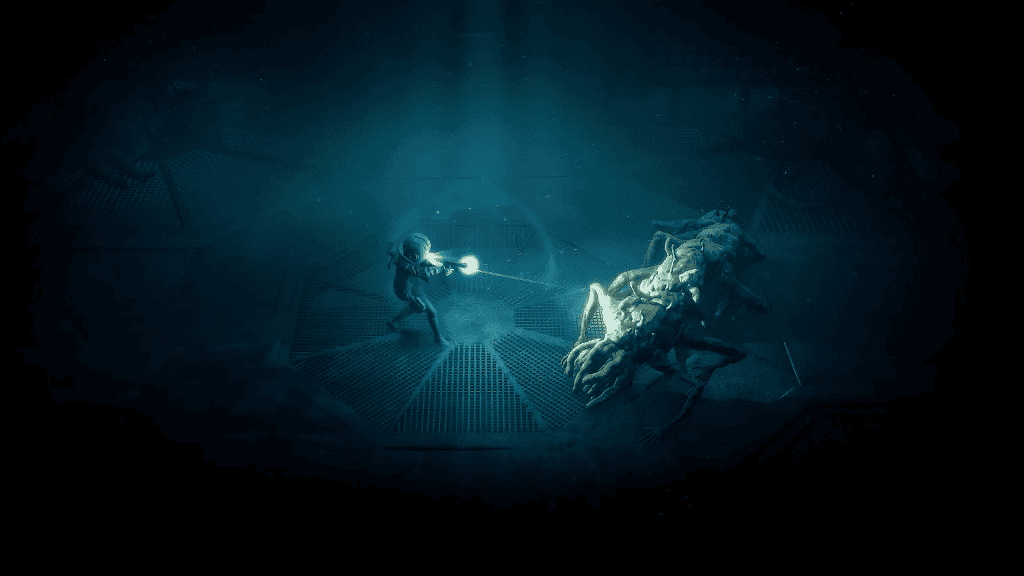
Image credit: Section 9 Interactive / Epic Games Publishing
End of Abyss Update 1.013: Version number on PS5, Xbox Series and PC
PS5 players see the update as version 1.013. Xbox Series X|S and PC use version 1.0.1.3.
If you are troubleshooting the bridge bug, check the installed version before trying to rebuild the route or restart the game from much earlier progress.
End of Abyss Update 1.013: bridge progression fix explained
The important trigger is death during the bridge-extension interaction. If Cel dies while a bridge is being extended, the older game state could leave the related progression stuck.
Version 1.013 changes that behaviour so the death should no longer create the same progression blocker. This is narrower than a general ‘all bridges fixed’ claim, so a bridge puzzle that is simply unsolved is a different problem.
End of Abyss Update 1.013: What to do if you were already stuck at a bridge
Install the update, close and reopen the game, then reload the affected save and revisit the bridge. Test the bridge interaction again before abandoning the save or replaying a large section.
Unlike the 1.012 Energy Node note, the published 1.013 changelog does not explicitly promise that every already-broken bridge save will be repaired retroactively. If the same save remains stuck after updating, try the most recent earlier save or checkpoint from before the failed bridge interaction if one is available.
Our End of Abyss Bridge Not Extending guide separates the patched bug from ordinary bridge-puzzle progression.
End of Abyss Update 1.013: Performance fixes between rooms and levels
The other half of the patch targets hitches while navigating from one room or level into another.
Those hitches were not just visual stutters. The patch notes connect them to audio-quality problems and a loud static sound, so smoother room transitions should also prevent that specific audio failure.
End of Abyss Update 1.013: loud static audio fix
If the loud static happened specifically while moving between rooms or levels, install 1.013 before changing system-wide audio settings or reinstalling the game.
The changelog does not claim to fix every possible sound problem. Audio issues with a completely different trigger should still be treated separately.
End of Abyss Update 1.013: How 1.013 differs from Update 1.012
| Update | Main fixes |
|---|---|
| 1.012 / 1.0.1.2 | Defibrillator revive freeze, Energy Node door blocker, missing map room, reset-door map state |
| 1.013 / 1.0.1.3 | Bridge-extension death blocker, room/level transition hitches, related audio and loud static |
The two updates solve different launch problems, so 1.013 effectively includes the newer bridge and transition work on top of the previous hotfix cycle.
If your problem is still an Energy Node door rather than a bridge, use End of Abyss Energy Node Door Not Opening instead.
End of Abyss Update 1.013: Should you install 1.013 before continuing?
Yes, especially if you are still progressing through areas that use extendable bridges. A bug capable of blocking story progress is worth eliminating before it is triggered.
The performance changes are another reason to update even if you never hit the bridge problem, particularly on a save that has shown hitching or static while crossing room boundaries.
End of Abyss Update 1.013: What the patch does not change
- No new mission or story chapter is listed.
- No new weapon, suit upgrade or combat ability is part of the changelog.
- No difficulty rebalance is listed.
- The patch does not say every bridge puzzle is automatically solved.
- The audio fix is tied to navigation hitches rather than a blanket fix for every sound issue.
End of Abyss Update 1.013: best troubleshooting order
- Fully close End of Abyss.
- Install PS5 version 1.013 or Xbox/PC version 1.0.1.3.
- Restart the game and reload the affected save.
- Return to the bridge and test the interaction again.
- If the bridge still will not progress, determine whether you actually died during extension or are facing a normal switch/order puzzle.
- If an older save exists from before the failed bridge interaction, test that before replaying the entire game.
- Keep Energy Node troubleshooting separate because that blocker belongs to Update 1.012.
End of Abyss has now received two progression-focused hotfixes within days of launch, which makes staying on the current version particularly important for anyone still working through the campaign.
For the previous fixes, see End of Abyss Update 1.012.
Related Guides
Official source: Section 9 Interactive