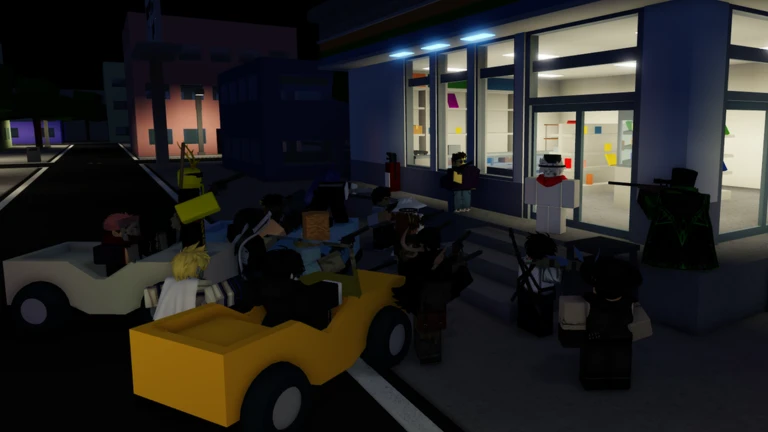
QUICKDRAW codes have 3 current working rewards checked for October 3, 2026, led by SOMETHINGSPECIALCOMING! for 5,000 Cash and 2 Default Chests. This guide keeps the working list separate from older strings and gives the exact in-game route to the code box, so you can claim the rewards without testing a pile of expired entries.
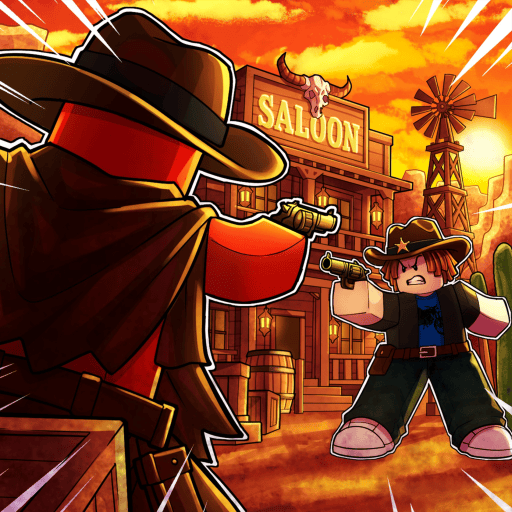
QUICKDRAW is a Western shooter that can be played in first or third person, with crouching, diving, wall hops, cover and horses. Cash supports the account economy, while the two Default Chests from the largest code add a direct loot reward. QUICKDRAW codes are therefore useful when the reward removes a real progression bottleneck, adds a collectible you would otherwise have to earn, or gives a limited boost that is worth timing properly. The table below uses the latest checked pool for this update rather than carrying old codes forward simply because they once worked.
Working QUICKDRAW codes for October 2026
| Code | Reward | Copy |
|---|---|---|
SOMETHINGSPECIALCOMING! | 5,000 Cash and 2 Default Chests | |
release | 1,500 Cash | |
fixedcode | 300 Cash |
SOMETHINGSPECIALCOMING! is the strongest claim by a wide margin at 5,000 Cash plus two Default Chests. The other two codes add another 1,800 Cash and should still be redeemed because the balances stack. Work through the working QUICKDRAW codes one at a time and check the reward notification after each claim. That makes it obvious which code supplied a currency change, item, reroll or boost and prevents an already-used code from making the next entry look broken.
The current rewards are currency and chests, not a countdown boost. Claim them once the group and game-engagement requirements are satisfied, then open or spend them when useful. This matters most for QUICKDRAW codes that include a boost or temporary multiplier, because a free reward is only useful if the timer is spent on the activity it actually improves.
How to redeem QUICKDRAW codes
- Launch QUICKDRAW on Roblox.
- Press the gift-box button at the bottom of the screen.
- Open the Codes section.
- Paste a working code and press Redeem.
Current redemption requires joining the QUICKDRAW Roblox group and liking or favouriting the game. If a valid string is rejected, check those account requirements before treating the code as expired. If the menu still does not match these steps, leave the current server and join a fresh one after a recent update. A newly enabled code can be present on current servers before an older instance has refreshed.
What the QUICKDRAW rewards are actually for
The value of QUICKDRAW codes depends on what the reward changes in QUICKDRAW. QUICKDRAW is a Western shooter that can be played in first or third person, with crouching, diving, wall hops, cover and horses. Cash supports the account economy, while the two Default Chests from the largest code add a direct loot reward. That is why the reward column above is specific: it is more useful to know exactly what arrives than to label every code as generic free rewards.
SOMETHINGSPECIALCOMING! is the strongest claim by a wide margin at 5,000 Cash plus two Default Chests. The other two codes add another 1,800 Cash and should still be redeemed because the balances stack. If you are deciding what to use first, start with permanent currency or account items, then plan rerolls or timed boosts around the next activity you actually intend to play. This avoids burning a limited resource simply because it was free.
Why QUICKDRAW codes may not work
If QUICKDRAW codes are rejected, copy the string again before assuming it has expired. Codes can contain capitals, numbers and punctuation that are easy to miss, and an extra space at either end can also cause a valid entry to fail. The next check is whether the account already claimed that code or still has a progression, group or menu requirement to complete.
The current article is dated October 3, 2026 because code status can change quickly. Current redemption requires joining the QUICKDRAW Roblox group and liking or favouriting the game. If a valid string is rejected, check those account requirements before treating the code as expired. If a code disappears after a patch, keep it in the expired section rather than repeatedly retrying it or mixing it back into the active table.
Expired QUICKDRAW codes
No expired codes are needed in the archive yet. The current list is small enough that every known working string can stay in the main table.
Expired QUICKDRAW codes are kept separate so the working table stays useful on mobile and does not turn into a historical dump. A code moving here only means the current reward is no longer available; it does not affect items or currency that were already claimed while the code was live.
When new QUICKDRAW codes are likely to appear
There is no guaranteed public timetable for new QUICKDRAW codes. The live list includes release and fix-related codes. Patches, community milestones and major content additions are therefore more useful triggers than expecting a fixed weekly code. The safest habit is to check after a major update or a clearly announced milestone instead of assuming a new string arrives every day or every week.
When another code appears, the permanent URL for this guide can be refreshed with the new reward and the previous string moved down if it expires. That keeps QUICKDRAW codes in one canonical place and makes it much easier to tell the live October pool from screenshots or cached lists that are several updates behind.
For now, redeem the working QUICKDRAW codes above, pay attention to any requirement or timer, and verify the reward before spending it. The current pool is useful because each entry is tied to a real part of QUICKDRAW’s progression rather than being listed simply to make the table look longer. If the game rotates the pool again, the working section should change with it while the expired list preserves the older strings for troubleshooting.
Official game page: QUICKDRAW on Roblox.