EA FC Mobile 27 Gauntlet Mode is a new PvE challenge built around squad depth rather than using the same starting XI in every match. Each Gauntlet contains a series of matches with objectives, Traits and game-changing modifiers, while individual Player Items have limited appearances. Winning and completing objectives earns Stars, and those Stars unlock tiered rewards.
The key difference from normal PvE is that managing the whole club matters. Winning a match removes an appearance from each Player Item used on the field, and a player becomes unavailable when no appearances remain. You therefore need to decide when to use your strongest cards instead of automatically starting them in every round.
How EA FC Mobile 27 Gauntlet Mode works
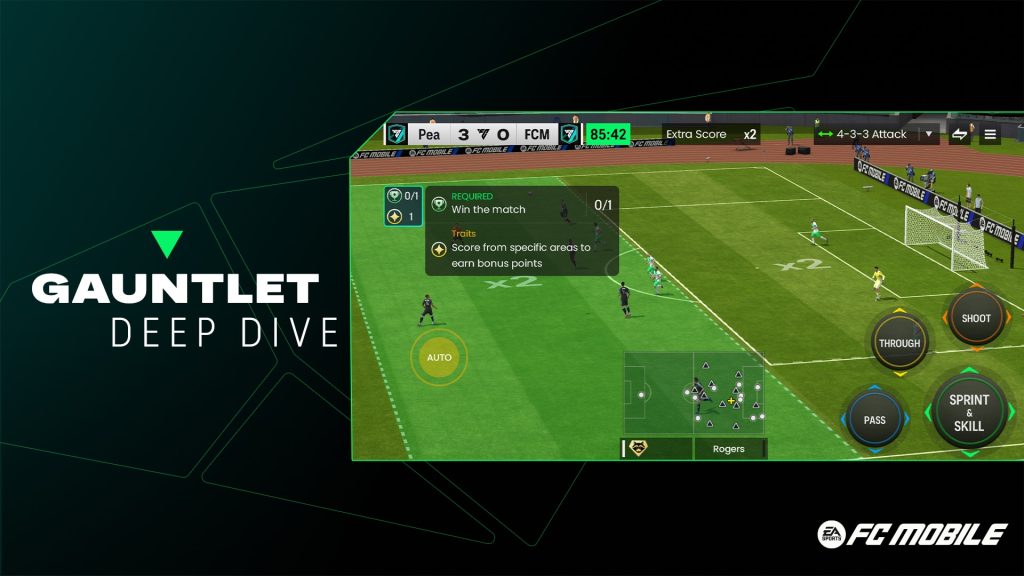
EA FC Mobile 27 Gauntlet Mode Image EA SPORTS.
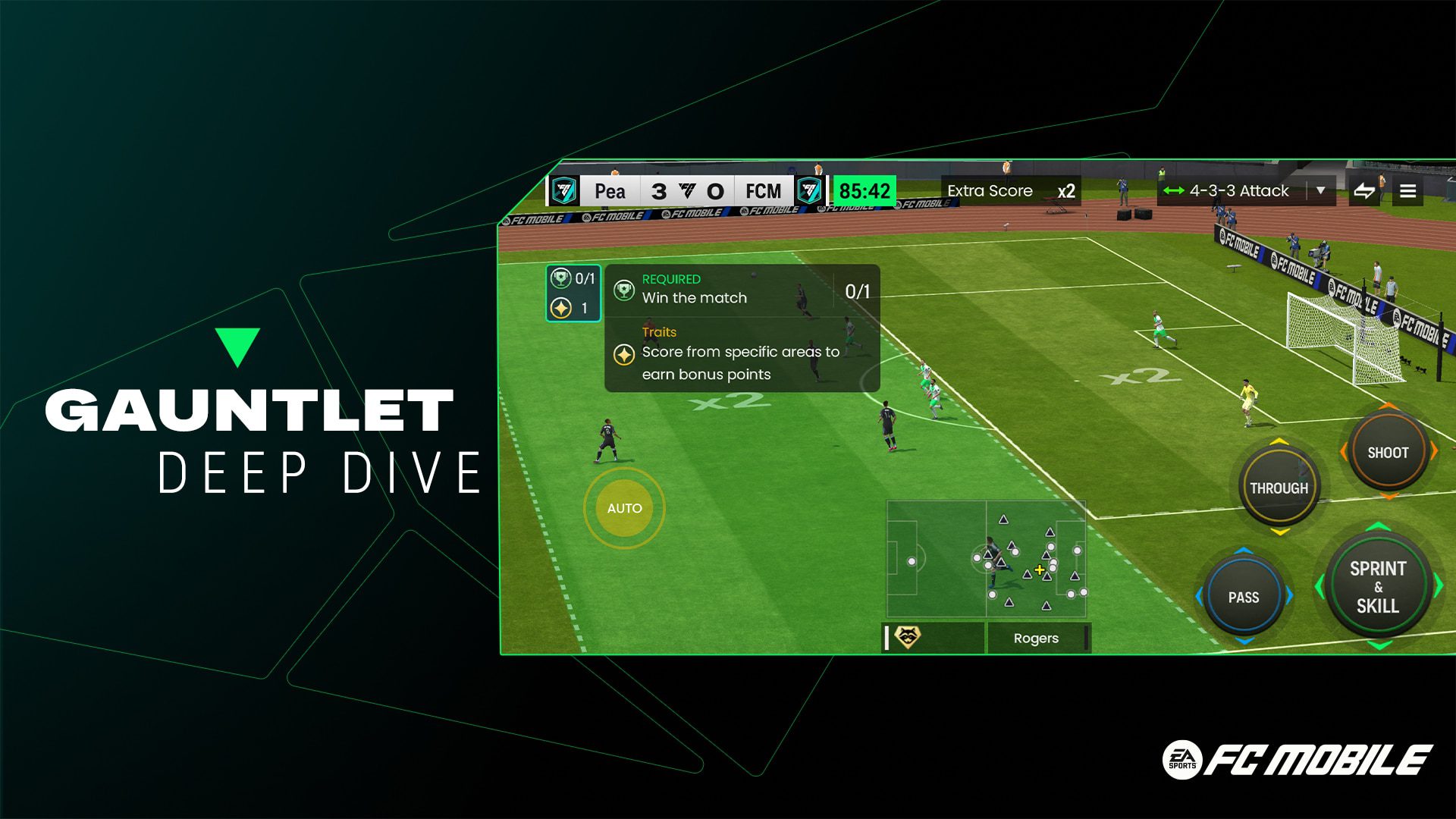
Every EA FC Mobile 27 Gauntlet Mode run is divided into matches with their own conditions. EA describes progressively harder rounds containing match Objectives, Traits and modifiers. Some alter attributes such as passing speed, shot speed or stamina, while House Rules can change the basic way goals and fouls work.
- Hot Zone: goals scored from marked areas are worth extra points.
- Position Hero: goals scored by specified positions generate extra points.
- No Rules: fouls and offsides are turned off.
Before each match, read the objectives and modifiers rather than treating Gauntlet like a standard AI match. A squad built only around overall rating can be awkward if the next challenge rewards a particular scoring area, position or style of play.
How Player Item appearances work in Gauntlet
Squad rotation is what separates EA FC Mobile 27 Gauntlet Mode from ordinary PvE. Player appearances are the central restriction in EA FC Mobile 27 Gauntlet Mode. EA says winning a match removes one appearance from the Player Items that were on the field. Once an item reaches zero appearances, it cannot be selected again for that Gauntlet unless the run or match is reset in a way that refunds appearances.
This means you should not burn the same first-choice attack on easy opening rounds if your club has enough depth to rotate. Keep alternatives in several positions so one difficult match later in the run does not leave you without a usable striker, defender or creator.
How Stars and objectives work
Each match can contain up to three Stars tied to specific objectives. Mandatory objectives are required to progress. Optional objectives give you a reason to replay or push for a better result because extra Stars move you toward higher reward tiers.
EA also lets you reset and retry matches in FC Mobile 27 Gauntlet Mode. When you reset a match, the appearances used for that attempt are refunded, while Stars you had already earned are retained. That makes a reset useful when you completed the basic requirement but want another attempt at an optional Star without permanently spending more of your squad.
EA FC Mobile 27 Gauntlet Mode rewards explained
Rewards in EA FC Mobile 27 Gauntlet Mode are tied to Stars. The official reward structure is Star-based. Stars from mandatory and optional objectives unlock tiered rewards as you progress through the Gauntlet. EA has not presented one permanent universal loot table for every Gauntlet because the mode can be used with different events and challenge sets.
At launch, live community captures of the Anniversary Gauntlet are showing Gem milestone rewards, including reports of 400 Gems at milestone steps. Treat the exact live amounts as event-specific rather than a rule for every future EA FC Mobile 27 Gauntlet Mode run. The reliable rule from EA is that more Stars unlock the tiered reward track.
Do you lose appearances if you reset a match?
Resetting is built into EA FC Mobile 27 Gauntlet Mode. No, EA specifically says Player Item appearances are refunded when a Gauntlet match is reset. Previously earned Stars are retained. That combination lets you retry a challenge without permanently punishing the squad for the abandoned attempt.
However, appearances are still important across successful matches. A win spends an appearance for players used on the field, so repeated wins with the same XI will eventually make those cards unavailable. Rotation remains part of the mode even though resets provide some protection.
How to build a squad for Gauntlet Mode
For EA FC Mobile 27 Gauntlet Mode, think in pairs rather than building one perfect XI. Keep a second usable option at centre-back, central midfield, wide attack and striker so a limited appearance does not remove an entire role from your team. You do not need identical cards, but you do need enough positional coverage to survive several rounds.
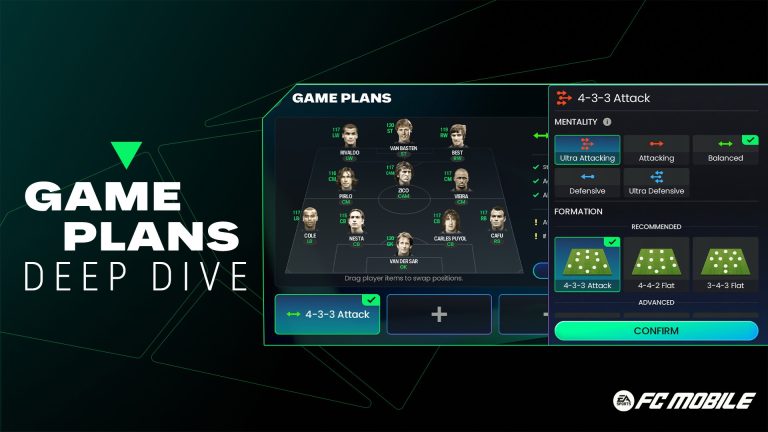
Saved tactical setups can help too. FC Mobile 27 Game Plans let you pair formations with Mentalities, which is useful when a House Rule changes the way you want to attack or defend. Just remember that Game Plans are available only in supported modes and matches where you use your own Ultimate Team.
What should you check before every Gauntlet match?
- Read the mandatory objective before choosing the lineup.
- Check all optional Star objectives if you are chasing the next reward tier.
- Look at the House Rule and any attribute modifier.
- Check remaining appearances on important Player Items.
- Save stronger or more specialised cards when an early match can be handled by your rotation options.
- Use a reset if you want another shot at missing Stars and need the attempt’s appearances refunded.
The update also launched alongside FC Mobile’s third anniversary. If you have not claimed the free login items yet, our FC Mobile 3rd Anniversary Rewards guide lists the Draft Vouchers, Star Shards and Rank Up Points announced for the new season.
EA’s official EA SPORTS FC Mobile site confirms the core rules for FC Mobile 27 Gauntlet Mode: limited Player Item appearances, changing objectives and House Rules, up to three Stars per match, and tiered rewards tied to Star progress. The exact event rewards can change, but those systems are the foundation of the mode.