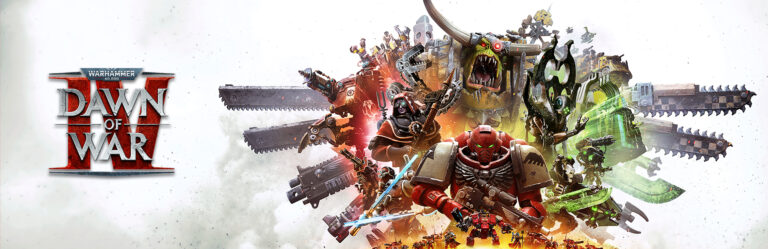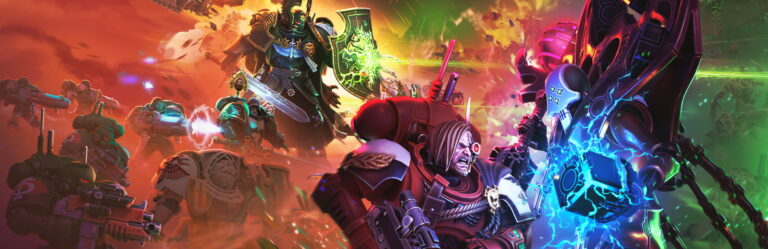
The Dawn of War IV Painter Demo is available for free on Steam, letting you create an army colour scheme before the full game arrives. You can paint units from all four playable factions, save your designs for launch and share them with friends using unique codes.
Whether you’re recreating a favourite Space Marine Chapter or giving your Necrons a completely different look, the Basic and Advanced tools in the Dawn of War IV Painter Demo offer two approaches to customising your army. The former is ideal for establishing a consistent colour scheme, while the latter lets you work on individual parts of a model.
How to download the Dawn of War IV Painter Demo
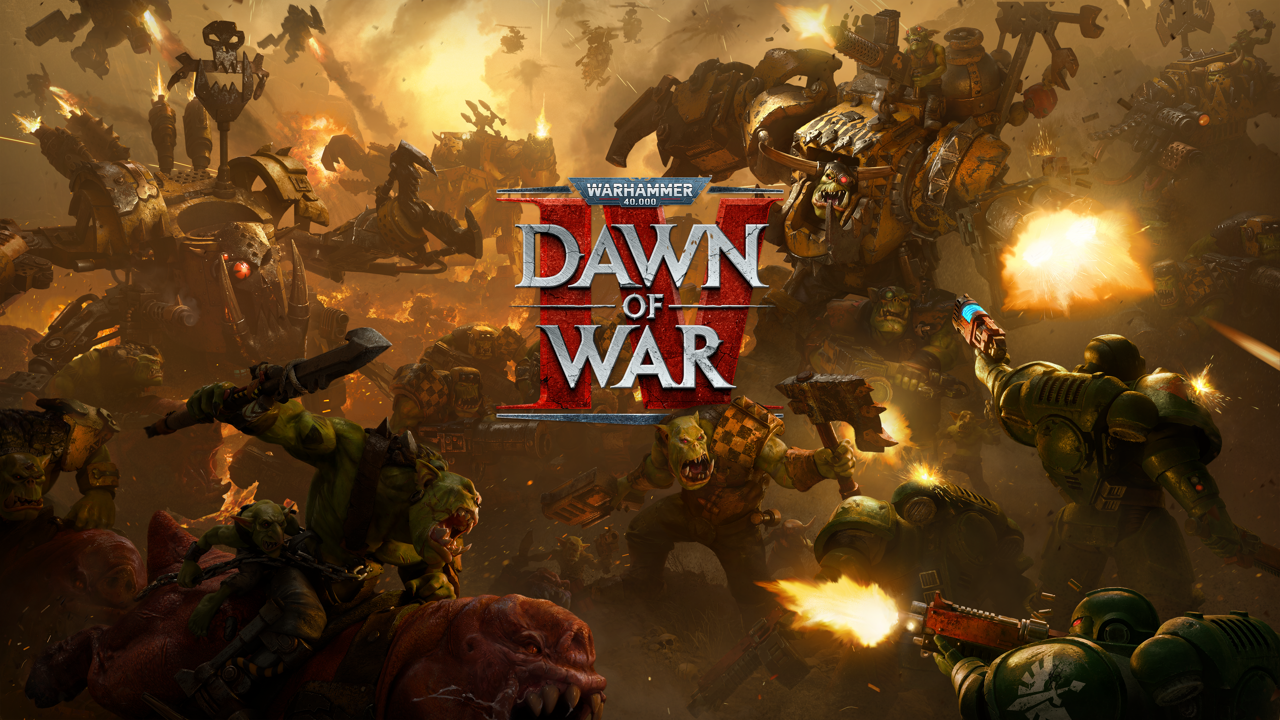
Head to the Dawn of War IV store page on Steam and select the free Painter Demo download. Once it’s installed, you can launch the demo from your library without owning either edition of the game. The demo went live on 26 November, ahead of Commander Edition early access on 30 November and the full launch on 3 December.
Unlike the earlier gameplay previews, this download is dedicated to army customisation. You’ll be able to experiment with the appearance of units from the Space Marines, Orks, Necrons and Adeptus Mechanicus, but it isn’t a trial of the campaign or competitive multiplayer.
Basic and Advanced Painter tools
If you’re creating a colour scheme for an entire force, begin with the Basic Painter. You can establish your main colours and see how they work across different units before spending time on individual details. It’s particularly handy if you want to create a unified army but haven’t settled on a Chapter or dynasty-inspired design.
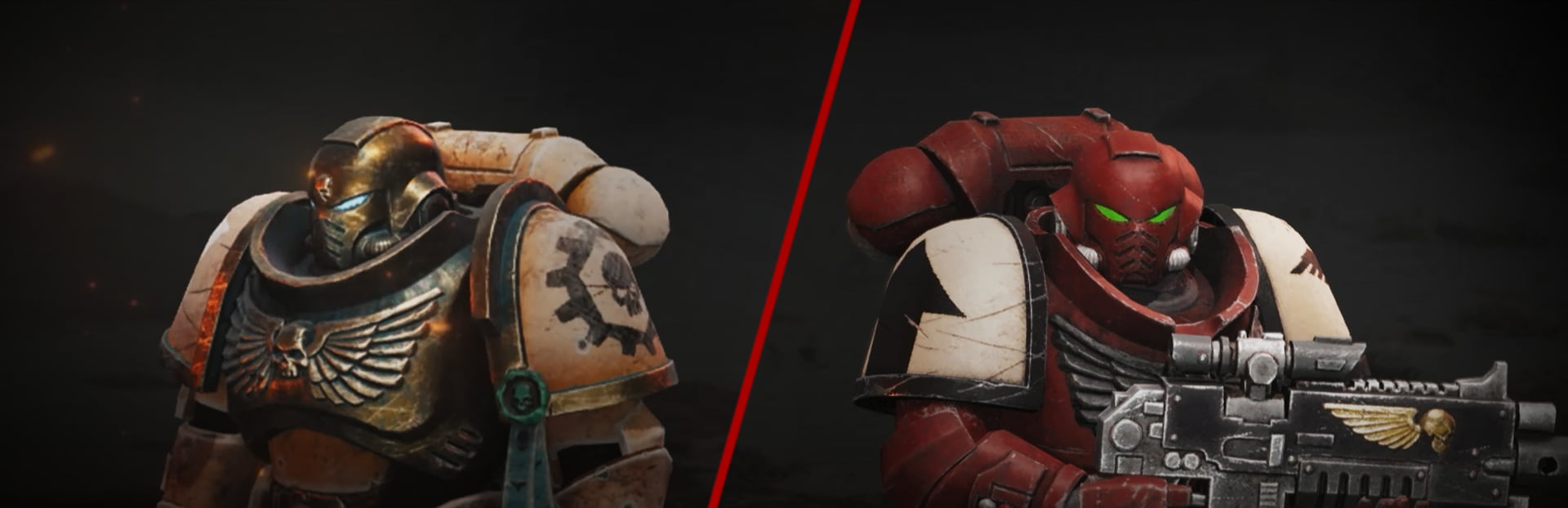
The Advanced Painter in the Dawn of War IV Painter Demo lets you customise separate armour and body parts, with colours, materials, patterns, decals and weathering available to change the finish. For example, you could give a Space Marine army contrasting armour panels and Chapter markings, then use weathering to give the equipment a more battle-worn appearance.
For Necrons, you might prefer a metallic finish with a contrasting accent colour, while Orks offer plenty of opportunities to experiment with different patterns and finishes. The benefit of having both painting tools is that you can start with a consistent army-wide look and adjust the individual details afterwards.
Can you save Dawn of War IV Painter Demo designs for the full game?
Yes, designs saved in the demo can be imported into Dawn of War IV when it launches, so there’s no need to recreate your work once the game unlocks. If you’re preparing several armies before launch, saving each scheme gives you a collection to choose from rather than having to remember which colours and finishes you used.
The Dawn of War IV Painter Demo also generates unique sharing codes, allowing other players to import your creations. If someone in your group designs an army you particularly like, you can use their code to bring that design into your own collection instead of attempting to copy every detail by hand.
Where can you use your custom army designs?
There’s one restriction to keep in mind if you’re painting Space Marines for the campaign. Custom Chapter schemes are supported outside the story, but the campaign uses its own Chapters. The Blood Ravens and Dark Angels both play a role in the Space Marine story, with their own identities and specialist units.
The Dawn of War IV Painter Demo is therefore a useful way to prepare for Skirmish and multiplayer, where you can take your customised forces onto the battlefield. The full game’s exact import menu will need to be checked once the game becomes available, but the ability to transfer designs from the demo is confirmed.
Official source: Official Painter Demo download and announcement.