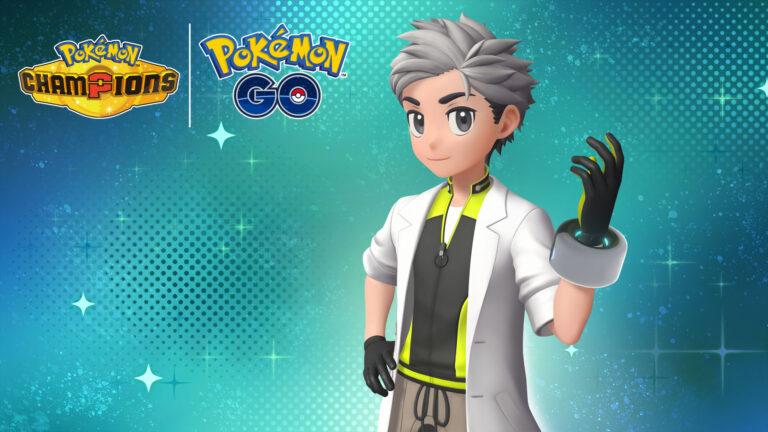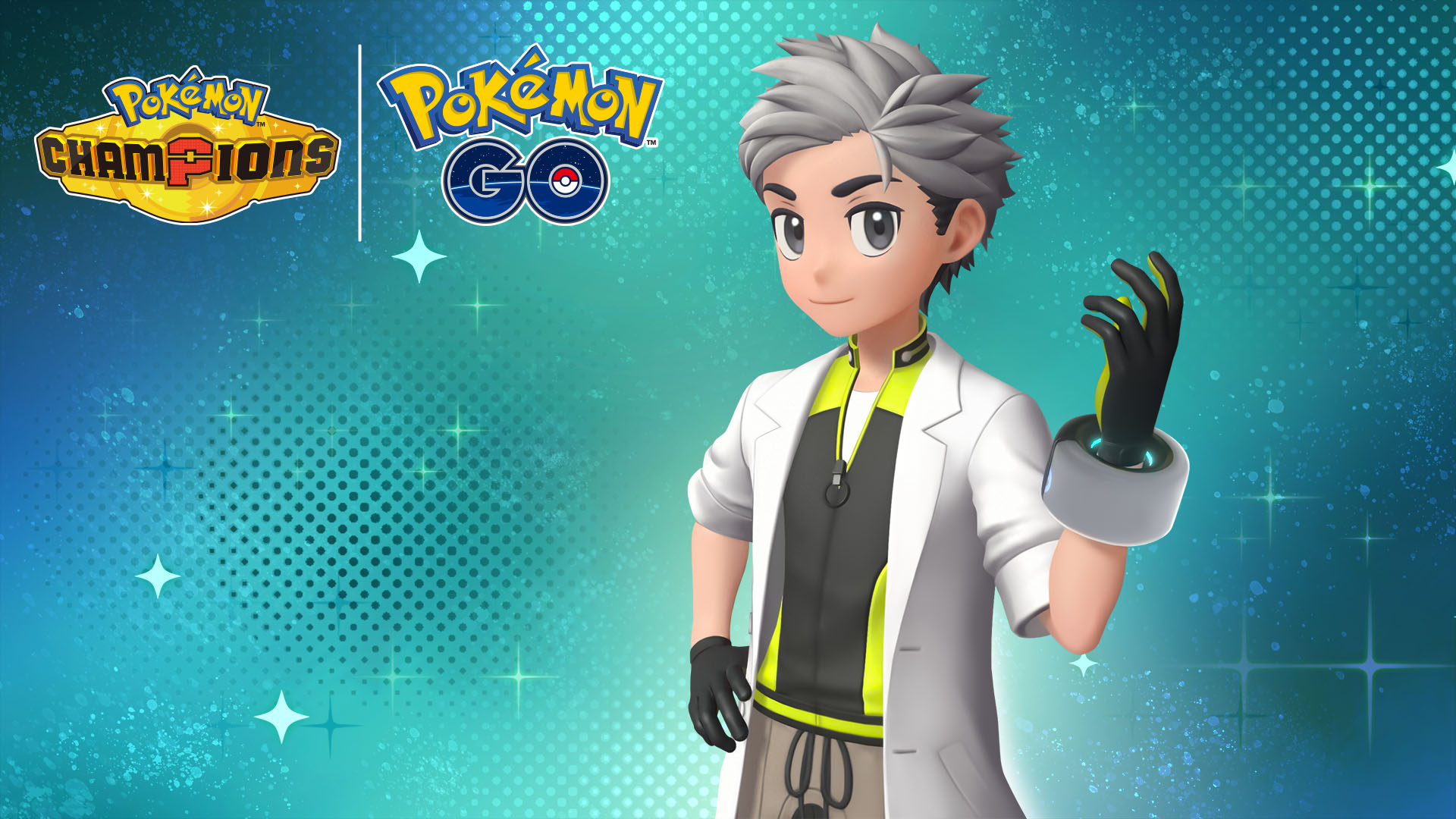
To transfer Pokémon from GO to Pokémon Champions, you’ll need to move them through Pokémon HOME before collecting them as visitors in Champions. The December crossover rewards you with Professor Willow’s outfit for your first qualifying visitor, along with up to ten Training Tickets if you bring over Pokémon from ten different discovery regions.
Before you get started, remember that sending a Pokémon out of GO is permanent. You can return visiting Pokémon from Champions to HOME, but they cannot go back into your Pokémon GO collection, so it’s best to start with something you won’t miss.
How to transfer Pokémon from GO to Pokémon Champions
Before you transfer Pokémon from GO to Pokémon Champions, set up the mobile version of Pokémon HOME, complete its tutorial and link your Nintendo Account. In GO, open Settings from the Poké Ball menu, select Connected Devices and Services, then Pokémon HOME, and sign in with that same account. Check that the player name and Support ID match your HOME account before choosing Send Pokémon to open the GO Transporter. You don’t need a paid HOME Premium Plan or a Nintendo Switch Online membership to move your GO catches into HOME.
Which Pokémon can you send?
Select Continue after checking your available energy, choose the Pokémon you want to send and review the cost before confirming Transport. Favourited Pokémon, your Buddy, Pokémon defending Gyms, Spinda, costumed Pokémon, Shadow Pokémon, Mega-Evolved Pokémon and Gigantamax Pokémon cannot be selected for transfer. Lucky and Purified Pokémon lose those statuses in HOME, and certain forms change during the transfer, so take a moment to read the confirmation screen.
Receiving Pokémon in HOME
After sending your Pokémon, open HOME and accept the incoming transfer. On mobile, choose to view your transferred Pokémon and then receive them; on Switch, select Pokémon GO from the main menu and receive the waiting Pokémon. If you use both versions of HOME, link them to the same Nintendo Account so they share the same Boxes. You can move up to 25 Pokémon at once, but you’ll need to receive the whole batch before sending more.
How to transfer Pokémon from GO to Pokémon Champions as visitors
On Switch or Switch 2, open HOME, choose Pokémon Champions, select the Pokémon you’d like to send and press Y to confirm the visit. Next, launch Champions and head to Recruit, where Collect from Pokémon HOME lets you review and collect your visitors. Finish by confirming the collection. Mobile players can find the visitor controls in HOME’s in-app help. Only compatible Pokémon can visit Champions, and returning a visitor to HOME won’t reverse the original transfer out of GO.
When to transfer Pokémon from GO to Pokémon Champions
The Pokémon Champions reward campaign runs from December 8 at 01:00 UTC until December 18 at 14:59 UTC. If you’re moving Pokémon specifically for the gifts, aim to complete the whole process during that window. GO’s event starts at 10am on December 8 and ends at 8pm on December 14 local time; Rank 1 of the free event pass gives seven times the normal hourly energy recovery, which is helpful when you’re sending several batches.
Why can’t you transfer Pokémon from GO to Pokémon Champions?
If your Pokémon has left GO but isn’t showing up in HOME, open Options, then Pokémon GO Link and Receive in the mobile app to check for a pending transfer. If your Boxes are full, make some space before trying again. If the transfer was accepted but you still can’t find your Pokémon, compare the Support IDs in GO and HOME, then check your newest deposits or filter your collection by Pokémon GO. If the Pokémon appears in HOME but not in the Champions selection, check its compatibility rather than sending another valuable catch.
Once you’ve collected a qualifying visitor in Champions, check the mailbox for the outfit and Training Ticket. You can earn a ticket once per eligible discovery region, so make a note of each region as you finish it. If you’ve never used HOME before, a free account is enough for the transfer itself.
Related Transfer Pokémon from GO to Pokémon Champions Guides
Pokémon GO: Pokémon Champions Celebration Event Dates, Raids and Bonuses
Pokémon GO: Pokémon Champions Gift Rewards and How to Claim Professor Willow’s Outfit
Pokémon GO: Champions Celebration GO Transporter Energy: How the 7x Recovery Bonus Works
Pokémon GO: Champions Celebration GO Pass Rewards, Free and Deluxe Tracks
Pokémon Champions HOME Transfer Not Working
Pokémon Champions Pokémon HOME Transfer
Can You Transfer Pokémon Back From Pokémon HOME to Pokémon GO?