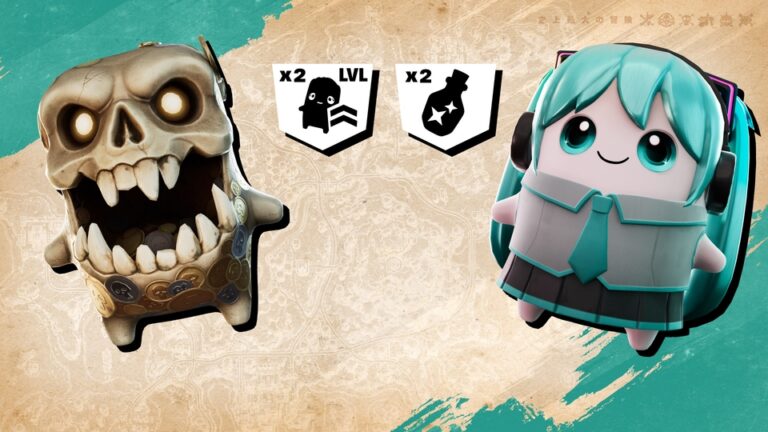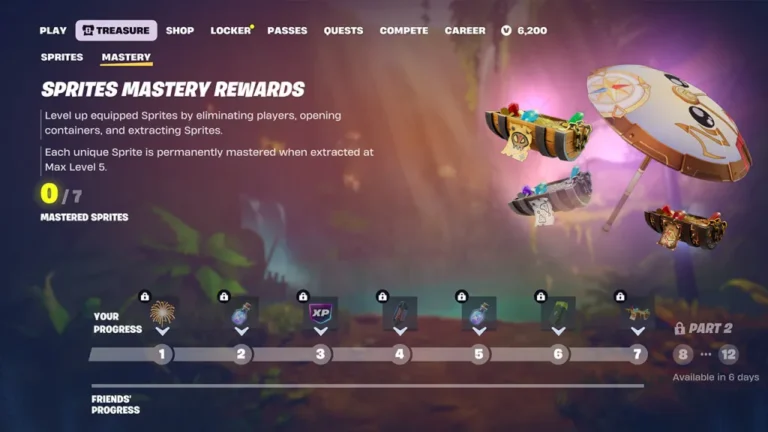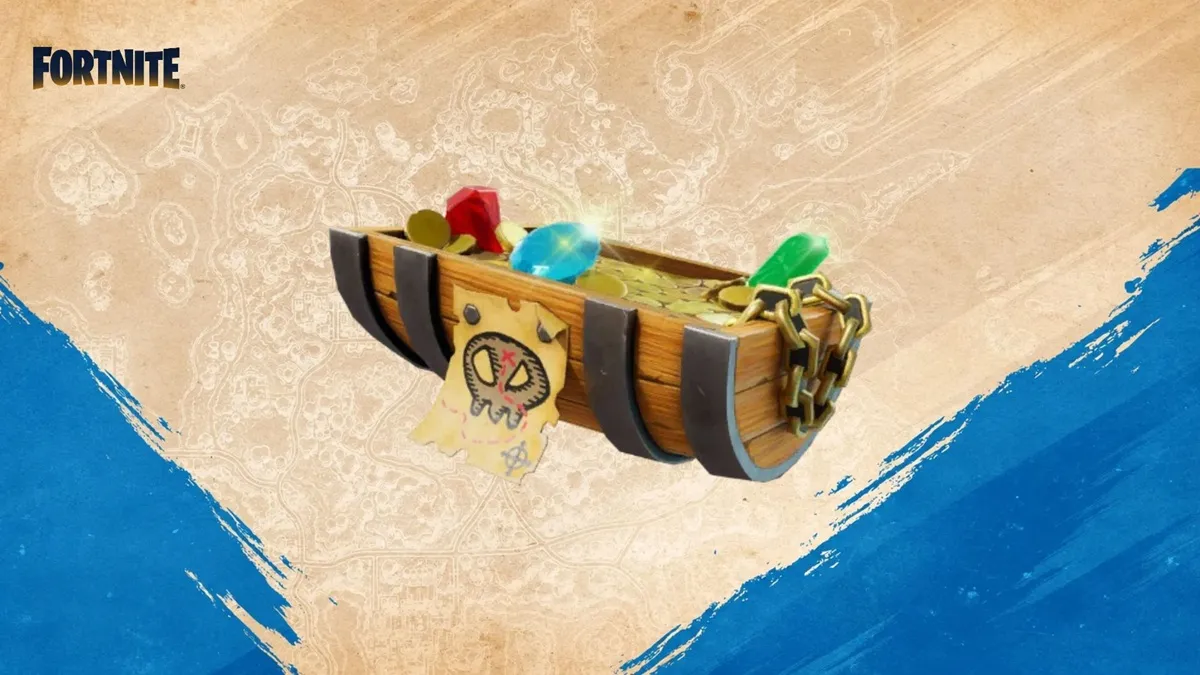
Fortnite Sprite Mastery Strongbox not loading is an officially acknowledged Fortnite visual issue. Epic’s support page says the back bling may fail to display the selected Sprite or load correctly, and its team is working towards a resolution in a future update. There is currently no promised patch date.
If you’ve unlocked the Strongbox, Silver or Scorchin’ style but the little companion fails to appear inside it, you may be seeing that issue rather than losing your reward. The useful first check is whether you still own the cosmetic and whether the selected Sprite is actually mastered.
Why is Fortnite Sprite Mastery Strongbox not loading?
The support article specifically identifies the Strongbox loading and selected-Sprite display problem as visual. It does not say that everyone with a blank chest has lost their mastery progress. Recent player reports include blank or missing models. Epic’s notice does not identify affected platforms, so there is no confirmed platform-specific workaround.
Check your reward before troubleshooting Fortnite Sprite Mastery Strongbox not loading
| Mastered Sprites | Strongbox reward |
|---|---|
| 7 | Base Strongbox |
| 18 | Silver style |
| 35 | Scorchin’ style |
The 40-mastery Navigator’s Nosedive umbrella is a different reward. Check the Treasure tab and the Locker’s Back Blings category. If the Strongbox appears in your Locker but a particular companion is missing, compare that Sprite’s mastery crown with the available display options. Earlier gameplay reports describe newly released Sprites taking time to appear among the back bling’s selectable options; this is not proof of the cause in your case.
If the entire back bling is missing, that is different from the known visual issue. Verify that your reward track has reached seven masteries and that the correct Epic account is signed in. Likewise, an absent higher style might simply mean the corresponding threshold has not been reached yet.
Is there a fix for Fortnite Sprite Mastery Strongbox not loading?
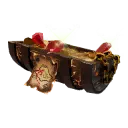
There is no confirmed permanent player-side fix in Epic’s current support notice. For a safe display check, try selecting another already mastered Sprite in the Strongbox’s style options, saving your Locker selection and returning to the lobby. Restarting Fortnite can help establish whether the display remains blank after a fresh session. Those are diagnostic steps rather than verified repairs for the acknowledged bug.
Avoid deleting or resetting anything just to test the cosmetic. If every selection remains blank, screenshot the selected style and your mastery collection. A missing display doesn’t establish that you need to remaster all your companions. Epic’s general Sprite guidance says mastery is retained even when a Sprite’s match level resets.
How to report Fortnite Sprite Mastery Strongbox not loading
Open Fortnite’s game menu while the issue is visible. Select the three-line icon, Report, Submit a report and A bug. Choose the nearest category or Other, review or retake the screenshot, then select Continue and Accept. Keep the platform, style and selected Sprite details handy for any support follow-up.
If your reward counter itself is one short despite your Sprite collection showing a crown, investigate the mastery counter issue separately. That discrepancy has been reported by players but has not been confirmed as the same bug by Epic. A blank chest alone doesn’t establish that your mastery total has changed.
Golden Week begins on November 28, so there is still time to advance the current mastery track. If Fortnite Sprite Mastery Strongbox not loading is your only issue, continue checking progress through the Treasure tab rather than judging your mastery count by whether a Sprite appears inside the chest. Epic’s support notice remains the place to check for a confirmed resolution.
Related Guides
- Fortnite Sprite Mastery Not Counting
- Fortnite Treasure Hunters Sprite Mastery Rewards
- Fortnite Sprite Mastery Strongbox
- Fortnite Zee Sprite
- Fortnite Navigator’s Nosedive Umbrella
- Fortnite Golden Week Sprite XP
- Fortnite Treasure Hunter Hope Skin
- Fortnite Gilded Hunter Hope Skin
- Fortnite Pirate Shop Hope Skins
- Fortnite Shadow of Ariella Skin
Official source: Epic Games Player Support.