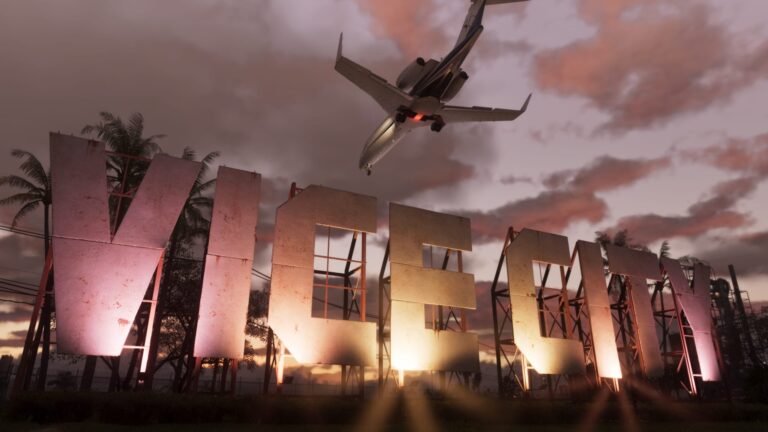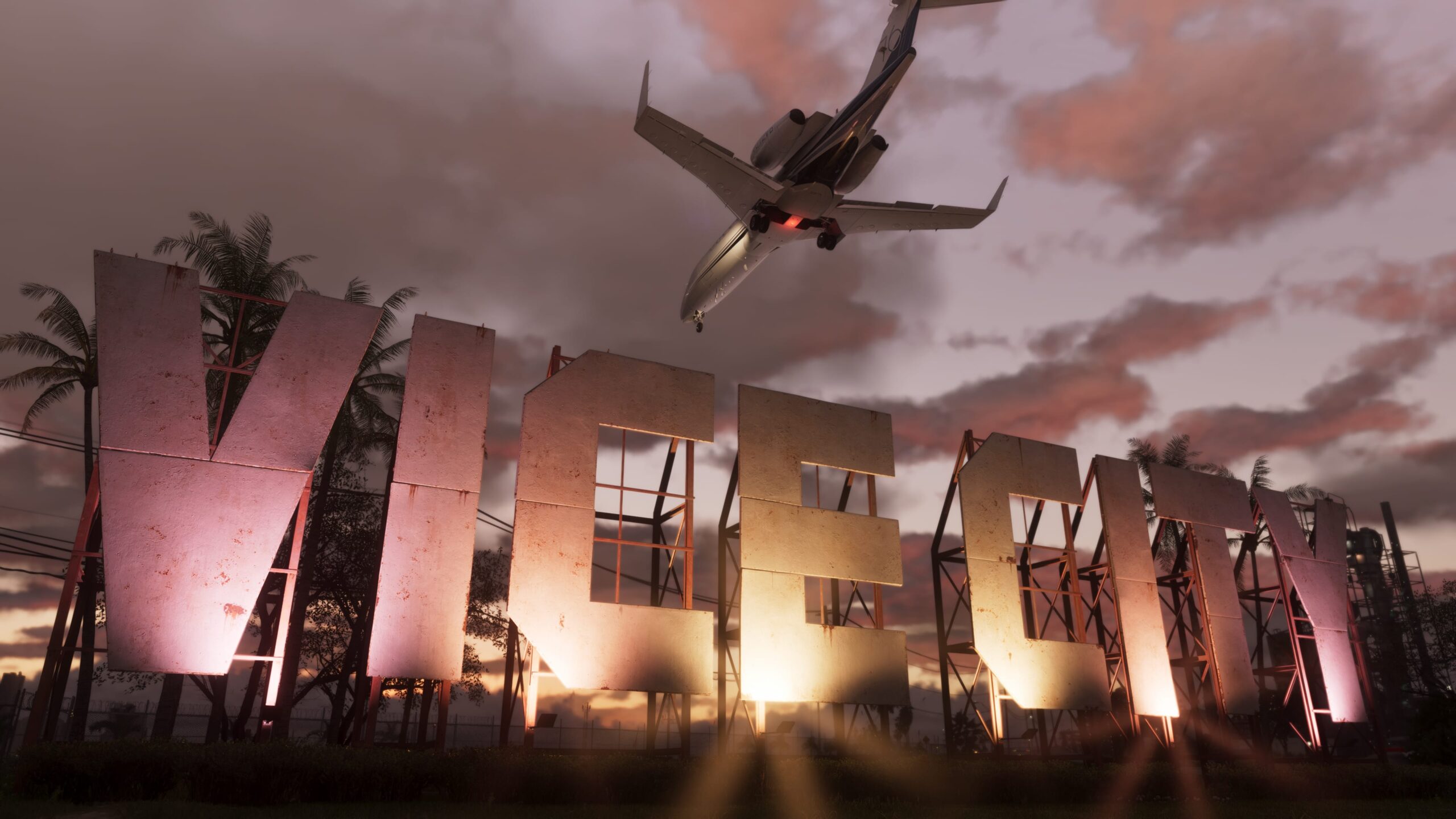
The GTA 6 Too Much Baggage Walkthrough begins with Jason reporting for a baggage-handling shift at Vice City International Airport. The job is cover for Karim’s surveillance plan, but Jason has to impress head handler Omar before he can get near the security office. The part most likely to catch you out is the cloner: it goes behind a toilet in the restroom, not on an office computer.
The story objective is Scope Out the Airport, and it opens after Making Gainz in Chapter 4. You’ll play as Jason from the job interview through to the final conversation with Omar.
GTA 6 Too Much Baggage Walkthrough: Interview, scouting and baggage shift
Meet Andrea and look around the airport
Drive to the VCIA marker, speak to the gate guard and park inside the airport lot. Go into the nearby office to meet Andrea. After the introduction, Omar drives Jason into the airport in a truck and starts showing him the operation.
During the ride, look around in first-person view with the scanning glasses. Focus on the white highlighted areas until they turn green. Those are the points of interest Karim needs Jason to identify. This observation happens before you get behind the wheel of a baggage vehicle.
Attach both baggage trailers
Follow Omar over to the tugs and get into the marked one. Reverse towards the luggage trailers to connect them. **There are two trailers to attach**, so check that both are coupled before driving away. Then take the tug southeast towards the plane you’re helping unload.
The GTA 6 Too Much Baggage Walkthrough turns into a luggage-loading exercise beside the aircraft. Pick up each bag and throw it to Omar using the displayed prompt. On PlayStation, hold R2; on Xbox, hold RT. Release when the power meter is approaching halfway because it keeps moving briefly after you let go. Keep passing bags until the objective changes.
GTA 6 Too Much Baggage Walkthrough: Where to plant the device
Jason makes an excuse to leave the baggage crew. Exit the loading bay and travel south along the wall. The entrance you need is the final set of double doors on your left. Follow the corridor’s left wall and enter the blue security-office door on the right.
The restroom is immediately to your right once you’re inside. Go in and look **behind the toilet** for the interaction that plants Andrea’s cloner. You don’t need a code, and there’s no reason to search the passenger terminal bathrooms.
If you’re stuck at the cloner objective in the GTA 6 Too Much Baggage Walkthrough, check the room itself rather than the office computers. The specific placement point is behind the toilet. Once the bug is placed, leaving the restroom takes Jason back to Omar.
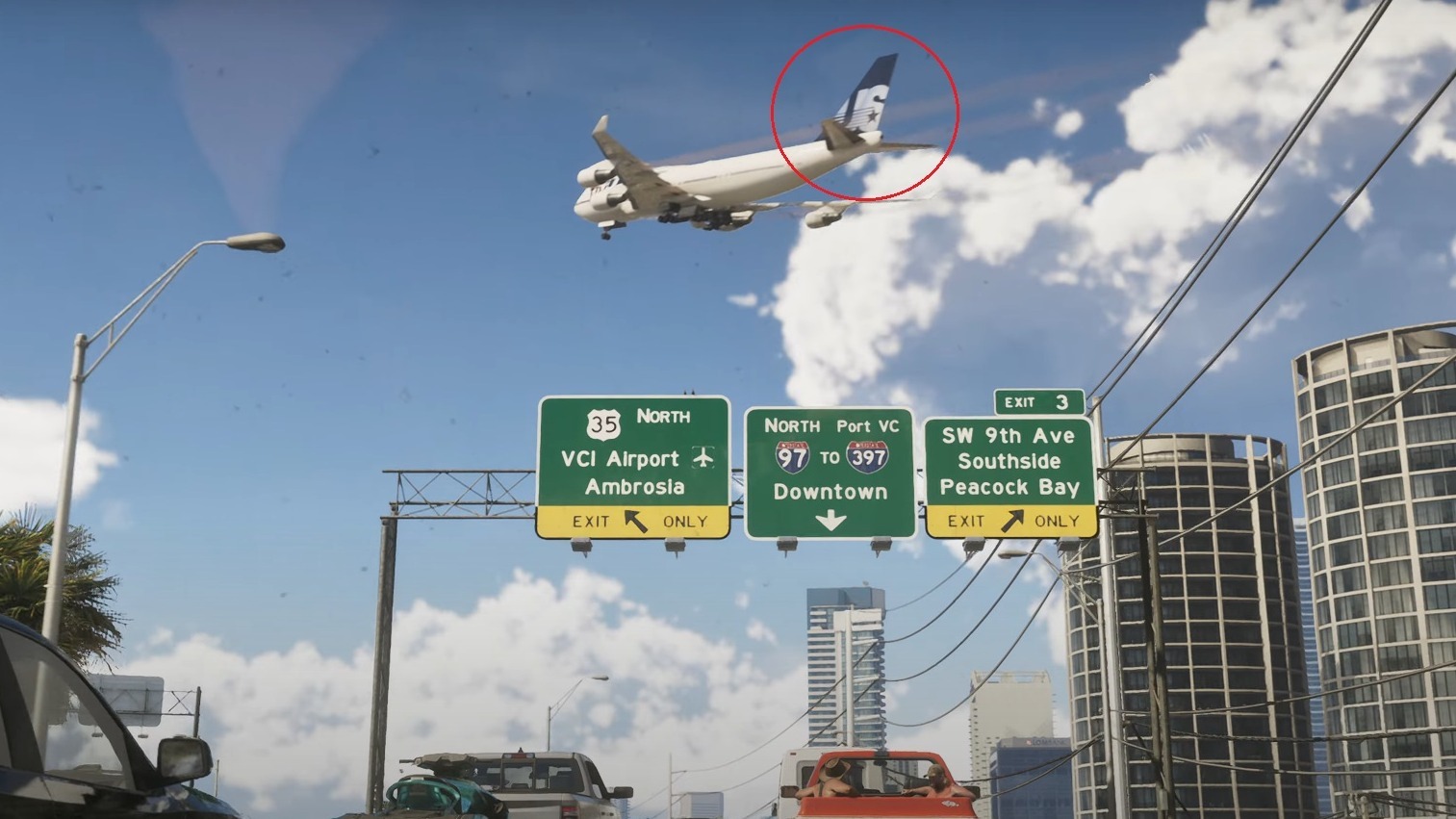
How to finish Too Much Baggage and get the next mission
Omar speaks to Jason after he returns. Hold **L2 on PlayStation** or **LT on Xbox** to focus on him when prompted, then choose the response saying Jason wants the job. That final conversation is what completes the mission; the cloner placement alone isn’t the finish.
The GTA 6 Too Much Baggage Walkthrough is a story setup for the airport-heist preparations. It gives Karim access to the airport-security systems and doesn’t award a separate cash payment. Keep an eye on your Story objectives afterwards, since Chapter 4 also has Lucia’s gym assignments and Jason’s separate work for Dre’Quan.
If the marker isn’t appearing, confirm you’ve finished Making Gainz and that you’re playing as Jason. The map may show several story jobs at once, and the mission name on the map differs from the title shown when the job begins. A manual save before major heist stages is useful if you might want to replay them later.
GTA 6 Too Much Baggage Walkthrough: Quick checklist
Meet Andrea, scan the marked airport sights while Omar drives, hitch up both trailers, unload the plane, enter the security-office restroom, plant the cloner behind the toilet and tell Omar you want the job. Those are the steps the completed mission actually requires.
Official game and image credit: Rockstar Games — Grand Theft Auto VI.