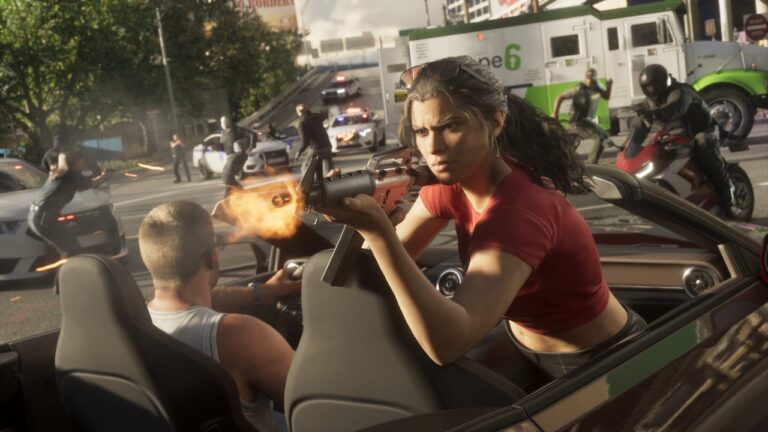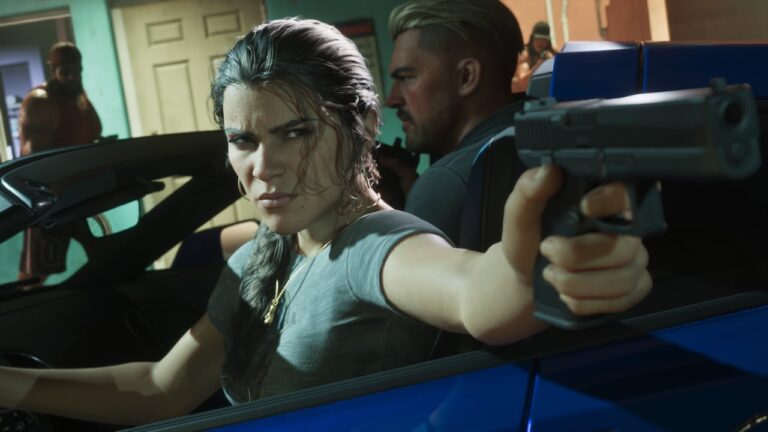
GTA 6 How to Talk to NPCs: holster your weapon, face someone and hold L2 on PS5 or LT on Xbox. Dialogue prompts appear based on the person and the situation, including options to greet, taunt, provoke or defuse.
It’s worth trying from the prologue onwards. People react differently depending on how you approach them, and one badly chosen remark can turn a harmless conversation into trouble.
GTA 6 How to Talk to NPCs on PS5 and Xbox
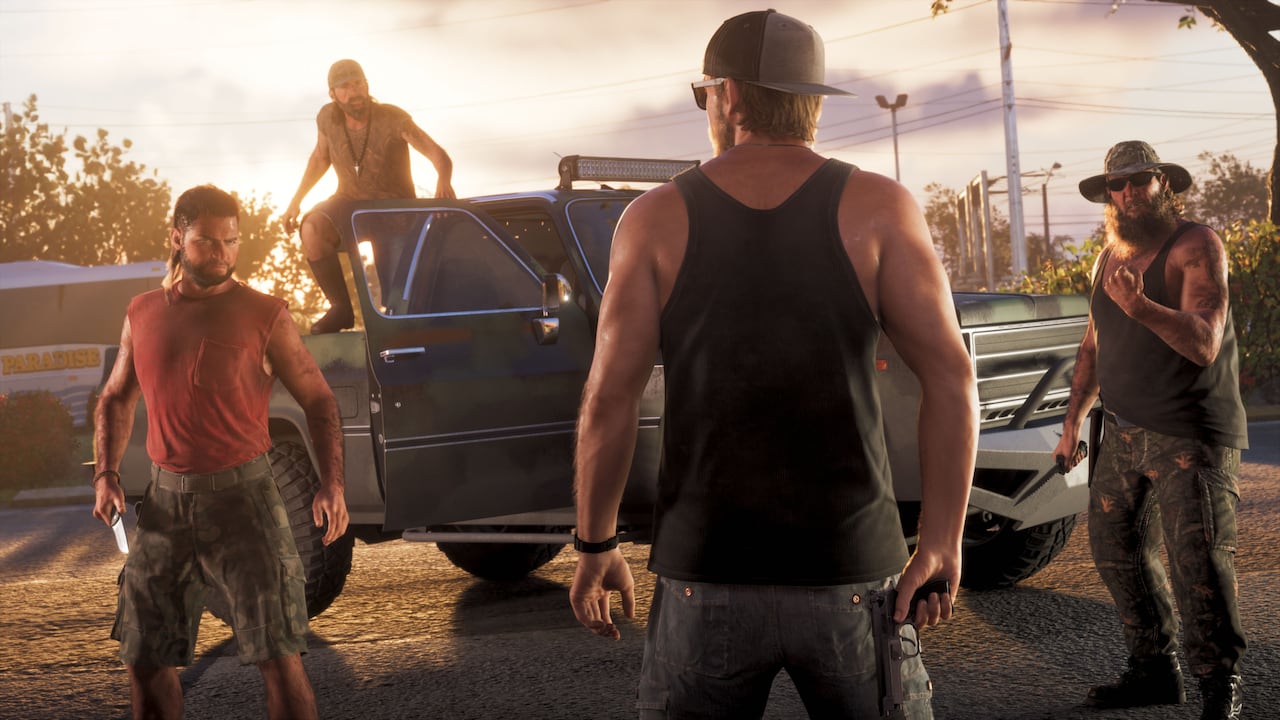
- Put your weapon away before approaching the person. With a gun out, the trigger is used for aiming instead.
- Walk towards the NPC and face them so that your target is clear.
- Hold L2 (PS5) or LT (Xbox) to focus on the person.
- Read the choices that appear on screen and press the corresponding action button.
- Watch how they react before deciding whether to keep talking, move on or prepare for an argument.
GTA 6 How to Talk to NPCs: Greet, Taunt, Provoke and Defuse
Available choices can include Greet, Provoke, Taunt or Defuse, depending on the encounter. They are not interchangeable ways to get the same line of dialogue. A friendly greeting can make an ordinary encounter feel natural, whereas deliberately provoking or mocking someone may turn an argument into a fight.
Defuse is especially useful when a stranger is already angry. It gives you a chance to calm a situation instead of making it worse. That is not a guarantee that someone will back down; an aggressive or armed person can still react unpredictably. It is a conversation option, not an invisibility button or a way to cancel all police interest.
Some named characters and situation-specific NPCs offer different prompts. For example, an interaction might give you the option to question someone, hurry them along or respond to what they have just said. Always read the words on the screen rather than assuming every encounter gives you exactly the same four choices.
GTA 6 How to Talk to NPCs: Why the Prompt Is Missing
GTA 6 How to Talk to NPCs usually goes wrong for one simple reason: your weapon is still drawn. While armed, holding L2 or LT prepares to aim. Holster it, stop moving for a moment and face your target again. If the person has already fled or the situation has turned hostile, the friendly conversation choices may not be available.
Distance and timing also matter. If you stand too far away, your target may not be selected; if you are mid-mission, the game can prioritise the current objective. You may also be aiming at the wrong person in a crowd. Move closer, adjust your view and check for the contextual prompt before giving up.
Talking to Shops, Taxi Drivers and Your Partner
The broader interaction system also applies to people who have a practical role in the world. A shop clerk may offer purchasing options, while a driver can respond to an interaction connected to the ride. Those contextual prompts are more specific than the four usual street-conversation choices, so they should be treated as part of the activity you are doing.
Jason and Lucia have their own set of partner interactions. When together, you can use the focus control to start a conversation, check in or exchange something such as food and drink when a relevant option appears. For wider commands such as meeting up, separating or switching characters, hold Right on the D-pad to use the partner menu.
Can Talking to NPCs Affect the World?
Rockstar’s developers describe the new NPC conversation system as an expansion of what Red Dead Redemption 2 introduced. Responses are designed to feel more reactive, not merely like a selection of canned greetings. A hostile remark can escalate an encounter, while choosing a calmer line may help you leave without a fight.
For GTA 6 How to Talk to NPCs, remember the sequence: holster, approach, hold L2 or LT and choose the line that suits the situation. The dialogue is often a small detail, but it can change the tone of an entire street encounter.
The developer’s official game material is available at Rockstar Games’ Grand Theft Auto VI site.