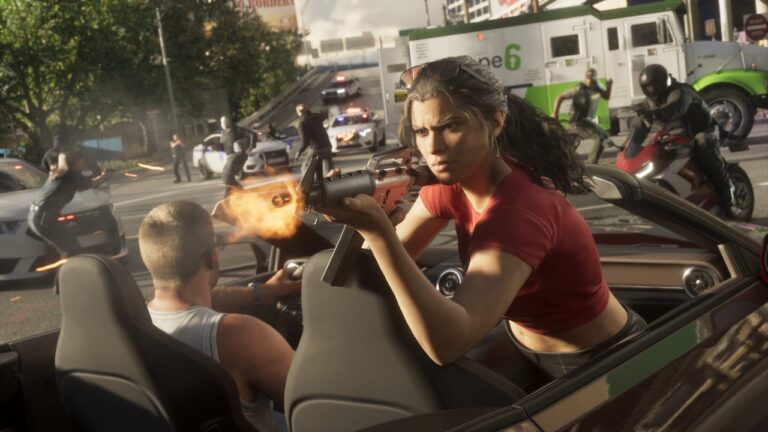
GTA 6 How to Get the Police Scanner: play the Chapter 1 story mission Unwanted Attention (Go See Cal). Cal Hampton installs his homemade police-radio app on Jason’s phone during the drive to the Hamlet impound.
It’s a story upgrade, not something you buy from a shop. Once installed, the scanner lets you hear police chatter as officers investigate crimes and chase suspects.
GTA 6 How to Get the Police Scanner: Mission and Location

First finish Gone Fishing in Chapter 1. That opens the way to Unwanted Attention (Go See Cal), which takes Jason to Cal’s beach meeting. Travel to the north of Key Lento and talk to Cal on the beach to begin.
Cal joins Jason for a job involving a car at the police impound in Hamlet. While they are on the way, he installs the scanner software on Jason’s phone. You don’t need to choose a paid upgrade, track down a separate scanner or find a password. The installation is part of the mission’s story and the radio feature remains useful afterwards.
GTA 6 How to Get the Police Scanner: Unwanted Attention Steps
- Meet Cal at the northern Key Lento beach after completing Gone Fishing.
- Drive with him towards the Hamlet police impound and let the scanner-installation dialogue play.
- Find the Imponte Phoenix at the impound and get it out past the guards.
- Lose your wanted level and take the vehicle to the marked Pay ‘n’ Spray.
- Deliver the Phoenix to Brian’s garage, complete the remaining errands and finish the mission.
How the Police Scanner Works Once Unlocked
The police scanner does not behave like the WAINK vehicle scanner. WAINK is something you deliberately open and point at cars; Cal’s police radio scanner is a passive information source. When you’re committing a crime or being pursued, you’ll hear the cops communicating, giving you another clue about the response unfolding around you.
GTA 6 How to Get the Police Scanner is therefore not about memorising an activation button. You can confirm the installation in Settings on Jason’s phone, under Third-Party Plugins, where the scanner is listed as cop_scanner_v3.1.9. After that, simply keep playing and listen for police chatter when activity begins. In a chase, pay attention to what officers are saying alongside the search radius and map markers. That is particularly useful when trying to work out whether you’ve escaped sight of a patrol or whether the search is still moving.
It also helps to understand the difference between losing immediate police attention and becoming unrecognisable. GTA 6 can remember details such as the clothes you’re wearing or the vehicle associated with a crime. The police radio offers atmosphere and cues, but it does not erase a wanted level or make a stolen car safe. Repairing, respraying or changing vehicles may still matter.
GTA 6 How to Get the Police Scanner: Can You Buy It?
If you are still before Gone Fishing, keep following the Chapter 1 mission chain. If you have finished Gone Fishing but cannot see Cal, check your current objective and the northern Key Lento starting area rather than searching every shop on the map. Some story markers do not appear while you are committed to another mission.
Police Scanner Not Working?
Make sure you are expecting the right thing. This is not a separate police-car radio station that constantly plays music or a tool that reveals every patrol on the map. It is heard when relevant police chatter occurs. Trying it while simply walking around in a quiet area may give you the impression that nothing has changed.
The game’s official character and story information is available from Rockstar Games.