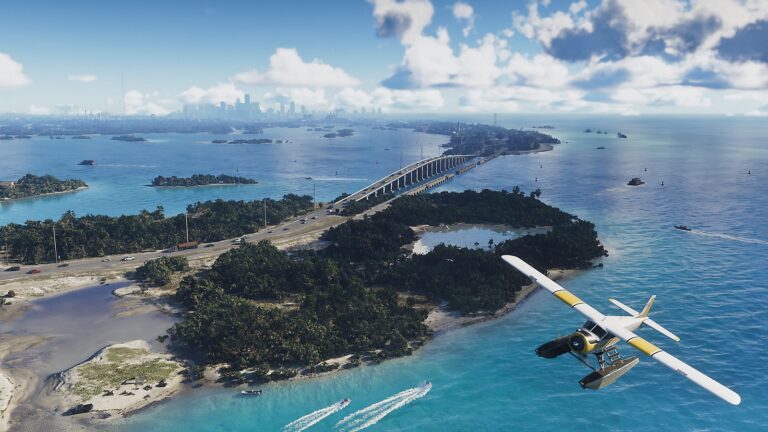
GTA 6 plane controls on PS5 use R2 to build speed, the left stick to control pitch and roll, Square and Circle for the rudder, and L2 to slow down. For your first take-off in a seaplane, hold R2 to accelerate across the water and pull the left stick down once you’ve gained enough speed.
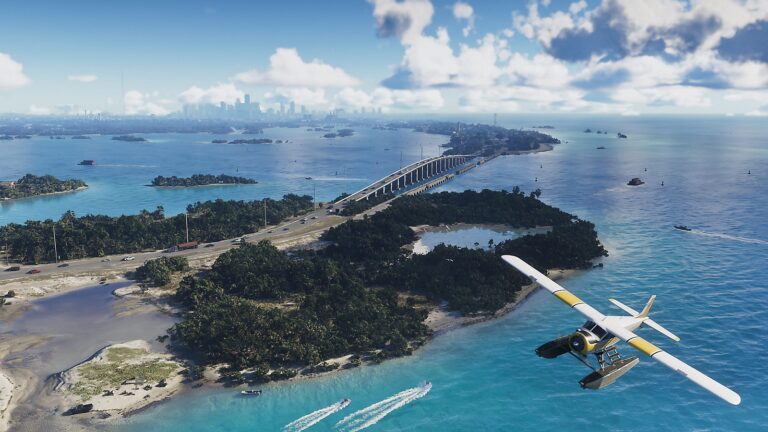
Jason’s first playable mission, Gone Fishing, introduces flying in Brian’s Mammoth Dodo seaplane. You don’t have to hunt for an airfield to try the controls. What can catch you out is the reversed feel of the aircraft stick: if you’re used to pushing up to climb, you’ll want to check the inversion setting before another landing.
GTA 6 Plane Controls on PS5

- R2: increase throttle and accelerate.
- L2: reduce speed as you approach a landing.
- Left stick: pitch and roll the aircraft, including lifting the nose for take-off.
- Square and Circle: control yaw with the rudder, moving the nose left or right.
- L3: controls the undercarriage on aircraft where that action applies.
These are the standard GTA 6 plane controls on PS5. If you’ve changed from Default to another control scheme, open the Aircraft preview in Settings > Control Scheme to see the inputs for your current setup. The Aircraft preview shows the inputs for flying, which differ from driving controls.
The rudder is particularly useful at low speed. It’s a way to line up the aircraft without throwing it into a steep bank, and the first seaplane tutorial shows it working both in the air and on the water.
How to Take Off in a GTA 6 Seaplane
- Get into the seaplane and face an open stretch of water.
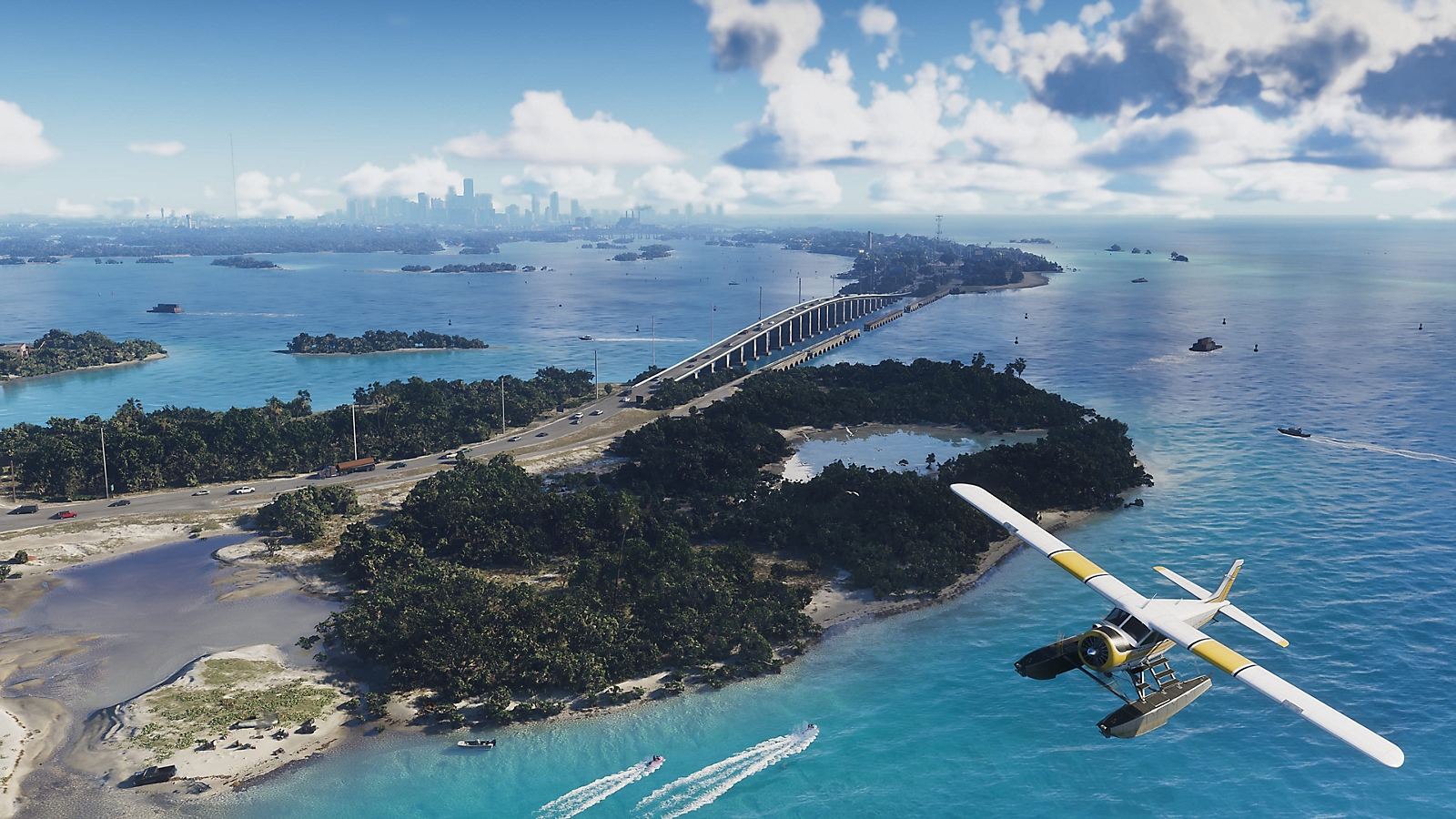
- Hold R2 to accelerate and build speed.
- Keep the plane moving straight while it picks up momentum.
- Pull the left stick down when the take-off hint appears to raise the nose.
- Once you’re in the air, ease the stick towards neutral so the aircraft doesn’t keep climbing too sharply.
In Gone Fishing, the first aircraft is Brian’s Mammoth Dodo seaplane. The game shows take-off, rudder and landing prompts during that first flight, so you can follow them in order. The instructions are different from simply driving a boat, even though you’re starting on the water.
Don’t yank the stick straight back and hold it there. You want to climb steadily, not pitch the aircraft into an awkward angle. A small correction is usually easier to manage than a huge one when you’re only just off the surface.
How to Turn While Flying
The left stick handles the main movement of the plane, but Square and Circle adjust yaw using the rudder. That’s useful when the nose is pointing slightly away from the landing area. You can make a small correction without taking a dramatic turn.
GTA 6 plane controls also separate the aircraft’s direction from the camera. If the view keeps swinging around and you can’t tell where you’re headed, check the Aircraft options under the Camera tab. That menu handles how the camera follows the plane, whereas Controller handles your stick inversion.
How to Land a Plane in GTA 6
- Find a clear landing area and line the aircraft up before descending.
- Ease off the throttle so you’re not charging in at full speed.
- Hold L2 to reduce speed as you approach the water or runway.
- Use small left-stick and rudder adjustments to keep the nose lined up.
- Keep slowing as you touch down, rather than releasing everything at the last second.
The first seaplane sequence teaches you to slow down with L2 during the approach to the water. In GTA 6 plane controls, that is an important habit because a panicked last-second correction can spoil an otherwise good flight. Start the landing early.
When you’re aiming for a small dock area, look further ahead than the exact spot where you want to stop. Getting straight and stable first gives you a better chance of arriving safely than trying to turn sharply just above the water.
Why GTA 6 Plane Controls Feel Inverted
Aircraft often follow the convention that pulling the stick back raises the nose. The Controller tab has a separate Aircraft Movement option under Inverted Controls, so you can change vertical flying direction without changing the way your character’s camera moves on foot.
If GTA 6 plane controls feel backwards, pause, select Settings > Controller > Inverted Controls, and check Aircraft Movement. Change that one preference, then try a short climb and descent. Your walking and driving settings can stay as they are.
Where to Check the Full Flight Control Scheme
Rockstar’s official Settings reference lists a dedicated Aircraft preview under Control Scheme. It’s worth opening because it shows more than the handful of actions used in the first seaplane tutorial, including how aircraft-specific functions work on your chosen controller layout.
You can adjust sensitivity separately from inversion, too. If GTA 6 plane controls respond in the right direction but feel too twitchy, work with the controller and camera options instead of flipping them. Changing several controls at once makes it much harder to tell what actually improved your flying.
The useful shortcut is to remember R2 for speed, L2 for slowing down, and the left stick for the aircraft’s main movement. Add Square and Circle for the rudder, check your own control preview, and you’ll be ready for that first trip over Leonida.
Official source: Rockstar Games Support, Grand Theft Auto VI Settings.