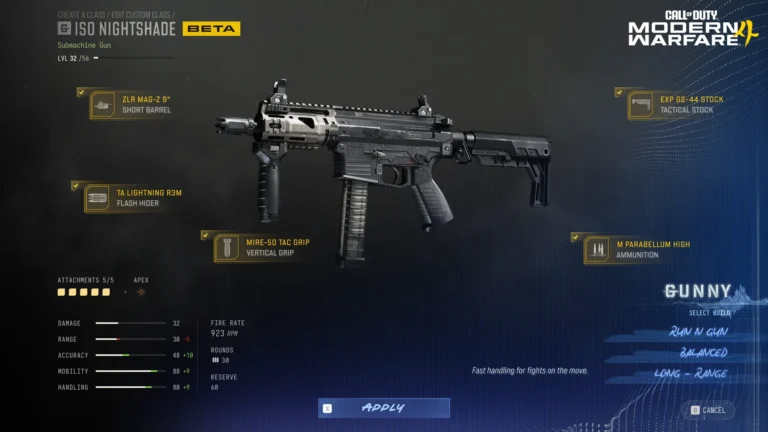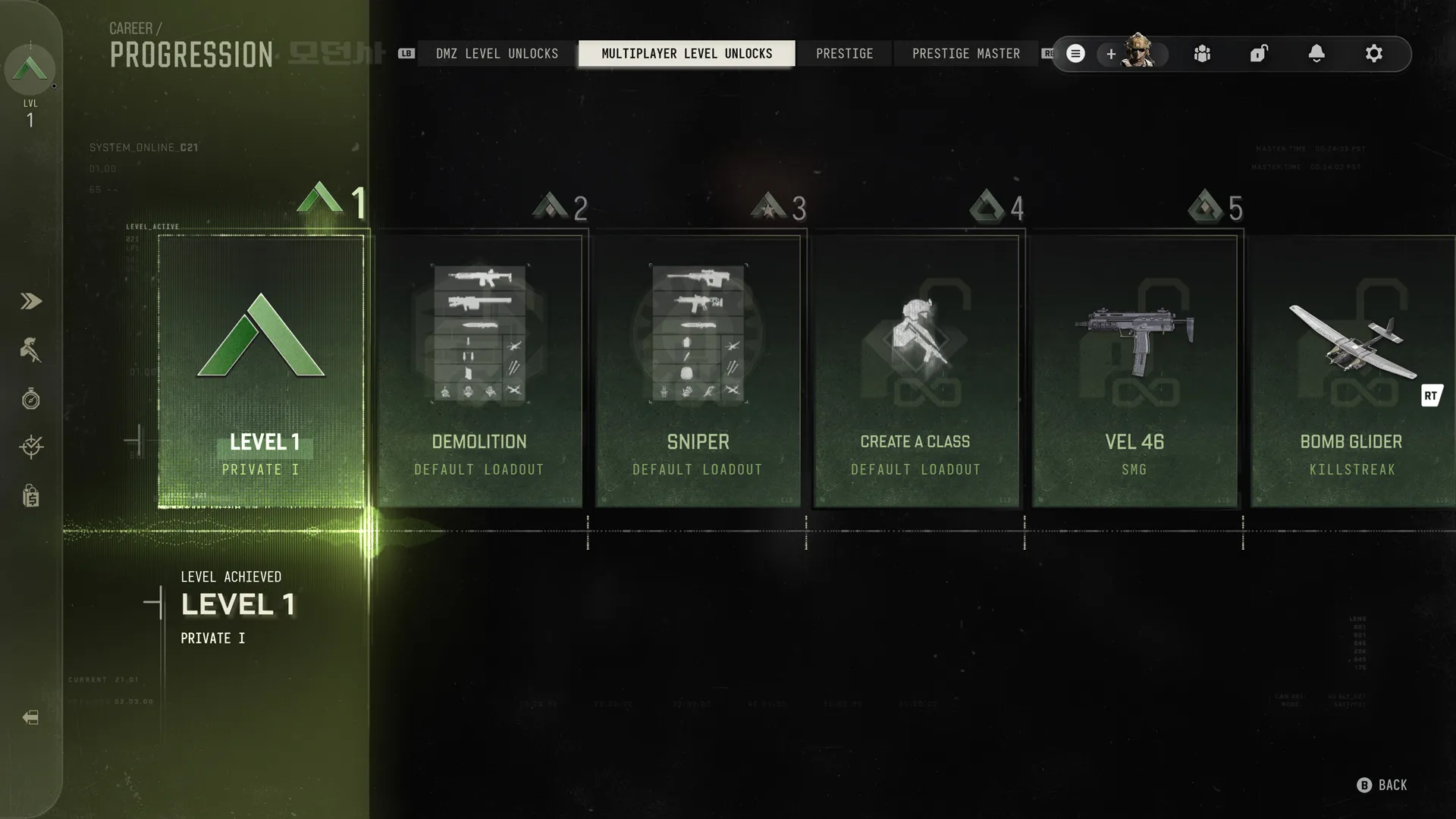
Warzone Armory Weapon Not Unlocked after a completed challenge? Check the weapon list before you grind the objective again. Raven’s recognised Season 1 issue is that the completion notification sometimes doesn’t appear. That’s not the same as confirming that every affected weapon remains locked.
It’s easy to miss a reward when the normal pop-up never arrives. The useful question is whether you can actually equip the gun. If you can, the unlock has worked and the display has let you down. If you can’t, you need to check the challenge status.
Warzone Armory Weapon Not Unlocked: what to check first
The official wording is about missing Armory unlock notifications. It doesn’t name particular weapons or say every completed challenge fails to grant its reward. That limits what a guide can promise about resetting progress or restoring lost guns.
If Warzone Armory Weapon Not Unlocked matches what your menu shows, open the Armory requirement and compare it with the actual availability in the Loadout weapon list. The two screens tell you more than the missing banner.
Warzone Armory Weapon Not Unlocked: check weapon availability
Open the Armory or weapon selection area and look for the weapon you completed the challenge for. Check whether it now shows as available to equip. If it does, that’s the answer: the unlock happened, but the notification was missing.
If the Armory challenge says completed but the gun is still greyed out, take screenshots of both. That’s worth reporting as a possible unlock problem, rather than assuming a notification bug has been fixed by replaying the challenge.
Is this the same as Legacy weapon Armory unlocks?
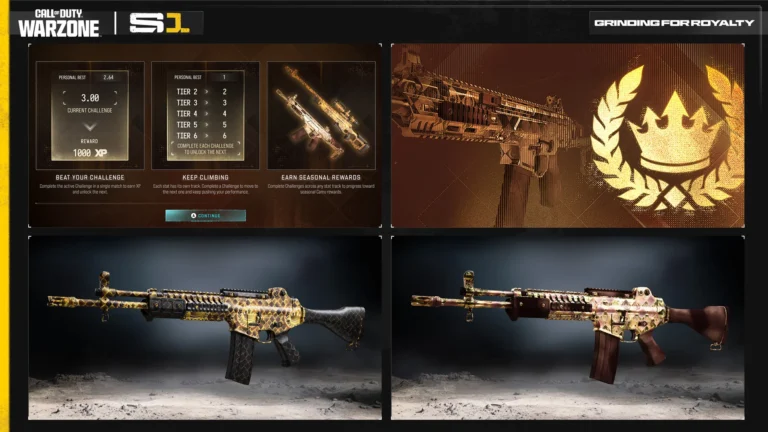
Legacy Weapons have their own Season 1 Armory system. Older guns and blueprints can initially show as locked, and Raven describes using Player XP to unlock those preset options. That’s intended progression, separate from a completed challenge failing to produce a confirmation banner.
Before treating a locked Legacy rifle as a bug, check the Legacy tab and its stated Armory requirement. A Warzone Armory unlock notification issue won’t turn an unfinished Legacy preset into a free unlock.
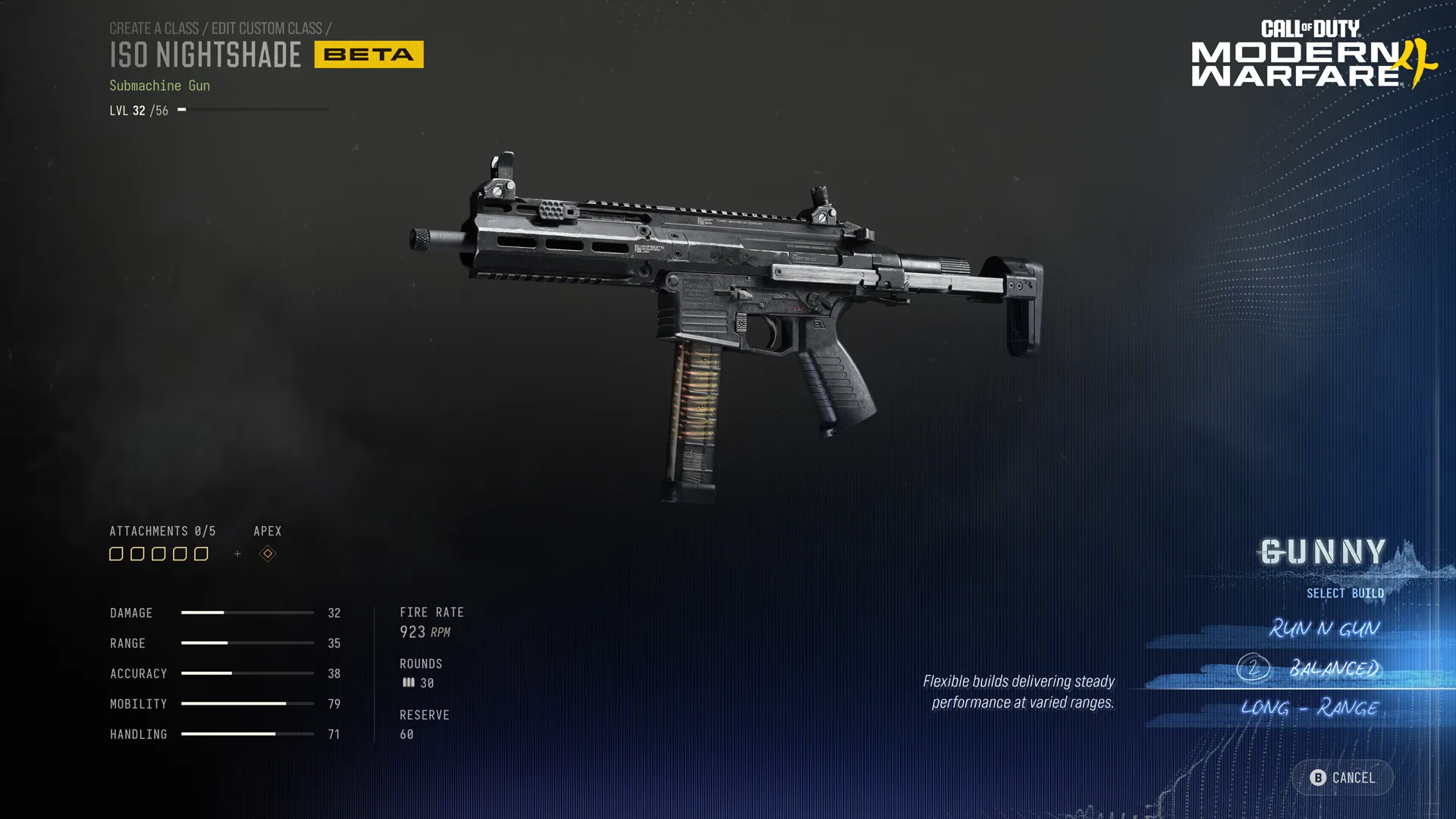
Can you force the missing Armory completion pop-up?
There’s no official method to make the old notification reappear in Raven’s notes. You can leave the Armory, reopen the weapon list and check whether the unlock is usable. Restarting the menu or game is a normal troubleshooting check, but it isn’t a confirmed fix for the notification itself.
I wouldn’t delete loadouts or buy a bundle just because an Armory notification failed. Check the weapon first. If it’s already selectable, there isn’t much left to repair beyond the missing message itself.
Has the Warzone Armory notification bug been fixed?
The November 16 known-issues list still includes it. Raven also fixed some other missing challenge ticks and reward notifications on November 16, but those broader display fixes don’t explicitly resolve this specific Armory completion banner problem.
Warzone Armory Weapon Not Unlocked may describe your concern, but the specific known bug is a missing notification. If the challenge is complete and the gun still isn’t available, keep a record and report the discrepancy. Raven hasn’t supplied a confirmed player-side fix for that separate situation.
Official source: Raven Software’s Warzone Season 1 known issues and patch notes.