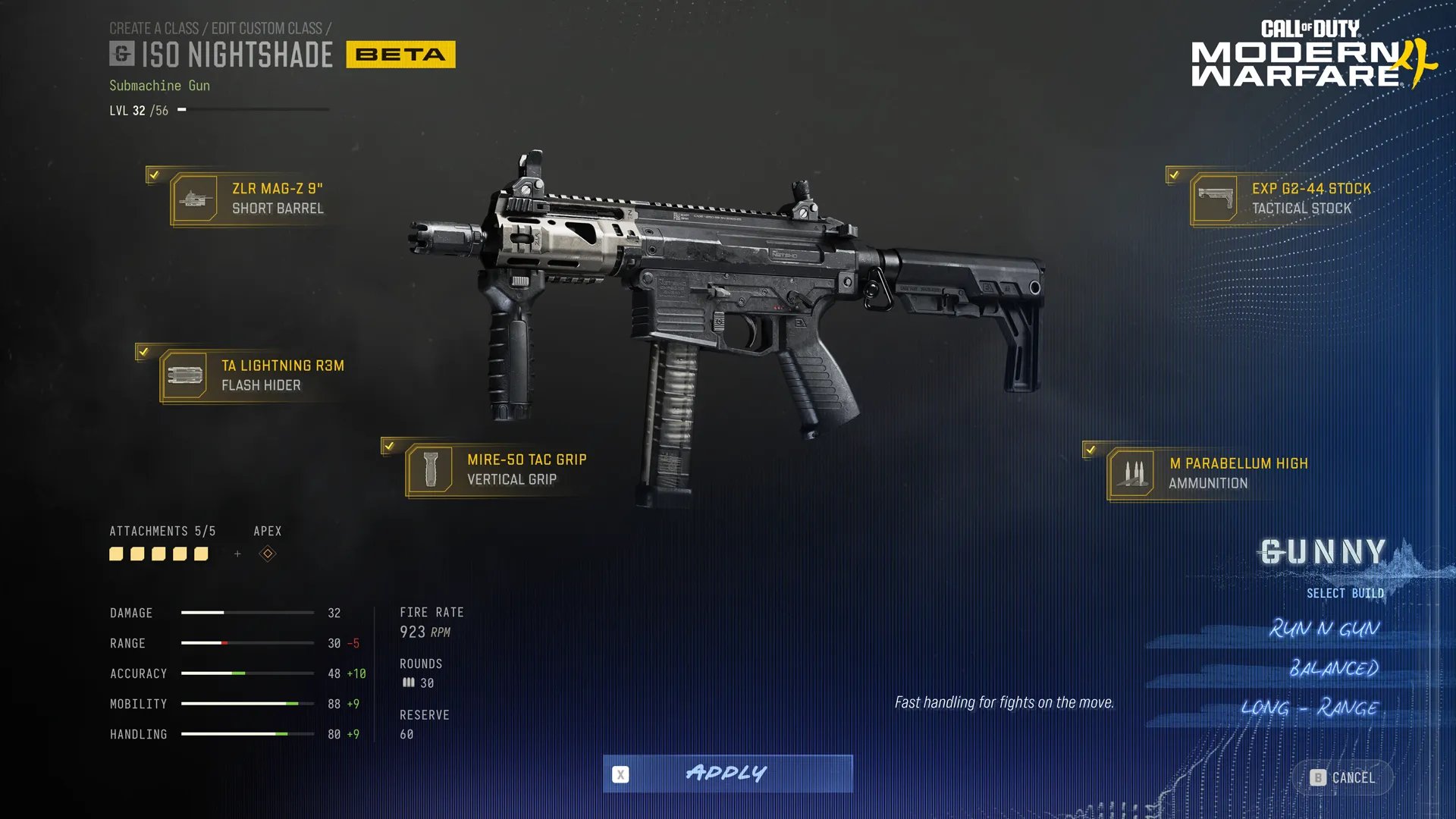
Warzone Custom Loadouts Not Saving during a match is an acknowledged Season 1 problem, especially for new players. Raven says changes made to custom loadouts may fail to persist while you’re playing. There isn’t a confirmed patch for that specific problem in the November 16 notes, so a class reverting to its old setup isn’t necessarily something you’ve done wrong.
It’s frustrating when you’ve adjusted an attachment, gone back for your loadout and found the earlier version waiting. The thing I’d check first is when the change was made. Raven’s report is about edits during a match, not every loadout disappearing across all platforms and game modes.
Warzone Custom Loadouts Not Saving: who is affected?
The known-issues entry specifically mentions new players. It doesn’t identify affected weapons, a particular console or a universal loss of saved classes. If you’ve only recently started Warzone and in-match changes won’t stick, your experience lines up with what Raven is investigating.
Warzone Custom Loadouts Not Saving can look similar to a bug in the main Gunsmith, but there’s an important clue: your edits fail to survive a match change. Check the actual class after returning to the lobby so you know whether it reverted, rather than assuming a brief menu animation means the save worked.
What to try before your next Warzone match
I’d make attachment and perk changes in the main lobby before queueing, then reopen the class to check they’re still there. It’s a practical way to reduce reliance on in-match edits, not a guaranteed developer workaround. You may still encounter the issue; the official notes don’t promise lobby editing bypasses it.
If a build is particularly important to the next match, remember the attachments you’ve selected or take a quick screenshot. That makes it much easier to spot what changed when you load in. Rebuilding the entire class in a live match every time is more hassle than it’s worth.
Why Legacy Weapon loadouts behave differently
Raven fixed a separate problem on November 10 that stopped players editing loadouts with a Legacy weapon equipped. That fix doesn’t cover every report of Warzone Custom Loadouts Not Saving. A legacy weapon also uses fixed preset or blueprint attachments, without the full current Gunsmith.
Trying to swap the barrel on a Legacy weapon is therefore not the same as a new MW4 class failing to save. If the weapon is marked Legacy, check the restrictions in its menu before you spend time hunting for an editor that isn’t supported.
Is the MW4 Multiplayer loadout reset the same bug?
Infinity Ward has also investigated Modern Warfare 4 Multiplayer reports about classes resetting between matches or after logging in. That sounds similar, but it’s a separate game-mode report. Raven’s Warzone issue is more specific, so avoid treating every loadout complaint as proof of one shared bug.
If a class disappears after restarting the game, keep a record of what happened and which mode you were in. That helps distinguish a missing class from a single attachment edit that didn’t persist. The symptoms matter if you’re asking support to look at your account.
Are Warzone Custom Loadouts Not Saving fixed?
Warzone Custom Loadouts Not Saving remains on Raven’s known-issues list. The November 10 Legacy editing fix and other UI fixes aren’t a confirmation that this one has been solved. There’s no official hotfix date or guaranteed reset procedure to follow yet.
My approach would be to set the class up before playing, check it after an edit and avoid constantly changing attachments mid-match until there’s a confirmed fix. It won’t magically repair the bug, but it can save a lot of wasted tinkering while Raven works on it.
Official source: Raven Software’s Warzone Season 1 patch notes and known issues.