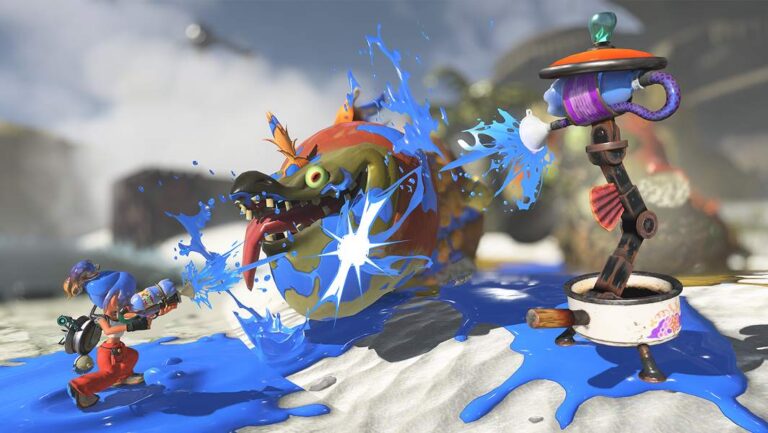
Splatoon Raiders multiplayer lets you take up to three friends on raids, either online or over local wireless. It’s easy to miss if you’ve been treating this as an entirely solo Splatoon adventure, but Nintendo has included full co-op and a separate way to ask another player for a hand with one difficult stage.
The two options do different jobs. The radio on your Hideout Ship creates a group for regular raids, while Call for Help is accessed through the Treasure Map when all you need is assistance with one stage. That distinction makes the menus far less confusing.
How to play Splatoon Raiders multiplayer with friends
After the first three raids on Erpp Island, walk to the radio on the Hideout Ship and press A. Choose Online Play for friends over the internet or Local Play for nearby Switch 2 owners. You can then create a room with Y or join an existing one.
- At the radio, choose Online Play or Local Play.
- To host, press Y and optionally set a four-digit passcode. Friends then join your room.
- For online keyword matchmaking, open Online Play, switch to the R Keyword tab, and use + to set a shared keyword.
- When everyone is inside, the host stops recruiting, picks a dungeon and waits for everyone to hold A to ready up.
When your friends have joined, the host holds A to stop recruiting, opens the Treasure Map, chooses a dungeon and starts the raid. Everyone holds A to ready up. Splatoon Raiders multiplayer lets you advance through the main story together, not just replay a separate challenge.
Does Splatoon Raiders multiplayer support split-screen?
The game supports two to four players online or using local wireless between systems. Nintendo specifies that additional games and consoles are required for multiplayer. That isn’t the same as split-screen co-op on one Switch 2 and one television.
Online players need Nintendo Accounts, an internet connection and a Nintendo Switch Online membership for the game’s online features. Local wireless is the option for players with compatible systems in the same area.
Splatoon Raiders multiplayer: how to request help
Call for Help is a different feature, intended for a player who is stuck on one raid. It unlocks after Bowtlode Temple, when you reach the next region of the Spirhalite Islands. That’s separate from the radio’s earlier three-raid unlock.
For a temporary assist, open the Treasure Map, select the dungeon causing trouble and press –. Choose Help! and wait for someone to join. This part of Splatoon Raiders multiplayer allows you and up to two helpers, rather than a full four-person room.
Want to help someone else? First complete the Izakaya Island raid, which Nintendo lists as the unlock for Go Help!. Then open the map, press – and select that option. A successful assist can earn a Help Bonus containing weapons, gadget parts or other materials.
Why can’t you call for help again immediately?
Nintendo says Call for Help has a cooldown after you request assistance and complete a raid. If Splatoon Raiders multiplayer won’t let you ask again straight away, that isn’t necessarily a technical problem. You may just need to wait for the feature to become available again.
Nintendo hasn’t promised a fixed rare item for every Help Bonus, so it’s worth helping for materials without assuming that one particular weapon will drop.
What if co-op won’t connect?
Start with software versions. Nintendo says everyone needs to be playing the same game update to connect. On the HOME Menu, highlight Splatoon Raiders, press + or –, choose Software Update and then Via the Internet.
Next, check that every online player has access to Nintendo Switch Online, the group is choosing the same room or keyword, and nobody has accidentally picked local wireless while the others are trying to connect over the internet.
If you’ve only tried the free demo, don’t assume its equipment or features match the full game. Nintendo’s demo announcement confirms three stages and prepared loadouts, but doesn’t describe its co-op availability. This Splatoon Raiders multiplayer guide covers the paid game’s confirmed systems.
Can you still use Deep Cut’s Exploration Bot?
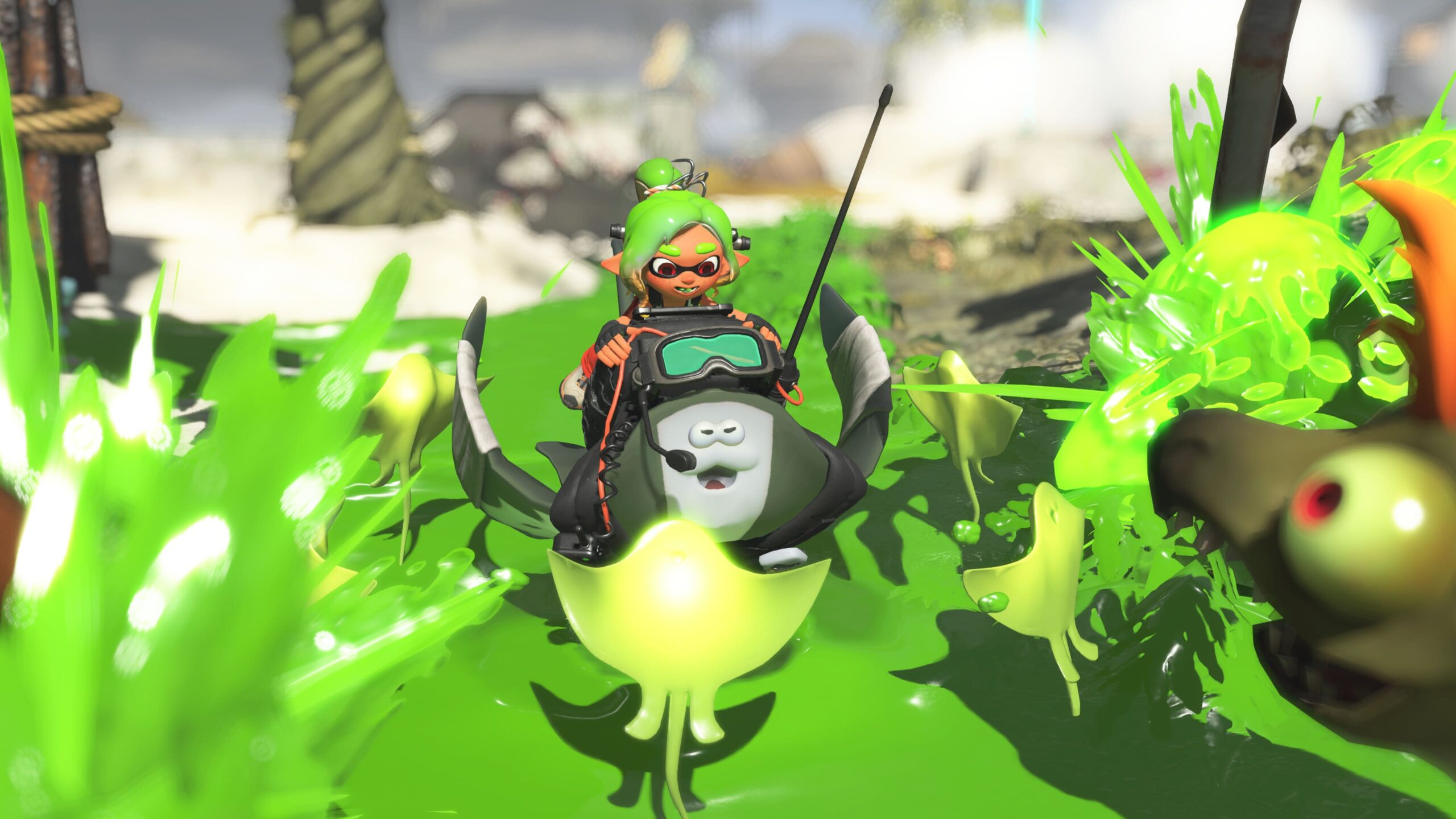
Yes. Deep Cut’s Exploration Bot remains a core part of the game’s adventure, helping find treasure and fight Salmonids with Showstopper attacks. Playing with another person doesn’t change what Nintendo has announced about those companion abilities.
Use the radio when you’ve got a group to play with; use Call for Help when one raid is blocking your progress. If you’d rather help someone else, Go Help! opens after the Izakaya Island raid. It’s useful that all three options exist, but they’re not supposed to unlock at the same point in the story.
Click Flare | Related Guides
Splatoon Raiders Best Tank: Speed, Power or Tactical?
Splatoon Raiders Difficulty: How to Change Tourist, Raider and Survivalist
Splatoon Raiders Amiibo Outfits: How to Scan and Unlock Them
Splatoon Raiders Update 1.1.1: Patch Notes and How to Install
Official source: Nintendo Support: How to Start a Multiplayer Game (Splatoon Raiders).