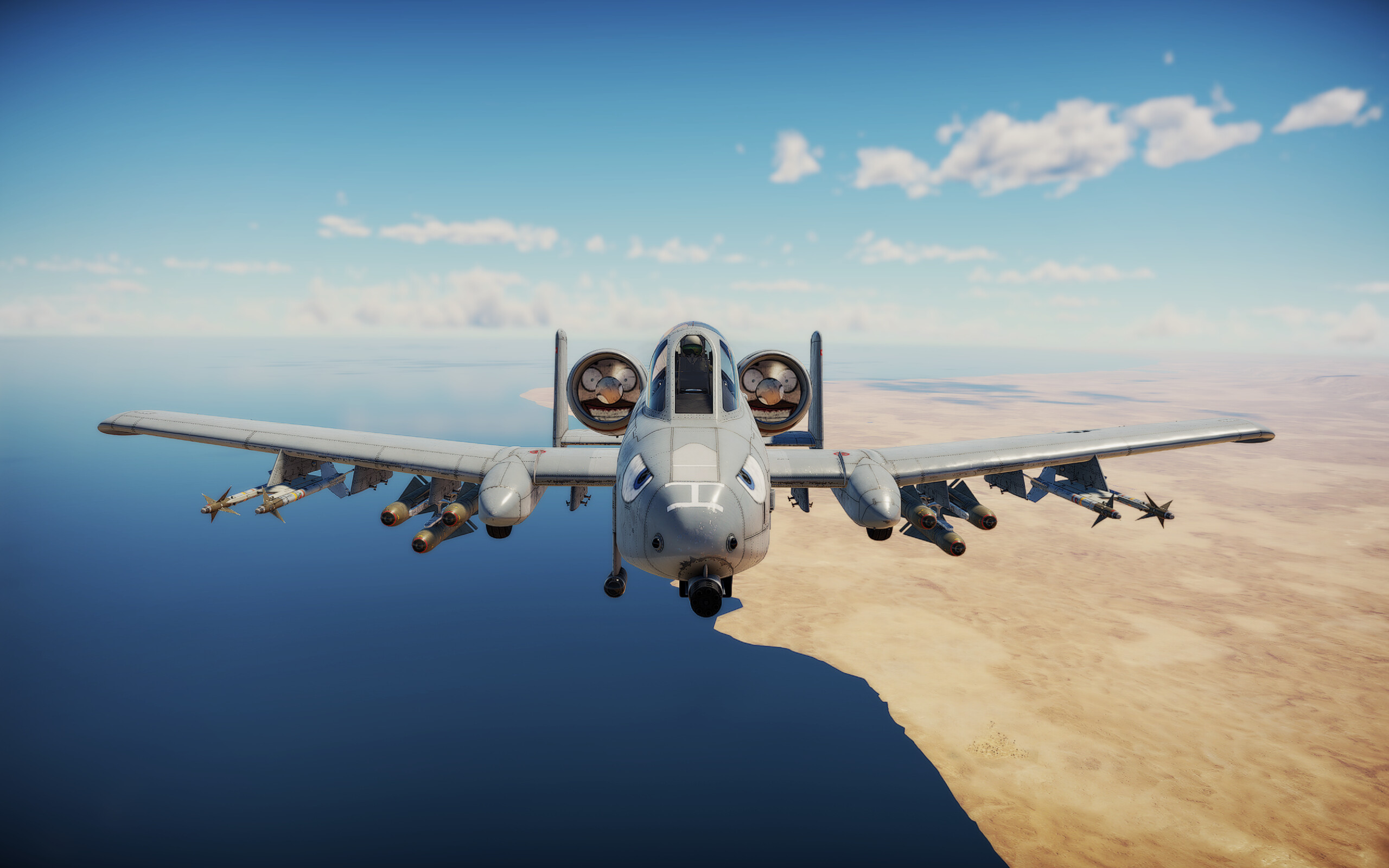
War Thunder A-10A custom Battle Rating lets you take the Warthog into a lower-BR match when you don’t equip its selected higher-tier weapons. Eagle’s Shadow gives the A-10A a base rating of 9.0 in Air Battles and 9.7 in Ground Battles, with higher ratings if you choose AIM-9L, AGM-65 or GBU-8 weapons.
The lower BR is a loadout choice, not an automatic reduction for every Warthog variant. The game displays the selected BR in the hangar, and your rating affects matchmaking. Here are the precise numbers from Gaijin, how to select a compatible rating and what the restriction means for weapons you’ve already researched.
War Thunder A-10A custom Battle Rating table
| A-10A setup | Air Battles BR | Ground Battles BR |
|---|---|---|
| Lower-BR loadout without listed advanced weapons | 9.0 | 9.7 |
| With AIM-9L, AGM-65 or GBU-8 | 10.3 | 11.0 |
Before Eagle’s Shadow, the A-10A was rated 10.3 in Air Battles and 11.0 in Ground Battles. Those higher ratings remain when you use any of the specified weapon families. You do not need to equip all three. An AIM-9L, an AGM-65 or a GBU-8 is enough to place the A-10A in the higher option under the published rule.
This is specifically the A-10A entry in Gaijin’s November 11 changelog. It should not automatically be applied to the A-10A Early premium, the A-10C or any other variant because those vehicles are separate entries with their own equipment. Check which name appears on your selected vehicle.
War Thunder A-10A custom Battle Rating: how to select it
Gaijin explains that supported aircraft choose their custom BR in the hangar’s modifications window. Open the A-10A modifications, look at the available Battle Rating setting and select the option compatible with the weapons you want to use. The interface indicates which modifications and weapons are unavailable at your chosen rating and explains the restriction.
After choosing a lower rating, inspect the secondary weapons and confirm the aircraft is not set up to carry one of the advanced options associated with the higher BR. If you want those missiles or bombs, select the higher rating instead. The game uses the currently selected value for matchmaking, so the number shown in the hangar matters.
Researching an AIM-9L doesn’t permanently force you into the higher bracket. Gaijin’s explanation says custom BR gives players a choice. You can keep the modification researched while choosing a rating at which certain equipment cannot be used. Unlocking and equipping are different decisions.
War Thunder A-10A custom Battle Rating: weapon restrictions
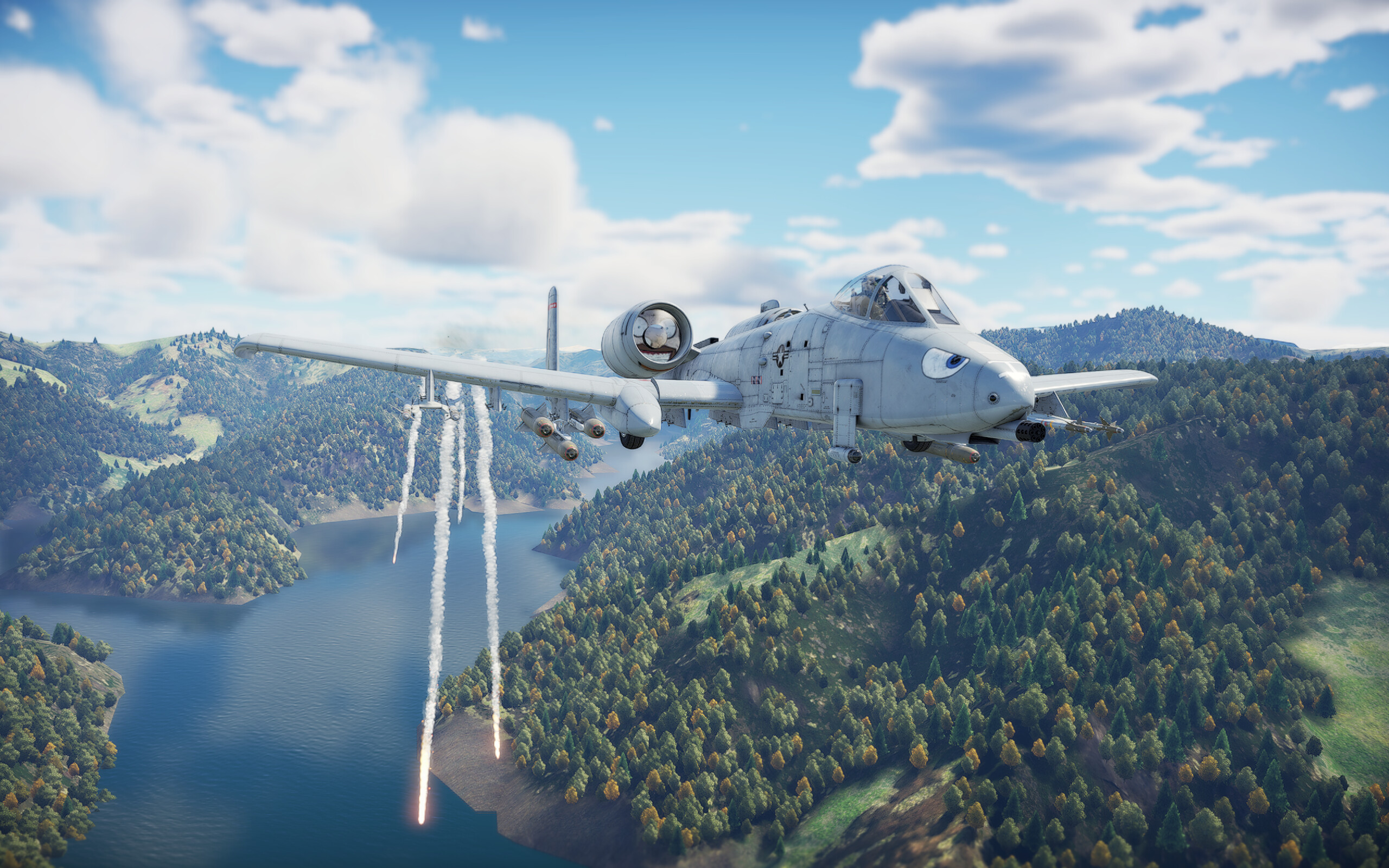
The higher War Thunder A-10A custom Battle Rating reflects the effect of those weapons on a match. An AIM-9L is an air-to-air missile, AGM-65 is a guided air-to-ground weapon, and GBU-8 is a precision guided bomb. Keeping access to these options involves accepting the higher matchmaking setting specified for the A-10A.
That is the trade-off behind War Thunder A-10A custom Battle Rating: you can choose the lower match environment only when you leave the listed high-impact equipment behind. It doesn’t mean the A-10A’s flight model, armour or speed secretly changes when you select a rating. The patch confirms a weapon and matchmaking choice, not extra aircraft performance.
For Ground Battles the low option is 9.7 and the high option is 11.0. For Air Battles those options are 9.0 and 10.3. Keeping the mode distinction clear prevents one of the easiest mistakes: reading the Air Battles number and expecting it to apply to your Ground Realistic line-up.
War Thunder A-10A custom Battle Rating on Early or A-10C?
Check the specific A-10 variant’s modification screen before planning a low-BR loadout. The final patch specifically says A-10A in the custom BR changes. Elsewhere, Gaijin names A-10A Early, A-10A Late and A-10C when assigning new cluster bombs. Those bomb allocations are separate from the custom BR entry and should not be treated as proof that every Warthog shares the same 9.0 and 9.7 lower ratings.
When following any War Thunder guide, the safest approach is to identify the complete in-game variant name before comparing loadouts. Different versions of the same aircraft family can have very different access to guided missiles, bombs and modifications.
War Thunder A-10A custom Battle Rating: unavailable weapons
That can be intended, not a bug. On custom-BR aircraft, the interface marks equipment that cannot be used with the currently selected rating. Read the explanation attached to the restriction. If it’s one of the advanced A-10A weapons and the lower rating is selected, that is consistent with the Eagle’s Shadow feature.
If the option isn’t available at all, first make sure you’re inspecting the actual A-10A and not another variant. Also remember that a weapon you haven’t researched is not granted simply because you change to the higher rating. Custom BR controls equipment availability and matchmaking; it doesn’t bypass the ordinary modification system.
War Thunder A-10A custom Battle Rating checklist
- Confirm the aircraft name is A-10A, not A-10A Early or A-10C.
- Open the hangar modifications window and find the supported custom BR choice.
- Select 9.0 Air or 9.7 Ground when using the lower-tier compatible weapon set.
- Expect 10.3 Air or 11.0 Ground if using AIM-9L, AGM-65 or GBU-8.
- Check restriction messages and your current loadout before entering the match.
- Verify the displayed selected BR, because the matchmaker uses that value.
The practical benefit of War Thunder A-10A custom Battle Rating is flexibility: choose the less powerful loadout and a lower rating, or bring the more advanced weapons and accept the higher one. The key is to make that choice deliberately in the hangar instead of relying on pre-update BR guides.
- War Thunder Cluster Bomb Aircraft List: All Six Bomb Types and Planes
- How to Use Cluster Bombs in War Thunder: Release Height and Damage
- War Thunder Assault Air Arcade BR Brackets: All Seven Ranges
- War Thunder Helicopter PvE BR Brackets: All Ranges and Enemy Changes
- War Thunder Targeting Pod Crosshair Flashing: Why Weapons Won’t Fire
- War Thunder Missile Aim Point: How to Target Tank Modules
- War Thunder 2.59.0.46 Patch Notes: Nuclear Escalation Buffs and Vehicle Fixes
Official source: Gaijin Entertainment: Eagle’s Shadow full changelog, custom Battle Ratings.