This Ragdoll Soccer beginner guide starts with the important stuff: where to practise, how to kick the ball on PC and which match queue makes sense when you’re new. Ragdoll Athletics has built the experience around exaggerated ball and player physics, so getting into position matters just as much as pressing shoot.
Start in Practice, move on to 4v4 Quickplay, and save the bigger 8v8 Pro matches until you’re comfortable. Clubs is for queueing with friends. Those modes have different purposes, so picking the right one makes your first session easier.
Ragdoll Soccer beginner guide: which mode should you play first?
| Mode | What it’s for | Best first step |
|---|---|---|
| Practice | Getting used to movement, the ball and shooting | Try several short and long kicks. |
| 4v4 Quickplay | Regular matches with four players a side | Learn positioning and passing in a real game. |
| Clubs | Queueing four-versus-four with friends | Arrange a group before entering the club queue. |
| 8v8 Pro | Eight-a-side football with referees, set pieces, offside and VAR | Get comfortable in Quickplay first. |
These four modes are listed by Ragdoll Athletics. If you found this Ragdoll Soccer beginner guide because the mode menu looks confusing, start with Practice. The game is still in early development, so menu details can change.
Ragdoll Soccer beginner guide to PC movement and shooting
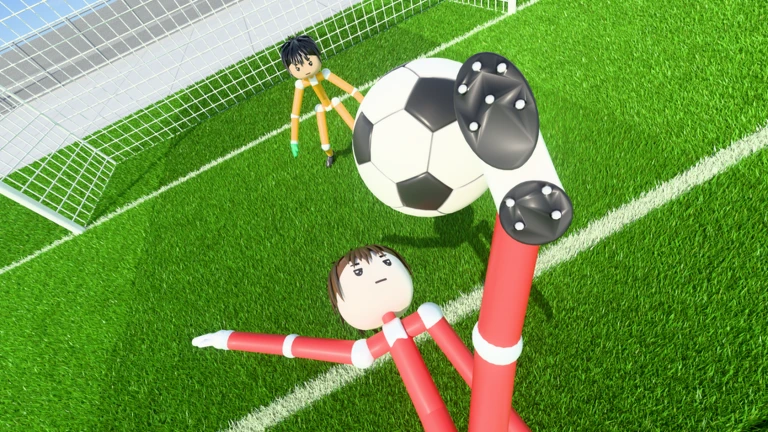
On PC, current hands-on guides describe holding the mouse button to charge a kick, then releasing it to shoot. Players also mention a lob, but Ragdoll Athletics hasn’t publicly explained the exact input. Follow the controls in the current tutorial rather than borrowing shortcuts from another Roblox football game.
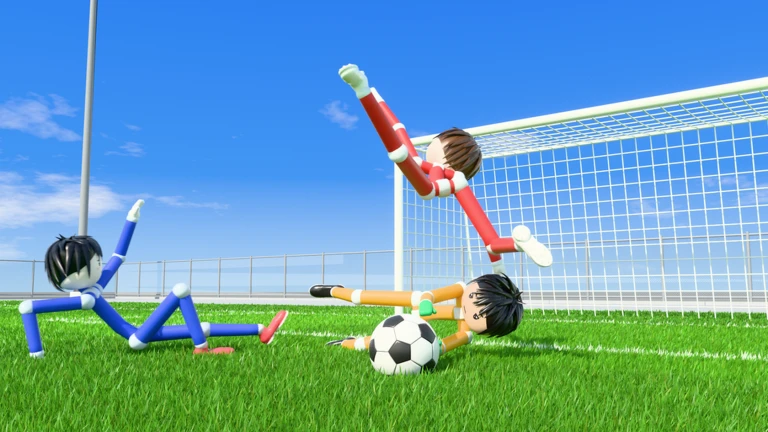
There’s no verified ‘perfect’ power amount to memorise. Practise with a stationary ball first. Shoot gently from close range, then try adding power and changing your angle. The ragdoll physics mean collisions, rebounds and awkward touches can throw a shot off course even when you thought you’d lined it up.
Mobile and controller players should follow the controls shown by their own in-game tutorial. We haven’t verified a fixed button-by-button mapping for every platform, and copying the keys from another Roblox soccer game would be misleading.
Five useful tips for your first match
- Try Practice before a match. Give yourself a few kicks to judge direction, timing and power without chasing a score.
- Look for an easy pass. A short ball to a teammate is often more useful than charging a shot from the wrong side of the pitch.
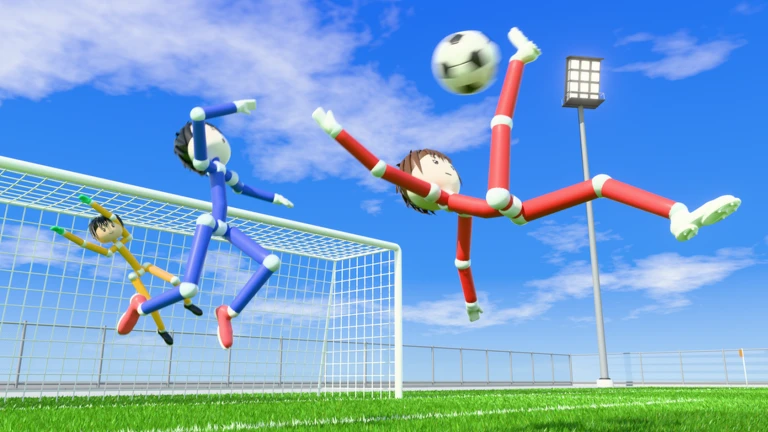
- Don’t chase every rebound blindly. The physics can send the ball somewhere unexpected; pause and read its movement before diving in.
- Use space. Standing on top of a teammate can make both of you less effective if the ball ricochets off a crowd.
- Choose the right queue. If you’re still learning, Quickplay makes more sense than worrying about every offside decision in Pro.
None of those tips guarantees a goal. The point of this Ragdoll Soccer beginner guide is to help you judge the ball rather than charge every shot and hope for the best.
On mobile or console, this Ragdoll Soccer beginner guide cannot reliably give an exact button map. Use the prompts shown for your device in the current build; the developer has not published universal controls for every platform.
Ragdoll Soccer beginner guide: playing with friends
Ragdoll Athletics specifically describes Clubs as the mode for queueing 4v4 with friends. Open the mode selection and look for Clubs rather than assuming a public Quickplay lobby will keep everyone together. The current official description doesn’t provide a full walkthrough for invites, roster limits or club creation, so check the actual club interface for the options available to your party.
The Clubs guide explains what can be confirmed about that queue and which commonly reported league features still need checking. The 8v8 Pro mode is a separate option, not just a bigger Clubs match.
Ragdoll Soccer beginner guide to Coins and codes
Matches can earn Coins, and daily quests are mentioned in current player walkthroughs. Rewards may change, so read the current match-end screen and quest menu rather than expecting an exact payout every time. Coins have been reported as a way to get cosmetic accessories, not proof of extra shooting accuracy or a guaranteed competitive advantage.
There is also an official code, WELCOME, advertised by the developer on the Roblox experience page. Current code guides report it gives 250 Coins. Our Ragdoll Soccer codes page has the redemption route and clearly separates that official code from a newer community-reported one.
Ragdoll Soccer beginner guide: should you try 8v8 Pro?
Yes, once you’re comfortable with basic movement and shooting. Pro adds referees, penalties, free kicks, throw-ins, VAR and offside, according to Ragdoll Athletics. That means team shape and careful passes become more important than in the ordinary quickplay format.
Don’t confuse the full football-style match clock with real-world session length: players have reported a 90-minute clock on screen, but there isn’t a developer-published conversion for how long those minutes take in real time. Start with Practice, play a few 4v4 games, then try Pro when the extra rules sound appealing. That’s the first-session plan: practise some shots, play Quickplay, then try Clubs or Pro. This Ragdoll Soccer beginner guide doesn’t need complicated tactics to get you started.
Related Guides
Official source: Ragdoll Soccer by Ragdoll Athletics on Roblox.