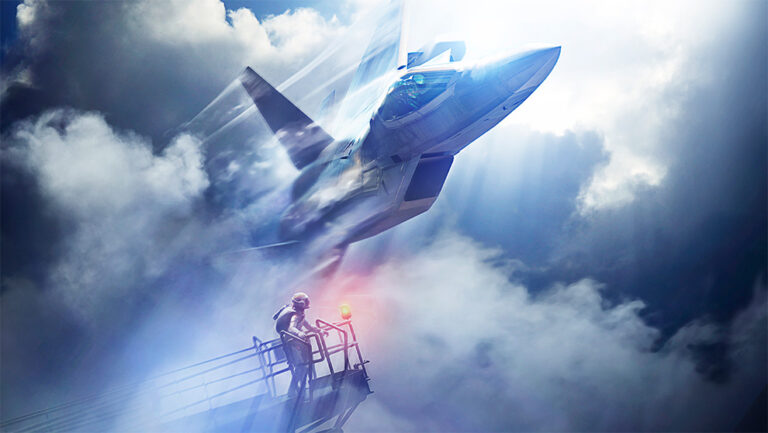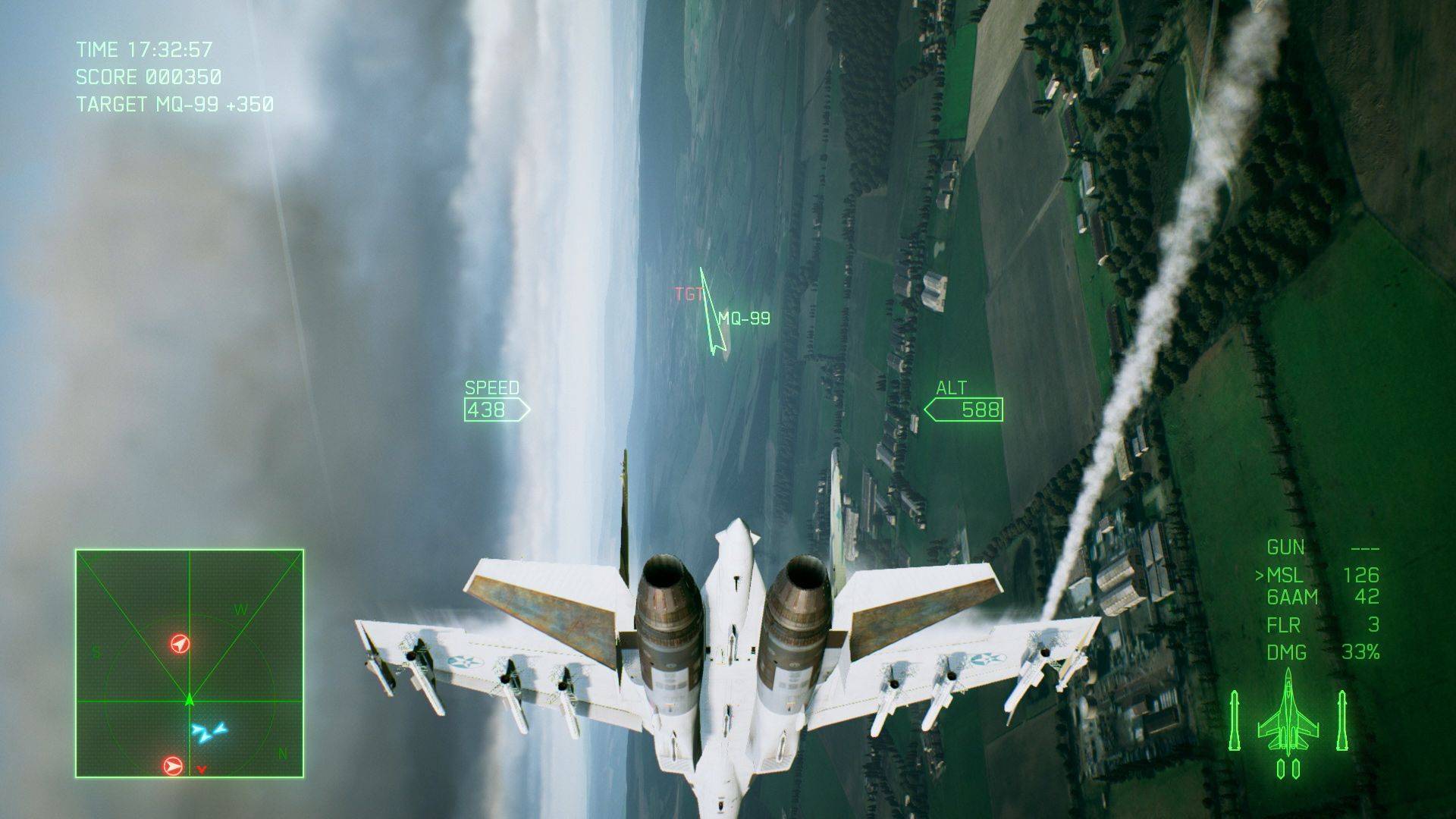
Ace Combat 7 aircraft tree unlocks your new planes, special weapons and upgrade parts using MRP earned from playing the game. It’s worth planning your route before spending, because you cannot simply buy an endgame fighter from the far right of the tree.
The biggest trap is treating the Aircraft Tree like a normal shop. It is a connected set of purchases: you buy a node, open the next connected options and gradually work toward aircraft that better suit your missions. You also need to understand the difference between campaign equipment, multiplayer parts and separately owned DLC aircraft.
How the Ace Combat 7 aircraft tree works

After completing the first campaign mission, open the Hangar and access the Aircraft Tree. Your starting aircraft is the F-16C Fighting Falcon. The tree branches out from early upgrades and aircraft toward more advanced jets. Purchasing an item opens the connected items further along that route.
Each node has its own MRP requirement, and some junctions depend on more than one prerequisite. You may need to buy an aircraft or part you do not particularly want to reach the plane you do. The Ace Combat 7 aircraft tree does not refund MRP when you change your mind, so check the full path before buying.
You don’t have to buy every branch of the Ace Combat 7 aircraft tree to complete the campaign. A focused route can get you into a stronger aircraft sooner, while a completionist route is useful later when you want the full roster and all parts.
How to earn MRP for the Ace Combat 7 aircraft tree
MRP stands for Military Result Points. You earn it by finishing campaign missions, replaying missions and playing multiplayer. Your balance is shared across applicable purchases. Spending it on equipment is permanent; there is no regular sell-back option to recover a poor purchase.
Early on, progress through the campaign before repeatedly grinding a mission you’ve already beaten. First clears give you experience with new target types and earn the MRP you need for the next branch. If a particular plane is just out of reach later, replay a mission you can reliably complete rather than forcing yourself through a difficult one over and over.
Ace Combat 7 aircraft tree: Aircraft, special weapons and parts are different purchases
| Tree item | What it unlocks | Important detail |
|---|---|---|
| Aircraft | A new playable jet | Its available special weapons depend on that aircraft. |
| Special weapon | An additional loadout option | Check whether the aircraft can carry it before planning around it. |
| Upgrade part | A performance or weapon enhancement | Some parts are restricted to campaign or multiplayer. |
When you acquire a new aircraft, its first special weapon is included; other options are purchased through the tree. That means buying a jet does not automatically give you every missile, bomb or gun-based special weapon associated with it.
Aircraft parts are separate again. Some improve manoeuvrability or speed; others affect weapon performance. You equip them in the hangar before a sortie, subject to the aircraft’s parts restrictions. A strong plane with badly chosen parts can be less helpful than a modest aircraft fitted for the job.
Ace Combat 7 aircraft tree: choosing the right early branch
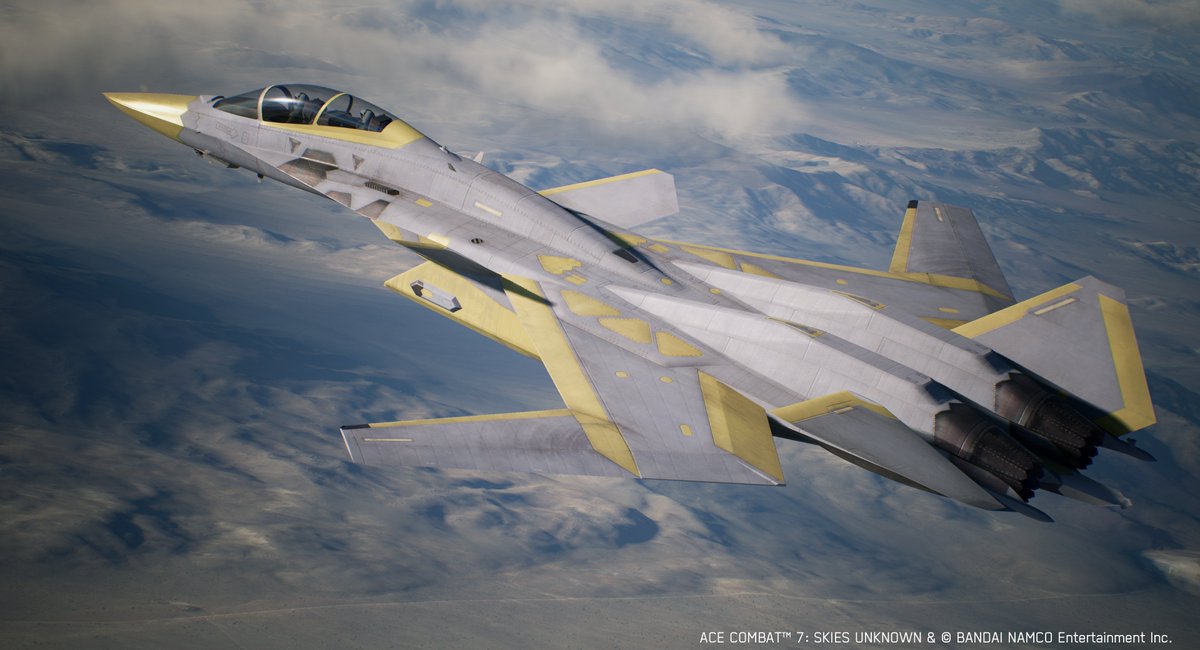
Before buying anything in the Ace Combat 7 aircraft tree, inspect the next two or three nodes and ask what kind of missions you struggle with. A fighter is valuable when you’re constantly hunting aircraft, while a multirole jet can make life easier when missions mix aerial and ground targets.
You can stick with the F-16C for the opening sorties. When you begin shopping, look for a realistic progression toward the aircraft you actually want rather than clearing every cheap node in sight. The F/A-18F, for example, is a multirole option, while the A-10C is designed for ground attack. They solve different problems.
There is no sensible universal ‘buy this first’ instruction without knowing your available MRP, current mission and preferred weapons. Decide which limitation is costing you most time, then pick the branch that fixes it.
Campaign and multiplayer parts: what is different?
Some parts are available across both modes, but others are explicitly designed for one mode. Multiplayer-only parts are handled through their own part of the system and are associated with multiplayer progression. Do not assume a powerful online part can be fitted to your campaign build.
The Ace Combat 7 aircraft tree also has equipment-slot limits. You cannot fill every available slot with every upgrade you own. Check the aircraft’s equipment screen when choosing parts; if a part isn’t selectable, look at whether it is restricted by mode or space before assuming the purchase failed.
How DLC aircraft fit into the system
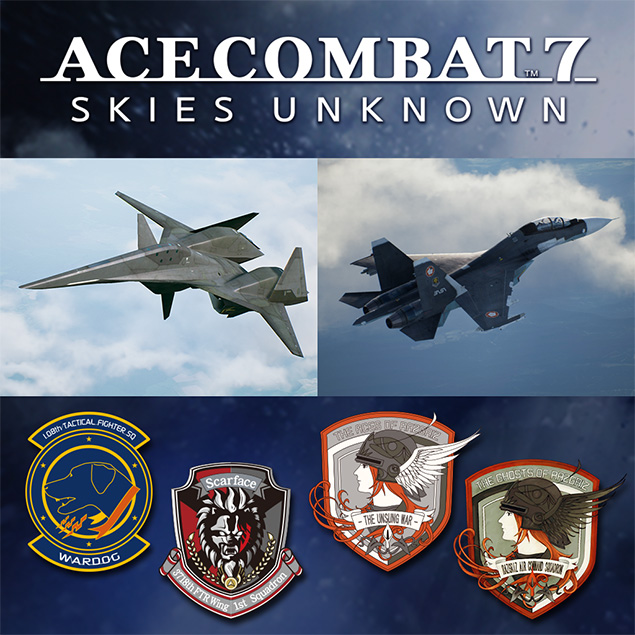
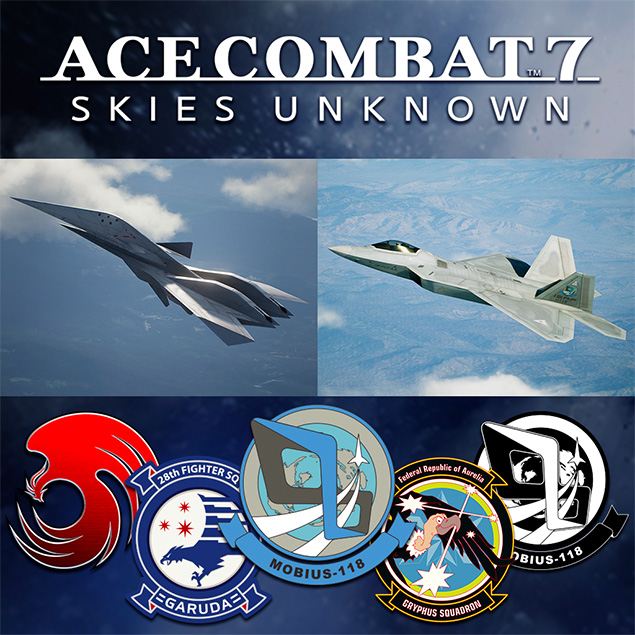
DLC aircraft are not the same as normal Aircraft Tree purchases. Whether you can use one depends on what your edition includes or what additional content you’ve bought. The Nintendo Switch Deluxe Edition bundles specific aircraft sets and extra missions, whereas owners of other editions should check their platform’s DLC list.
A good habit when comparing online builds is to check the aircraft name carefully. If the screenshot uses a DLC aircraft you do not own, no amount of MRP farming will suddenly turn that separate add-on into a regular Aircraft Tree node.
Ace Combat 7 aircraft tree: fixing locked items
- The jet is visible but unavailable: trace its connected prerequisites and buy the necessary earlier nodes.
- You have the plane but not the weapon you wanted: check whether that special weapon has its own MRP purchase.
- A part does not appear in a campaign loadout: check whether it is multiplayer-only.
- Your MRP is short: finish another mission or replay a reliable one instead of trying to refund earlier purchases.
- A DLC aircraft is missing: verify the exact edition and installed additional content on your platform.
You can eventually work toward the full Ace Combat 7 aircraft tree, but there is no need to complete it before the story ends. Buy for the next few missions, learn what your preferred weapons are good at and then spend toward a specific late-game aircraft.
For the fundamentals of your opening sorties, see our Ace Combat 7 beginner guide.
Related Guides
Official source: Bandai Namco Ace Combat 7 official aircraft and Aircraft Tree overview.